On this page
Changing the AI model the agent uses is just a one-line code change. But that makes it seem deceptively simple.
Agents are non-deterministic. Give two people the same request, and they can read the task differently and land on a different result.
Agents are no different, a different model could use the Schematik workspace entirely differently. That means it could take longer to generate a working build, fail to use our tools reliably, or even produce less aesthetic graphics (the most important point of course)
That means we have to test in many different ways. Including flashing on some real boards that live in my home office. In this article I want to share some of the methods we use when making improvements to our agent.
Starting with metrics
The first number we watch is the share of projects whose firmware compiles. Each project counts once when its last compile succeeded.
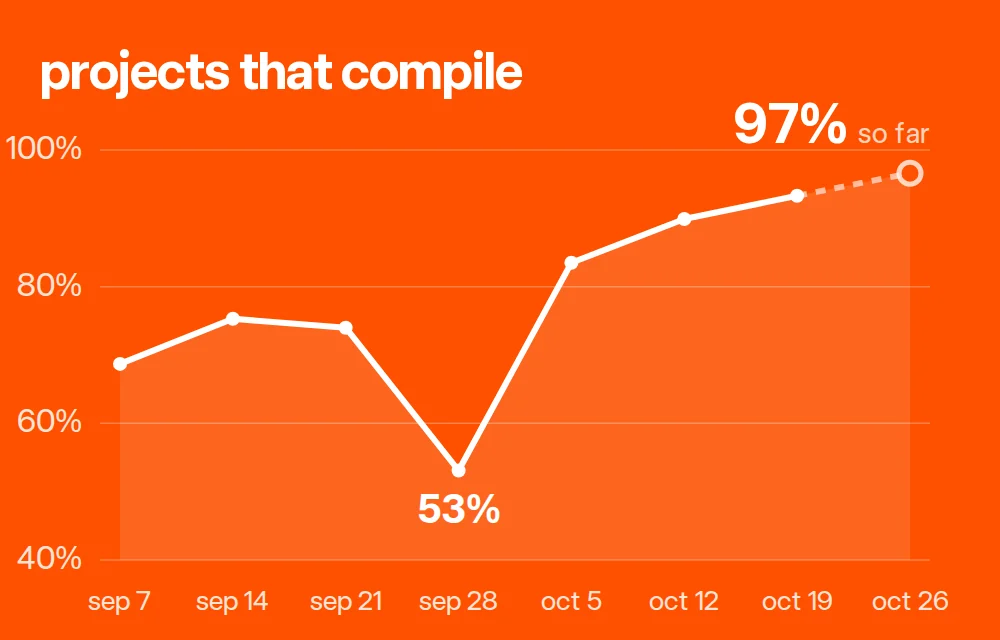
September sat around 70–75%, with a low of 53% in the week of a compile outage. It has risen every week since, to 97% so far this week.
Successful compiles are great to help us understand the broader picture, but that can only get us so far.
Why we built a bench
Compilation success doesn't necessarily mean it makes what our users wanted. There are many moving parts:
- The AI. The same request can produce different code on every run.
- The hardware. Boards, screens and sensors each have their own quirks.
- The combinations. People wire up many different parts together.
Multiply those together and testing a change by hand, one build at a time, tells you little. We're also shipping faster than ever, so preventing unintended regressions is way more difficult than it was with deterministic systems.
To help increase our confidence in changes, we built a rig. Four boards with screens sit on a desk with a webcam pointed at them. An agent runs builds through the version of Schematik we're evaluating, flashes each one to its board, films the screen and compares the results.
The rig straightens each screen out of the camera frame, so the per-board clips below show each real screen face-on and upright.
Evaluating new models
People build with e-paper, sharp color LCDs, OLEDs and round displays, and some of their graphics are ambitious. Our current model was becoming dated, and its graphical performance was last generation.
So we gave four models the same 12 prompts, three per board:
- GPT-6.1 Terra (high)
- GPT-6.1 Terra (medium)
- GPT-5.6 Terra (medium)
- GPT-6.1 Sol (low)
Then Claude Opus 5.5 judged the results blind. For each prompt it saw the prompt text and frames from each real screen, labeled A to D with no model names. It scored each build out of 10 on whether it did the task and on how good it looked, then ranked them.

Every model drew on 10 of its 12 screens. The difference was in how they looked. GPT-6.1 Sol (low) won 8 of the 12 prompts and was the second fastest.
GPT-5.6 Terra was the quickest, but its builds scored lowest on looks.
Three builds didn't get there :(
These are single runs, so they aren't enough on their own for big conclusions. They do show what each model can do, and they give us a way to push the agent's design skills further, on more devices over time.
We also learn a lot with human judging too, and its quite fun to see how the models interpret different prompts.
Side by side
Night drive on a tiny OLED
The OLED is 128 by 64 pixels, with a yellow strip across the top. All four models drew a moving road and skyline.
The judge picked GPT-6.1 Sol (low) for its two-lane road, moon and big speed readout. It marked down GPT-5.6 Terra (medium) because its rooftops spill into the title strip.
A solar system on a tall LCD
The prompt asked for planets orbiting a sun, with the name of the planet closest to the top.
A kaleidoscope on the round Dial
Four different takes on one prompt. GPT-6.1 Sol (low) won with its glowing magenta pattern. GPT-6.1 Terra (medium) drew a clean snowflake that barely moved.
A gig poster on e-paper
The e-paper screen is 200 by 200 pixels, black and white. The prompt asked for a poster for a band called NIGHT SHIFT.
Every build here compiled and booted without a crash. GPT-6.1 Sol (low) drew its poster mirrored top to bottom. GPT-5.6 Terra (medium) never drew its poster. The panel only faded, so the old focus timer card is still on the screen.
Some good old test patterns
All six shown here drew on the real screen. GPT-6.1 Sol (low) never put any text up, and GPT-5.6 Terra (high) let its text run off both edges. GPT-6 Luna and DeepSeek V4.1 Flash scored 9/10.
Using this to catch and fix parts issues
On the Dial's color picker prompt, three of the four builds crashed at boot and left the round screen black.
The cause was one line. Those three builds created an off-screen drawing canvas tied to the Dial's display before the display existed. The first time they drew, the chip crashed and restarted, over and over. GPT-5.6 Terra didn't use a canvas, so it drew fine.
We added a two-sentence note about it to the prompt and ran all four models again.
All three crashed builds now drew a rotating color ring with the hex code and five swatch slots. GPT-5.6 Terra went the other way. It now clears and repaints the whole screen every frame, so the picker flickers and the full design only flashes up for an instant.
The simulator
Real boards are the final outcome that we should verify against, but they're slow. So this is where our simulator comes in handy. Schematik runs firmware in an open-source ESP32 simulator, esp32sim. The goated Mattia leads our work on it.
We ran the exact firmware from this test through the simulator too, for every OLED and C6 build that drew on its real screen.
On the OLED, all 12 builds closely matched the real board, down to the same scenes, text and animation timing.
What's next
We want to run every compiled firmware through both the simulator and the real boards, find each place they differ and use those differences to make the simulator better.
We'll also use the bench and the judge to push the agent's design skills. Testing some different hypothesis so far has already resulted in improvements, which we will be shipping soon!
Over time, we would love to scale this up so we have real hardware flashing as a consistent part of our deployment and testing process. We'll keep you all updated on new developments there.
If you want to see how your OWN idea looks on a real screen :) Open the Schematik app, describe it and press Deploy.
Written by Jack.
Keep building from here
Jump into a step-by-step build, or open Schematik and turn your own idea into code, wiring, and assembly instructions.
Related posts
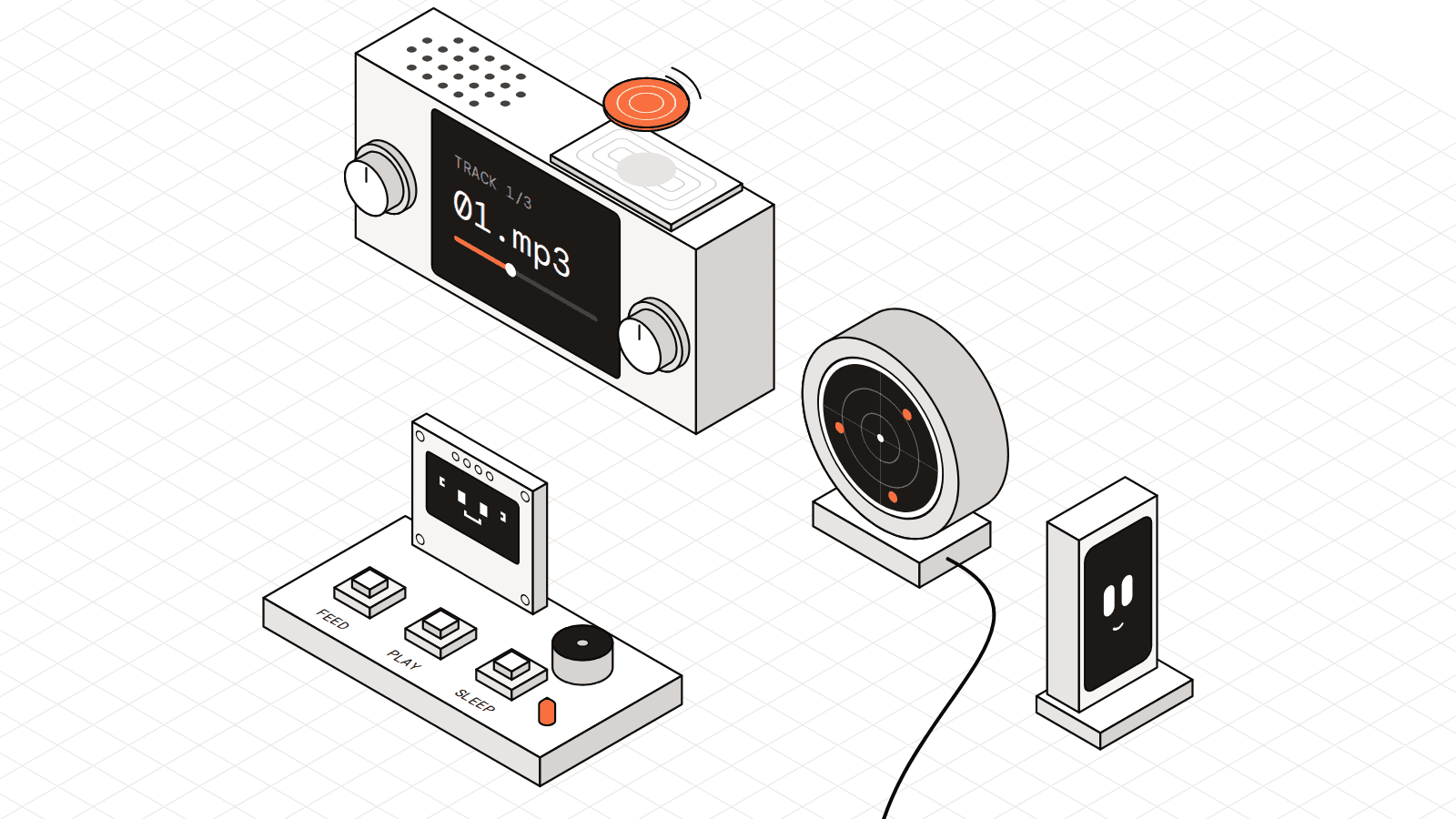
ESP32 projects to build in 2027: a plane radar, a desk buddy and 5 more
Seven small ESP32 builds from 2026, from a radar that spots the planes over your roof to a pixel lobster that sulks when you ignore it.
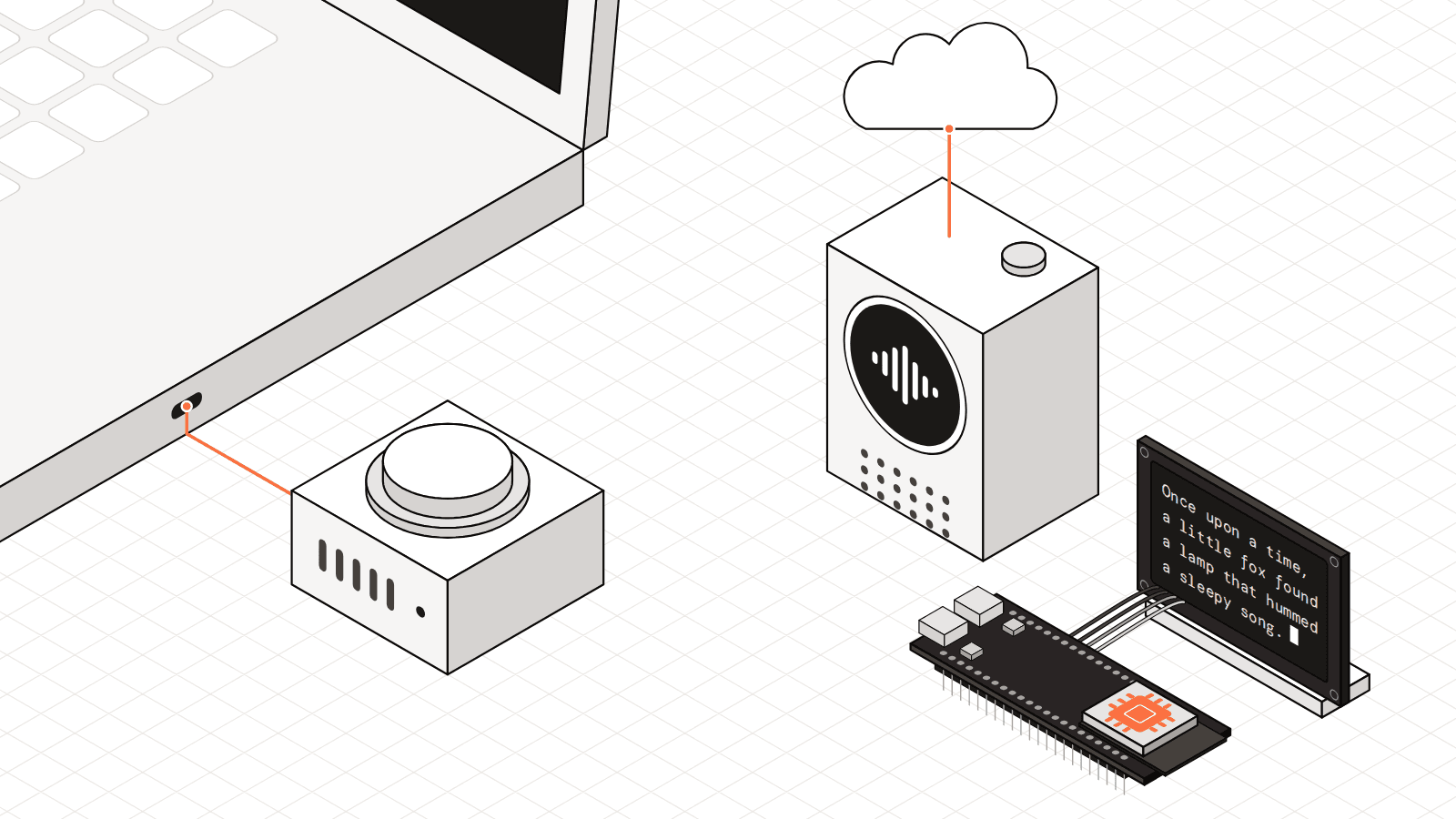
ESP32 AI projects for 2027: where does the brain live?
From a voice button that talks to your own computer to a language model that runs from flash memory, here is how 7 ESP32 AI projects split up the thinking.