Community project
Live Bus Arrival Display
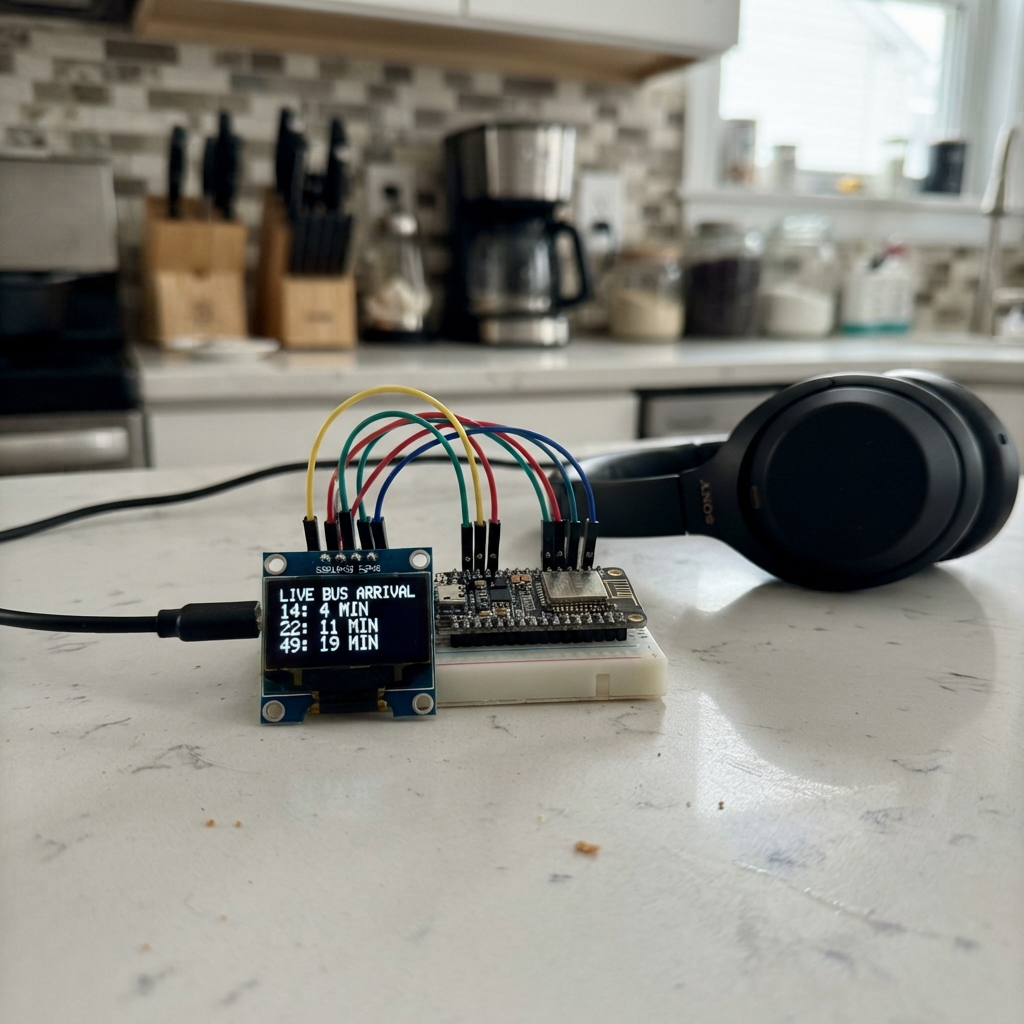
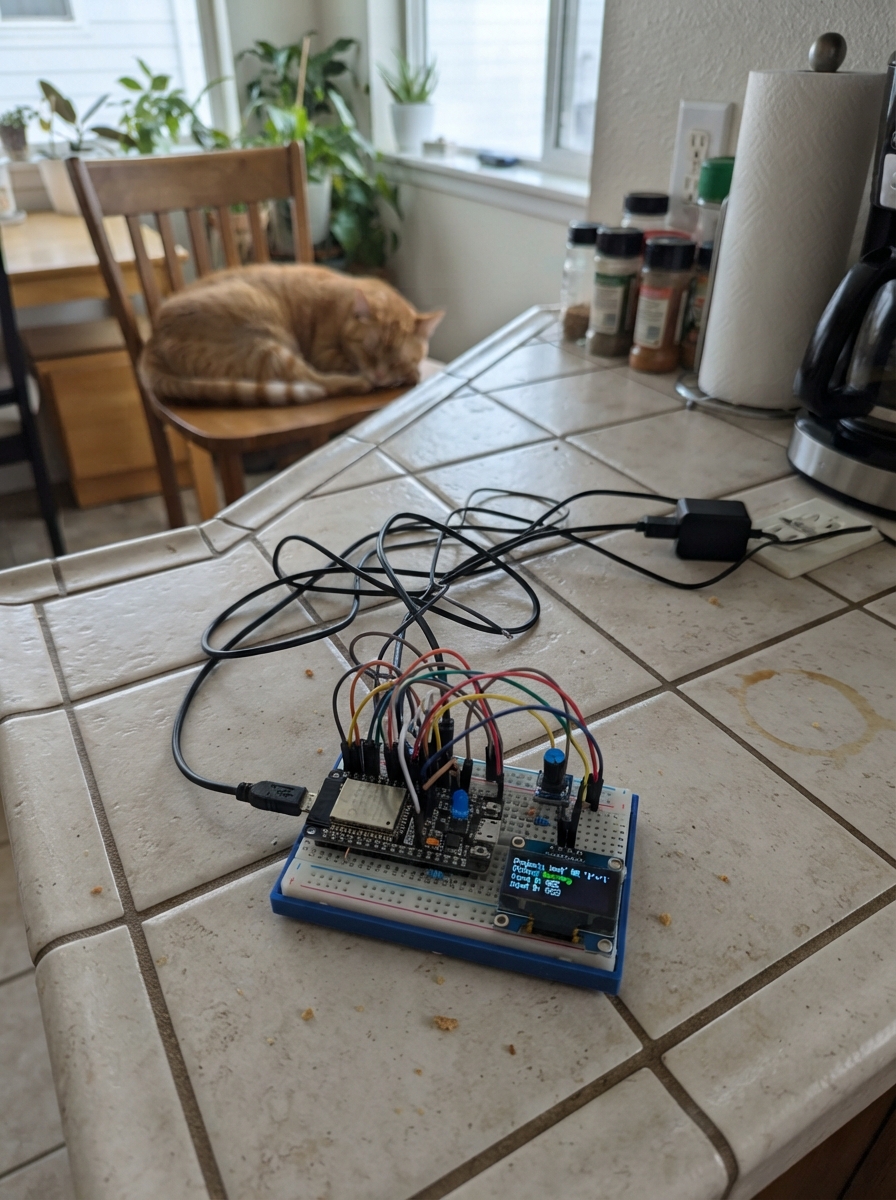
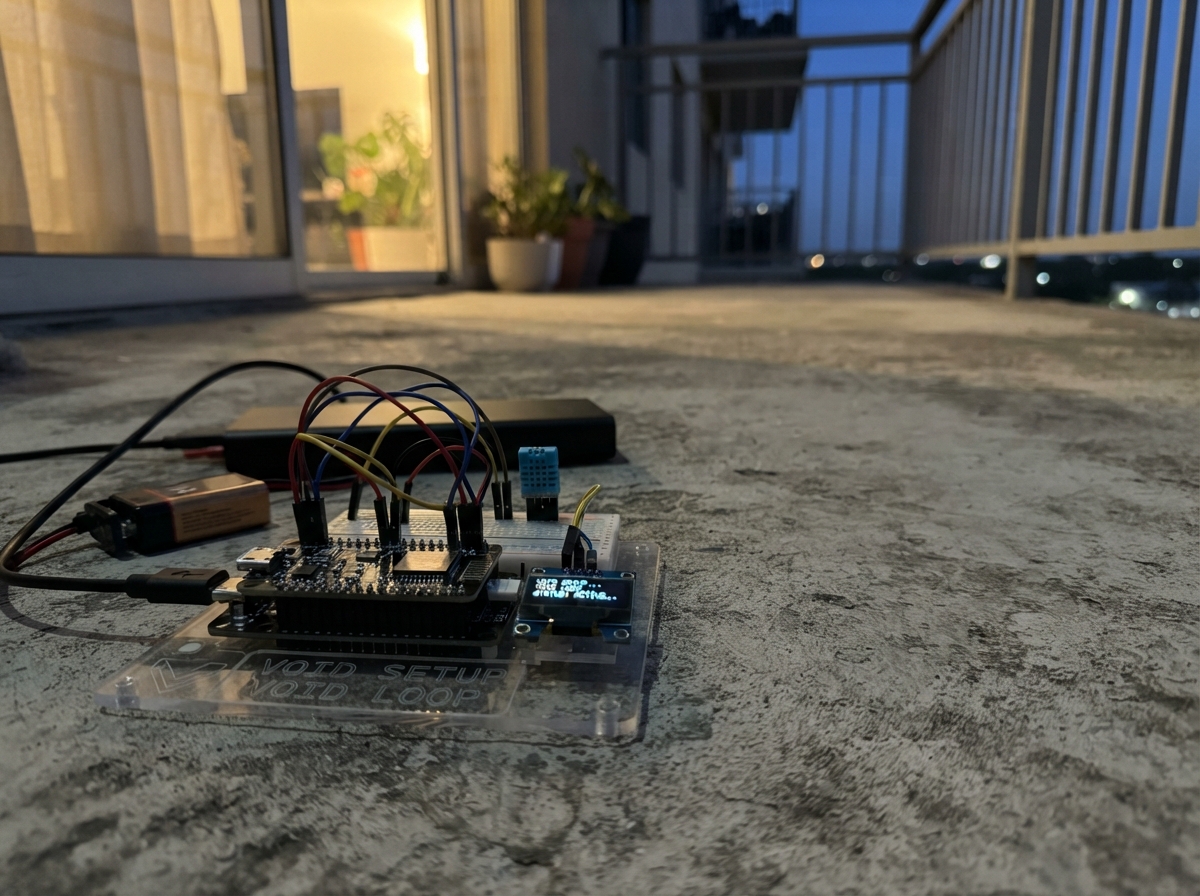
This project builds a real-time bus arrival display that fetches live departure times from a public transit API and shows them on a small OLED screen. The ESP32 connects to Wi-Fi, queries bus stop data every 10 minutes, and updates the display with the next arrival times for multiple routes.
The guide includes a complete wiring diagram, parts list, and ready-to-use firmware that handles Wi-Fi setup, API requests, and screen rendering. Assembly takes just a few minutes—connect the SSD1306 display to the ESP32's I2C pins, power everything up, and configure your Wi-Fi through the built-in portal.
Wiring diagram

Gather all the parts
Assemble it in 4 steps
1. Place the board and screen
Put the ESP32 DevKit V1 and the small OLED screen beside each other with the pin labels facing up. Do not connect USB power while moving the wires.
- The OLED normally has four pins labelled VCC, GND, SDA, and SCL.
- Make sure VCC and GND are not swapped — swapped power can damage the screen.
2. Connect screen power
Run a red jumper from the OLED VCC pin to the ESP32 3V3 pin (power). Run a black jumper from OLED GND to an ESP32 GND pin (ground).
- Use the 3V3 pin, not the VIN/5V pin, because this OLED is specified for 3.3 V.
- Do not connect the OLED VCC wire to the ESP32 VIN/5V pin.
3. Connect the two screen signal wires
Run a blue jumper from OLED SDA to ESP32 GPIO21 (data). Run a yellow jumper from OLED SCL to ESP32 GPIO22 (clock).
- Follow the printed GPIO numbers on the ESP32 board; the physical position varies between board copies.
- Do not move these two wires to GPIO0, GPIO2, or other boot pins — that can stop the board starting normally.
4. Power and set up Wi-Fi
Check all four wires once more, then plug the ESP32 into USB. After the first Deploy, join the temporary Wi-Fi network named Bus-Display-Setup on a phone or computer and enter its password busdisplay; choose your home Wi-Fi in the setup page so the display can download the timetable.
- The screen shows the next scheduled departure for each of X51, 31, and 32 at Leamore Lane (opp), travelling towards Walsall.
- The display refreshes its timetable every ten minutes.
- Only enter Wi-Fi details into the setup page created by this device; use a trusted home network.
Review all connections
1. Connections between "oled_1" and "ESP32"
Deploy the firmware
#include <WiFi.h>
#include <WiFiClientSecure.h>
#include <HTTPClient.h>
#include <WiFiManager.h>
#include <ArduinoJson.h>
#include <Wire.h>
#include <Adafruit_GFX.h>
#include <Adafruit_SSD1306.h>

constexpr int OLED_SDA = 21;
constexpr int OLED_SCL = 22;
constexpr int SCREEN_WIDTH = 128;
constexpr int SCREEN_HEIGHT = 64;
constexpr unsigned long REFRESH_INTERVAL_MS = 10UL * 60UL * 1000UL;
const char *STOP_URL = "https://bustimes.org/stops/43000616402/times.json?limit=40";
const char *PORTAL_NAME = "Bus-Display-Setup";
const char *PORTAL_PASSWORD = "busdisplay";

Adafruit_SSD1306 display(SCREEN_WIDTH, SCREEN_HEIGHT, &Wire, -1);
String x51Time = "--:--";
String bus31Time = "--:--";
String bus32Time = "--:--";
unsigned long lastFetch = 0;

void drawScreen() {
  display.clearDisplay();
  display.setTextColor(SSD1306_WHITE);
  display.setTextSize(1);
  display.setCursor(0, 0);
  display.println("Leamore Ln -> Walsall");
  display.drawFastHLine(0, 10, SCREEN_WIDTH, SSD1306_WHITE);
  display.setTextSize(2);
  display.setCursor(0, 15);
  display.print("X51 ");
  display.println(x51Time);
  display.setCursor(0, 32);
  display.print("31  ");
  display.println(bus31Time);
  display.setCursor(0, 49);
  display.print("32  ");
  display.println(bus32Time);
  display.display();
}

String timeOnly(const char *value) {
  if (value == nullptr) return "--:--";
  String text(value);
  int separator = text.indexOf('T');
  if (separator >= 0 && text.length() >= separator + 6) return text.substring(separator + 1, separator + 6);
  if (text.length() >= 5) return text.substring(0, 5);
  return text;
}

const char *firstText(JsonObject departure, const char *key1, const char *key2, const char *key3) {
  const char *value = departure[key1].as<const char *>();
  if (value == nullptr) value = departure[key2].as<const char *>();
  if (value == nullptr) value = departure[key3].as<const char *>();
  return value;
}

void considerDeparture(JsonObject departure, bool &gotX51, bool &got31, bool &got32) {
  const char *serviceValue = firstText(departure, "service", "line", "route");
  const char *scheduledValue = firstText(departure, "time", "scheduled", "aimed_departure_time");
  if (serviceValue == nullptr || scheduledValue == nullptr) return;

  String service(serviceValue);
  if (service == "X51" && !gotX51) {
    x51Time = timeOnly(scheduledValue);
    gotX51 = true;
  } else if (service == "31" && !got31) {
    bus31Time = timeOnly(scheduledValue);
    got31 = true;
  } else if (service == "32" && !got32) {
    bus32Time = timeOnly(scheduledValue);
    got32 = true;
  }
}

bool fetchTimes() {
  WiFiClientSecure client;
  client.setInsecure();
  HTTPClient http;
  http.setTimeout(12000);
  if (!http.begin(client, STOP_URL)) return false;
  int responseCode = http.GET();
  if (responseCode != HTTP_CODE_OK) {
    http.end();
    return false;
  }

  DynamicJsonDocument doc(24576);
  DeserializationError error = deserializeJson(doc, http.getStream());
  http.end();
  if (error) return false;

  JsonArray departures;
  if (doc.is<JsonArray>()) departures = doc.as<JsonArray>();
  else if (doc["departures"].is<JsonArray>()) departures = doc["departures"].as<JsonArray>();
  else if (doc["times"].is<JsonArray>()) departures = doc["times"].as<JsonArray>();
  else return false;

  x51Time = "--:--";
  bus31Time = "--:--";
  bus32Time = "--:--";
  bool gotX51 = false;
  bool got31 = false;
  bool got32 = false;
  for (JsonObject departure : departures) {
    considerDeparture(departure, gotX51, got31, got32);
    if (gotX51 && got31 && got32) break;
  }
  return gotX51 || got31 || got32;
}

void setup() {
  Wire.begin(OLED_SDA, OLED_SCL);
  display.begin(SSD1306_SWITCHCAPVCC, 0x3C);
  drawScreen();

  WiFiManager wifiManager;
  wifiManager.setConfigPortalTimeout(180);
  if (!wifiManager.autoConnect(PORTAL_NAME, PORTAL_PASSWORD)) {
    display.clearDisplay();
    display.setTextSize(1);
    display.setTextColor(SSD1306_WHITE);
    display.setCursor(0, 0);
    display.println("Wi-Fi setup timed out");
    display.println("Restart to try again");
    display.display();
    delay(3000);
    ESP.restart();
  }

  fetchTimes();
  lastFetch = millis();
  drawScreen();
}

void loop() {
  if (WiFi.status() == WL_CONNECTED && millis() - lastFetch >= REFRESH_INTERVAL_MS) {
    fetchTimes();
    lastFetch = millis();
    drawScreen();
  }
  delay(50);
}
Remix this project
Make it yours in one click
Open a full copy of this project in your own Schematik workspace — diagram, code, parts, and assembly steps included. Swap the sensor, add features, or redesign the whole thing with AI. The author's original stays untouched.