Community project
Android Settings Menu?sia

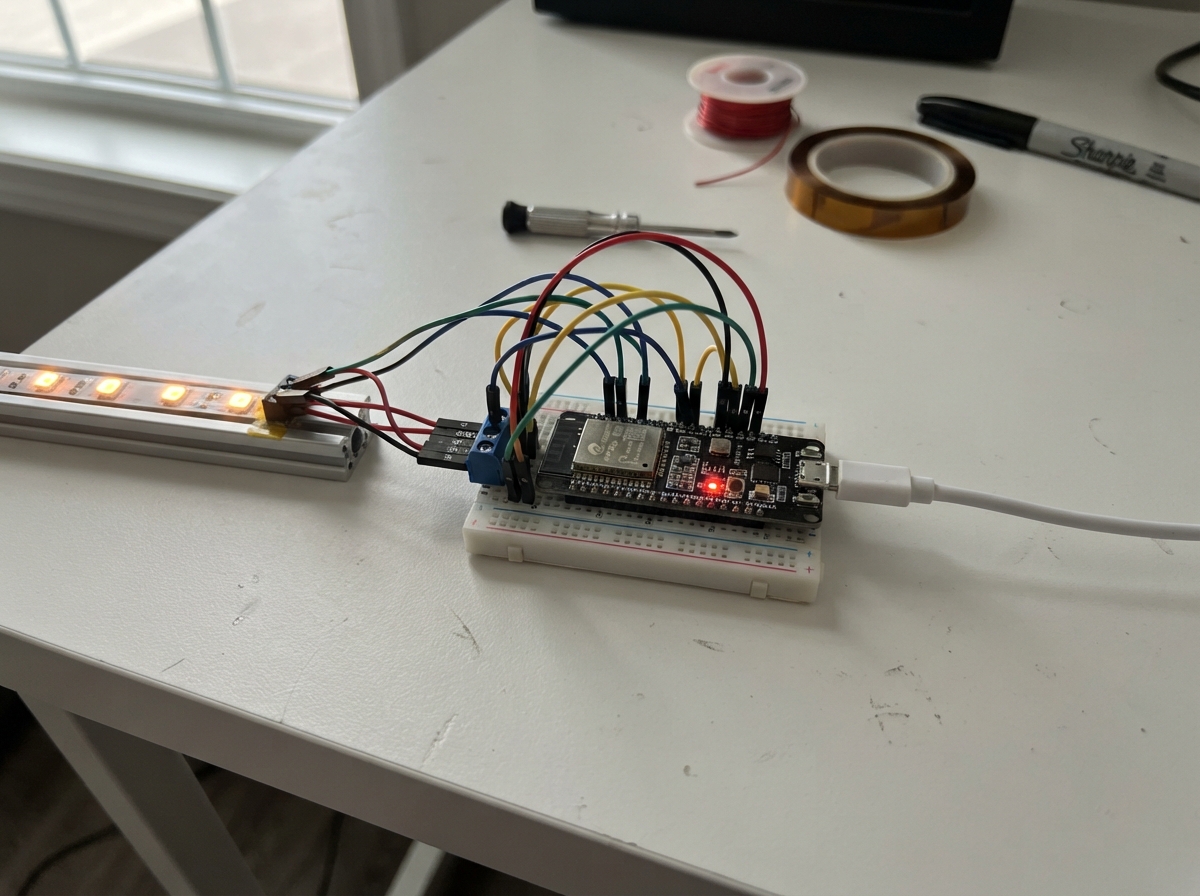
This project uses an ESP32 microcontroller to create a connected settings interface that integrates with Google services. By following this guide, makers will learn how to authenticate with Google APIs, manage credentials securely on an embedded device, and build a foundation for IoT applications that require cloud connectivity.
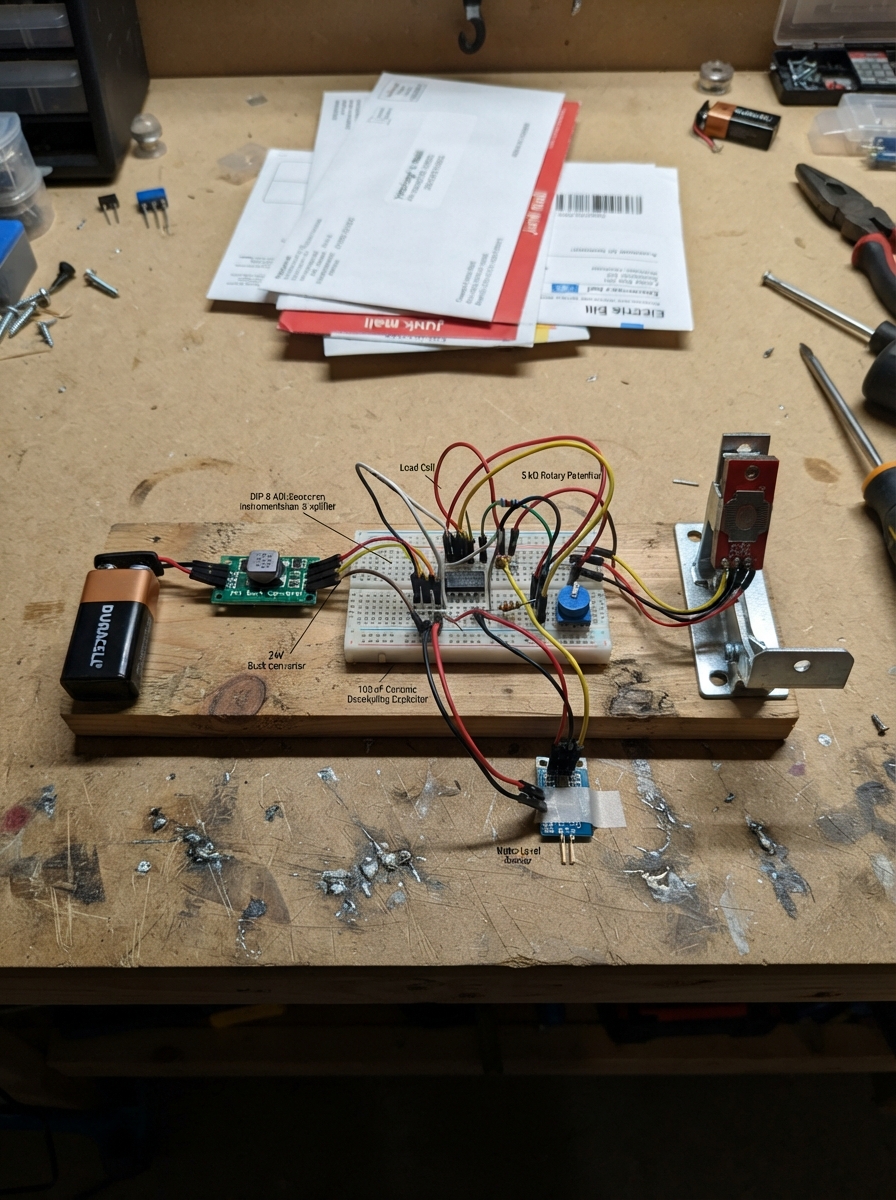
The guide includes a complete parts list, wiring diagram, and step-by-step assembly instructions to get the ESP32 up and running. You'll also receive the firmware code and setup scripts needed to configure the Python environment, install required libraries, and establish secure communication with Google services.
Wiring diagram
Deploy the firmware
# Install Python virtual environment tools if you haven't already
sudo apt update
sudo apt install python3-venv python3-pip

# Create and activate a virtual environment
python3 -m venv google-env
source google-env/bin/activate

# Install the official Google Auth and Service client libraries
pip install --upgrade google-api-python-client google-auth-httplib2 google-auth-oauthlib
Remix this project
Make it yours in one click
Open a full copy of this project in your own Schematik workspace — diagram, code, parts, and assembly steps included. Swap the sensor, add features, or redesign the whole thing with AI. The author's original stays untouched.