Community project
Barcode-Verified Smart Cart
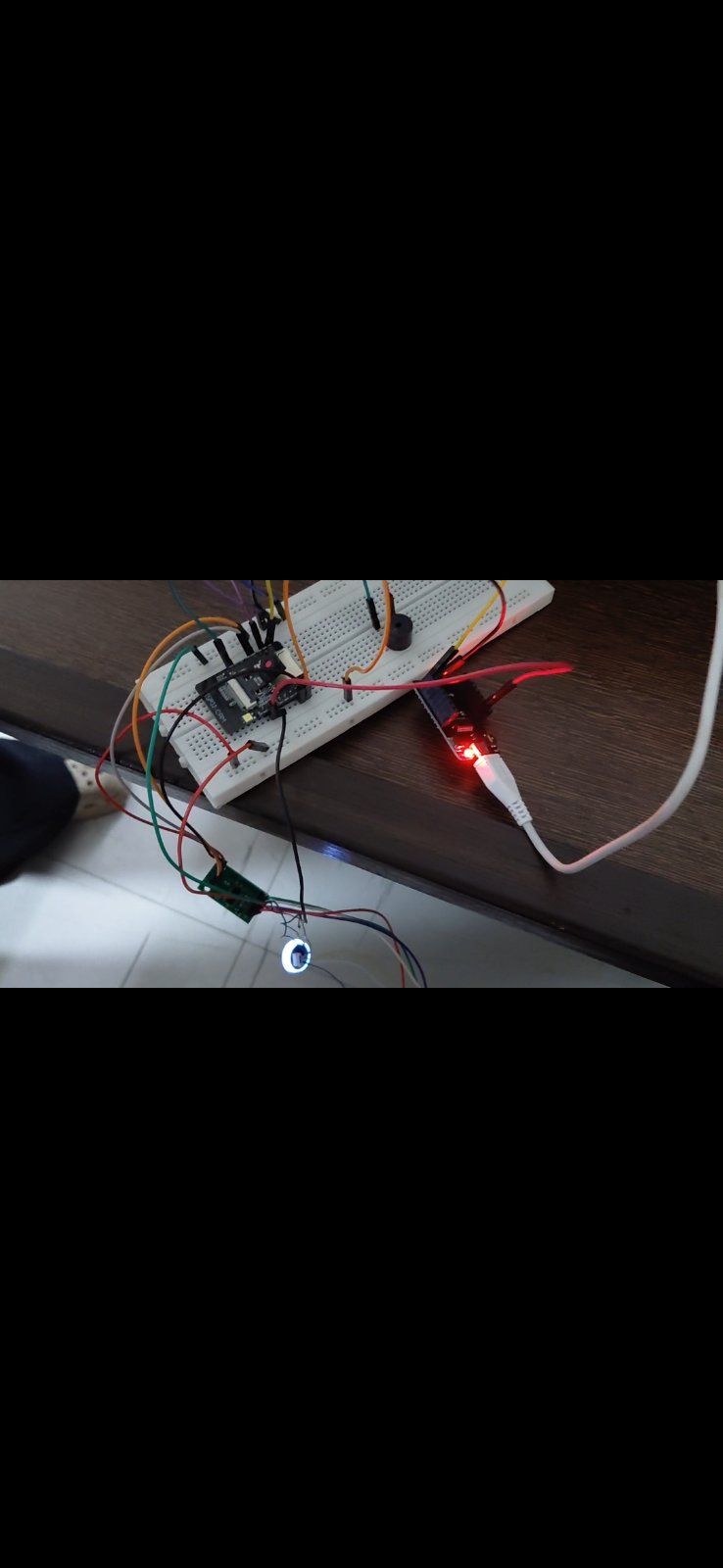
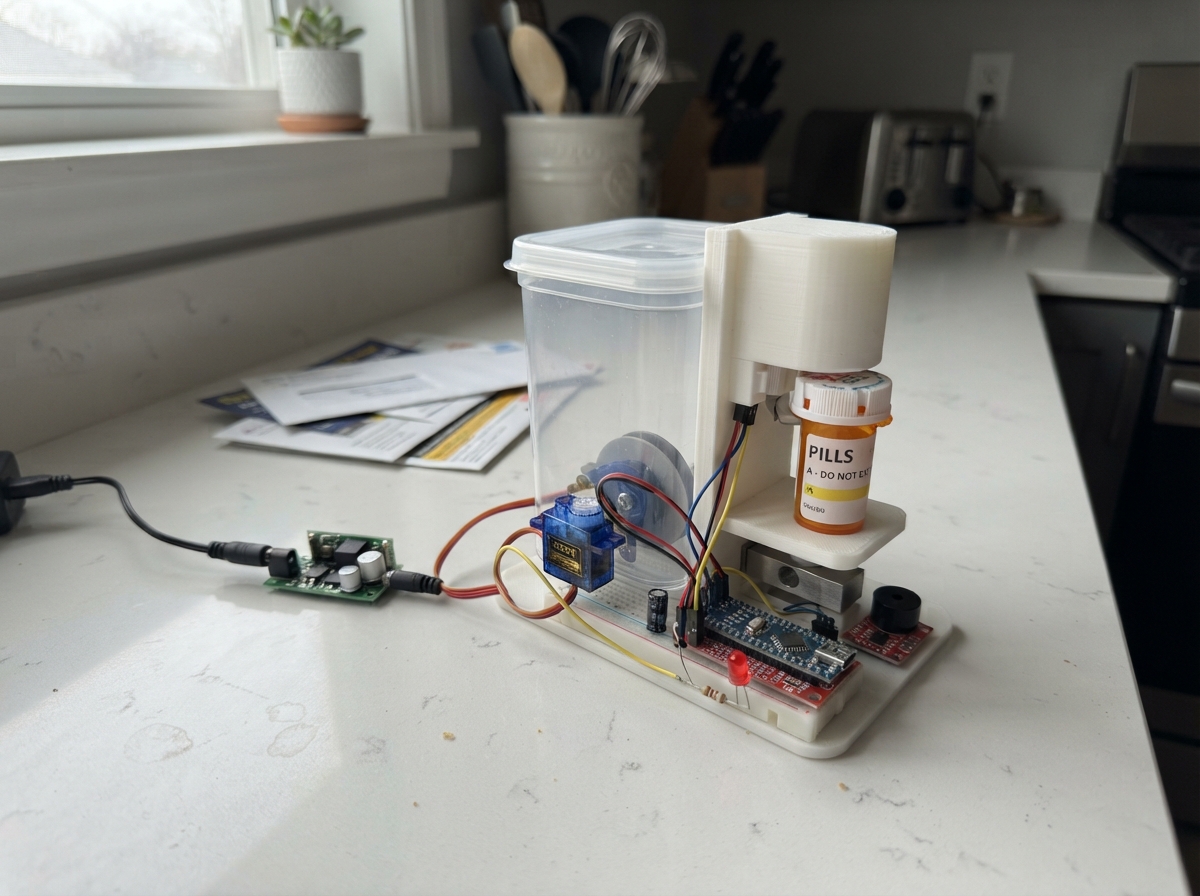
Build a smart shopping cart that verifies items by barcode and weight. This project combines an ESP32 microcontroller with a load cell for weight measurement, a barcode scanner for item identification, and audio feedback to guide the user through the checkout process. The cart tracks each scanned item, confirms it matches the expected weight, and logs transactions for inventory management.
This guide provides a complete wiring diagram, parts list, and step-by-step assembly instructions to get the cart operational. The included firmware handles barcode scanning via UART, load cell calibration and measurement through the HX711 amplifier, and piezo buzzer feedback. Serial monitoring setup is included so builders can debug and verify each component during assembly.
Wiring diagram

Gather all the parts
Assemble it in 6 steps
1. Prepare the board with power off
Use the AI Thinker ESP32-CAM with OV2640. Remove any microSD card; these pins are used by the scale and buzzer. Power through its 5V input using a regulated 5V USB adapter rated at least 1A and a suitable ESP32-CAM USB programming adapter. Never apply 5V to 3V3.
- Disconnect all power before changing wires.
2. Mount the load cell
Fix one end of the 10kg load cell to a rigid base and the other to the cart platform with spacers so it can flex without touching the base. Identify excitation and signal wires from the cell supplier; colours alone are not reliable. Connect Eplus to E+, Eminus to E-, Aplus to A+, Aminus to A- on the HX711.
- Do not exceed 10kg including the cart platform.
3. Connect the amplifier
HX711 VCC to 3V3, GND to GND, DT to GPIO13 for data, SCK to GPIO14 for clock. Keep sensor wires short.
4. Connect the scanner
With power off, use the confirmed connector order D+, D-, GND, RXD, TXD, VCC. VCC goes to 3V3, GND to GND, TXD to GPIO3. Insulate D+, D- and RXD separately. Use UART output at default 9600 baud, 8 data bits, no parity, 1 stop bit; use its manual configuration barcodes if settings were changed. Use the scanner's own scan button as supplied.
- Never apply 5V to this scanner.
- Disconnect scanner TXD while flashing. Disconnect the programming adapter TX output before reconnecting scanner TXD; two outputs must not drive GPIO3 together.
- If scanning causes resets stop and use a properly rated separate regulated 3.3V supply with common ground; never parallel regulator outputs.
5. Connect the sounder
Use the specified low-current passive piezo, not an unknown magnetic or high-current buzzer. SIG to GPIO4 and other lead to GND. The onboard flash LED will also flicker during beeps because it shares this pin.
6. Prepare serial monitoring
For serial logs connect a 3.3V-logic USB serial adapter RX to the board TX GPIO1 and GND to GND. Leave adapter TX disconnected during normal operation so the scanner can use GPIO3. A programming adapter is needed because the bare ESP32-CAM has no USB socket. For programming only, disconnect scanner TXD, connect adapter TX to GPIO3 and put GPIO0 to GND; remove the GPIO0 jumper and reset for normal operation.
- Do not connect 5V serial logic to ESP32 pins.
Review all connections
1. Connections between "scale" and "ESP32"
2. Connections between "cell" and "ESP32"
3. Connections between "scanner" and "ESP32"
4. Connections between "buzzer" and "ESP32"
Deploy the firmware
#include <Arduino.h>
#include <WiFi.h>
#include <WebServer.h>
#include <Preferences.h>
#include <HX711.h>
#include "esp_camera.h"
WebServer server(80); Preferences prefs; HX711 hx;
HardwareSerial scannerPort(1);
long raw=0, zero=0; float factor=0, grams=0, baseline=0;
String barcode="", buffer="", state="idle";
unsigned long lastByte=0, started=0, stableAt=0, beepUntil=0, lastLog=0;
bool cameraOK=false, sampled=false; uint32_t transaction=0;
void beep(int ms){ledcWriteTone(4,4000); beepUntil=millis()+ms;}
String escaped(String s){s.replace("\\","\\\\");s.replace("\"","\\\"");s.replace("\r","");s.replace("\n","");return s;}
void scan(){
if(!buffer.length())return;
if(state=="waiting"||state=="weight_added"){buffer="";beep(500);return;}
barcode=buffer; buffer=""; transaction++; baseline=grams; started=millis(); stableAt=0; state=factor!=0?"waiting":"needs_calibration"; beep(100);
Serial.printf("SCAN %lu %s\n",(unsigned long)transaction,barcode.c_str());
}
void setup(){
Serial.begin(115200); // TX logs only. Scanner uses GPIO3 through a separate UART.
ledcAttachChannel(4,4000,8,6); ledcWrite(4,0);
scannerPort.begin(9600,SERIAL_8N1,3,-1);
hx.begin(13,14); prefs.begin("cart",false); zero=prefs.getLong("zero",0);factor=prefs.getFloat("factor",0);
camera_config_t c={};
c.ledc_channel=LEDC_CHANNEL_0;c.ledc_timer=LEDC_TIMER_0;
c.pin_d0=5;c.pin_d1=18;c.pin_d2=19;c.pin_d3=21;c.pin_d4=36;c.pin_d5=39;c.pin_d6=34;c.pin_d7=35;
c.pin_xclk=0;c.pin_pclk=22;c.pin_vsync=25;c.pin_href=23;c.pin_sscb_sda=26;c.pin_sscb_scl=27;c.pin_pwdn=32;c.pin_reset=-1;
c.xclk_freq_hz=20000000;c.pixel_format=PIXFORMAT_JPEG;c.frame_size=FRAMESIZE_QVGA;c.jpeg_quality=12;c.fb_count=1;
cameraOK=esp_camera_init(&c)==ESP_OK;
WiFi.mode(WIFI_AP);WiFi.softAP("SmartCart","CartDemo123");
server.on("/",[](){server.send(200,"text/html",R"(<h2>Smart Cart Prototype</h2><p>Empty cart, then <a href='/tare'>tare</a>.</p><form action='/calibrate'>Place a known mass in grams: <input name='grams'><button>Calibrate</button></form><p><a href='/status'>Status JSON</a> | <a href='/capture'>Camera JPEG</a></p><p>Remove calibration mass before shopping. App: poll /status, fetch /capture and POST /verify?id=N&match=1 only after checking barcode, expected weight and YOLO result. match=0 rejects. This prototype does not include a product database or YOLO model.</p>)");});
server.on("/status",[](){String s="{\"id\":"+String(transaction)+",\"barcode\":\""+escaped(barcode)+"\",\"state\":\""+state+"\",\"raw\":"+String(raw)+",\"grams\":"+String(grams,1)+",\"added_g\":"+String(grams-baseline,1)+",\"calibrated\":"+(factor!=0?"true":"false")+",\"camera\":"+(cameraOK?"true":"false")+"}";server.send(200,"application/json",s);});
server.on("/tare",[](){if(!sampled){server.send(503,"text/plain","No weight reading");return;}zero=raw;prefs.putLong("zero",zero);grams=0;state="idle";server.send(200,"text/plain","Tared. Add known mass then calibrate.");});
server.on("/calibrate",[](){float mass=server.arg("grams").toFloat();if(!sampled||mass<=0||mass>10000||abs(raw-zero)<100){server.send(400,"text/plain","Use known mass 1-10000 g after tare; wait for stable reading.");return;}factor=(raw-zero)/mass;prefs.putFloat("factor",factor);state="idle";server.send(200,"text/plain","Saved. Remove known mass before shopping.");});
server.on("/capture",[](){if(!cameraOK){server.send(503,"text/plain","Camera failed");return;}camera_fb_t* fb=esp_camera_fb_get();if(!fb){server.send(503,"text/plain","No frame");return;}server.sendHeader("Cache-Control","no-store");server.setContentLength(fb->len);server.send(200,"image/jpeg","");server.client().write(fb->buf,fb->len);esp_camera_fb_return(fb);});
server.on("/verify",HTTP_POST,[](){if(server.arg("id").toInt()!=(long)transaction||state!="weight_added"){server.send(409,"text/plain","No matching weight-confirmed transaction");return;}bool match=server.arg("match")=="1";state=match?"confirmed":"rejected";beep(match?200:800);server.send(200,"text/plain",state);});
server.begin();Serial.println("Join SmartCart / CartDemo123 then open http://192.168.4.1");
}
void loop(){
server.handleClient();unsigned long now=millis();
if(beepUntil && (long)(now-beepUntil)>=0){ledcWrite(4,0);beepUntil=0;}
while(scannerPort.available()){char c=scannerPort.read();lastByte=now;if(c=='\r'||c=='\n')scan();else if(c>=32&&c<=126&&buffer.length()<128)buffer+=c;}
if(buffer.length()&&now-lastByte>100)scan();
if(hx.is_ready()){long r=hx.read();raw=sampled?(raw*3+r)/4:r;sampled=true;if(factor!=0)grams=(raw-zero)/factor;}
if(state=="waiting"){
if(grams-baseline>20){if(!stableAt)stableAt=now;if(now-stableAt>1500){state="weight_added";beep(80);}}
else stableAt=0;
if(now-started>30000){state="timeout";beep(600);}
}
if(now-lastLog>1000){lastLog=now;Serial.printf("raw=%ld weight=%.1f g state=%s\n",raw,grams,state.c_str());}
delay(2);
}Remix this project
Make it yours in one click
Open a full copy of this project in your own Schematik workspace — diagram, code, parts, and assembly steps included. Swap the sensor, add features, or redesign the whole thing with AI. The author's original stays untouched.