Community project
Bitcoin Price Ticker
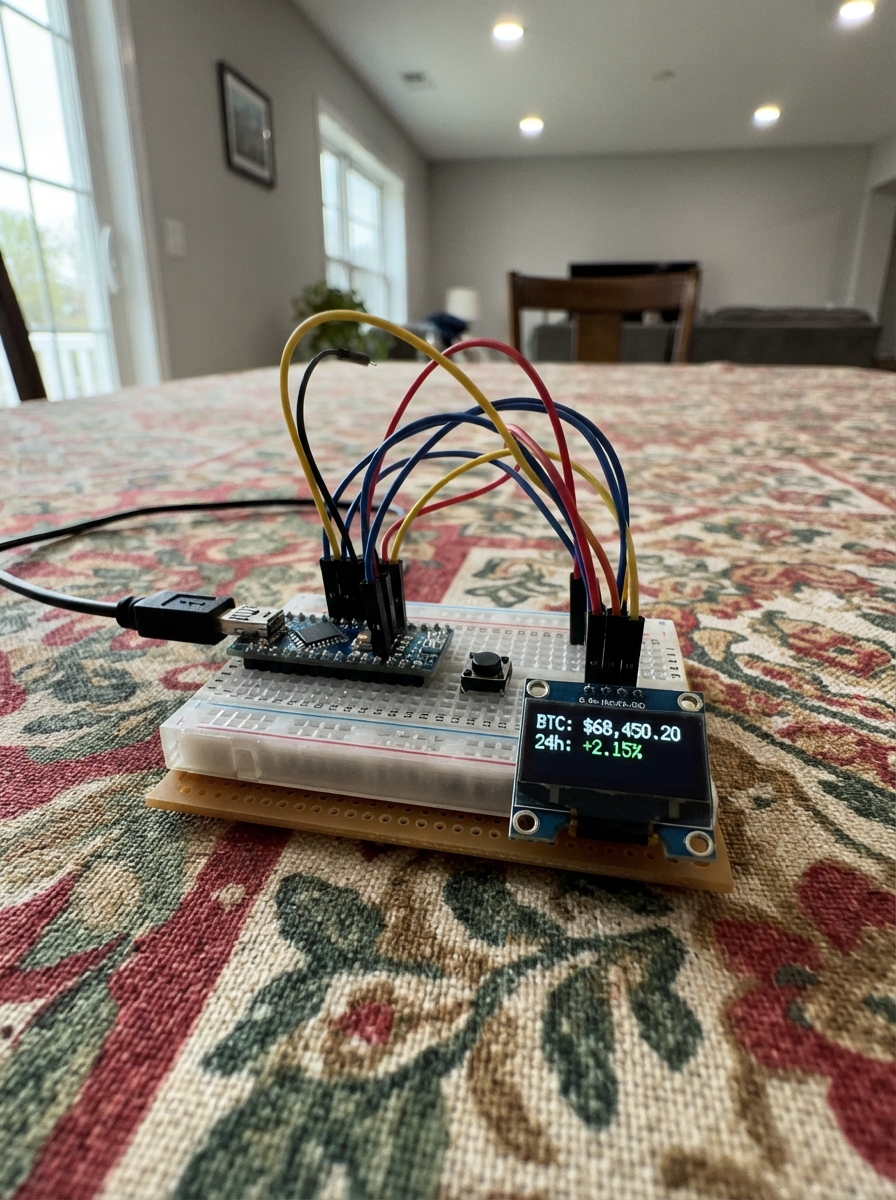
This project builds a real-time Bitcoin price ticker using an ESP32 microcontroller, OLED display, and WiFi connectivity. The device fetches the current BTC/USD price from the Coinbase API every five minutes and displays it on a compact 72x40 pixel screen, with a status LED indicating when data is being refreshed.
The guide includes a complete parts list, wiring diagram for connecting the OLED display and status LED to the ESP32, and ready-to-flash firmware that handles WiFi connection, API requests, and display updates. Assembly takes just minutes—place the board in its case and connect USB power to start monitoring Bitcoin prices.
Wiring diagram
Assemble it in 2 steps
1. Place the board in its case
Slide the purple ESP32-C3 OLED board upright into the front opening of the matte-black 3D-printed case. Keep the tiny screen facing outward and leave the USB-C socket exposed at the case edge.
- The board already contains the display, so there are no small screen wires to connect.
- Do not force the board against the case; pressure on the OLED glass can crack the screen.
2. Connect USB power
Plug a USB-C cable into the board’s USB-C socket, then connect the other end to a normal USB power source or computer. The cable powers the board and is also used when you press Deploy.
- Use a cable that carries data as well as power so Schematik can deploy the firmware.
- Keep the metal USB-C plug away from loose metal parts; a short circuit can damage the board.
Deploy the firmware
#include <Arduino.h>
#include <Wire.h>
#include <WiFi.h>
#include <WiFiClientSecure.h>
#include <HTTPClient.h>
#include <U8g2lib.h>


// Forward declarations
void showPrice(const String &price);
void showUpdateAnimation();
String fetchBtcUsd();
void updateTicker();

constexpr uint8_t OLED_SDA = 5;
constexpr uint8_t OLED_SCL = 6;
constexpr uint8_t STATUS_LED = 8;  // Active-low blue LED.
constexpr unsigned long UPDATE_INTERVAL_MS = 5UL * 60UL * 1000UL;

const char *WIFI_SSID = "Vodafone-B61462";
const char *WIFI_PASSWORD = "D9MBR4RYAj";
const char *COINBASE_URL = "https://api.coinbase.com/v2/prices/BTC-USD/spot";

U8G2_SSD1306_72X40_ER_F_HW_I2C display(U8G2_R0, U8X8_PIN_NONE, OLED_SCL, OLED_SDA);
String shownPrice;
unsigned long lastUpdateMs = 0;

void showPrice(const String &price) {
  display.clearBuffer();
  display.setFont(u8g2_font_9x18_tf);

  const char *symbol = "BTCUSD";
  const int symbolX = (display.getDisplayWidth() - display.getStrWidth(symbol)) / 2;
  const int priceX = (display.getDisplayWidth() - display.getStrWidth(price.c_str())) / 2;
  display.drawStr(symbolX, 17, symbol);
  display.drawStr(priceX, 39, price.c_str());
  display.sendBuffer();
  shownPrice = price;
}

void showUpdateAnimation() {
  digitalWrite(STATUS_LED, LOW);  // The blue LED is active-low.
  display.clearBuffer();
  display.sendBuffer();

  display.setFont(u8g2_font_9x18_tf);
  for (uint8_t dots = 1; dots <= 3; ++dots) {
    display.clearBuffer();
    String frame;
    for (uint8_t i = 0; i < dots; ++i) {
      frame += ".";
    }
    const int x = (display.getDisplayWidth() - display.getStrWidth(frame.c_str())) / 2;
    display.drawStr(x, 29, frame.c_str());
    display.sendBuffer();
    delay(180);
  }

  display.clearBuffer();
  display.sendBuffer();
  digitalWrite(STATUS_LED, HIGH);  // Turn the blue LED off before showing the price.
}

String fetchBtcUsd() {
  WiFiClientSecure client;
  client.setInsecure();
  HTTPClient http;

  if (!http.begin(client, COINBASE_URL)) {
    return "";
  }

  const int status = http.GET();
  if (status != HTTP_CODE_OK) {
    http.end();
    return "";
  }

  const String body = http.getString();
  http.end();

  const String key = "\"amount\":\"";
  const int start = body.indexOf(key);
  if (start < 0) {
    return "";
  }
  const int valueStart = start + key.length();
  const int valueEnd = body.indexOf('"', valueStart);
  if (valueEnd < 0) {
    return "";
  }

  String price = body.substring(valueStart, valueEnd);
  const int dot = price.indexOf('.');
  if (dot >= 0) {
    price.remove(dot);
  }
  return "$" + price;
}

void updateTicker() {
  if (WiFi.status() != WL_CONNECTED) {
    WiFi.disconnect();
    WiFi.begin(WIFI_SSID, WIFI_PASSWORD);
    const unsigned long started = millis();
    while (WiFi.status() != WL_CONNECTED && millis() - started < 15000UL) {
      delay(250);
    }
  }

  if (WiFi.status() == WL_CONNECTED) {
    const String price = fetchBtcUsd();
    if (price.length() > 0) {
      showUpdateAnimation();
      showPrice(price);
    }
  }
}

void setup() {
  pinMode(STATUS_LED, OUTPUT);
  digitalWrite(STATUS_LED, HIGH);  // Keep the blue LED off until a price refresh starts.
  Wire.begin(OLED_SDA, OLED_SCL);
  display.begin();
  display.setPowerSave(0);
  showPrice("--");
  WiFi.mode(WIFI_STA);
  updateTicker();
  lastUpdateMs = millis();
}

void loop() {
  if (millis() - lastUpdateMs >= UPDATE_INTERVAL_MS) {
    lastUpdateMs = millis();
    updateTicker();
  }
  delay(50);
}
Remix this project
Make it yours in one click
Open a full copy of this project in your own Schematik workspace — diagram, code, parts, and assembly steps included. Swap the sensor, add features, or redesign the whole thing with AI. The author's original stays untouched.