Community project
Browser Form Cardputer Interface
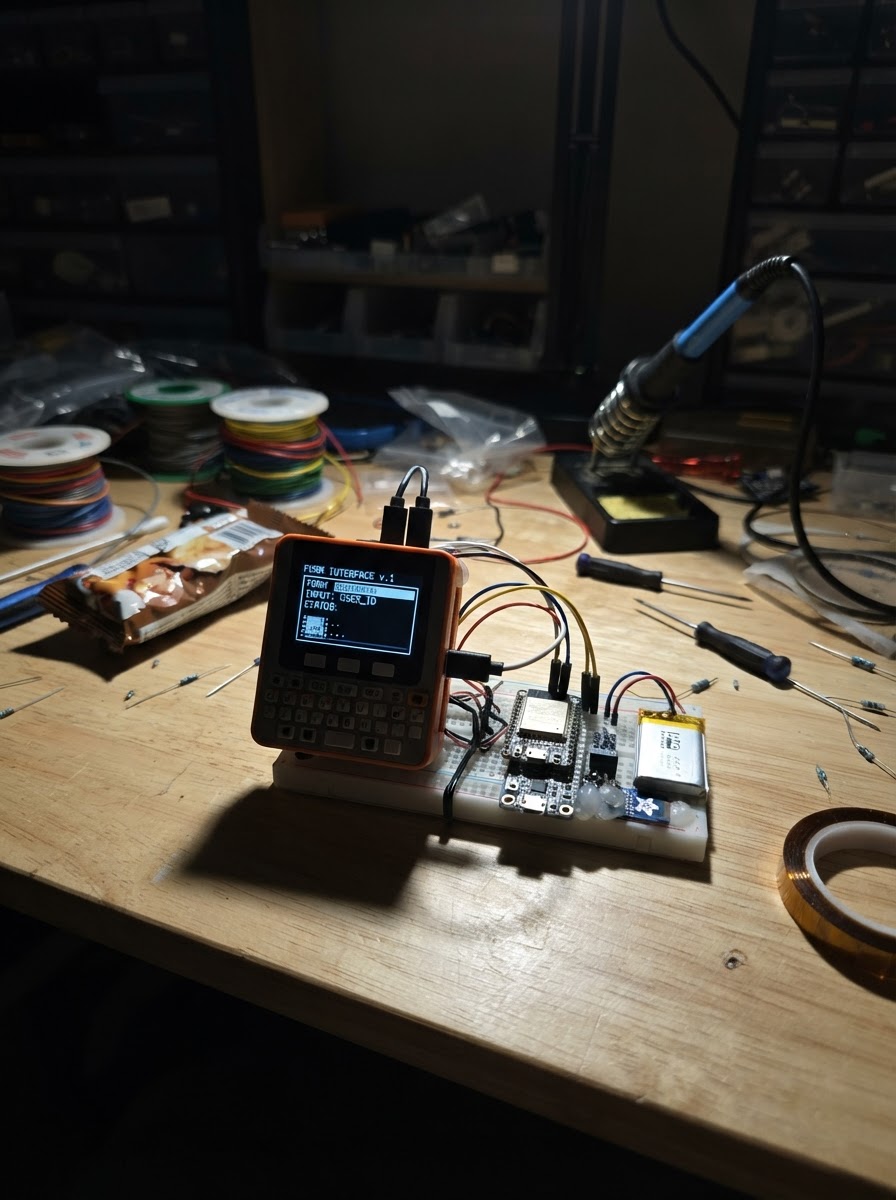
This project turns an M5Cardputer ADV into a wireless form interface. The device creates its own Wi-Fi access point and hosts a web server that displays an HTML form accessible from any browser on the same network. Submitted form data appears on the Cardputer's display in real time.
The guide includes a complete wiring diagram, parts list, and step-by-step assembly instructions. Firmware code handles Wi-Fi setup, form rendering, and data capture. Readers will learn how to set up a captive web interface on an embedded device and process user input through a browser.
Wiring diagram
Assemble it in 3 steps
1. Prepare the Cardputer ADV
Use the Cardputer ADV as-is; this project uses only its built-in display, keyboard, and Wi-Fi radio. No external modules or jumper wires are required.
- Keep the USB cable connected while first deploying the firmware.
- Do not connect any external voltage to the Cardputer while it is powered from USB.
2. Power and deploy
Power the Cardputer ADV through its normal USB connection, then use Schematik’s Deploy button to compile and flash the project.
- After boot, the built-in screen shows the Wi-Fi network name, password, and local address.
3. Open the browser form
On a phone or computer, join the Wi-Fi network named Cardputer-Form using password cardform. Open a browser to http://192.168.4.1, enter a name and message, then select Send.
- The Cardputer screen changes to show the name of the latest sender.
- The latest submitted name and message are retained only until the Cardputer is restarted.
- This is a local access-point network; it does not provide Internet access. Use it only with people you trust nearby.
Deploy the firmware
#include <M5Cardputer.h>
#include <WiFi.h>
#include <WebServer.h>
// Forward declarations
String htmlEscape(const String& text);
void drawStatus(const String& line);
String page();
void handleRoot();
void handleSubmit();
const char* AP_NAME = "Cardputer-Form";
const char* AP_PASSWORD = "cardform"; // Minimum eight characters for WPA2.
WebServer server(80);
String lastName = "No submissions yet";
String lastMessage = "";
String displayLine = "";
String htmlEscape(const String& text) {
String escaped;
for (size_t i = 0; i < text.length(); ++i) {
char c = text[i];
if (c == '&') escaped += "&";
else if (c == '<') escaped += "<";
else if (c == '>') escaped += ">";
else if (c == '\"') escaped += """;
else if (c == '\'') escaped += "'";
else escaped += c;
}
return escaped;
}
void drawStatus(const String& line) {
if (line == displayLine) return;
displayLine = line;
auto& display = M5Cardputer.Display;
display.fillScreen(TFT_BLACK);
display.setTextColor(TFT_CYAN, TFT_BLACK);
display.setTextSize(1);
display.setCursor(8, 8);
display.println("BROWSER FORM");
display.setTextColor(TFT_WHITE, TFT_BLACK);
display.setCursor(8, 32);
display.println("Wi-Fi: Cardputer-Form");
display.setCursor(8, 48);
display.println("Password: cardform");
display.setCursor(8, 64);
display.println("Open: http://192.168.4.1");
display.setTextColor(TFT_GREEN, TFT_BLACK);
display.setCursor(8, 92);
display.println(line);
display.setTextColor(TFT_DARKGREY, TFT_BLACK);
display.setCursor(8, 116);
display.println("Form data stays in RAM.");
}
String page() {
String response = F("<!doctype html><html><head><meta name='viewport' content='width=device-width,initial-scale=1'><title>Cardputer Form</title><style>body{font-family:system-ui;background:#10151d;color:#eaf2ff;max-width:540px;margin:32px auto;padding:0 18px}input,textarea,button{box-sizing:border-box;width:100%;font:inherit;margin:8px 0;padding:12px;border-radius:8px;border:1px solid #466}textarea{min-height:120px}button{background:#00a98f;color:white;border:0;font-weight:bold}small{color:#aab}</style></head><body><h1>Cardputer Form</h1><p>Send a note to this Cardputer.</p><form action='/submit' method='post'><label>Name<input name='name' maxlength='48' required></label><label>Message<textarea name='message' maxlength='240' required></textarea></label><button type='submit'>Send</button></form><hr><small>Latest submission: ");
response += htmlEscape(lastName);
if (lastMessage.length()) {
response += F(" — ");
response += htmlEscape(lastMessage);
}
response += F("</small></body></html>");
return response;
}
void handleRoot() {
server.send(200, "text/html", page());
}
void handleSubmit() {
String name = server.arg("name");
String message = server.arg("message");
name.trim();
message.trim();
if (name.length() == 0 || message.length() == 0) {
server.send(400, "text/plain", "Name and message are required.");
return;
}
lastName = name;
lastMessage = message;
drawStatus("Received from: " + name.substring(0, 20));
server.sendHeader("Location", "/");
server.send(303, "text/plain", "Saved");
}
void setup() {
auto cfg = M5.config();
M5Cardputer.begin(cfg, true);
M5Cardputer.Display.setRotation(1);
WiFi.mode(WIFI_AP);
WiFi.softAP(AP_NAME, AP_PASSWORD);
server.on("/", HTTP_GET, handleRoot);
server.on("/submit", HTTP_POST, handleSubmit);
server.onNotFound([]() { server.send(404, "text/plain", "Not found"); });
server.begin();
drawStatus("Ready for a browser.");
}
void loop() {
M5Cardputer.update();
server.handleClient();
}Remix this project
Make it yours in one click
Open a full copy of this project in your own Schematik workspace, diagram, code, parts, and assembly steps included. Swap the sensor, add features, or redesign the whole thing with AI. The author's original stays untouched.