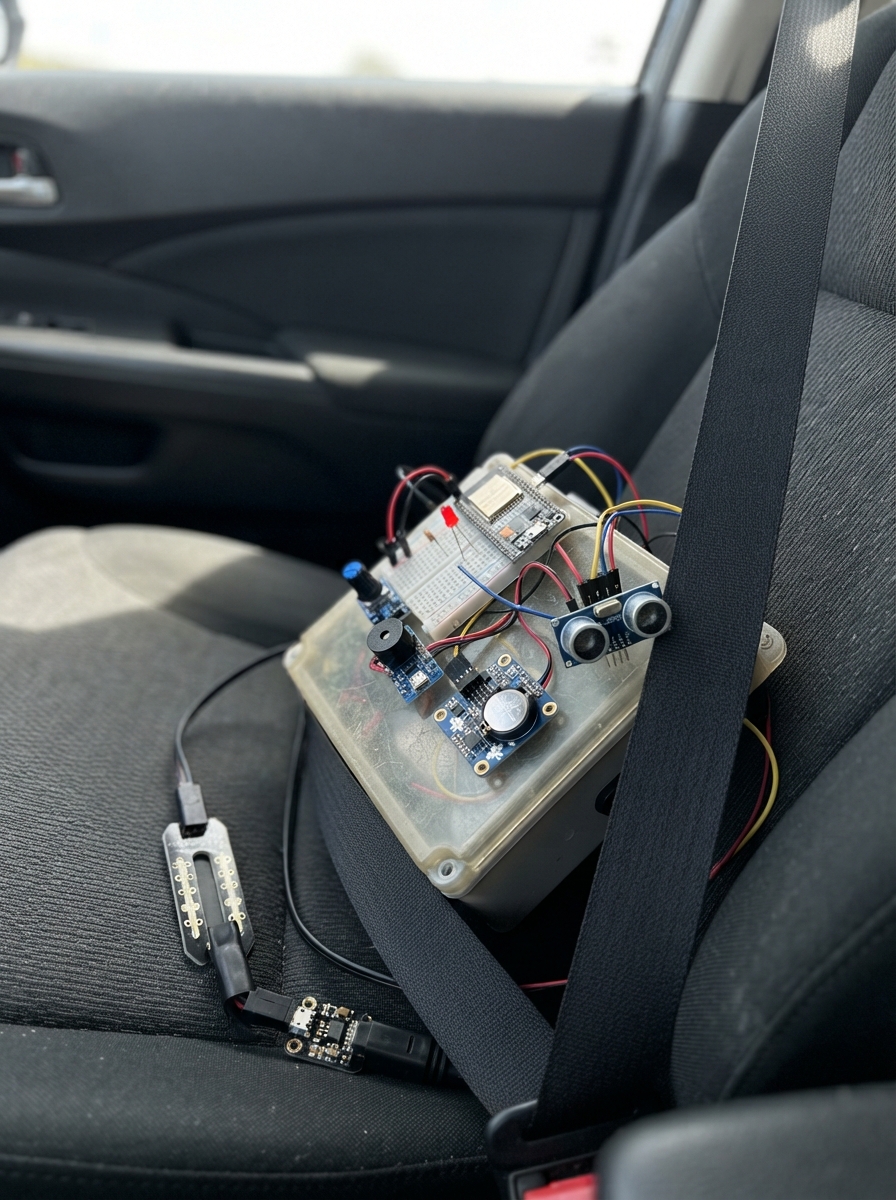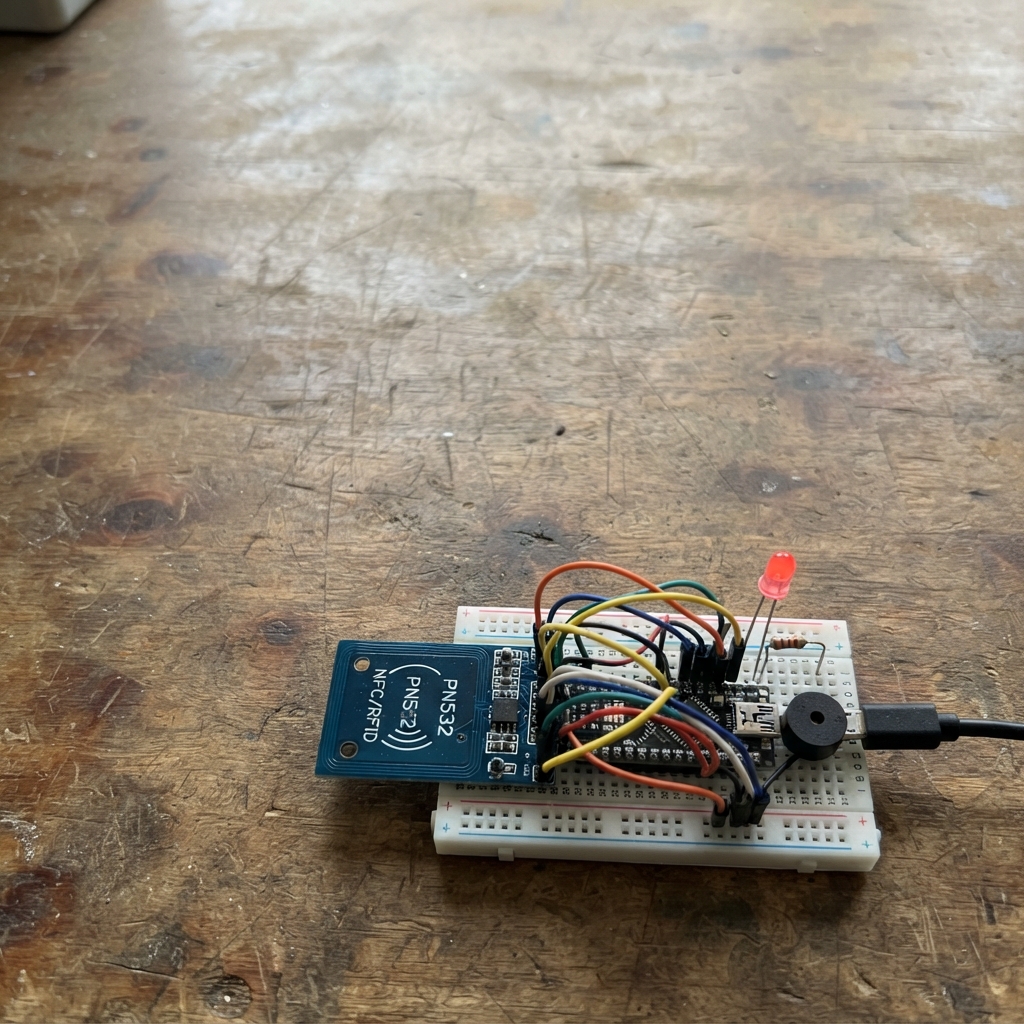
The NFC Guard Checkpoint Logger is an access control system that reads NFC cards and logs each scan to a remote server. Built around an ESP32 microcontroller, PN532 NFC reader, status LEDs, and buzzer, this project creates a checkpoint that validates card presence and records entry attempts in real time.
This guide provides a complete wiring diagram, parts list, and step-by-step assembly instructions. The included firmware handles WiFi connectivity, NFC card detection, and HTTP communication with your checkpoint API. After wiring the components and configuring your network credentials and server endpoint, the system will signal success or failure for each scanned card and maintain a log on your backend.
Wiring diagram

Gather all the parts
Assemble it in 7 steps
1. Set the reader for its two-wire mode
Before wiring anything, set both small switches on the PN532 reader board to ON. This selects the two shared signal wires used by this build. The printing differs between PN532 boards, so find the I2C setting printed on the board or its leaflet.
- Do this while the ESP32 is unplugged so you do not accidentally short nearby switch pins.
- Using the wrong switch setting means the ESP32 cannot find the reader, even when the wires look correct.
2. Connect the card reader
With the ESP32 unplugged, connect PN532 VCC to ESP32 3V3 (power), PN532 GND to ESP32 GND (ground), PN532 SDA to GPIO21 (data), and PN532 SCL to GPIO22 (clock). Leave PN532 IRQ and RSTO unconnected.
- Use red for 3V3, black for GND, and two other colors for the two signal wires.
- Make sure VCC and GND are not swapped — swapped power can damage the reader board.
3. Wire the green success light
Put the green LED across separate breadboard rows. Connect GPIO25 to one lead of green_led_resistor_1 (signal), connect its other lead to the long leg of green_led_1 (the positive leg), and connect the green LED short leg to ESP32 GND (ground).
- The long LED leg is normally the positive leg; its flat edge marks the short, ground leg.
- Do not omit the 220 Ω resistor — connecting the LED directly to GPIO25 can damage the LED or the ESP32 output.
4. Wire the red failure light
Put the red LED across separate breadboard rows. Connect GPIO26 to one lead of red_led_resistor_1 (signal), connect its other lead to the long leg of red_led_1 (the positive leg), and connect the red LED short leg to ESP32 GND (ground).
- Keep the red and green LED wires separate so the two lights do not turn on together.
- Make sure each LED has its own 220 Ω resistor — sharing or skipping resistors can make the lights dim or damage them.
5. Connect the buzzer
Connect the buzzer SIGNAL or + pin to ESP32 GPIO27 (signal), and connect its GND or − pin to ESP32 GND (ground).
- A buzzer module usually labels its two pins + and −; on a loose buzzer, the + mark identifies the signal pin.
- Make sure the buzzer is a 3.3 V active buzzer or module; a 5 V-only buzzer may not work reliably from the ESP32 pin.
6. Add your private connection values
Open the firmware in Schematik and replace YOUR_WIFI_NAME, YOUR_WIFI_PASSWORD, the example server URL, and CHECKPOINT_01 with your real Wi-Fi, server address, and checkpoint ID. If your server needs an API key, put it in API_KEY and set API_KEY_HEADER to the exact header name your server expects.
- The program sends card_uid, checkpoint_id, device_id, and uptime_ms whenever it reads a new card.
- Keep the Wi-Fi password and API key private; they give access to your network or checkpoint server.
7. Power the reader and test a card
Plug the ESP32 into USB, then press Deploy in Schematik. Hold an NFC card flat against the PN532 antenna for about one second. A delivered checkpoint record gives one short beep and green light; a record that could not be delivered gives two short beeps and a red light.
- If the reader is not found, unplug USB, recheck the four reader wires, and make sure both PN532 switches are set for I2C.
- Do not plug or remove jumper wires while USB power is connected, because a loose wire can short the board.
Review all connections
1. Connections between "pn532_1" and "ESP32"
2. Connections between "green_led_resistor_1" and "ESP32"
3. Connections between "green_led_1" and "ESP32"
4. Connections between "red_led_resistor_1" and "ESP32"
5. Connections between "red_led_1" and "ESP32"
6. Connections between "buzzer_1" and "ESP32"
Deploy the firmware
#include <Arduino.h>
#include <WiFi.h>
#include <HTTPClient.h>
#include <Wire.h>
#include <Adafruit_PN532.h>

// Replace these placeholders before pressing Deploy.

// Forward declarations
String uidToHex(const uint8_t *uid, uint8_t uidLength);
String jsonEscape(const String &value);
void connectWiFiIfNeeded();
bool sendCheckpointRecord(const String &cardUid);
void signalSuccess();
void signalFailure();

const char *WIFI_SSID = "YOUR_WIFI_NAME";
const char *WIFI_PASSWORD = "YOUR_WIFI_PASSWORD";
const char *CHECKPOINT_URL = "https://example.com/api/checkpoints";
const char *CHECKPOINT_ID = "CHECKPOINT_01";
// Leave empty when the server does not require an API key.
const char *API_KEY = "";
const char *API_KEY_HEADER = "X-API-Key";

constexpr uint8_t PN532_SDA_PIN = 21;
constexpr uint8_t PN532_SCL_PIN = 22;
constexpr uint8_t GREEN_LED_PIN = 25;
constexpr uint8_t RED_LED_PIN = 26;
constexpr uint8_t BUZZER_PIN = 27;
constexpr uint32_t WIFI_RETRY_MS = 10000;
constexpr uint32_t SAME_CARD_COOLDOWN_MS = 3000;

Adafruit_PN532 nfc(PN532_SDA_PIN, PN532_SCL_PIN);
String lastUid;
uint32_t lastScanAt = 0;
uint32_t lastWiFiAttemptAt = 0;

String uidToHex(const uint8_t *uid, uint8_t uidLength) {
  String text;
  for (uint8_t i = 0; i < uidLength; ++i) {
    if (uid[i] < 0x10) text += '0';
    text += String(uid[i], HEX);
  }
  text.toUpperCase();
  return text;
}

String jsonEscape(const String &value) {
  String escaped;
  for (size_t i = 0; i < value.length(); ++i) {
    const char c = value[i];
    if (c == '\\' || c == '"') escaped += '\\';
    escaped += c;
  }
  return escaped;
}

void signalSuccess() {
  digitalWrite(RED_LED_PIN, LOW);
  digitalWrite(GREEN_LED_PIN, HIGH);
  digitalWrite(BUZZER_PIN, HIGH);
  delay(120);
  digitalWrite(BUZZER_PIN, LOW);
  delay(880);
  digitalWrite(GREEN_LED_PIN, LOW);
}

void signalFailure() {
  digitalWrite(GREEN_LED_PIN, LOW);
  digitalWrite(RED_LED_PIN, HIGH);
  for (uint8_t i = 0; i < 2; ++i) {
    digitalWrite(BUZZER_PIN, HIGH);
    delay(120);
    digitalWrite(BUZZER_PIN, LOW);
    delay(120);
  }
  delay(760);
  digitalWrite(RED_LED_PIN, LOW);
}

void connectWiFiIfNeeded() {
  if (WiFi.status() == WL_CONNECTED) return;
  if (millis() - lastWiFiAttemptAt < WIFI_RETRY_MS) return;

  lastWiFiAttemptAt = millis();
  Serial.println("Connecting to Wi-Fi...");
  WiFi.begin(WIFI_SSID, WIFI_PASSWORD);
}

bool sendCheckpointRecord(const String &cardUid) {
  if (WiFi.status() != WL_CONNECTED) {
    Serial.println("Record not sent: Wi-Fi is not connected.");
    return false;
  }

  HTTPClient http;
  http.setTimeout(10000);
  if (!http.begin(CHECKPOINT_URL)) {
    Serial.println("Record not sent: invalid server URL.");
    return false;
  }

  String body = "{\"card_uid\":\"" + jsonEscape(cardUid) +
                "\",\"checkpoint_id\":\"" + jsonEscape(CHECKPOINT_ID) +
                "\",\"device_id\":\"" + WiFi.macAddress() +
                "\",\"uptime_ms\":" + String(millis()) + "}";

  http.addHeader("Content-Type", "application/json");
  if (strlen(API_KEY) > 0) http.addHeader(API_KEY_HEADER, API_KEY);

  const int statusCode = http.POST(body);
  Serial.print("Server response: ");
  Serial.println(statusCode);
  http.end();
  return statusCode >= 200 && statusCode < 300;
}

void setup() {
  Serial.begin(115200);
  pinMode(GREEN_LED_PIN, OUTPUT);
  pinMode(RED_LED_PIN, OUTPUT);
  pinMode(BUZZER_PIN, OUTPUT);
  digitalWrite(GREEN_LED_PIN, LOW);
  digitalWrite(RED_LED_PIN, LOW);
  digitalWrite(BUZZER_PIN, LOW);
  Wire.begin(PN532_SDA_PIN, PN532_SCL_PIN);

  nfc.begin();
  const uint32_t version = nfc.getFirmwareVersion();
  if (!version) {
    Serial.println("PN532 was not found. Set both PN532 switches to I2C mode and check the four wires.");
  } else {
    nfc.SAMConfig();
    Serial.println("PN532 ready. Hold a card near the reader.");
  }

  WiFi.mode(WIFI_STA);
  connectWiFiIfNeeded();
}

void loop() {
  connectWiFiIfNeeded();

  uint8_t uid[7] = {0};
  uint8_t uidLength = 0;
  const bool found = nfc.readPassiveTargetID(PN532_MIFARE_ISO14443A, uid, &uidLength, 100);
  if (!found) return;

  const String cardUid = uidToHex(uid, uidLength);
  const uint32_t now = millis();
  if (cardUid == lastUid && now - lastScanAt < SAME_CARD_COOLDOWN_MS) return;

  lastUid = cardUid;
  lastScanAt = now;
  Serial.print("Card UID: ");
  Serial.println(cardUid);

  if (sendCheckpointRecord(cardUid)) {
    Serial.println("Checkpoint record delivered.");
    signalSuccess();
  } else {
    Serial.println("Checkpoint record was not delivered; scan the card again after Wi-Fi/server is available.");
    signalFailure();
  }

  delay(400);
}
Remix this project
Make it yours in one click
Open a full copy of this project in your own Schematik workspace, diagram, code, parts, and assembly steps included. Swap the sensor, add features, or redesign the whole thing with AI. The author's original stays untouched.