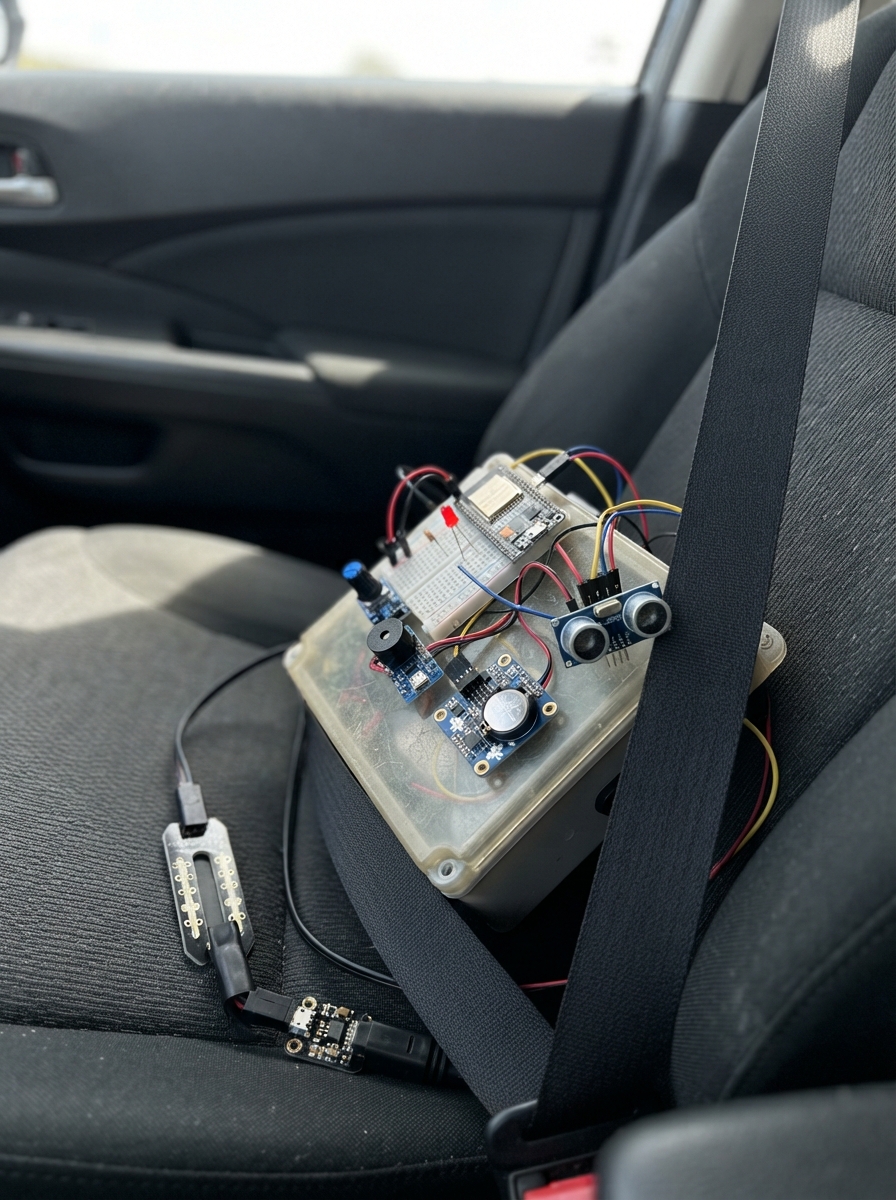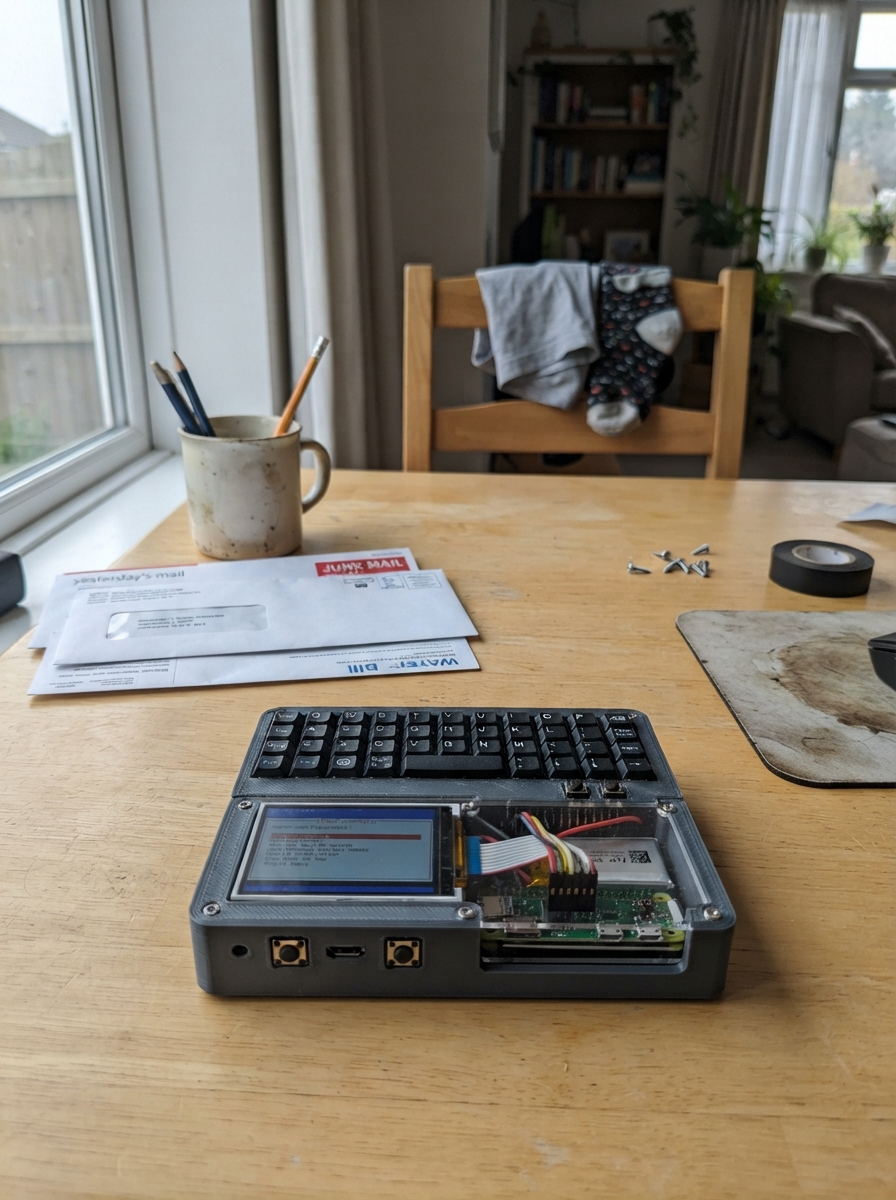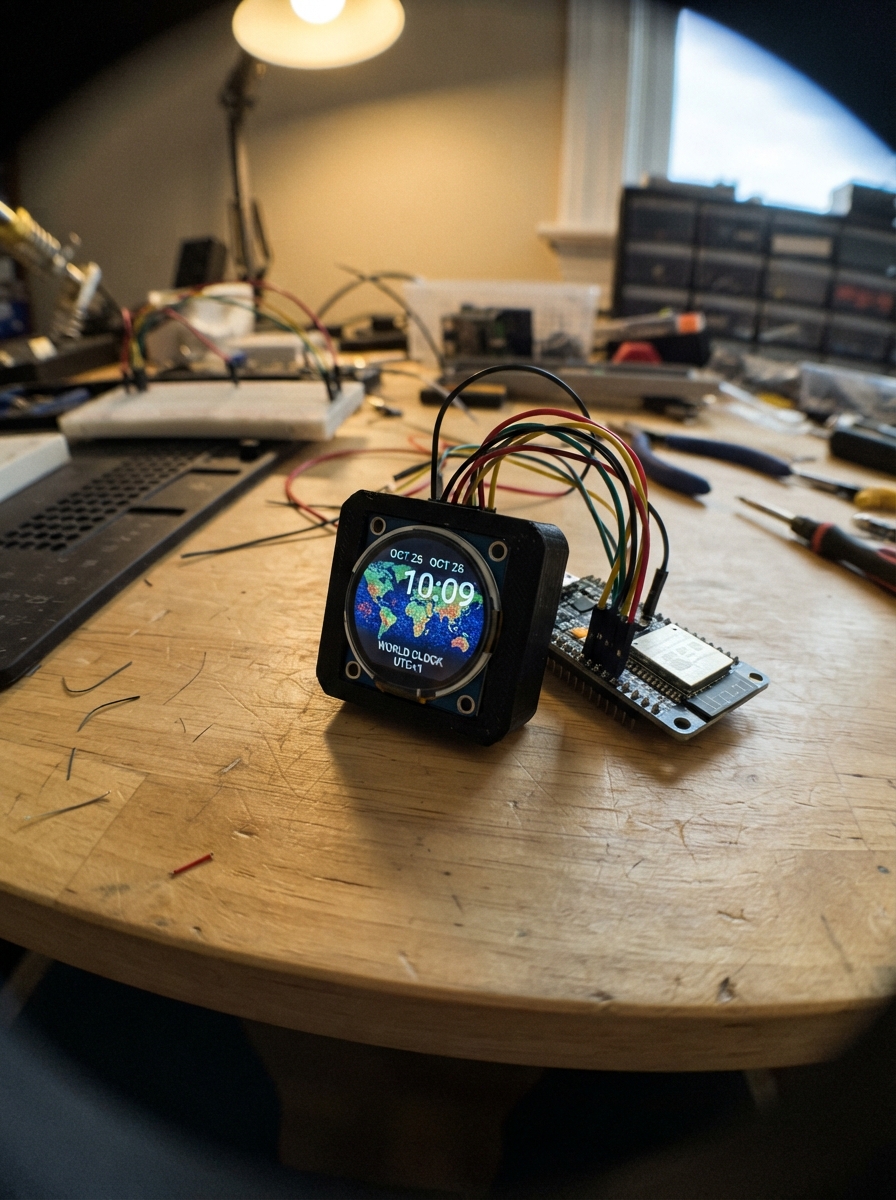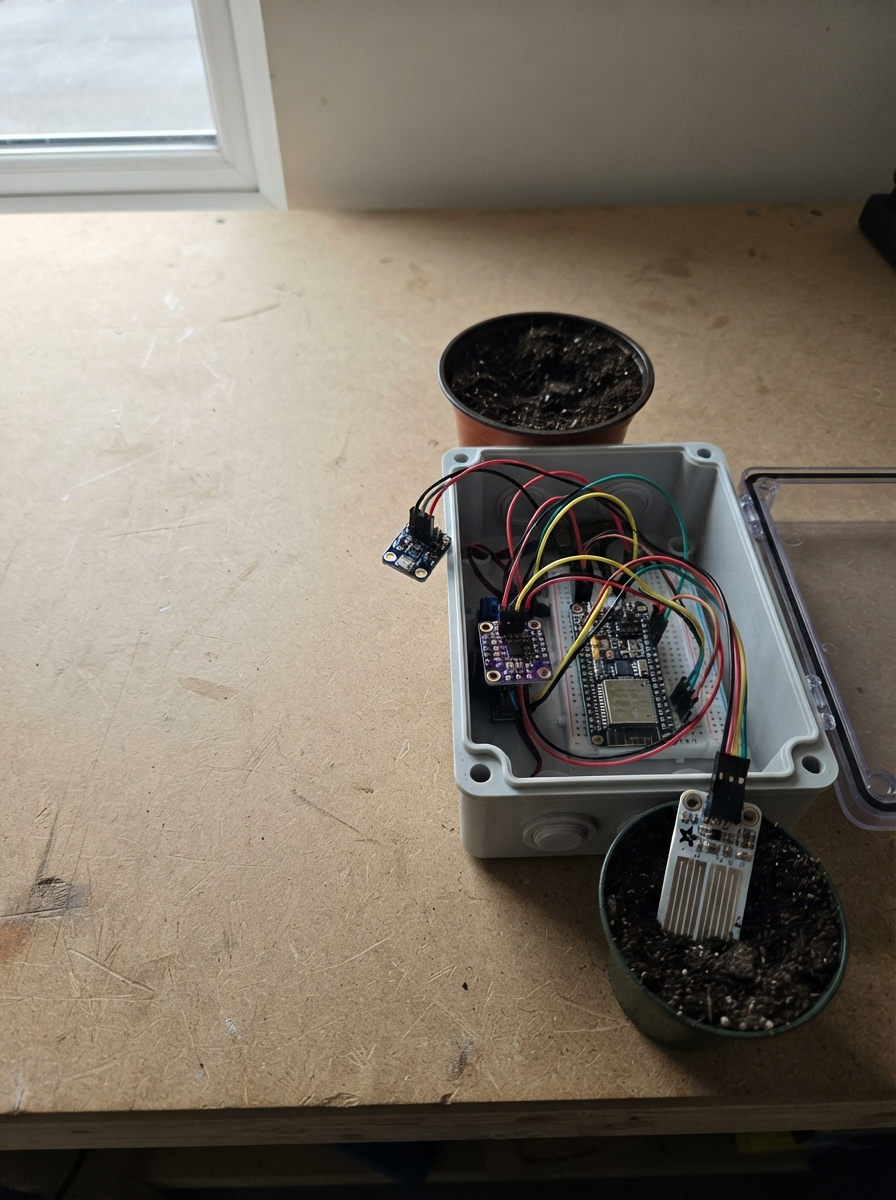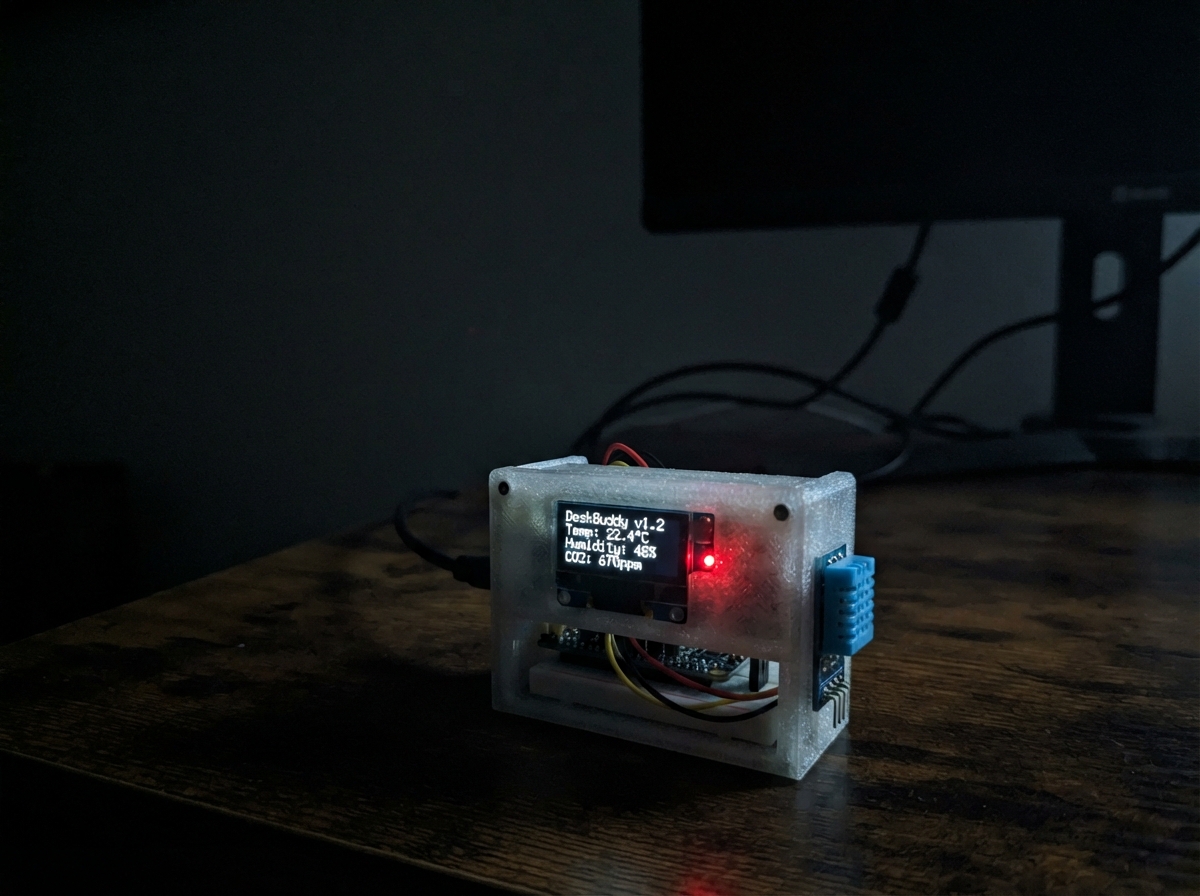
DeskBuddy is a desk environment monitor that tracks temperature and humidity to help maintain comfortable working conditions. Built around an ESP32 and DHT11 sensor, it reads environmental data and displays real-time feedback on the serial monitor, along with comfort advice based on desk-friendly thresholds.
This guide provides a wiring diagram, parts list, and complete firmware to get the monitor running. The project includes a 25-minute focus timer controlled by the ESP32's FLASH button, with sensor readings updated every 2.5 seconds and status displayed every second on the serial console.
Wiring diagram

Gather all the parts
Assemble it in 5 steps
1. Metti da parte il pulsante esterno
Non collegare più il modulo pulsante esterno: DeskBuddy usa il tasto FLASH già presente sul NodeMCU, quindi non servono fili per il comando del timer.
- Il tasto FLASH è il piccolo pulsante sulla scheda NodeMCU.
- Non tenere premuto FLASH mentre colleghi USB o premi Deploy: quel tasto serve anche durante l'avvio della scheda.
2. Alimenta il DHT11
Con il NodeMCU scollegato da USB, collega il pin + del DHT11 a 3V3 (alimentazione) e il pin − a GND (massa).
- Puoi usare cavetti dupont e una breadboard, oppure collegare direttamente i tre pin.
- Assicurati che + e − non siano scambiati: alimentare il sensore al contrario può danneggiarlo.
3. Collega il filo dei dati
Collega il pin OUT del DHT11 a D2/GPIO4 (segnale). Questo filo trasporta le letture di temperatura e umidità.
- Su alcuni moduli la scritta OUT può essere S: è lo stesso pin del segnale.
- Non collegare OUT a 3V3 o GND: deve andare a D2/GPIO4.
4. Usa il monitor seriale come schermo
Ricontrolla i tre fili, collega il NodeMCU via USB, premi Deploy e apri il monitor seriale a 115200 baud. Mostra timer, temperatura e umidità.
- Aspetta qualche secondo dopo l'avvio per la prima lettura del DHT11.
- Se il sensore non stampa valori, scollega prima USB e ricontrolla + → 3V3 (alimentazione), − → GND (massa), OUT → D2/GPIO4 (segnale).
5. Controlla il timer con FLASH
Premi e rilascia brevemente il tasto FLASH sulla scheda per avviare o mettere in pausa il timer. Tienilo premuto per circa un secondo e rilascialo per riportare il timer a 25:00.
- Nel monitor seriale comparirà “Timer started.”, “Timer paused.” oppure “Timer reset.”.
- Non tenere premuto FLASH quando riavvii la scheda: può farla entrare nella modalità di caricamento invece di avviare normalmente.
Review all connections
1. Connections between "dht11_1" and "ESP32"
Deploy the firmware
#include <Arduino.h>
#include <DHT.h>

// NodeMCU label D2 is GPIO4. The board's FLASH key pulls GPIO0/D3 LOW.

// Forward declarations

// Forward declarations
void printComfortAdvice();

unsigned long elapsedFocusMs();
void updateSensor();
void printStatus();
void handleFlashButton();

constexpr uint8_t DHT_PIN = 4;
constexpr uint8_t FLASH_BUTTON_PIN = 0;
constexpr uint8_t DHT_TYPE = DHT11;
constexpr unsigned long FOCUS_MS = 25UL * 60UL * 1000UL;
constexpr unsigned long LONG_PRESS_MS = 1200;
constexpr unsigned long SENSOR_INTERVAL_MS = 2500;
constexpr unsigned long STATUS_INTERVAL_MS = 1000;

// Comfort limits for a desk study area. These are guidance, not medical limits.
constexpr float TOO_WARM_C = 27.0f;
constexpr float TOO_HUMID_PERCENT = 65.0f;
constexpr float TOO_DRY_PERCENT = 30.0f;

DHT dht(DHT_PIN, DHT_TYPE);

bool timerRunning = false;
bool timerFinished = false;
bool flashWasDown = false;
unsigned long pressStartedAt = 0;
unsigned long elapsedBeforeStart = 0;
unsigned long startedAt = 0;
unsigned long lastSensorAt = 0;
unsigned long lastStatusAt = 0;
float temperatureC = NAN;
float humidity = NAN;
int lastComfortState = -1;

unsigned long elapsedFocusMs() {
  if (!timerRunning) return elapsedBeforeStart;
  const unsigned long elapsed = elapsedBeforeStart + (millis() - startedAt);
  return elapsed > FOCUS_MS ? FOCUS_MS : elapsed;
}

void updateSensor() {
  if (millis() - lastSensorAt < SENSOR_INTERVAL_MS) return;
  lastSensorAt = millis();
  const float newHumidity = dht.readHumidity();
  const float newTemperatureC = dht.readTemperature();
  if (!isnan(newHumidity) && !isnan(newTemperatureC)) {
    humidity = newHumidity;
    temperatureC = newTemperatureC;
    printComfortAdvice();
  }
}

void printComfortAdvice() {
  if (isnan(temperatureC) || isnan(humidity)) return;

  int comfortState = 0;
  if (temperatureC >= TOO_WARM_C) comfortState = 1;
  else if (humidity >= TOO_HUMID_PERCENT) comfortState = 2;
  else if (humidity <= TOO_DRY_PERCENT) comfortState = 3;

  if (comfortState == lastComfortState) return;
  lastComfortState = comfortState;

  if (comfortState == 1) {
    Serial.println(F("Study alert: it is warm. Open a window or take a short water break."));
  } else if (comfortState == 2) {
    Serial.println(F("Study alert: humidity is high. Air the room if you can."));
  } else if (comfortState == 3) {
    Serial.println(F("Study alert: the air is dry. Drink water and ventilate gently."));
  } else {
    Serial.println(F("Study air: comfortable for focusing."));
  }
}

void printStatus() {
  const unsigned long remaining = FOCUS_MS - elapsedFocusMs();
  const unsigned long remainingSeconds = remaining / 1000UL;
  const unsigned int minutes = remainingSeconds / 60UL;
  const unsigned int seconds = remainingSeconds % 60UL;

  Serial.println();
  Serial.println(F("=== DESKBUDDY ==="));
  if (timerFinished) {
    Serial.println(F("Focus timer: DONE! Hold FLASH to reset."));
  } else {
    Serial.print(F("Focus timer: "));
    if (minutes < 10) Serial.print('0');
    Serial.print(minutes);
    Serial.print(':');
    if (seconds < 10) Serial.print('0');
    Serial.print(seconds);
    Serial.println(timerRunning ? F(" (running)") : F(" (paused)"));
  }

  if (!isnan(temperatureC) && !isnan(humidity)) {
    Serial.print(F("Desk air: "));
    Serial.print(temperatureC, 1);
    Serial.print(F(" C, "));
    Serial.print(humidity, 0);
    Serial.println(F(" % humidity"));
    if (temperatureC >= TOO_WARM_C) {
      Serial.println(F("Focus check: too warm (over 27 C)."));
    } else if (humidity >= TOO_HUMID_PERCENT) {
      Serial.println(F("Focus check: too humid (over 65%)."));
    } else if (humidity <= TOO_DRY_PERCENT) {
      Serial.println(F("Focus check: dry air (under 30%)."));
    } else {
      Serial.println(F("Focus check: room conditions look comfortable."));
    }
  } else {
    Serial.println(F("DHT11 not read yet: check + to 3V3, - to GND, and OUT to D2."));
  }
  Serial.println(F("FLASH short press: start/pause | Hold 1 second: reset"));
}

void handleFlashButton() {
  const bool down = digitalRead(FLASH_BUTTON_PIN) == LOW;
  if (down && !flashWasDown) pressStartedAt = millis();

  if (!down && flashWasDown) {
    const unsigned long heldFor = millis() - pressStartedAt;
    if (heldFor >= LONG_PRESS_MS) {
      timerRunning = false;
      timerFinished = false;
      elapsedBeforeStart = 0;
      Serial.println(F("Timer reset."));
    } else if (!timerFinished) {
      if (timerRunning) {
        elapsedBeforeStart = elapsedFocusMs();
        timerRunning = false;
        Serial.println(F("Timer paused."));
      } else {
        startedAt = millis();
        timerRunning = true;
        Serial.println(F("Timer started."));
      }
    }
    printStatus();
    lastStatusAt = millis();
  }
  flashWasDown = down;
}

void setup() {
  Serial.begin(115200);
  delay(100);
  Serial.println();
  Serial.println(F("DeskBuddy starting..."));
  pinMode(FLASH_BUTTON_PIN, INPUT_PULLUP);
  flashWasDown = digitalRead(FLASH_BUTTON_PIN) == LOW;
  dht.begin();
  lastSensorAt = millis() - SENSOR_INTERVAL_MS;
  updateSensor();
  printStatus();
}

void loop() {
  handleFlashButton();

  if (timerRunning && elapsedFocusMs() >= FOCUS_MS) {
    elapsedBeforeStart = FOCUS_MS;
    timerRunning = false;
    timerFinished = true;
    Serial.println(F("Focus session complete!"));
    printStatus();
    lastStatusAt = millis();
  }

  updateSensor();
  if (timerRunning && millis() - lastStatusAt >= STATUS_INTERVAL_MS) {
    lastStatusAt = millis();
    printStatus();
  }
}
Remix this project
Make it yours in one click
Open a full copy of this project in your own Schematik workspace, diagram, code, parts, and assembly steps included. Swap the sensor, add features, or redesign the whole thing with AI. The author's original stays untouched.