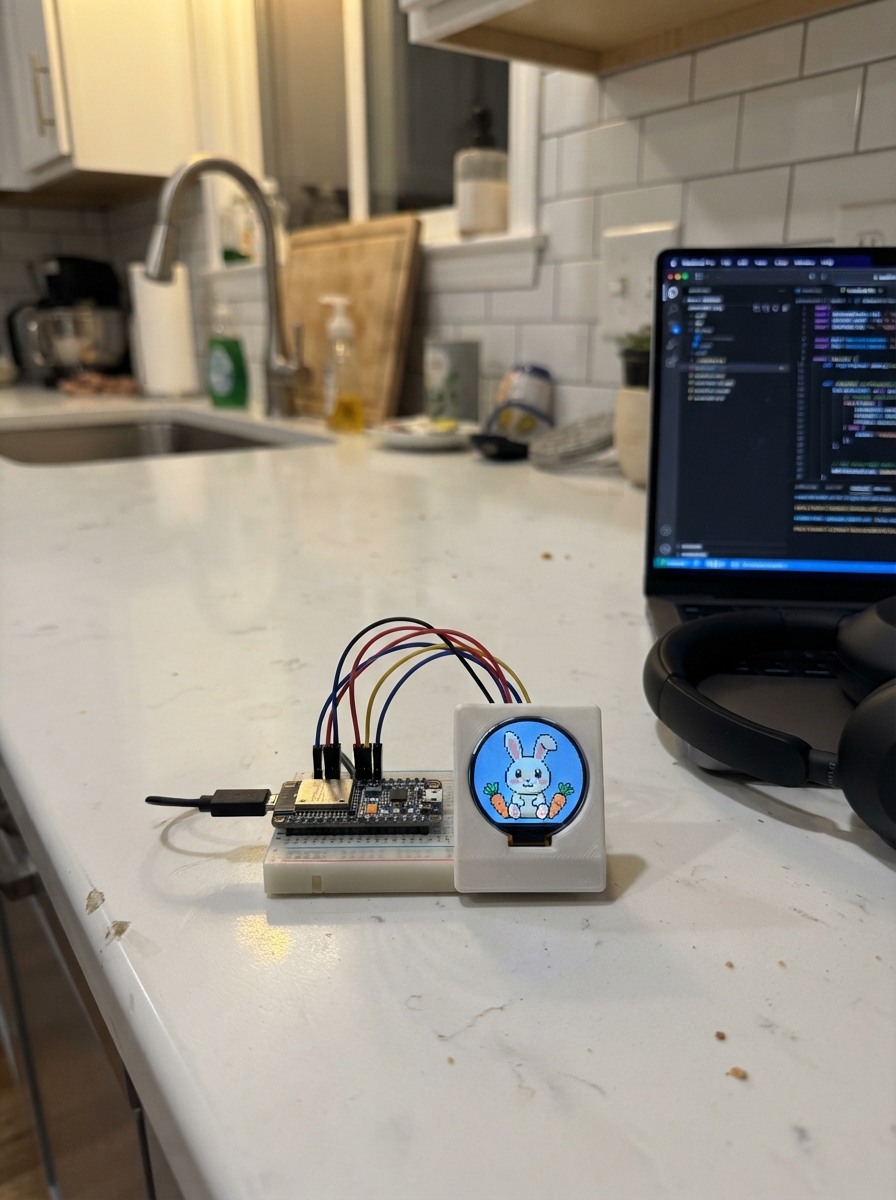
This project displays an animated eagle soaring across a scenic sky on a K10 display connected to an ESP32. The bird's wings flap smoothly between raised and lowered positions while clouds drift overhead and grass grounds the scene below.
Builders will receive a complete wiring diagram for connecting the K10 display to the ESP32, a full parts list, the Arduino firmware with animation logic, and step-by-step assembly instructions to get the drawing display running.
Wiring diagram
Assemble it in 1 step
1. Power the K10
Place the UNIHIKER K10 where you can see its built-in screen, then connect it to your computer with a USB cable. The animated eagle uses only the screen already built into the board, so no extra wires or parts are needed.
- Keep the board still while watching so the moving wings are easy to see.
- Do not force the USB plug; forcing it can damage the board connector.
Deploy the firmware
#include <Arduino.h>
#include "unihiker_k10.h"


// Forward declarations
void drawCloudsAndGround();
void drawEagle(int wingTipY, int wingMiddleY);
void drawFrame();

UNIHIKER_K10 k10;

const uint32_t SKY_BLUE = 0xBFE9FF;
const uint32_t CLOUD_WHITE = 0xFFFFFF;
const uint32_t DARK_BROWN = 0x4A2C2A;
const uint32_t FEATHER_BROWN = 0x7B4A2E;
const uint32_t LIGHT_BROWN = 0xB8794E;
const uint32_t GOLD = 0xF4BC36;
const uint32_t GRASS_GREEN = 0x66B85C;
const uint32_t BLACK = 0x1D1D1D;

unsigned long lastFrameMs = 0;
int frameNumber = 0;

void drawCloudsAndGround() {
  k10.canvas->canvasRectangle(0, 270, 240, 50, GRASS_GREEN, GRASS_GREEN, true);
  k10.canvas->canvasCircle(36, 48, 12, CLOUD_WHITE, CLOUD_WHITE, true);
  k10.canvas->canvasCircle(51, 43, 16, CLOUD_WHITE, CLOUD_WHITE, true);
  k10.canvas->canvasCircle(67, 49, 11, CLOUD_WHITE, CLOUD_WHITE, true);
  k10.canvas->canvasCircle(177, 62, 11, CLOUD_WHITE, CLOUD_WHITE, true);
  k10.canvas->canvasCircle(191, 56, 15, CLOUD_WHITE, CLOUD_WHITE, true);
  k10.canvas->canvasCircle(206, 62, 10, CLOUD_WHITE, CLOUD_WHITE, true);
}

void drawEagle(int wingTipY, int wingMiddleY) {
  drawCloudsAndGround();

  // The wings move between a raised and lowered position.
  k10.canvas->canvasSetLineWidth(18);
  k10.canvas->canvasLine(108, 155, 48, wingMiddleY, FEATHER_BROWN);
  k10.canvas->canvasLine(48, wingMiddleY, 22, wingTipY, FEATHER_BROWN);
  k10.canvas->canvasLine(132, 155, 192, wingMiddleY, FEATHER_BROWN);
  k10.canvas->canvasLine(192, wingMiddleY, 218, wingTipY, FEATHER_BROWN);
  k10.canvas->canvasSetLineWidth(2);
  k10.canvas->canvasLine(96, 146, 40, wingMiddleY + 10, LIGHT_BROWN);
  k10.canvas->canvasLine(144, 146, 200, wingMiddleY + 10, LIGHT_BROWN);

  k10.canvas->canvasCircle(120, 190, 48, FEATHER_BROWN, FEATHER_BROWN, true);
  k10.canvas->canvasCircle(120, 132, 38, CLOUD_WHITE, CLOUD_WHITE, true);
  k10.canvas->canvasCircle(120, 211, 30, LIGHT_BROWN, LIGHT_BROWN, true);

  k10.canvas->canvasSetLineWidth(11);
  k10.canvas->canvasLine(108, 226, 96, 261, CLOUD_WHITE);
  k10.canvas->canvasLine(120, 229, 120, 266, CLOUD_WHITE);
  k10.canvas->canvasLine(132, 226, 144, 261, CLOUD_WHITE);
  k10.canvas->canvasSetLineWidth(2);

  k10.canvas->canvasCircle(106, 128, 6, BLACK, BLACK, true);
  k10.canvas->canvasCircle(134, 128, 6, BLACK, BLACK, true);
  k10.canvas->canvasCircle(104, 126, 2, CLOUD_WHITE, CLOUD_WHITE, true);
  k10.canvas->canvasCircle(132, 126, 2, CLOUD_WHITE, CLOUD_WHITE, true);
  k10.canvas->canvasLine(98, 116, 111, 112, DARK_BROWN);
  k10.canvas->canvasLine(129, 112, 142, 116, DARK_BROWN);
  k10.canvas->canvasCircle(120, 144, 14, GOLD, GOLD, true);
  k10.canvas->canvasCircle(126, 148, 8, GOLD, GOLD, true);
  k10.canvas->canvasLine(119, 152, 128, 152, DARK_BROWN);

  k10.canvas->canvasSetLineWidth(5);
  k10.canvas->canvasLine(105, 239, 101, 253, GOLD);
  k10.canvas->canvasLine(101, 253, 92, 257, GOLD);
  k10.canvas->canvasLine(101, 253, 108, 258, GOLD);
  k10.canvas->canvasLine(135, 239, 139, 253, GOLD);
  k10.canvas->canvasLine(139, 253, 132, 258, GOLD);
  k10.canvas->canvasLine(139, 253, 148, 257, GOLD);
  k10.canvas->canvasSetLineWidth(2);

  k10.canvas->canvasText("Hello, Eagle!", 1, DARK_BROWN);
}

void drawFrame() {
  k10.canvas->canvasClear();
  const int tipHeights[] = {86, 112, 143, 112};
  const int middleHeights[] = {104, 116, 130, 116};
  const int phase = frameNumber % 4;
  drawEagle(tipHeights[phase], middleHeights[phase]);
  k10.canvas->updateCanvas();
  frameNumber++;
}

void setup() {
  k10.begin();
  k10.initScreen(2);
  k10.creatCanvas();
  k10.setScreenBackground(SKY_BLUE);
  drawFrame();
}

void loop() {
  const unsigned long now = millis();
  if (now - lastFrameMs >= 50) {
    lastFrameMs = now;
    drawFrame();
  }
}
Remix this project
Make it yours in one click
Open a full copy of this project in your own Schematik workspace, diagram, code, parts, and assembly steps included. Swap the sensor, add features, or redesign the whole thing with AI. The author's original stays untouched.