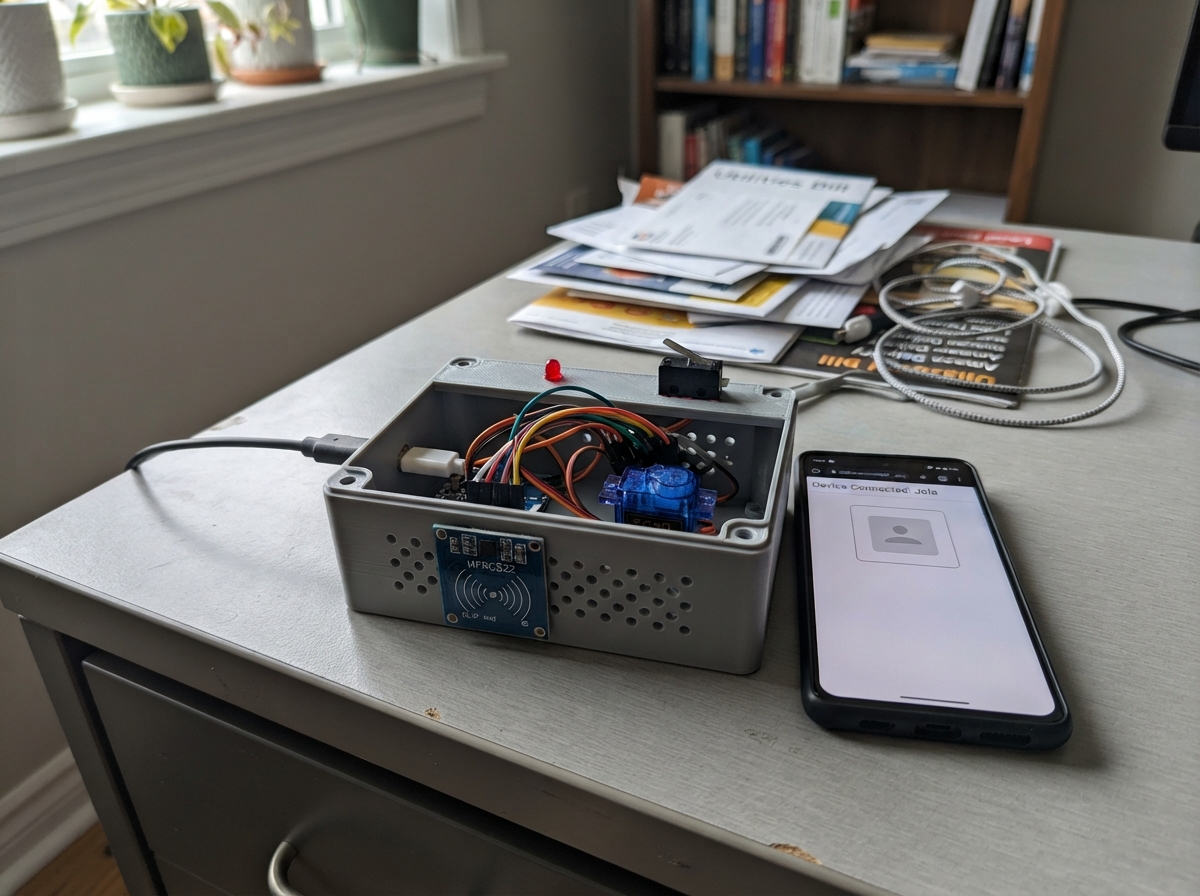
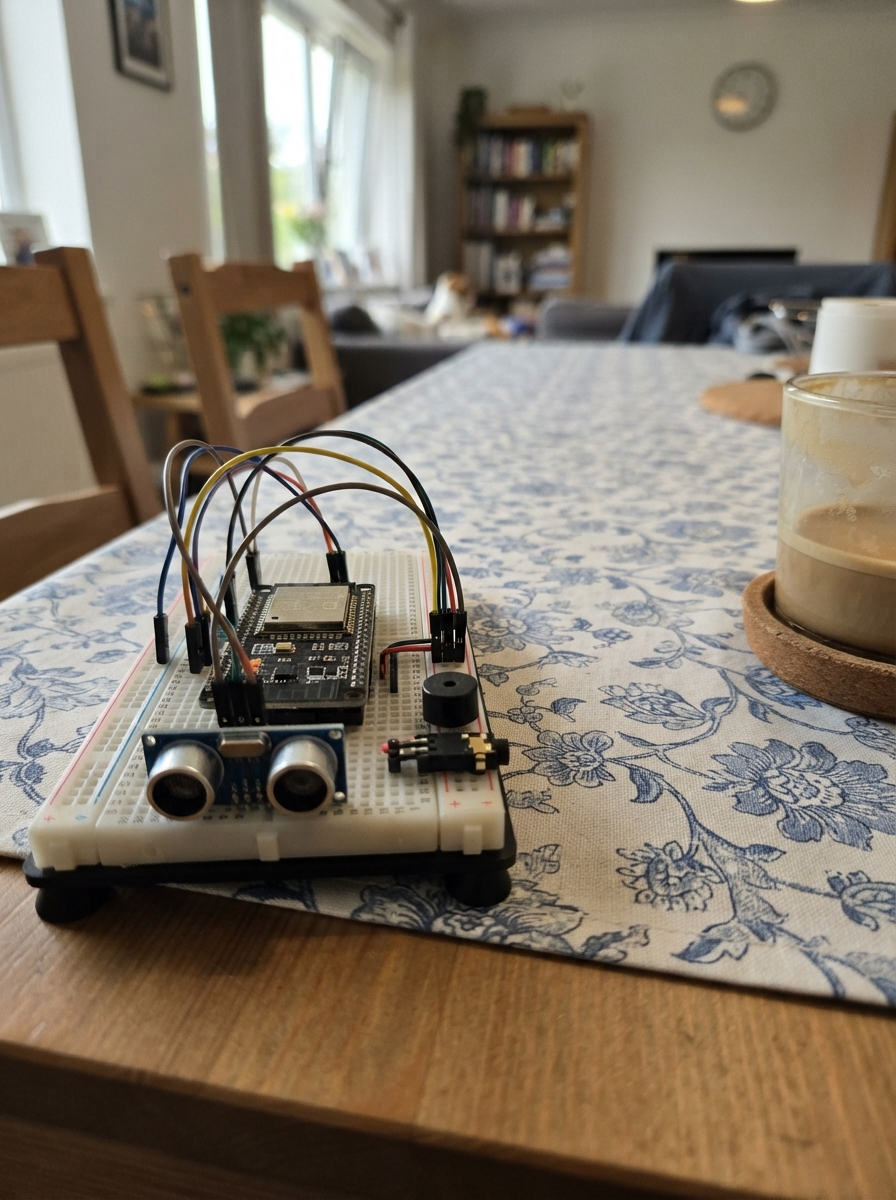
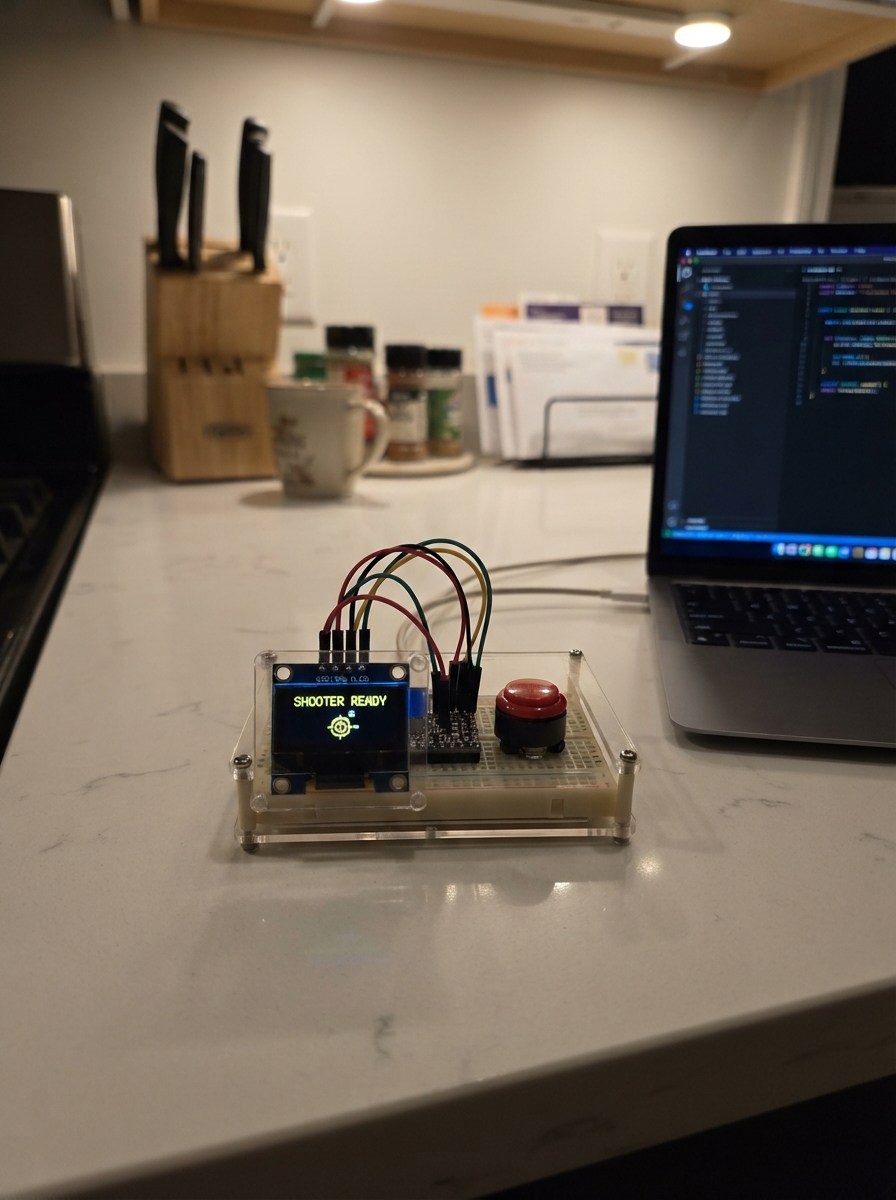
Community project
Hermes 2 lite piHPSDR VFO encoder
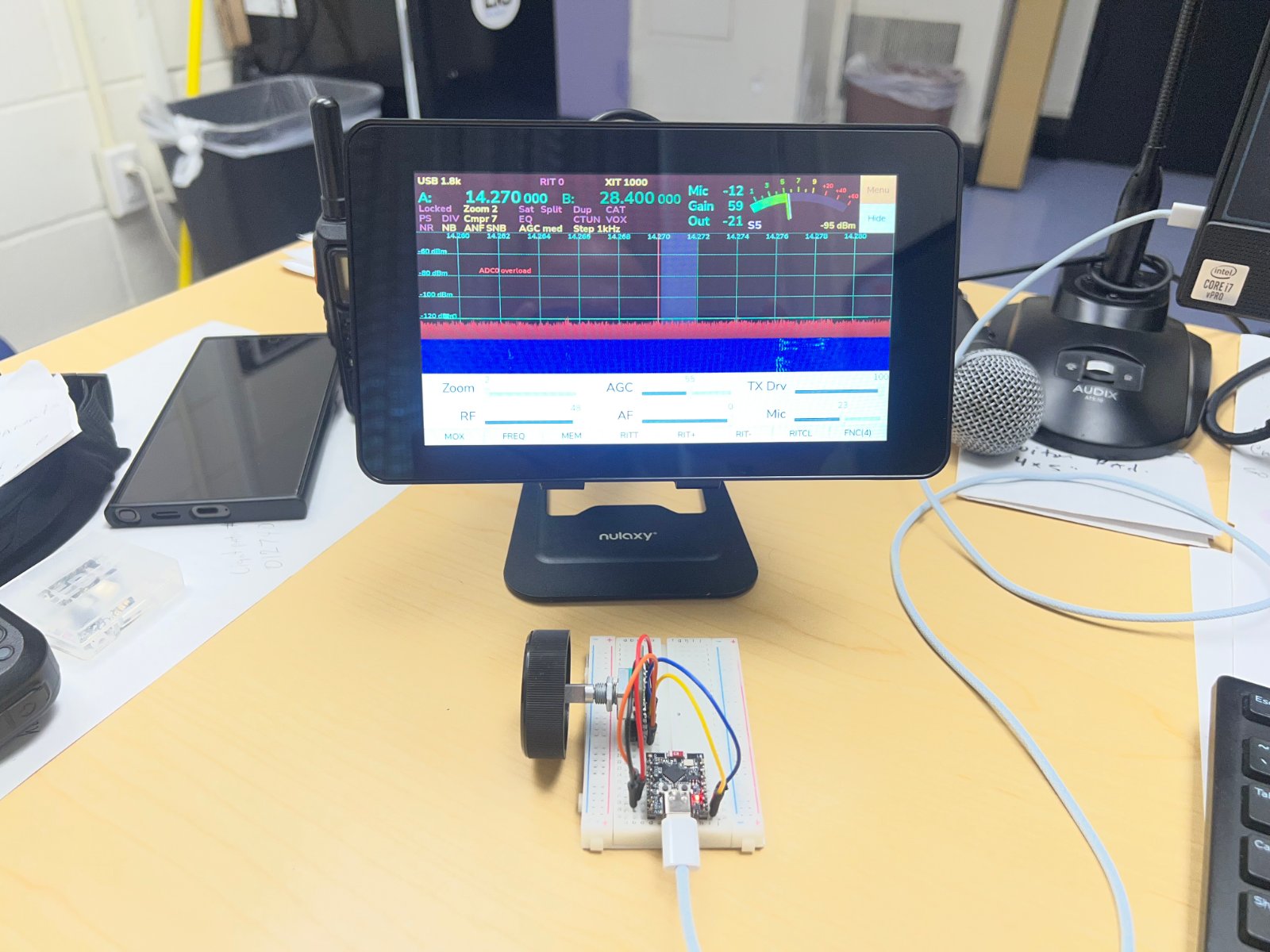
The Hermes 2 lite piHPSDR VFO encoder is a Bluetooth HID controller built around an ESP32 that transforms a rotary encoder into a wireless VFO tuning knob for amateur radio applications. Rotating clockwise sends VFO Up commands, counter-clockwise sends VFO Down, and pressing the encoder button toggles MOX (Transmit/Receive). A status LED provides visual feedback of the device state.
This guide provides a complete parts list, wiring diagram, and step-by-step assembly instructions to get your encoder connected and communicating via Bluetooth. The included firmware is pre-configured for piHPSDR compatibility and stores your settings in persistent memory, with optional serial configuration for advanced customization.
Wiring diagram

Gather all the parts
Assemble it in 5 steps
1. Gather your parts
You need: the ESP32-C3 DevKit board, a KY-040 rotary encoder module, a blue LED, and a 100 Ω resistor. The KY-040 module already has its own pull-up resistors built in — no extra resistors needed for the encoder itself.
- The KY-040 has 5 pins labelled VCC, GND, CLK, DT, SW on its back.
2. Power the encoder
Connect the KY-040's VCC pin to the ESP32-C3 3.3 V pin, and its GND pin to any GND pin on the board.
- Do NOT use the 5 V (VIN) pin — the ESP32-C3's GPIOs are 3.3 V only and will be damaged by 5 V signals.
3. Wire the encoder data pins
Connect KY-040 CLK → GPIO4, DT → GPIO5, SW → GPIO6 on the ESP32-C3.
- CLK and DT are the rotation signals. SW is the push-click signal when you press the knob down.
4. Wire the status LED
Insert the 100 Ω resistor between GPIO8 and the long leg (anode) of the blue LED. Connect the short leg (cathode) to GND. The LED indicates Bluetooth status: slow blink = searching, solid off = connected.
- The long leg of the LED is the anode (+), the short leg is the cathode (−).
- Always use the resistor — connecting an LED directly to a GPIO without a resistor will burn it out instantly.
5. Double-check and power on
Check all connections once more, then plug the ESP32-C3 into your computer via USB. The LED should start blinking slowly as the device advertises over Bluetooth. Pair it on your host (look for 'Super Keys C3'). Once paired, the LED stops blinking.
- Use the Serial Monitor at 115200 baud to send config commands: STATUS to see current key codes, SET CW 0xE9 to change the clockwise key, RESET to restore defaults.
Review all connections
1. Connections between "encoder_1" and "ESP32"
2. Connections between "resistor_led" and "ESP32"
3. Connections between "led_blue" and "ESP32"
Deploy the firmware
#include <Arduino.h>
// piHPSDRVFO - ESP32-C3 Bluetooth HID
// Rotary Encoder macro pad — CW: VFO Up | CCW:VFO Down | Click: MOX
// Configurable via Serial with Preferences storage.

#define USE_NIMBLE 1
#define CONFIG_BT_NIMBLE_ENABLED 1

#include <NimBLEDevice.h>
#include <Preferences.h>
#include "common.h"

// ─────────────────────────────────────────────────
// ESP32-C3 SPECIFIC HARDWARE
// ─────────────────────────────────────────────────

#define BLUE_LED 8   // Onboard blue LED, active-low

// ─────────────────────────────────────────────────
// BLE HID IMPLEMENTATION (NimBLE-based)
// ─────────────────────────────────────────────────

// HID Report Descriptor for keyboard + consumer control

// Forward declarations
void setupBLE();
uint8_t consumerKeyBit(uint8_t keyCode);
bool isConsumerKey(uint8_t keyCode);
void bleKeyPressImpl(uint8_t keyCode);
void bleKeyReleaseImpl(uint8_t keyCode);
void setLED(uint8_t r, uint8_t g, uint8_t b);

static const uint8_t hidReportDescriptor[] = {
  // Keyboard
  0x05, 0x01,       // Usage Page (Generic Desktop)
  0x09, 0x06,       // Usage (Keyboard)
  0xA1, 0x01,       // Collection (Application)
  0x85, 0x01,       //   Report ID (1)
  0x05, 0x07,       //   Usage Page (Key Codes)
  0x19, 0xE0,       //   Usage Minimum (224)
  0x29, 0xE7,       //   Usage Maximum (231)
  0x15, 0x00,       //   Logical Minimum (0)
  0x25, 0x01,       //   Logical Maximum (1)
  0x75, 0x01,       //   Report Size (1)
  0x95, 0x08,       //   Report Count (8)
  0x81, 0x02,       //   Input (Data, Variable, Absolute) -- Modifier byte
  0x95, 0x01,       //   Report Count (1)
  0x75, 0x08,       //   Report Size (8)
  0x81, 0x01,       //   Input (Constant) -- Reserved byte
  0x95, 0x06,       //   Report Count (6)
  0x75, 0x08,       //   Report Size (8)
  0x15, 0x00,       //   Logical Minimum (0)
  0x25, 0x65,       //   Logical Maximum (101)
  0x05, 0x07,       //   Usage Page (Key Codes)
  0x19, 0x00,       //   Usage Minimum (0)
  0x29, 0x65,       //   Usage Maximum (101)
  0x81, 0x00,       //   Input (Data, Array)
  0xC0,             // End Collection
  // Consumer Control
  0x05, 0x0C,       // Usage Page (Consumer Devices)
  0x09, 0x01,       // Usage (Consumer Control)
  0xA1, 0x01,       // Collection (Application)
  0x85, 0x02,       //   Report ID (2)
  0x15, 0x00,       //   Logical Minimum (0)
  0x25, 0x01,       //   Logical Maximum (1)
  0x75, 0x01,       //   Report Size (1)
  0x95, 0x04,       //   Report Count (4)
  0x09, 0xE9,       //   Usage (Volume Increment)
  0x09, 0xEA,       //   Usage (Volume Decrement)
  0x09, 0xE2,       //   Usage (Mute)
  0x09, 0xCD,       //   Usage (Play/Pause)
  0x81, 0x02,       //   Input (Data, Variable, Absolute)
  0x95, 0x04,       //   Report Count (4) padding
  0x75, 0x01,       //   Report Size (1)
  0x81, 0x01,       //   Input (Constant)
  0xC0              // End Collection
};

static NimBLEServer*         pServer         = nullptr;
static NimBLECharacteristic* pInputKbd       = nullptr;
static NimBLECharacteristic* pInputConsumer  = nullptr;
static NimBLECharacteristic* pHIDInfo        = nullptr;
static NimBLECharacteristic* pReportMap      = nullptr;
static NimBLECharacteristic* pHIDControl     = nullptr;
static bool bleConnected = false;

// HID Service UUID
#define HID_SERVICE_UUID        "1812"
#define HID_REPORT_MAP_UUID     "2A4B"
#define HID_INFO_UUID           "2A4A"
#define HID_CONTROL_POINT_UUID  "2A4C"
#define HID_REPORT_UUID         "2A4D"
#define BATTERY_SERVICE_UUID    "180F"
#define BATTERY_LEVEL_UUID      "2A19"
#define DEVICE_INFO_UUID        "180A"
#define PNP_ID_UUID             "2A50"

class BLECallbacks : public NimBLEServerCallbacks {
  void onConnect(NimBLEServer* pSrv, NimBLEConnInfo& connInfo) override {
    bleConnected = true;
    Serial.println("Bluetooth connected!");
  }
  void onDisconnect(NimBLEServer* pSrv, NimBLEConnInfo& connInfo, int reason) override {
    bleConnected = false;
    Serial.println("Bluetooth disconnected.");
    NimBLEDevice::startAdvertising();
  }
};

void setupBLE() {
  NimBLEDevice::init("Super Keys C3");
  NimBLEDevice::setSecurityAuth(BLE_SM_PAIR_AUTHREQ_BOND);
  NimBLEDevice::setPower(3);

  pServer = NimBLEDevice::createServer();
  pServer->setCallbacks(new BLECallbacks());

  // Device Information Service
  NimBLEService* devInfoSvc = pServer->createService(DEVICE_INFO_UUID);
  NimBLECharacteristic* pnpChar = devInfoSvc->createCharacteristic(
    PNP_ID_UUID, NIMBLE_PROPERTY::READ);
  uint8_t pnpData[] = {0x02, 0x82, 0x05, 0x00, 0x00, 0x00, 0x01};
  pnpChar->setValue(pnpData, sizeof(pnpData));
  devInfoSvc->start();

  // Battery Service
  NimBLEService* batterySvc = pServer->createService(BATTERY_SERVICE_UUID);
  NimBLECharacteristic* battChar = batterySvc->createCharacteristic(
    BATTERY_LEVEL_UUID, NIMBLE_PROPERTY::READ | NIMBLE_PROPERTY::NOTIFY);
  uint8_t battLevel = 100;
  battChar->setValue(&battLevel, 1);
  batterySvc->start();

  // HID Service
  NimBLEService* hidSvc = pServer->createService(HID_SERVICE_UUID);

  // HID Info
  pHIDInfo = hidSvc->createCharacteristic(HID_INFO_UUID, NIMBLE_PROPERTY::READ);
  uint8_t hidInfo[] = {0x11, 0x01, 0x00, 0x03};
  pHIDInfo->setValue(hidInfo, sizeof(hidInfo));

  // Report Map
  pReportMap = hidSvc->createCharacteristic(HID_REPORT_MAP_UUID, NIMBLE_PROPERTY::READ);
  pReportMap->setValue((uint8_t*)hidReportDescriptor, sizeof(hidReportDescriptor));

  // HID Control Point
  pHIDControl = hidSvc->createCharacteristic(
    HID_CONTROL_POINT_UUID, NIMBLE_PROPERTY::WRITE_NR);

  // Keyboard Input Report (Report ID 1)
  pInputKbd = hidSvc->createCharacteristic(
    HID_REPORT_UUID,
    NIMBLE_PROPERTY::READ | NIMBLE_PROPERTY::NOTIFY | NIMBLE_PROPERTY::READ_ENC);
  uint8_t kbdReport[] = {0, 0, 0, 0, 0, 0, 0, 0};
  pInputKbd->setValue(kbdReport, sizeof(kbdReport));
  // Report Reference descriptor: Report ID=1, type=Input
  NimBLEDescriptor* kbdRefDesc = pInputKbd->createDescriptor(
    "2908", NIMBLE_PROPERTY::READ, 2);
  uint8_t kbdRef[] = {0x01, 0x01};
  kbdRefDesc->setValue(kbdRef, 2);

  // Consumer Input Report (Report ID 2)
  pInputConsumer = hidSvc->createCharacteristic(
    HID_REPORT_UUID,
    NIMBLE_PROPERTY::READ | NIMBLE_PROPERTY::NOTIFY | NIMBLE_PROPERTY::READ_ENC);
  uint8_t consReport[] = {0x00};
  pInputConsumer->setValue(consReport, sizeof(consReport));
  // Report Reference descriptor: Report ID=2, type=Input
  NimBLEDescriptor* consRefDesc = pInputConsumer->createDescriptor(
    "2908", NIMBLE_PROPERTY::READ, 2);
  uint8_t consRef[] = {0x02, 0x01};
  consRefDesc->setValue(consRef, 2);

  hidSvc->start();

  // Advertising
  NimBLEAdvertising* pAdvertising = NimBLEDevice::getAdvertising();
  pAdvertising->addServiceUUID(HID_SERVICE_UUID);
  pAdvertising->setAppearance(0x03C1); // Keyboard
  // setScanResponse removed — not available in this NimBLE version; use library default
  pAdvertising->start();
}

// ─────────────────────────────────────────────────
// KEY PRESS / RELEASE IMPLEMENTATION
// ─────────────────────────────────────────────────

static uint8_t currentKbdReport[8] = {0};

// Consumer key bit positions in the 1-byte consumer report
uint8_t consumerKeyBit(uint8_t keyCode) {
  switch (keyCode) {
    case KEY_VOLUME_UP:   return 0; // bit 0
    case KEY_VOLUME_DOWN: return 1; // bit 1
    case KEY_MUTE:        return 2; // bit 2
    default:              return 0xFF;
  }
}

bool isConsumerKey(uint8_t keyCode) {
  return (keyCode == KEY_VOLUME_UP ||
          keyCode == KEY_VOLUME_DOWN ||
          keyCode == KEY_MUTE);
}

void bleKeyPressImpl(uint8_t keyCode) {
  if (!bleConnected) return;
  if (isConsumerKey(keyCode)) {
    uint8_t bit = consumerKeyBit(keyCode);
    if (bit == 0xFF) return;
    uint8_t report = (1 << bit);
    pInputConsumer->setValue(&report, 1);
    pInputConsumer->notify();
  } else {
    // Standard keyboard key in slot 2.
    currentKbdReport[0] = 0x00;
    currentKbdReport[2] = keyCode;
    pInputKbd->setValue(currentKbdReport, 8);
    pInputKbd->notify();
  }
}

void bleKeyReleaseImpl(uint8_t keyCode) {
  if (!bleConnected) return;
  if (isConsumerKey(keyCode)) {
    uint8_t report = 0x00;
    pInputConsumer->setValue(&report, 1);
    pInputConsumer->notify();
  } else {
    currentKbdReport[0] = 0;
    currentKbdReport[2] = 0;
    pInputKbd->setValue(currentKbdReport, 8);
    pInputKbd->notify();
  }
}

// Set function pointers used by common.h
KeyPressFn   hidKeyPress   = bleKeyPressImpl;
KeyReleaseFn hidKeyRelease = bleKeyReleaseImpl;

// ─────────────────────────────────────────────────
// LED CONTROL (C3 single blue LED, active-low)
// ─────────────────────────────────────────────────

void setLED(uint8_t r, uint8_t g, uint8_t b) {
  digitalWrite(BLUE_LED, (r || g || b) ? LOW : HIGH);
}

// ─────────────────────────────────────────────────
// SETUP
// ─────────────────────────────────────────────────

Preferences preferences;

void setup() {
  Serial.begin(115200);
  Serial.println("Super Keys C3 starting...");

  pinMode(BLUE_LED, OUTPUT);
  digitalWrite(BLUE_LED, HIGH); // OFF (active-low)

  loadKeyMappings();

  pinMode(ENC_CLK_PIN, INPUT_PULLUP);
  pinMode(ENC_DT_PIN,  INPUT_PULLUP);
  pinMode(ENC_SW_PIN,  INPUT_PULLUP);

  setupBLE();

  Serial.println("Setup complete. Waiting for Bluetooth connection...");
  Serial.println("Actions: CW=u, CCW=d, Click=Space. Serial commands: STATUS | RESET");
}

// ─────────────────────────────────────────────────
// MAIN LOOP
// ─────────────────────────────────────────────────

bool lastConnected = false;

void loop() {
  while (Serial.available()) {
    char c = Serial.read();
    if (c == '\n') {
      handleConfigCommand(configBuffer);
      configBuffer = "";
    } else {
      configBuffer += c;
    }
  }

  static uint32_t lastBlink = 0;

  if (!bleConnected) {
    if (lastConnected) {
      lastConnected = false;
    }
    uint32_t now = millis();
    if (now - lastBlink > 500) {
      lastBlink = now;
      static bool ledState = false;
      ledState = !ledState;
      setLED(0, 0, ledState ? 255 : 0);
    }
    delay(10);
    return;
  }

  if (!lastConnected) {
    flashLED(5, 100, 0, 0, 255, setLED);
    setLED(0, 0, 0);
    lastConnected = true;
  }

  handleButtons();
}
Remix this project
Make it yours in one click
Open a full copy of this project in your own Schematik workspace — diagram, code, parts, and assembly steps included. Swap the sensor, add features, or redesign the whole thing with AI. The author's original stays untouched.