Community project
Tiny ESP DeskBuddy Dashboard
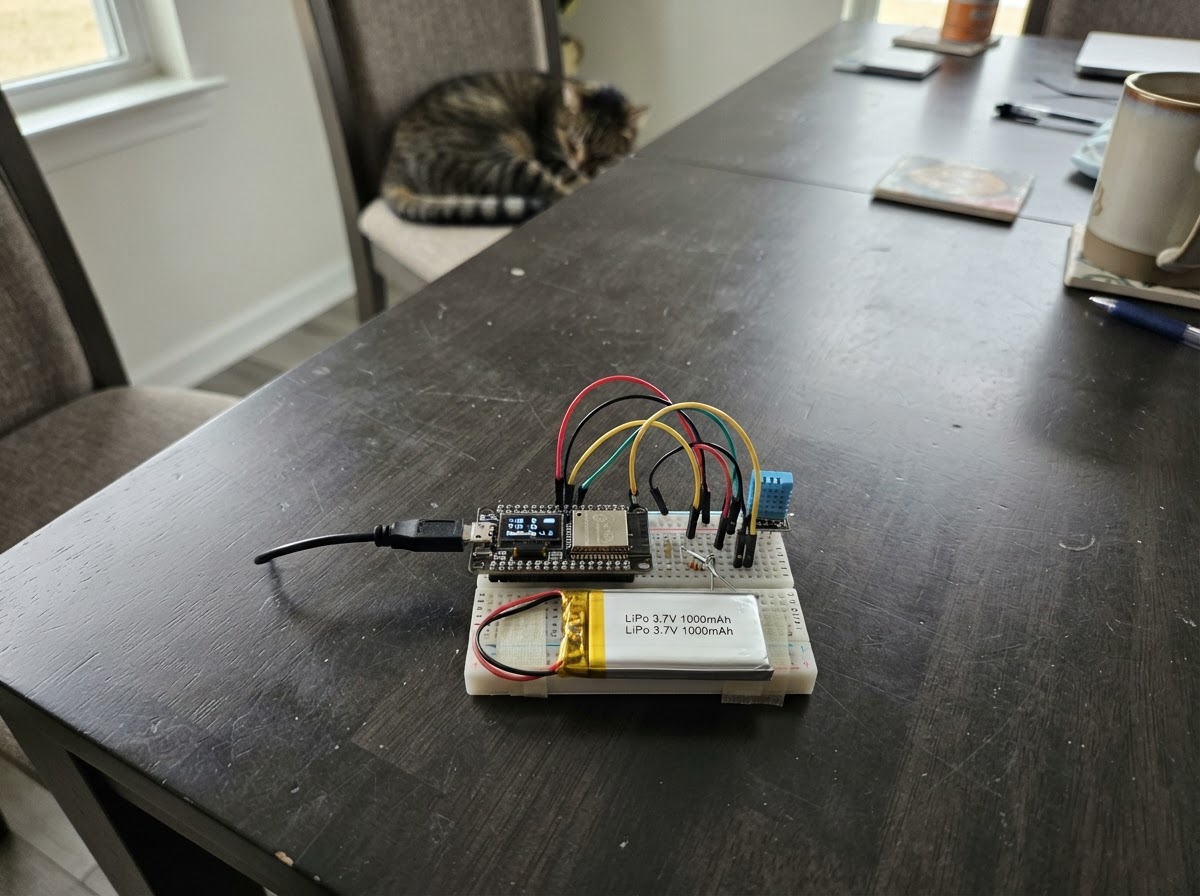
The Tiny ESP DeskBuddy Dashboard is a compact, battery-powered display that brings personality to your desk. Built around an ESP32 with an integrated touchscreen, it fetches live data from the internet—weather, time, exchange rates, and email notifications—and displays it with an animated face that responds to your mood and device orientation.
This guide provides everything needed to assemble and program your DeskBuddy: a complete wiring diagram for the display, touch controller, and IMU sensor; a full parts list including the LiPo battery and enclosure considerations; step-by-step assembly instructions; and ready-to-customize firmware that handles Wi-Fi connectivity, sensor input, and multi-page data visualization.
Wiring diagram
Gather all the parts
Assemble it in 5 steps
1. Use the board’s built-in display hardware
No external OLED or IMU is required: the LCD, touch controller, and motion sensor are already fitted to the Waveshare ESP32-C6-Touch-LCD-1.47 board.
- Do not connect anything to the LCD or touch GPIOs; they are internally wired on the board.
- Avoid pressing or flexing the LCD ribbon area.
2. Connect the LiPo battery
With USB disconnected, plug lipo-1 into the board’s matching single-cell LiPo/JST battery connector, observing the connector key and polarity.
- A 1000 mAh protected 3.7 V LiPo gives roughly 4–5 hours depending on screen brightness and Wi-Fi use.
- Use only a single-cell 3.7 V LiPo. Never force a connector, reverse polarity, puncture, bend, or use a swollen battery.
3. Plan safe enclosure clearances
Mount the board on standoffs in the printed enclosure with a clear window for the screen and an accessible USB-C port. Add a separate, snug battery pocket that cannot pinch the battery wires.
- Use nonconductive standoffs or nylon screws and leave a small cable loop at the battery connector.
- Do not trap the LiPo under the PCB, place screws against it, or seal it where heat cannot escape during charging.
4. Set up Wi-Fi settings
Edit include/secrets.h in this project with your Wi-Fi name/password, location coordinates, GitHub username, and optional Finnhub token for a live AAPL quote.
- Leaving the Finnhub token blank keeps the project functional and shows AAPL as N/A.
- Keep secrets.h private; do not share Wi-Fi credentials or API tokens.
5. Power and test
Use Schematik’s Deploy button to flash the firmware. Tap the screen to cycle face moods; swipe horizontally to reach clock, weather, and status pages. Tilt the device to move the eyes.
- The first network update may take a few moments after Wi-Fi connects.
- Supervise charging and use a suitable USB power source. Stop using the battery if it becomes hot, damaged, or swollen.
Review all connections
1. Connections between "lipo-1" and "ESP32"
Deploy the firmware
#include <Arduino.h>
#include <Wire.h>
#include <WiFi.h>
#include <HTTPClient.h>
#include <ArduinoJson.h>
#include <time.h>
#include <Arduino_GFX_Library.h>
#include "secrets.h"

#define TFT_SCK 1
#define TFT_MOSI 2
#define TFT_CS 14
#define TFT_DC 15
#define TOUCH_SDA 18
#define TOUCH_SCL 19
#define TOUCH_RST 20
#define TOUCH_INT 21
#define TFT_RST 22
#define TFT_BL 23
#define TOUCH_ADDR 0x3B
#define IMU_ADDR 0x6B

enum Page { FACE, CLOCK_PAGE, WEATHER_PAGE, INFO_PAGE };

// Forward declarations
uint8_t readReg(uint8_t address,uint8_t reg);
void initImu();
void updateEyes();
String moonPhase();
void fetchNetwork();
void text(const String&s,int x,int y,uint16_t color,uint8_t size);
void drawFace();
void drawPage();
void readTouch();

void writeReg(uint8_t address, uint8_t reg, uint8_t value); uint8_t readReg(uint8_t address, uint8_t reg); void initImu(); void updateEyes(); String moonPhase(); void fetchNetwork(); void text(const String &s, int x, int y, uint16_t color, uint8_t size); void drawFace(); void drawPage(); void readTouch();
Arduino_DataBus *bus = new Arduino_ESP32SPI(TFT_DC, TFT_CS, TFT_SCK, TFT_MOSI, GFX_NOT_DEFINED);
Arduino_GFX *gfx = new Arduino_JD9853(bus, TFT_RST, 0, true, 172, 320, 0, 0, 0, 0);
Page page = FACE; String mood = "calm"; float temperatureC = NAN; float usdRub = NAN; float weatherLat = NAN, weatherLon = NAN; String weatherPlace = "Locating..."; int unreadMail = -1; int previousUnreadMail = -1; uint32_t lastNetwork = 0, mailAlertUntil = 0; int eyeX = 0, eyeY = 0;
void writeReg(uint8_t address,uint8_t reg,uint8_t value){Wire.beginTransmission(address);Wire.write(reg);Wire.write(value);Wire.endTransmission();}
uint8_t readReg(uint8_t address,uint8_t reg){Wire.beginTransmission(address);Wire.write(reg);Wire.endTransmission(false);Wire.requestFrom((int)address,1);return Wire.available()?Wire.read():0;}
void initImu(){writeReg(IMU_ADDR,0x02,0x60);writeReg(IMU_ADDR,0x03,0x23);}
void updateEyes(){Wire.beginTransmission(IMU_ADDR);Wire.write(0x35);Wire.endTransmission(false);if(Wire.requestFrom(IMU_ADDR,4)==4){int16_t ax=Wire.read()|(Wire.read()<<8),ay=Wire.read()|(Wire.read()<<8);eyeX=constrain(ax/1800,-5,5);eyeY=constrain(-ay/1800,-4,4);}}
String moonPhase(){time_t now=time(nullptr);if(now<100000)return "--";const double synodic=29.53058867;double days=difftime(now,947182440)/86400.0;int phase=(int)(fmod(days,synodic)/synodic*8+0.5)&7;const char *names[]={"New","Waxing crescent","First quarter","Waxing gibbous","Full","Waning gibbous","Last quarter","Waning crescent"};return names[phase];}
void fetchNetwork(){if(WiFi.status()!=WL_CONNECTED)return;HTTPClient http;DynamicJsonDocument doc(3072);if(isnan(weatherLat)||isnan(weatherLon)){http.begin("https://ipapi.co/json/");if(http.GET()==200&&!deserializeJson(doc,http.getString())){weatherLat=doc["latitude"]|NAN;weatherLon=doc["longitude"]|NAN;weatherPlace=doc["city"]|"Nearby";}http.end();}if(!isnan(weatherLat)&&!isnan(weatherLon)&&String(YANDEX_WEATHER_API_KEY).length()>8){doc.clear();String weatherUrl="https://api.weather.yandex.ru/v2/forecast?lat="+String(weatherLat,4)+"&lon="+String(weatherLon,4)+"&limit=1&hours=false&extra=false";http.begin(weatherUrl);http.addHeader("X-Yandex-Weather-Key",YANDEX_WEATHER_API_KEY);if(http.GET()==200&&!deserializeJson(doc,http.getString()))temperatureC=doc["fact"]["temp"]|NAN;http.end();}http.begin("https://open.er-api.com/v6/latest/USD");if(http.GET()==200&&!deserializeJson(doc,http.getString()))usdRub=doc["rates"]["RUB"]|NAN;http.end();if(String(GMAIL_WEBHOOK_URL).length()>8){doc.clear();http.begin(GMAIL_WEBHOOK_URL);if(http.GET()==200&&!deserializeJson(doc,http.getString())){int receivedUnread=doc["unread"]| -1;if(receivedUnread>=0){if(previousUnreadMail>=0&&receivedUnread>previousUnreadMail){mood="mail";mailAlertUntil=millis()+60000;}unreadMail=receivedUnread;previousUnreadMail=receivedUnread;}}http.end();}}
void text(const String&s,int x,int y,uint16_t color,uint8_t size=1){gfx->setTextColor(color);gfx->setTextSize(size);gfx->setCursor(x,y);gfx->print(s);}
void drawFace(){gfx->fillScreen(BLACK);gfx->fillRoundRect(12,20,148,210,22,0x39E7);gfx->fillCircle(57+eyeX,102+eyeY,18,BLACK);gfx->fillCircle(115+eyeX,102+eyeY,18,BLACK);if(mood=="happy")gfx->drawArc(86,145,28,18,15,165,WHITE);else if(mood=="sleepy"){gfx->drawFastHLine(39,102,36,WHITE);gfx->drawFastHLine(97,102,36,WHITE);text("z",132,64,WHITE,2);}else if(mood=="surprised")gfx->drawCircle(86,148,13,BLACK);else if(mood=="mail"){text("MAIL!",48,138,BLACK,2);gfx->drawRect(60,158,52,30,BLACK);gfx->drawLine(60,158,86,178,BLACK);gfx->drawLine(112,158,86,178,BLACK);}else gfx->drawFastHLine(68,150,36,BLACK);text("DESKBUDDY",30,247,CYAN,2);if(mood=="mail")text("New Gmail received",24,280,WHITE,1);else text("tap: mood  swipe: pages",16,280,LIGHTGREY,1);}
void drawPage(){gfx->fillScreen(BLACK);struct tm t;getLocalTime(&t,50);if(page==CLOCK_PAGE){char b[32];strftime(b,sizeof(b),"%H:%M",&t);text(b,18,60,WHITE,5);strftime(b,sizeof(b),"%a, %d %b %Y",&t);text(b,18,140,CYAN,2);text("Moon: "+moonPhase(),18,200,LIGHTGREY,2);}else if(page==WEATHER_PAGE){text("WEATHER",18,26,CYAN,2);text(isnan(temperatureC)?"Connecting...":String(temperatureC,1)+" C",18,75,WHITE,4);text("Yandex: "+weatherPlace,18,145,LIGHTGREY,2);text("Moon: "+moonPhase(),18,190,LIGHTGREY,2);}else{text("STATUS",18,26,CYAN,2);text("USD/RUB: "+(isnan(usdRub)?String("N/A"):String(usdRub,2)),18,80,WHITE,2);text("1 USD in Russian rubles",18,105,LIGHTGREY,1);text("Mail unread: "+(unreadMail<0?String("N/A"):String(unreadMail)),18,145,LIGHTGREY,2);text("Wi-Fi: "+String(WiFi.status()==WL_CONNECTED?"online":"offline"),18,175,LIGHTGREY,2);}text("Swipe left/right",18,285,LIGHTGREY,1);}
void readTouch(){Wire.beginTransmission(TOUCH_ADDR);Wire.write(0x00);Wire.endTransmission(false);if(Wire.requestFrom(TOUCH_ADDR,7)<7)return;uint8_t count=Wire.read();uint16_t x=(Wire.read()<<8)|Wire.read();uint16_t y=(Wire.read()<<8)|Wire.read();Wire.read();Wire.read();static bool down=false;static uint16_t startX=0;if(count&&!down){down=true;startX=x;}if(!count&&down){down=false;int delta=(int)x-startX;if(abs(delta)>45)page=(Page)((page+(delta<0?1:3))%4);else if(page==FACE)mood=mood=="calm"?"happy":mood=="happy"?"sleepy":mood=="sleepy"?"surprised":"calm";}}
void setup(){pinMode(TFT_BL,OUTPUT);digitalWrite(TFT_BL,HIGH);gfx->begin();gfx->fillScreen(BLACK);Wire.begin(TOUCH_SDA,TOUCH_SCL);pinMode(TOUCH_RST,OUTPUT);digitalWrite(TOUCH_RST,LOW);delay(10);digitalWrite(TOUCH_RST,HIGH);initImu();WiFi.begin(WIFI_SSID,WIFI_PASSWORD);configTime(0,0,"pool.ntp.org","time.nist.gov");}
void loop(){readTouch();updateEyes();if(mood=="mail"&&mailAlertUntil&&millis()>mailAlertUntil)mood="calm";if(millis()-lastNetwork>300000||!lastNetwork){lastNetwork=millis();fetchNetwork();}if(page==FACE)drawFace();else drawPage();delay(45);}
Remix this project
Make it yours in one click
Open a full copy of this project in your own Schematik workspace — diagram, code, parts, and assembly steps included. Swap the sensor, add features, or redesign the whole thing with AI. The author's original stays untouched.