Community project
Touchless Smart Dustbin
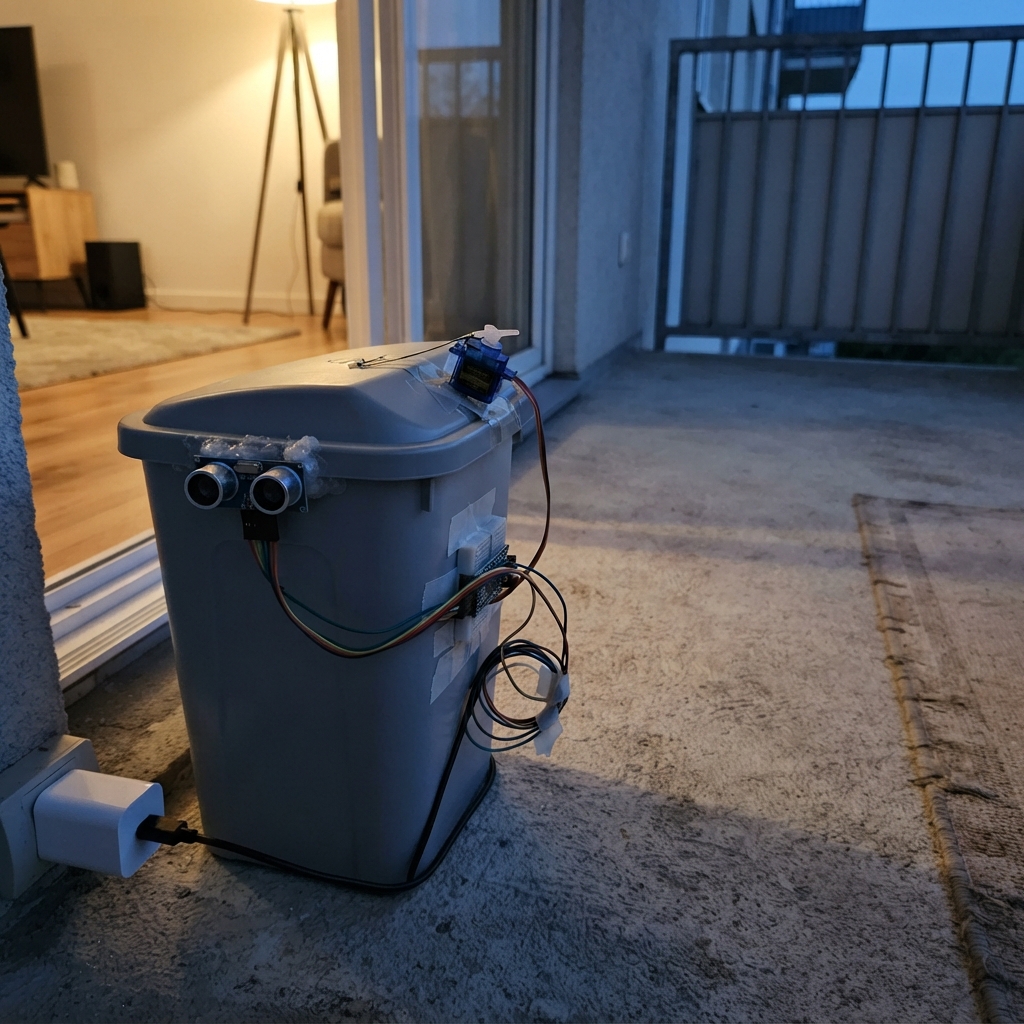
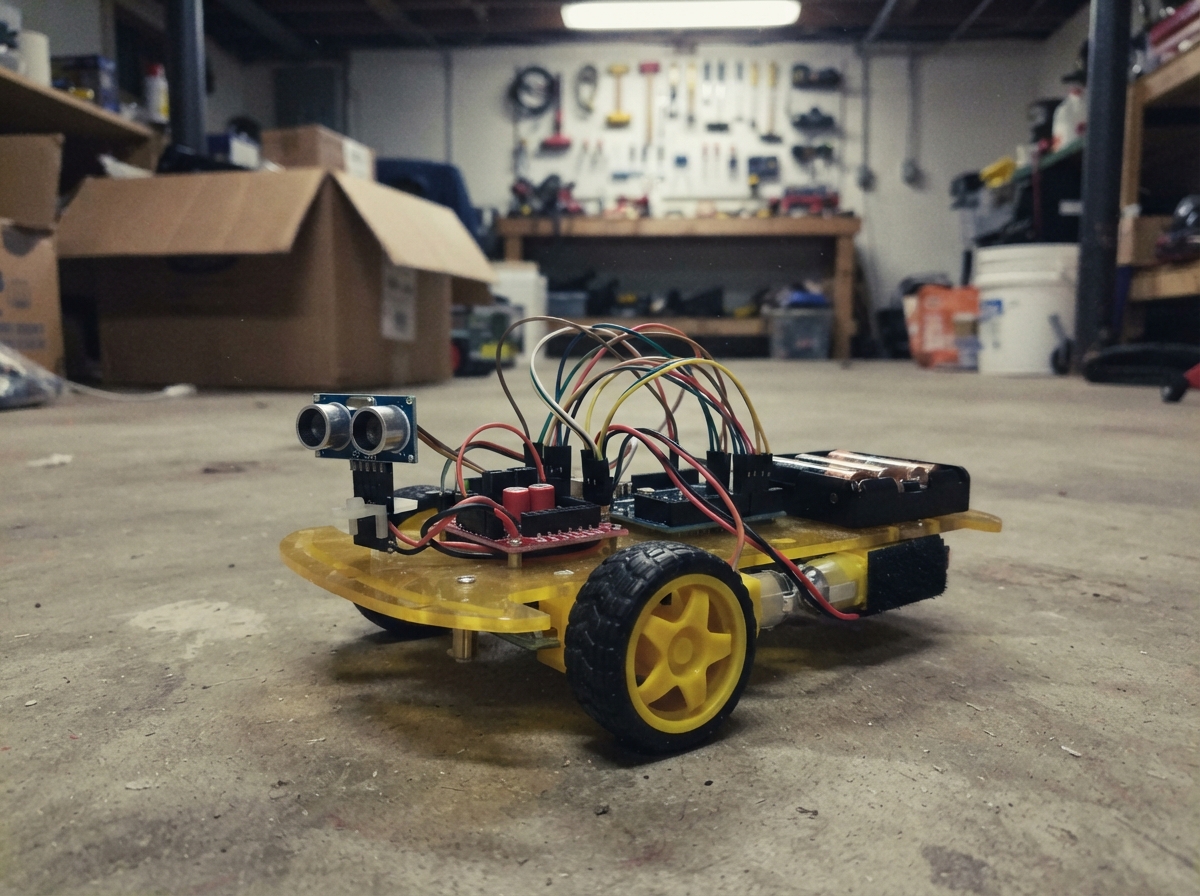
This project builds a touchless smart dustbin that automatically opens its lid when a hand approaches within 25 cm, then closes after 3 seconds of no motion detected. The system uses an HC-SR04 ultrasonic distance sensor to detect nearby objects and an SG90 servo motor to control the lid mechanism, all coordinated by an Arduino Uno microcontroller powered by a USB-C adapter.
The guide provides a complete wiring diagram showing how to connect the distance sensor and servo to the Arduino, a full parts list, and step-by-step assembly instructions for mounting the servo and sensor. You'll also get the complete Arduino firmware that handles distance measurements, lid control logic, and automatic closing—ready to upload and test on your bin.
Wiring diagram

Gather all the parts
Assemble it in 4 steps
1. Mount the lid motor
Fix lid_servo_1 inside or beside the small dustbin so its plastic horn can move the lid freely. Start with the lid physically closed and the servo horn positioned so the servo's 0-degree position holds it closed; use a short linkage, stiff wire, or the supplied horn as the connection.
- Before fastening it permanently, move the lid by hand to make sure it does not bind or need excessive force.
- Do not force the servo arm past its stop; forcing it can strip the small plastic gears.
2. Wire the distance sensor
Place ultrasonic_1 at the front of the bin with its two round openings facing outward. Connect VCC to the Uno 5V pin (power), GND to an Uno GND pin (ground), TRIG to Uno D7 / GPIO7 (starts a measurement), and ECHO to Uno D8 / GPIO8 (returns the measured distance).
- Keep the two round sensor openings uncovered and facing where a hand will approach.
- Make sure VCC and GND are not swapped — swapped power can damage the sensor.
3. Wire the lid servo
Connect lid_servo_1's signal wire, usually orange or yellow, to Uno D9 / GPIO9 (lid-control signal). Connect its red wire to the regulated 5 V supply (power), and its brown or black wire to supply GND (ground). Also run one jumper from that supply GND to an Uno GND pin (shared ground).
- Use a regulated 5 V supply rated for at least 2 A; this avoids resets when the motor first starts moving.
- Do not connect the servo red wire to VIN or to a 9 V supply — more than 5 V can damage the servo. The servo and Uno must share GND or the lid will move unpredictably.
4. Power and test the bin
Plug usb_power_1 into mains and use its 5 V output to power the Uno through its USB socket (board power). Keep the servo connected to the same regulated 5 V supply as in the previous step. Place a hand about 10 to 25 cm in front of the sensor and watch the lid open, then remove your hand and wait about three seconds for it to close.
- If the lid opens the wrong way, remove power, take off the servo horn, rotate it to a better starting position, and refit it; do not force the motor by hand.
- Keep fingers clear of the moving lid and linkage while it is powered.
Review all connections
1. Connections between "usb_power_1" and "Arduino"
2. Connections between "ultrasonic_1" and "Arduino"
3. Connections between "lid_servo_1" and "Arduino"
Deploy the firmware
#include <Arduino.h>
#include <Servo.h>

const uint8_t TRIG_PIN = 7;
const uint8_t ECHO_PIN = 8;
const uint8_t SERVO_PIN = 9;

const int OPEN_ANGLE = 90;
const int CLOSED_ANGLE = 0;
const unsigned int HAND_DISTANCE_CM = 25;
const unsigned long SAMPLE_INTERVAL_MS = 80;
const unsigned long LID_HOLD_OPEN_MS = 3000;
const unsigned long ECHO_TIMEOUT_US = 30000;

Servo lidServo;
bool lidIsOpen = false;
unsigned long lastSampleMs = 0;
unsigned long lastHandSeenMs = 0;

long readDistanceCm() {
  digitalWrite(TRIG_PIN, LOW);
  delayMicroseconds(2);
  digitalWrite(TRIG_PIN, HIGH);
  delayMicroseconds(10);
  digitalWrite(TRIG_PIN, LOW);

  const unsigned long durationUs = pulseIn(ECHO_PIN, HIGH, ECHO_TIMEOUT_US);
  if (durationUs == 0) {
    return -1;
  }
  return static_cast<long>(durationUs / 58UL);
}

void openLid() {
  lidServo.write(OPEN_ANGLE);
  lidIsOpen = true;
}

void closeLid() {
  lidServo.write(CLOSED_ANGLE);
  lidIsOpen = false;
}

void setup() {
  pinMode(TRIG_PIN, OUTPUT);
  pinMode(ECHO_PIN, INPUT);
  digitalWrite(TRIG_PIN, LOW);

  lidServo.attach(SERVO_PIN);
  closeLid();
}

void loop() {
  const unsigned long now = millis();

  if (now - lastSampleMs >= SAMPLE_INTERVAL_MS) {
    lastSampleMs = now;
    const long distanceCm = readDistanceCm();

    if (distanceCm > 0 && distanceCm <= HAND_DISTANCE_CM) {
      lastHandSeenMs = now;
      if (!lidIsOpen) {
        openLid();
      }
    }
  }

  if (lidIsOpen && now - lastHandSeenMs >= LID_HOLD_OPEN_MS) {
    closeLid();
  }

  delay(1);
}
Remix this project
Make it yours in one click
Open a full copy of this project in your own Schematik workspace — diagram, code, parts, and assembly steps included. Swap the sensor, add features, or redesign the whole thing with AI. The author's original stays untouched.