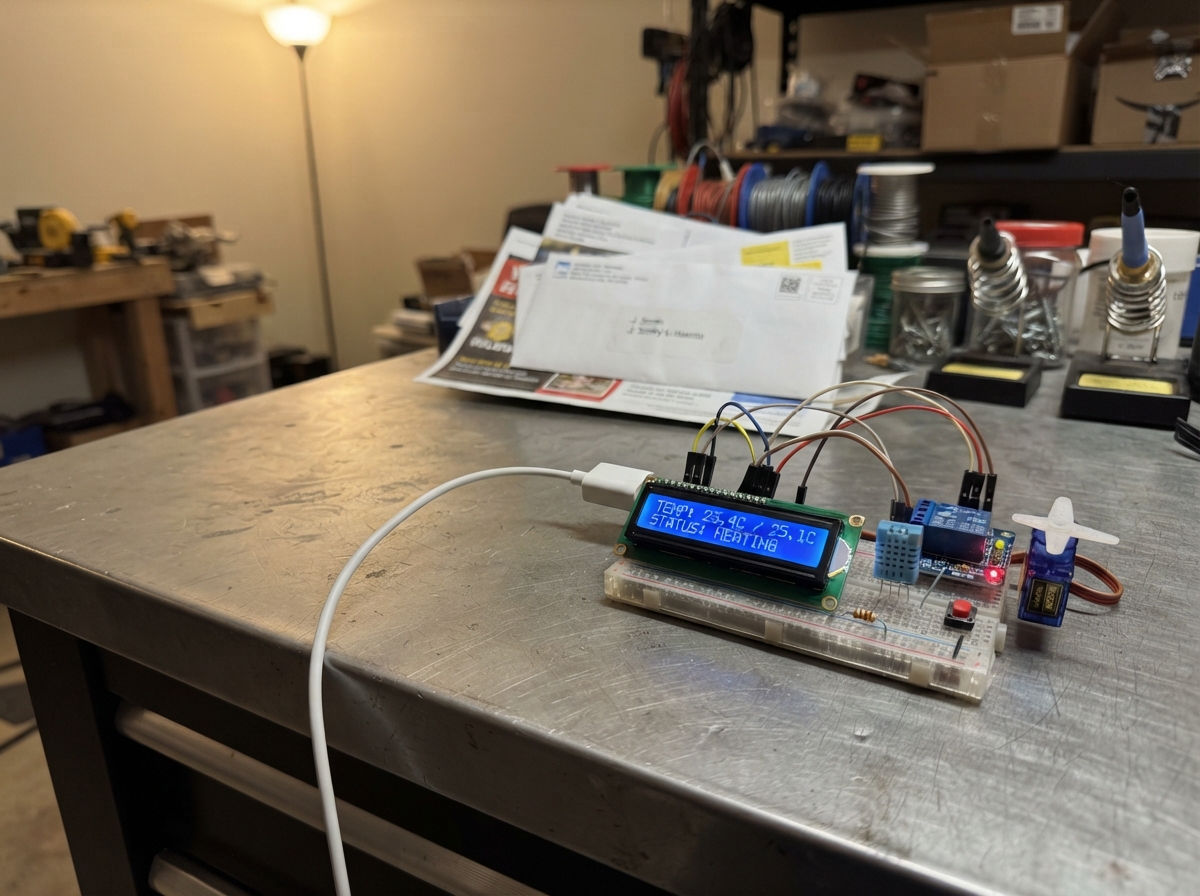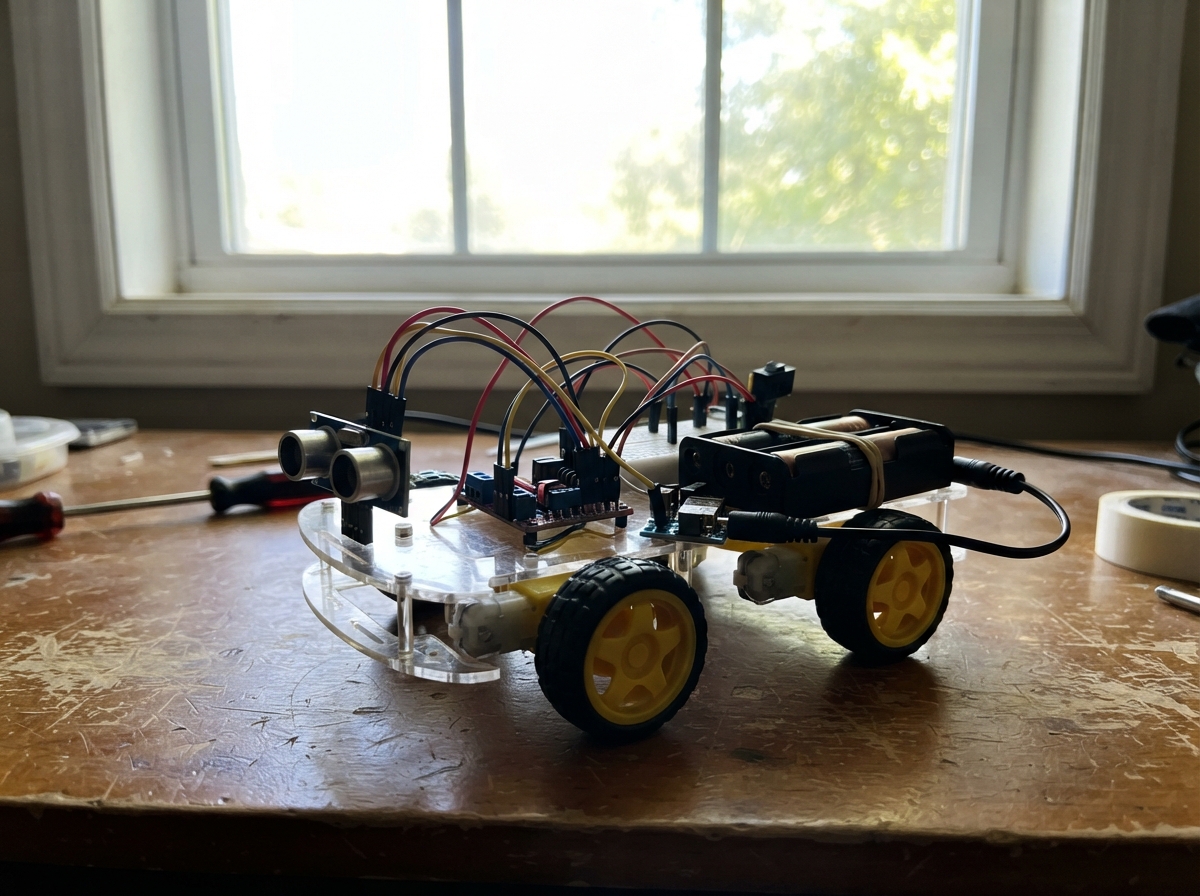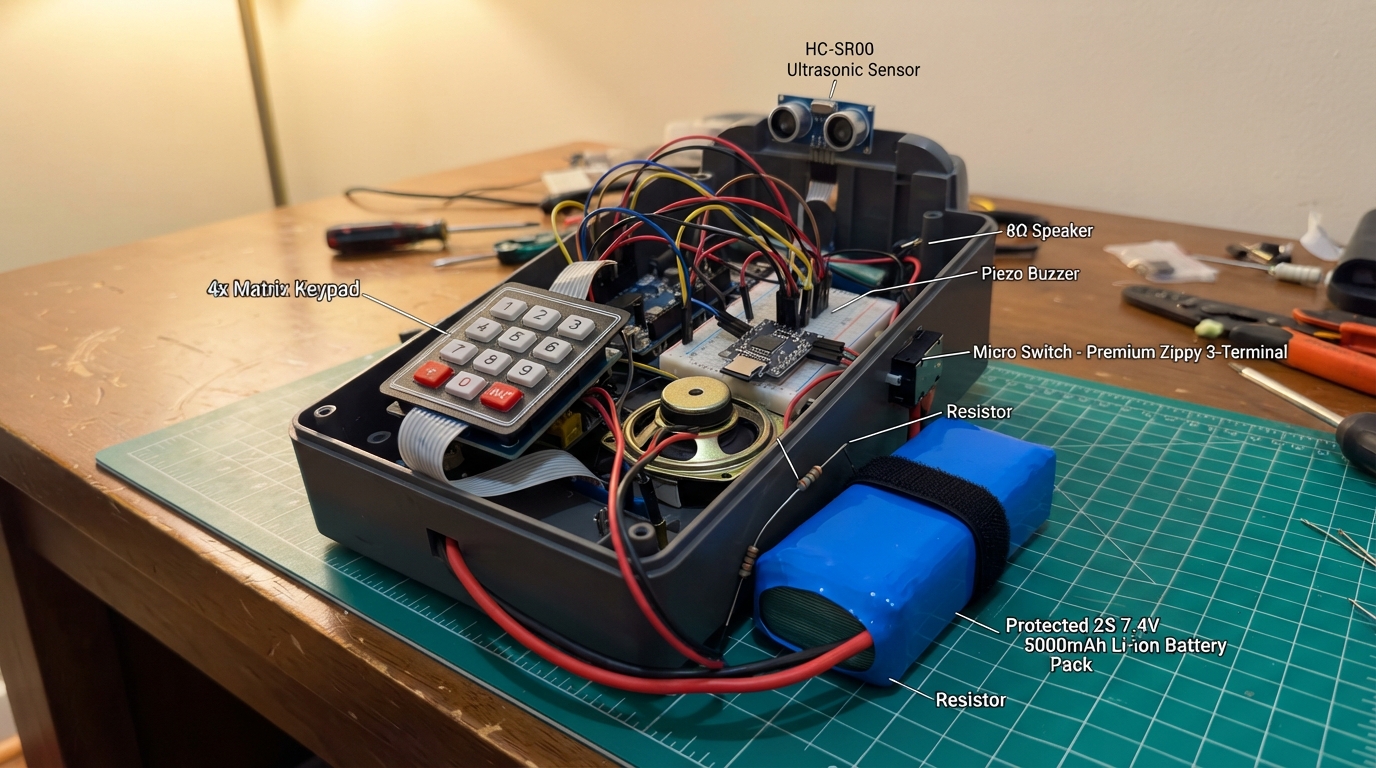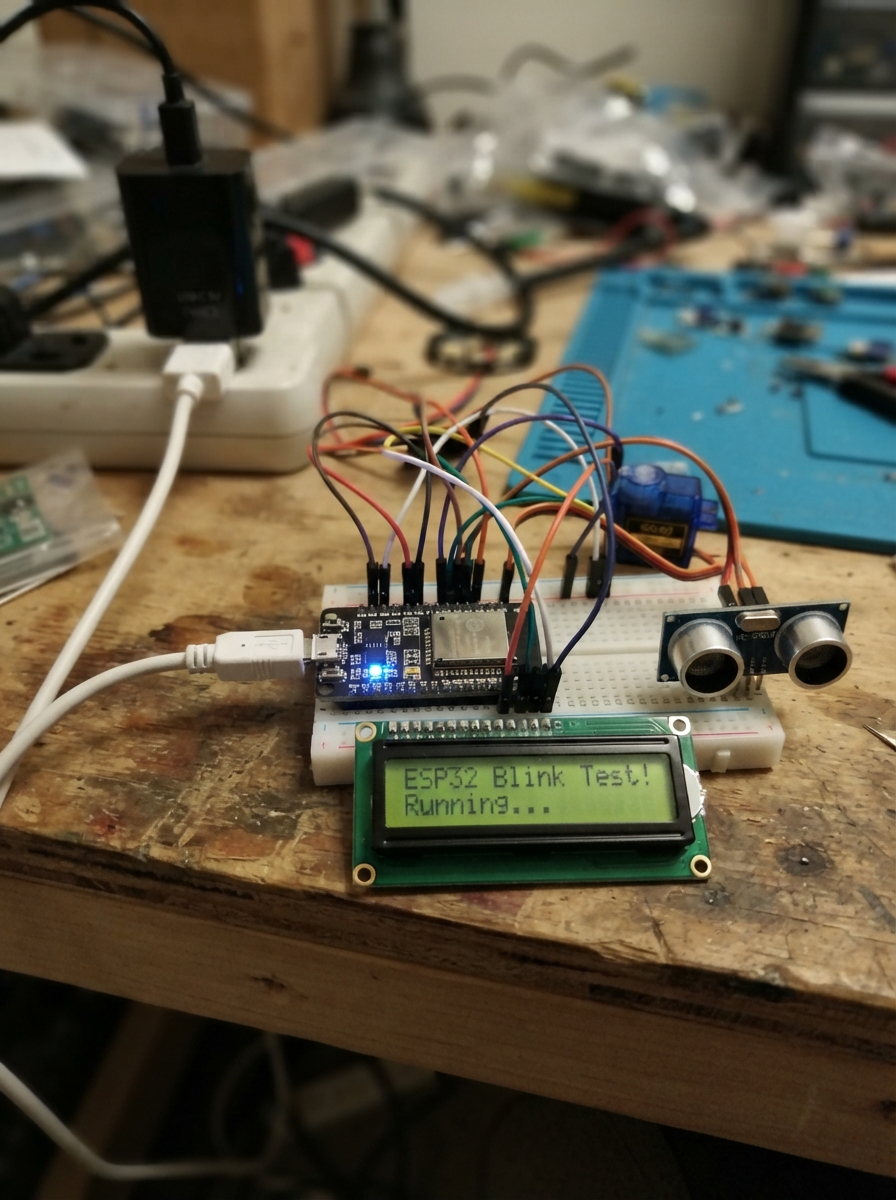
This project builds an interactive smart trash bin that automatically opens its lid when someone approaches and displays status information on an LCD screen. The bin uses two ultrasonic sensors to detect trash fill level and approaching people, a servo motor to control the lid, and an Arduino Uno to coordinate all the components.
The guide includes a complete wiring diagram showing how to connect the HC-SR04 sensors, SG90 servo, and 16x2 I2C LCD display to the Arduino, a full parts list, the complete Arduino firmware, and step-by-step assembly instructions for mounting sensors inside and at the front of the bin, connecting the servo-driven lid mechanism, and powering the system with the USB-C adapter.
Wiring diagram
Gather all the parts
Assemble it in 5 steps
1. Keep the LCD connected
Leave lcd_1 connected: VCC → Uno 5V (power), GND → Uno GND (ground), SDA → A4 (data), and SCL → A5 (data). This is the screen that shows the bin message.
- Make sure VCC and GND are not swapped; swapped power can damage the screen.
2. Wire S1 inside the bin
Mount s1_trash_sensor at the top inside the bin with its two round eyes pointing straight down at the trash. Connect VCC → Uno 5V (power), GND → Uno GND (ground), TRIG → D2 (signal), and ECHO → D3 (signal). S1 measures the empty space above the trash; 10 cm or less is treated as full.
- Keep the sensor face clear of the bin lid and place it where a bag or bin wall will not block its view.
3. Wire S2 at the front
Mount s2_person_sensor on the front of the bin with its two round eyes facing outward where a person will stand. Connect VCC → Uno 5V (power), GND → Uno GND (ground), TRIG → D4 (signal), and ECHO → D5 (signal). S2 opens the lid when it sees someone within about 50 cm.
- Aim this sensor slightly upward or straight ahead, not at the floor, so it sees a person instead of the ground.
4. Connect the lid servo
Connect servo_1's orange, yellow, or white wire → Uno D6 (signal). Connect its red wire → the separate servo_supply_1 +5V output (power), and its brown or black wire → servo_supply_1 GND (ground). Run one extra wire from that same servo ground → an Uno GND pin (shared ground). The servo moves the lid from 140 degrees closed to 30 degrees open.
- Do not power the servo from the Uno 5V pin; the motor can pull enough power to reset the Uno.
- Make sure the red and brown or black wires are not swapped; reversed power can damage the servo.
- Keep fingers, loose wires, and the bin lid clear when the servo moves.
5. Position and power the bin
Attach the servo arm to the lid so 140 degrees is the fully closed position and 30 degrees is the open position. Plug usb_data_cable into the Uno and computer, then plug servo_supply_1 into power. The first LCD line scrolls the full name “Riverside Smart Bin” because that name is longer than the 16-character screen width.
- Test with the lid linkage disconnected first. If the lid moves the wrong way, physically reposition the servo horn before changing any wiring.
Review all connections
1. Connections between "usb_data_cable" and "Arduino"
2. Connections between "lcd_1" and "Arduino"
3. Connections between "servo_1" and "Arduino"
4. Connections between "servo_supply_1" and "Arduino"
5. Connections between "s1_trash_sensor" and "Arduino"
6. Connections between "s2_person_sensor" and "Arduino"
Deploy the firmware
#include <Wire.h>
#include <LiquidCrystal_I2C.h>
#include <Servo.h>

const uint8_t LCD_ADDRESS = 0x27;
const uint8_t S1_TRIG_PIN = 8;
const uint8_t S1_ECHO_PIN = 9;
const uint8_t S2_TRIG_PIN = 10;
const uint8_t S2_ECHO_PIN = 11;
const uint8_t SERVO_PIN = 6;

const int LID_CLOSED_ANGLE = 140;
const int LID_OPEN_ANGLE = 30;
const int FULL_DISTANCE_CM = 10;
const int PERSON_DISTANCE_CM = 50;
const unsigned long LID_OPEN_MS = 8000UL;
const unsigned long THANK_YOU_MS = 3000UL;
const unsigned long LID_CLOSED_MS = 2000UL;
const unsigned long SENSOR_INTERVAL_MS = 250UL;
const unsigned long HEADER_SCROLL_MS = 450UL;

LiquidCrystal_I2C lcd(LCD_ADDRESS, 16, 2);
Servo lidServo;

const char headerText[] = "Riverside Smart Bin    ";
char lastSecondLine[17] = "";
int trashDistanceCm = 0;
int personDistanceCm = 0;
bool personHasMovedAway = true;
unsigned long lastS1ReadMs = 0;
unsigned long lastS2ReadMs = 0;
unsigned long lastHeaderScrollMs = 0;
uint8_t headerOffset = 0;

enum BinState { SHOW_TRASH, LID_OPEN, SAY_THANK_YOU, SHOW_LID_CLOSED };
BinState binState = SHOW_TRASH;
unsigned long stateStartedMs = 0;

int readDistanceCm(uint8_t trigPin, uint8_t echoPin) {
  digitalWrite(trigPin, LOW);
  delayMicroseconds(3);
  digitalWrite(trigPin, HIGH);
  delayMicroseconds(10);
  digitalWrite(trigPin, LOW);

  unsigned long pulseLength = pulseIn(echoPin, HIGH, 30000UL);
  if (pulseLength == 0) {
    return 0;
  }
  return (int)(pulseLength / 58UL);
}

void setSecondLine(const char *text) {
  char padded[17];
  snprintf(padded, sizeof(padded), "%-16.16s", text);
  if (strcmp(padded, lastSecondLine) != 0) {
    lcd.setCursor(0, 1);
    lcd.print(padded);
    strcpy(lastSecondLine, padded);
  }
}

void updateHeader(unsigned long now) {
  if (now - lastHeaderScrollMs < HEADER_SCROLL_MS) {
    return;
  }
  lastHeaderScrollMs = now;

  char visible[17];
  for (uint8_t i = 0; i < 16; i++) {
    visible[i] = headerText[headerOffset + i];
  }
  visible[16] = '\0';
  lcd.setCursor(0, 0);
  lcd.print(visible);

  headerOffset++;
  const uint8_t lastOffset = (sizeof(headerText) - 1) - 16;
  if (headerOffset > lastOffset) {
    headerOffset = 0;
  }
}

int trashFullnessPercent(int distanceCm) {
  // 10 cm means 100% full; 50 cm or farther means 10% full.
  if (distanceCm <= FULL_DISTANCE_CM) return 100;
  if (distanceCm >= 50) return 10;
  return 100 - ((distanceCm - FULL_DISTANCE_CM) * 90) / 40;
}

void showTrashLevel() {
  char line[17];
  if (trashDistanceCm == 0) {
    snprintf(line, sizeof(line), "Trash: no echo");
  } else {
    const int fullness = trashFullnessPercent(trashDistanceCm);
    if (fullness >= 100) {
      snprintf(line, sizeof(line), "BIN FULL: 100%%");
    } else {
      snprintf(line, sizeof(line), "Trash level: %d%%", fullness);
    }
  }
  setSecondLine(line);
}

void openLid(unsigned long now) {
  lidServo.write(LID_OPEN_ANGLE);
  binState = LID_OPEN;
  stateStartedMs = now;
  setSecondLine("Human detected");
}

void closeLidAndThank(unsigned long now) {
  lidServo.write(LID_CLOSED_ANGLE);
  binState = SAY_THANK_YOU;
  stateStartedMs = now;
  setSecondLine("Thank you!");
}

void setup() {
  pinMode(S1_TRIG_PIN, OUTPUT);
  pinMode(S1_ECHO_PIN, INPUT);
  pinMode(S2_TRIG_PIN, OUTPUT);
  pinMode(S2_ECHO_PIN, INPUT);
  digitalWrite(S1_TRIG_PIN, LOW);
  digitalWrite(S2_TRIG_PIN, LOW);

  lidServo.attach(SERVO_PIN);
  lidServo.write(LID_CLOSED_ANGLE);

  lcd.init();
  lcd.backlight();
  lcd.clear();
  updateHeader(HEADER_SCROLL_MS);
  setSecondLine("Starting bin...");
}

void loop() {
  const unsigned long now = millis();
  updateHeader(now);

  if (now - lastS1ReadMs >= SENSOR_INTERVAL_MS) {
    lastS1ReadMs = now;
    trashDistanceCm = readDistanceCm(S1_TRIG_PIN, S1_ECHO_PIN);
  }

  if (now - lastS2ReadMs >= SENSOR_INTERVAL_MS) {
    lastS2ReadMs = now;
    personDistanceCm = readDistanceCm(S2_TRIG_PIN, S2_ECHO_PIN);
    if (personDistanceCm == 0 || personDistanceCm > PERSON_DISTANCE_CM) {
      personHasMovedAway = true;
    }
  }

  if (binState == SHOW_TRASH) {
    if (personDistanceCm > 0 && personDistanceCm <= PERSON_DISTANCE_CM && personHasMovedAway) {
      personHasMovedAway = false;
      openLid(now);
    } else {
      showTrashLevel();
    }
  } else if (binState == LID_OPEN) {
    if (now - stateStartedMs >= LID_OPEN_MS) {
      closeLidAndThank(now);
    }
  } else if (binState == SAY_THANK_YOU) {
    if (now - stateStartedMs >= THANK_YOU_MS) {
      binState = SHOW_LID_CLOSED;
      stateStartedMs = now;
      setSecondLine("Lid closed");
    }
  } else {
    if (now - stateStartedMs >= LID_CLOSED_MS) {
      binState = SHOW_TRASH;
      showTrashLevel();
    }
  }

  delay(5);
}
Remix this project
Make it yours in one click
Open a full copy of this project in your own Schematik workspace, diagram, code, parts, and assembly steps included. Swap the sensor, add features, or redesign the whole thing with AI. The author's original stays untouched.