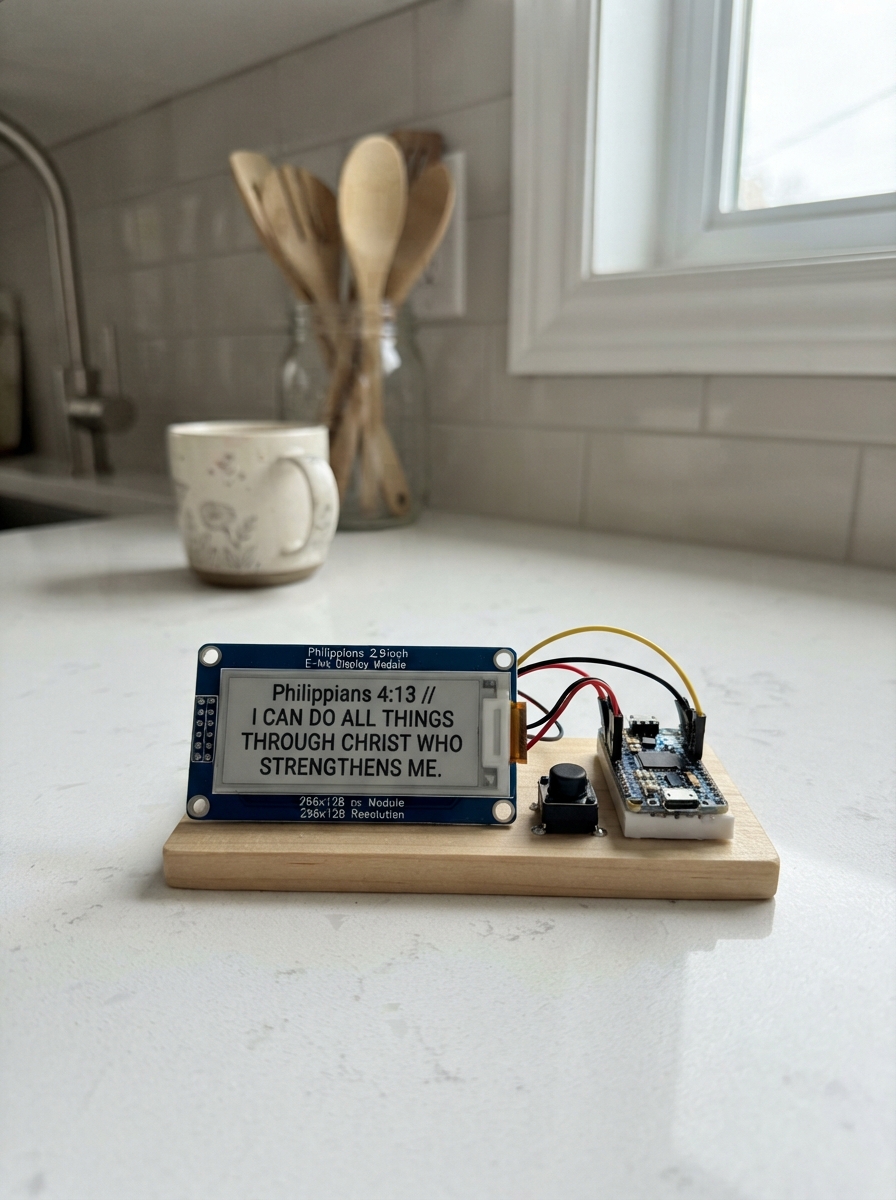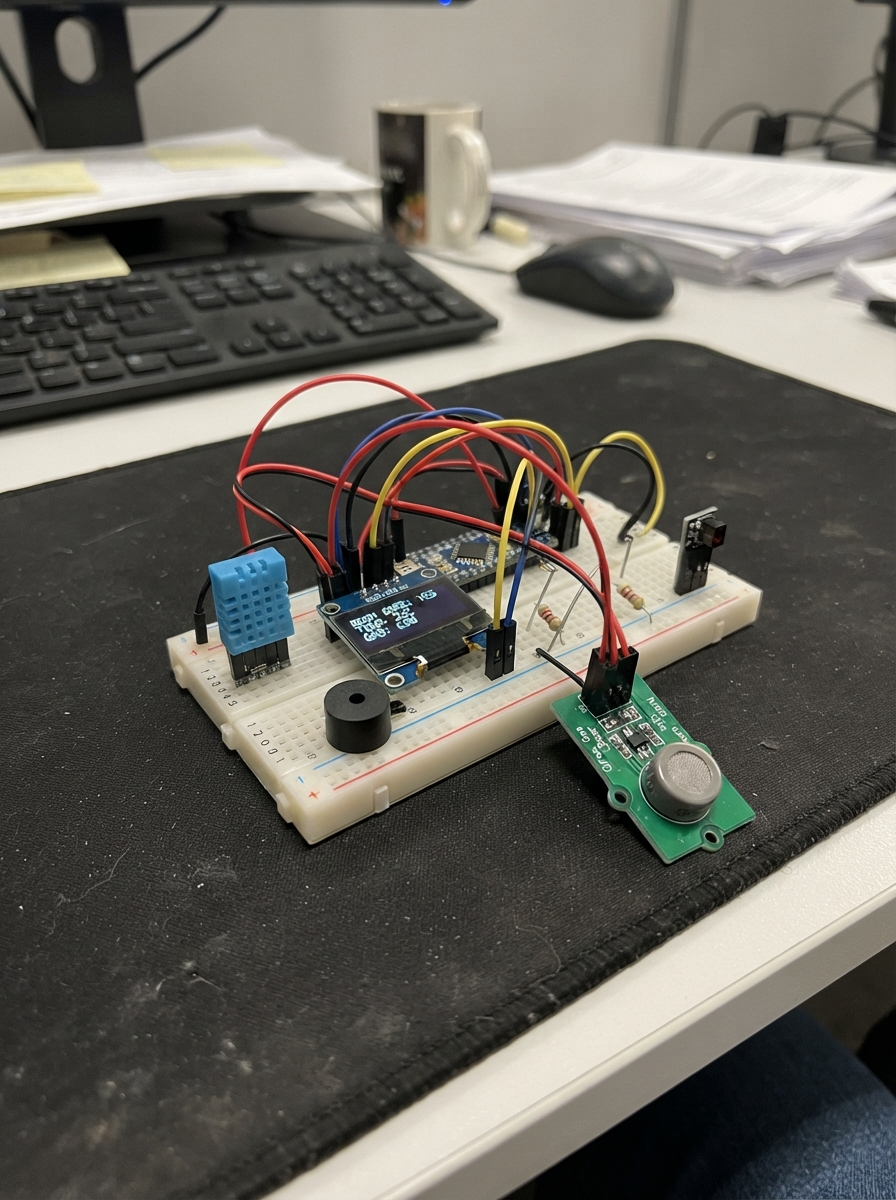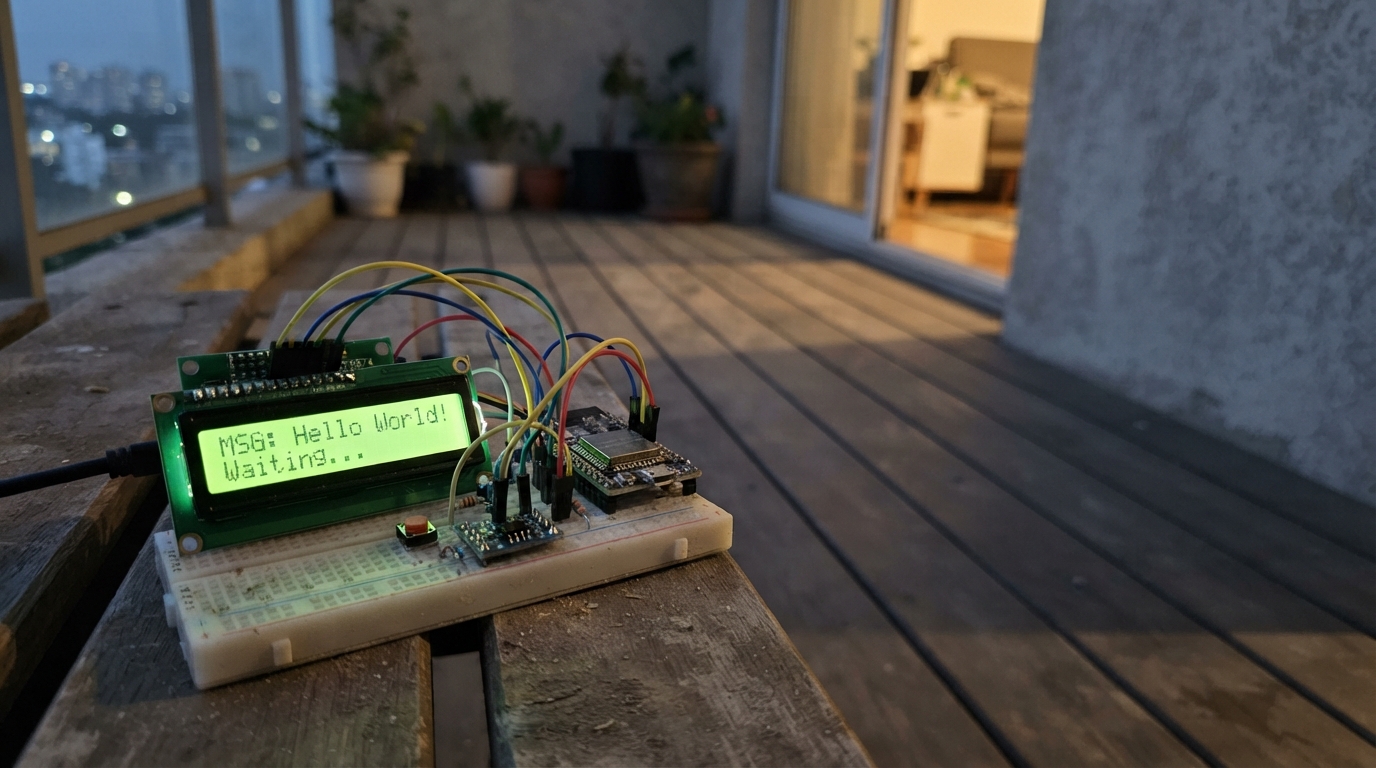
Build a Wi-Fi messaging terminal that displays incoming messages on a 16x4 LCD screen and sends text via UDP broadcast to other devices on the local network. The ESP32 hosts a web interface for composing messages, while two push buttons allow navigation through an on-screen character selector for offline message drafting.
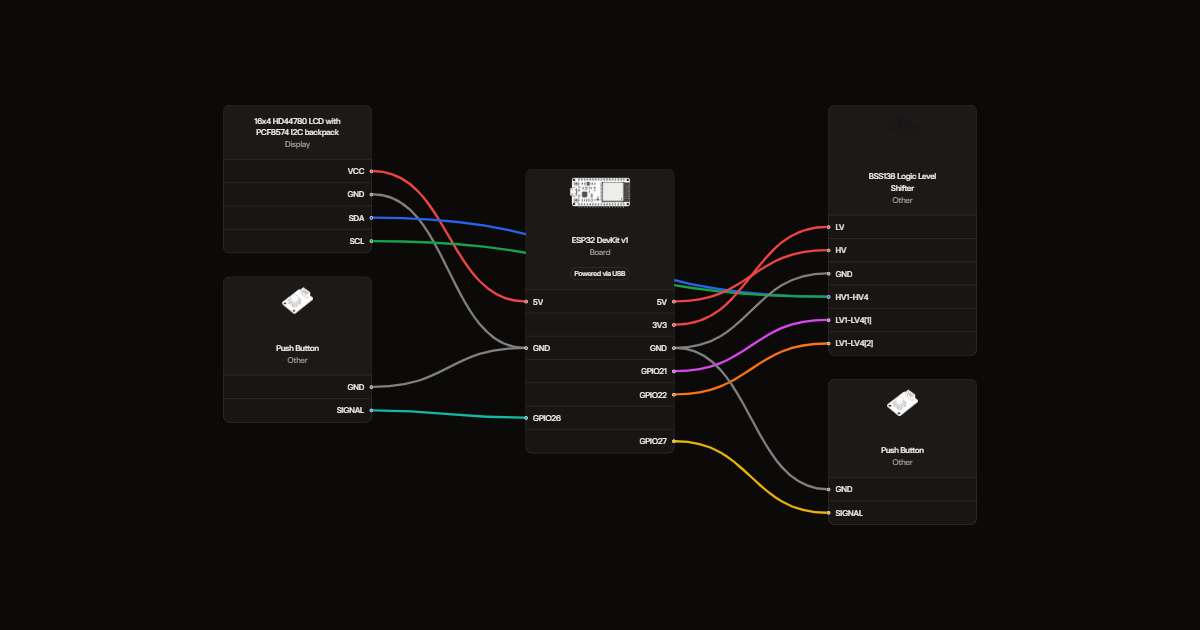
This guide provides a complete wiring diagram showing the I2C backpack connection, logic level shifter integration, and button wiring, plus a full parts list, the complete Arduino firmware, and step-by-step assembly instructions. Learn how to configure Wi-Fi settings, understand the UDP messaging protocol, and troubleshoot common LCD initialization issues.
Wiring diagram
Gather all the parts
Assemble it in 4 steps
1. Wire the voltage converter
With USB unplugged, connect LV to 3V3, HV to 5V and GND to GND. Connect low-side channel 1 to GPIO21 (data), and channel 2 to GPIO22 (clock).
- Never connect the LCD's 5 V data wires directly to the ESP32; this can damage it.
2. Connect the four-line screen
Use a 16-character by 4-line HD44780 LCD with a PCF8574 I2C backpack. Connect VCC to 5V, GND to GND, SDA to converter high-side channel 1 and SCL to high-side channel 2. Adjust the backpack contrast screw until letters are visible.
- Check the printed backpack pin labels; their physical order can vary.
3. Add two buttons
Connect Next between GPIO26 and GND, and OK between GPIO27 and GND. Tap Next to choose a character; hold Next for at least 0.8 seconds and release to delete. Tap OK to add the character; hold OK for at least 0.8 seconds and release to send. Use opposite switched contacts on four-legged buttons; two legs on the same side may already be connected.
4. Check before powering
Check all power connections before plugging in USB. For two handheld messengers, build this same circuit twice, each with its own ESP32 and USB power.
Review all connections
1. Connections between "lcd" and "ESP32"
2. Connections between "level" and "ESP32"
3. Connections between "next" and "ESP32"
4. Connections between "select" and "ESP32"
Deploy the firmware
#include <Arduino.h>
#include <Wire.h>
#include <WiFi.h>
#include <WebServer.h>
#include <WiFiUdp.h>
#include <Preferences.h>
#include <hd44780.h>
#include <hd44780ioClass/hd44780_I2Cexp.h>
hd44780_I2Cexp lcd;
WebServer server(80); WiFiUDP udp; Preferences prefs;
String draft, incoming="No messages", status="Starting", lastRows[4];
const char alphabet[]=" ABCDEFGHIJKLMNOPQRSTUVWXYZ0123456789.,?!";
int choice=0; bool lcdOK=false; const int pins[]={26,27};
bool raw[2]={true,true}, stable[2]={true,true}; unsigned long changed[2]={}, pressed[2]={};
String deviceName;
String clean(String s){String r; for(unsigned int i=0;i<s.length() && r.length()<48;i++) if(s[i]>=32 && s[i]<=126) r+=s[i]; return r;}
String html(String s){s.replace("&","&");s.replace("<","<");s.replace(">",">");s.replace("\"","""); return s;}
void sendMessage(){if(!draft.length()){status="Empty message";return;} if(WiFi.status()!=WL_CONNECTED){status="WiFi not ready";return;}
IPAddress dest=WiFi.localIP(), mask=WiFi.subnetMask(); for(int i=0;i<4;i++) dest[i]|=~mask[i];
String packet=deviceName+":"+draft; udp.beginPacket(dest,4210); udp.write((const uint8_t*)packet.c_str(),packet.length()); bool ok=udp.endPacket(); status=ok?"Sent (no ack)":"Send failed"; if(ok) draft="";
}
void page(){String p="<!doctype html><meta name='viewport' content='width=device-width'><h2>Wi-Fi Messenger</h2><p>"+html(deviceName)+"</p><p>Received: "+html(incoming)+"</p><p>Status: "+html(status)+"</p><form method='POST' action='/send'><input name='text' maxlength='48' placeholder='Message'><button>Send</button></form><h3>Join your Wi-Fi</h3><form method='POST' action='/wifi'><input name='ssid' maxlength='32' placeholder='Wi-Fi name'><input name='pass' type='password' maxlength='63' placeholder='Wi-Fi password'><button>Save and restart</button></form><p>Both ESP32s must join the same 2.4 GHz Wi-Fi. Refresh to see new messages.</p>";server.send(200,"text/html",p);}
void draw(){String rows[4]; rows[0]=WiFi.status()==WL_CONNECTED?WiFi.localIP().toString():"AP:192.168.4.1"; rows[1]="R:"+incoming.substring(0,14);rows[2]="T:"+draft.substring(draft.length()>14?draft.length()-14:0);rows[3]=String("[")+alphabet[choice]+"] "+status;
for(int i=0;i<4;i++){rows[i]=rows[i].substring(0,16);while(rows[i].length()<16)rows[i]+=' ';if(rows[i]!=lastRows[i]){if(lcdOK){lcd.setCursor(0,i);lcd.print(rows[i]);}lastRows[i]=rows[i];}}}
void setup(){Serial.begin(115200);for(int p:pins)pinMode(p,INPUT_PULLUP);Wire.begin(21,22);lcdOK=lcd.begin(16,4)==0;if(lcdOK)lcd.backlight();else Serial.println("LCD initialization failed: check wires and contrast");
prefs.begin("messenger",false); deviceName="Messenger-"+String((uint32_t)ESP.getEfuseMac(),HEX);WiFi.mode(WIFI_AP_STA);WiFi.softAP(deviceName.c_str(),"message123");String ssid=prefs.getString("ssid","");if(ssid.length())WiFi.begin(ssid.c_str(),prefs.getString("pass","").c_str());udp.begin(4210);status="Hold OK=send";
server.on("/",page);server.on("/send",HTTP_POST,[]{draft=clean(server.arg("text"));sendMessage();page();});server.on("/wifi",HTTP_POST,[]{String s=server.arg("ssid");if(s.length()==0||s.length()>32){server.send(400,"text/plain","Enter a Wi-Fi name");return;}prefs.putString("ssid",s);prefs.putString("pass",server.arg("pass"));server.send(200,"text/plain","Saved. Restarting; reconnect to Messenger Wi-Fi or open the address shown on its LCD.");delay(500);ESP.restart();});server.begin();draw();}
void loop(){server.handleClient();int n=udp.parsePacket();if(n){char buf[100];int len=udp.read(buf,99);if(len>0){buf[len]=0;String msg=clean(String(buf));if(!msg.startsWith(deviceName+":")){incoming=msg;status="New message";Serial.println(incoming);}}}
unsigned long now=millis();
for(int i=0;i<2;i++){
bool v=digitalRead(pins[i]);
if(v!=raw[i]){raw[i]=v;changed[i]=now;}
if(now-changed[i]>30 && stable[i]!=v){
stable[i]=v;
if(!v) pressed[i]=now;
else if(i==0){
if(now-pressed[i]>=800){if(draft.length())draft.remove(draft.length()-1);status="Deleted";}
else choice=(choice+1)%(sizeof(alphabet)-1);
}else{
if(now-pressed[i]>=800)sendMessage();
else if(draft.length()<48)draft+=alphabet[choice];
}
}
}
draw();delay(2);}Remix this project
Make it yours in one click
Open a full copy of this project in your own Schematik workspace, diagram, code, parts, and assembly steps included. Swap the sensor, add features, or redesign the whole thing with AI. The author's original stays untouched.