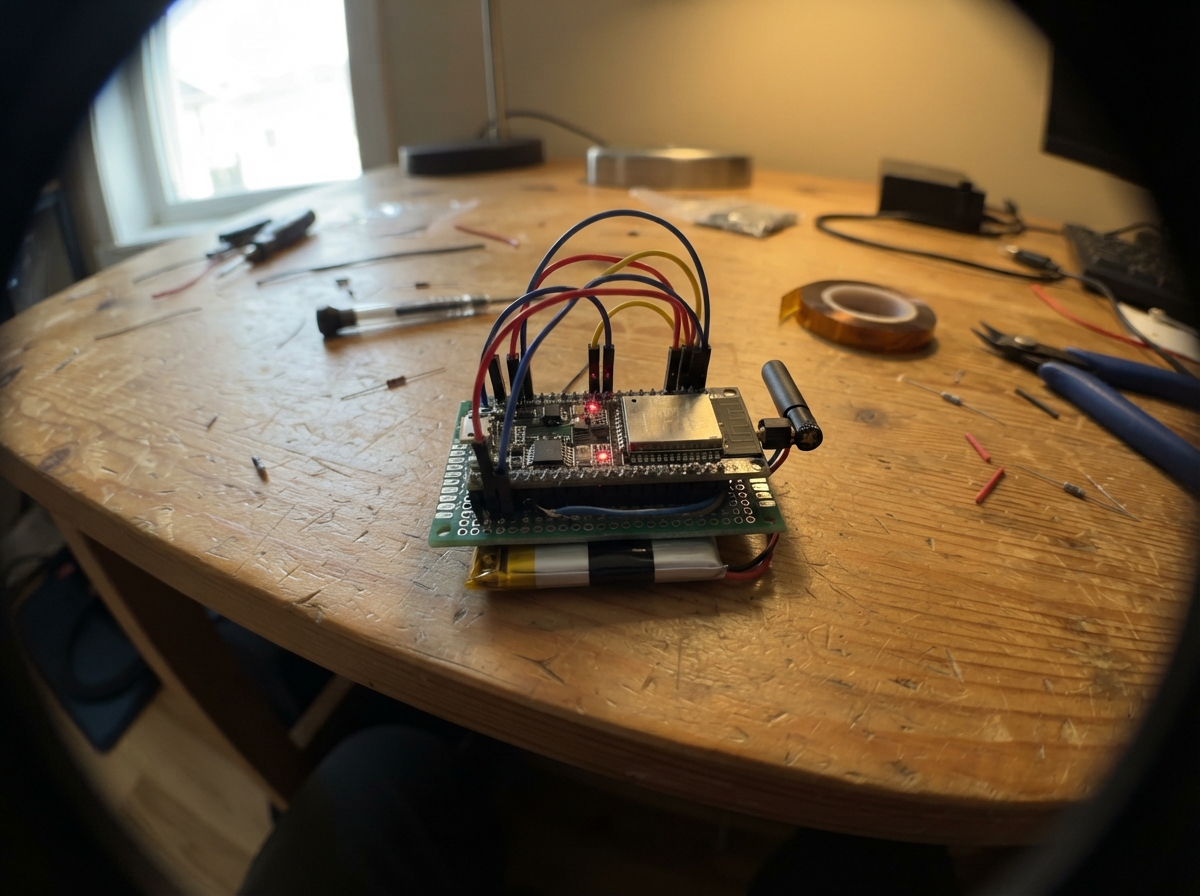
This project turns an ESP32 into a Bluetooth communication board that exchanges data with mobile devices or computers. The board advertises itself as "Carte-Bluetooth" and implements a standard GATT service for bidirectional wireless messaging, echoing received data back to the sender in compatible packet sizes.
The guide provides a wiring diagram for USB power connection, a complete parts list, the NimBLE firmware for Bluetooth Low Energy communication, and step-by-step assembly instructions. Builders will have a working Bluetooth interface ready to integrate into larger projects or use as a standalone wireless bridge.
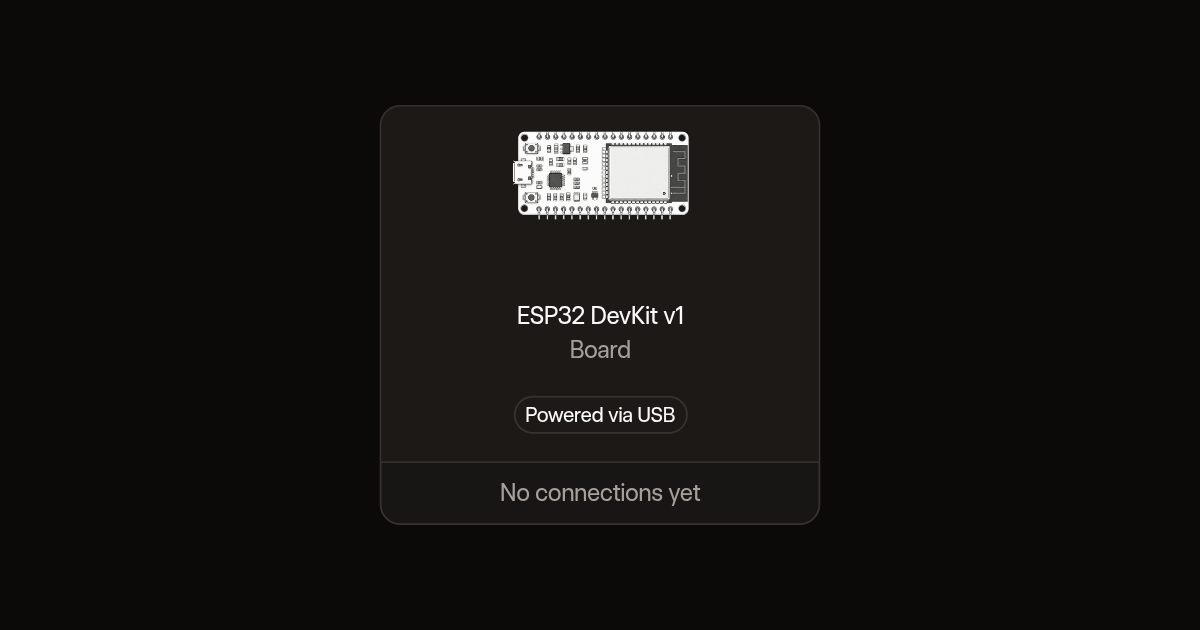
Wiring diagram
Assemble it in 2 steps
1. Préparer la carte
Utilisez une ESP32 DevKit V1. Le Bluetooth est intégré : aucun module ni fil supplémentaire n'est nécessaire.
- Cette démonstration Bluetooth n'est pas protégée par un mot de passe : ne transmettez pas de données sensibles.
2. Alimenter par USB
Branchez la carte avec un câble USB permettant le transfert de données.
- Ne branchez pas d'autres appareils sur les broches pour ce premier essai.
Deploy the firmware
#include <Arduino.h>
#include <NimBLEDevice.h>

static const char* SERVICE = "6e400001-b5a3-f393-e0a9-e50e24dcca9e";
static NimBLECharacteristic* tx;
class Receiver : public NimBLECharacteristicCallbacks {
  void onWrite(NimBLECharacteristic* c, NimBLEConnInfo&) override {
    auto message = c->getValue();
    Serial.write(message.data(), message.size());
    Serial.println();
    // Echo in short packets, compatible with the default Bluetooth packet size.
    for (size_t i = 0; i < message.size(); i += 20) {
      size_t n = message.size() - i;
      if (n > 20) n = 20;
      tx->notify(message.data() + i, n);
    }
  }
};
static Receiver receiver;
void setup() {
  Serial.begin(115200);
  NimBLEDevice::init("Carte-Bluetooth");
  auto server = NimBLEDevice::createServer();
  server->advertiseOnDisconnect(true);
  auto service = server->createService(SERVICE);
  tx = service->createCharacteristic("6e400003-b5a3-f393-e0a9-e50e24dcca9e", NIMBLE_PROPERTY::READ | NIMBLE_PROPERTY::NOTIFY);
  tx->setValue("Pret");
  auto rx = service->createCharacteristic("6e400002-b5a3-f393-e0a9-e50e24dcca9e", NIMBLE_PROPERTY::WRITE | NIMBLE_PROPERTY::WRITE_NR);
  rx->setCallbacks(&receiver);
  service->start();
  auto advertising = NimBLEDevice::getAdvertising();
  advertising->addServiceUUID(SERVICE);
  advertising->enableScanResponse(true);
  advertising->setName("Carte-Bluetooth");
  advertising->start();
  Serial.println("Bluetooth pret : Carte-Bluetooth");
}
void loop() { delay(20); }
Remix this project
Make it yours in one click
Open a full copy of this project in your own Schematik workspace, diagram, code, parts, and assembly steps included. Swap the sensor, add features, or redesign the whole thing with AI. The author's original stays untouched.