Community project
Interactive Robotic Fan
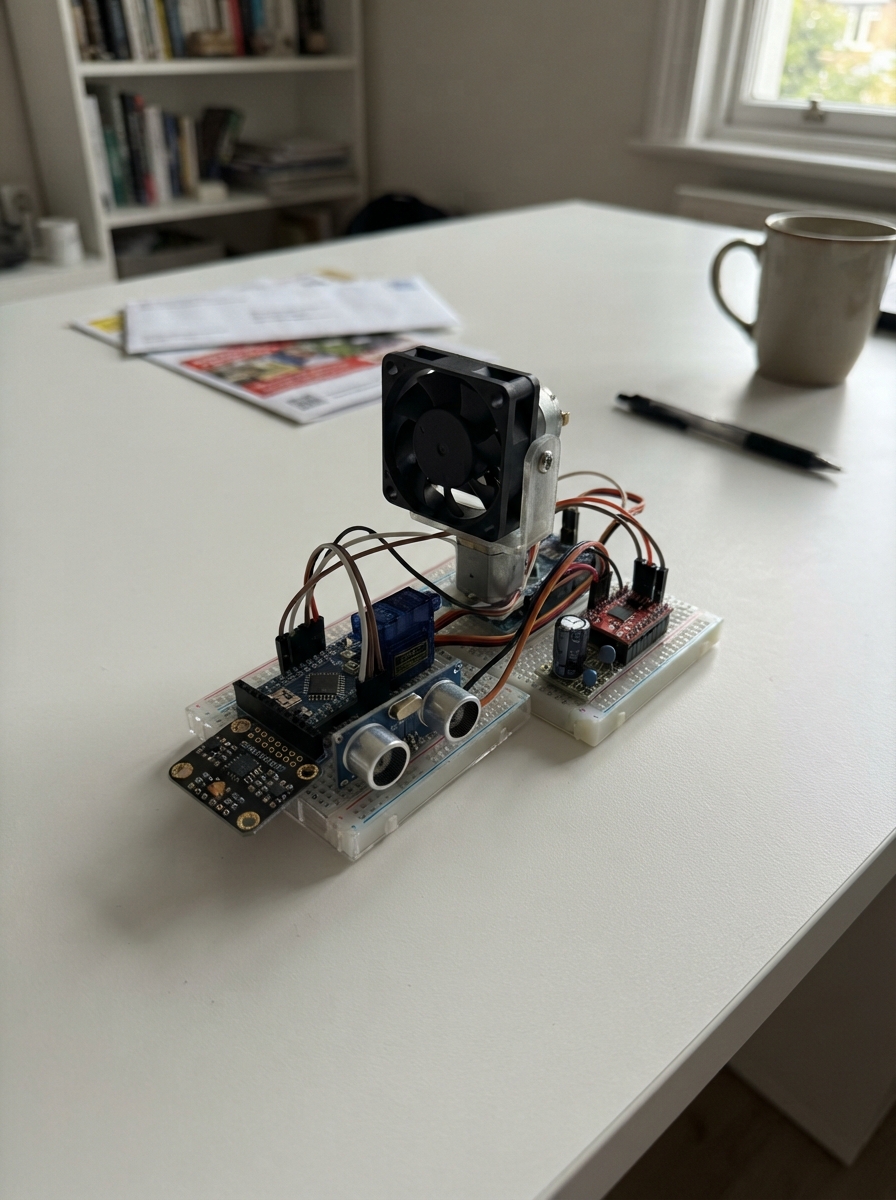
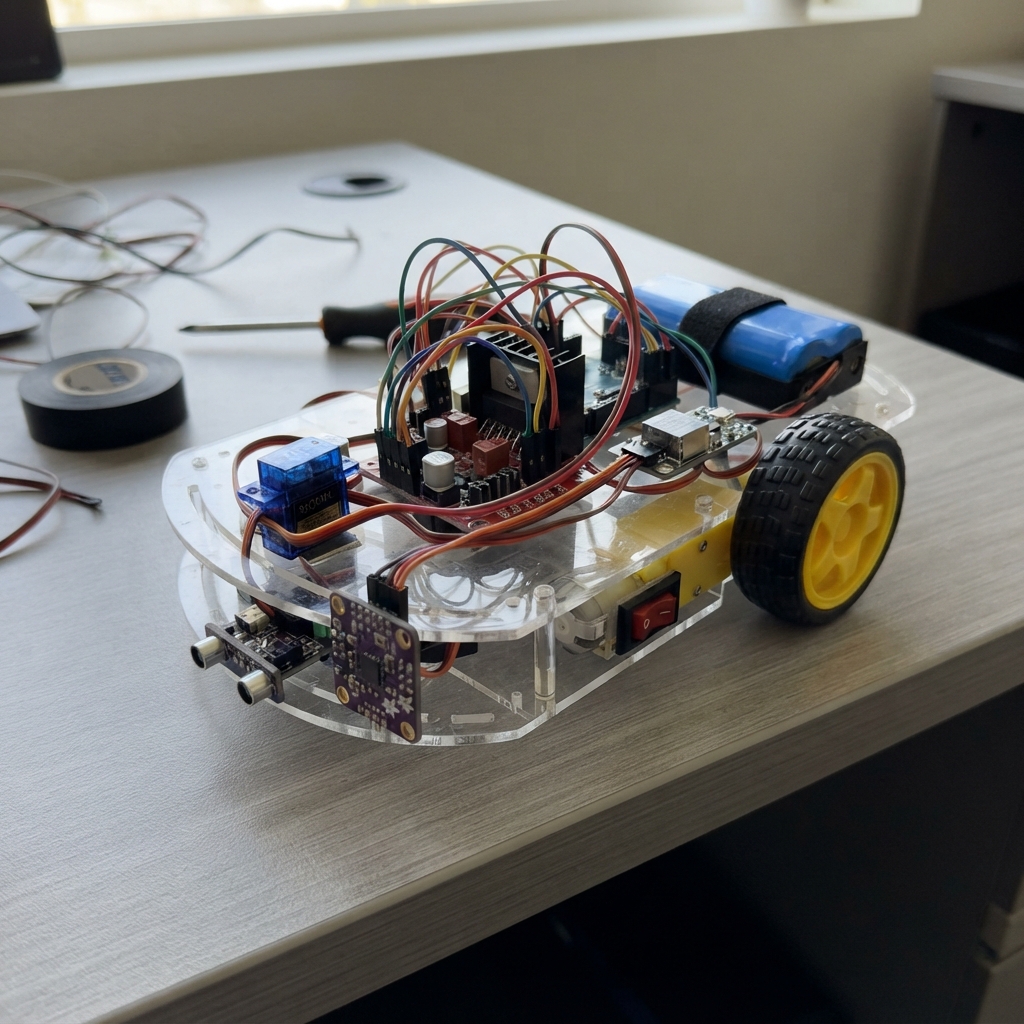
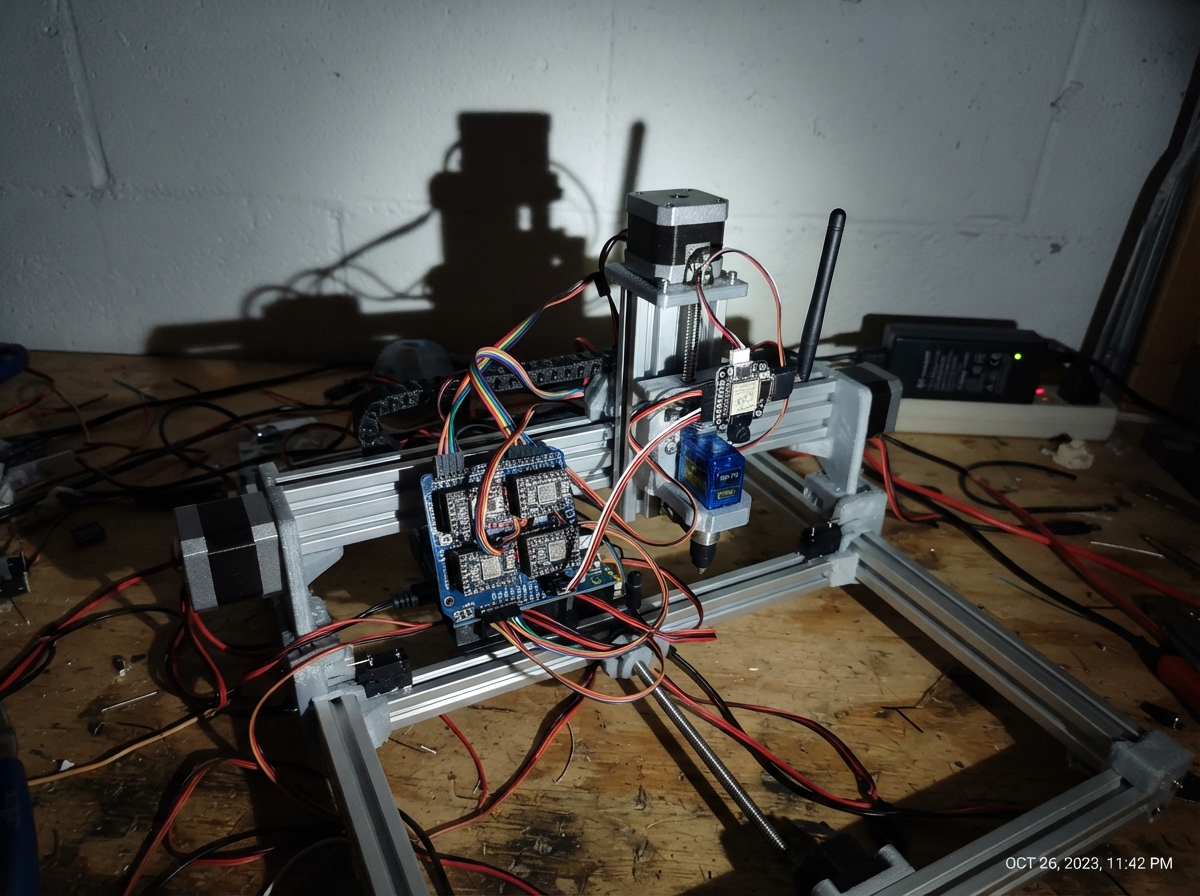
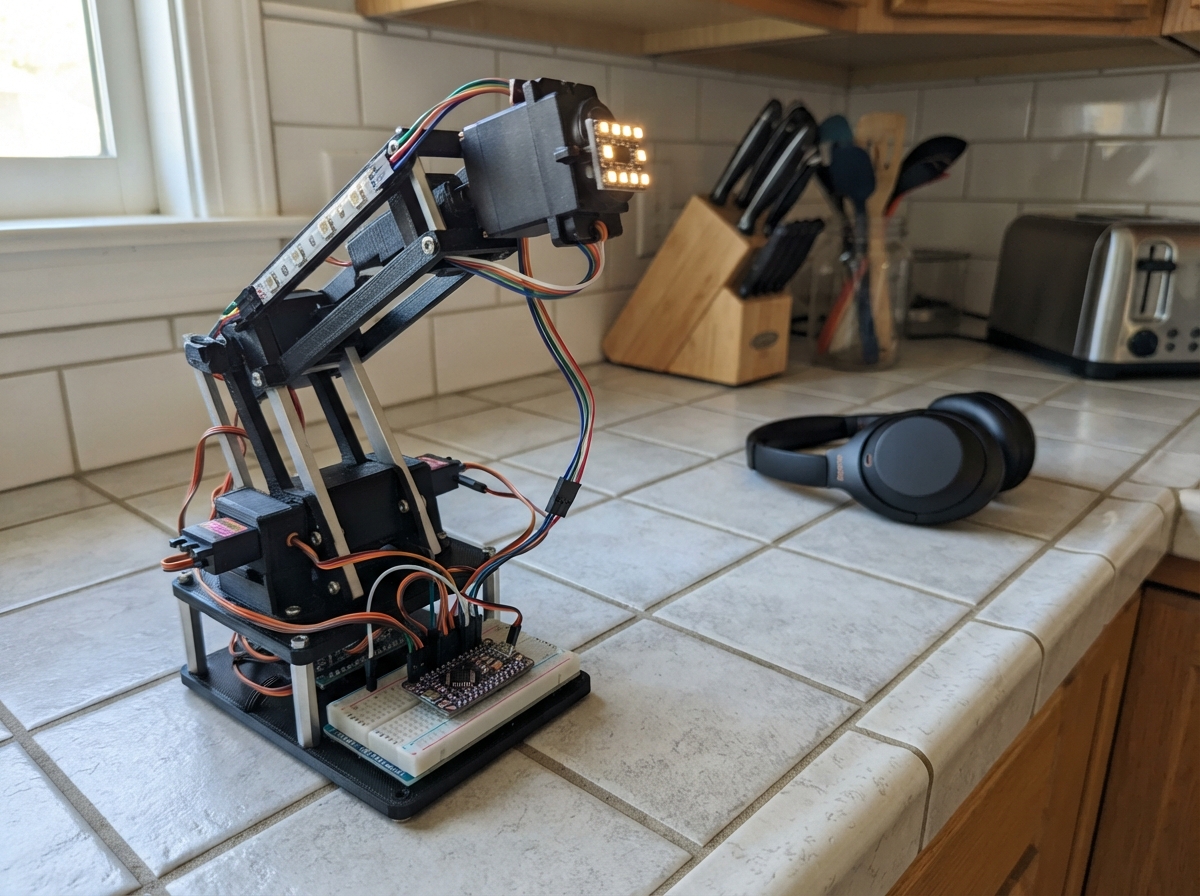
This interactive robotic fan combines motion sensing and obstacle detection to create a responsive device that reacts to its environment. The Arduino Uno controls a DC motor fan, two servo motors for head and tilt movement, and reads data from a 6-axis accelerometer and ultrasonic distance sensor to autonomously navigate and respond to nearby motion.
The guide provides a complete wiring diagram, detailed parts list, and step-by-step assembly instructions with power protection best practices. Included firmware enables the fan to detect motion via the MPU-6050 sensor, maintain safe distance from obstacles using the HC-SR04 sensor, and control motor speed and servo positioning through the DRV8833 motor driver.
Wiring diagram

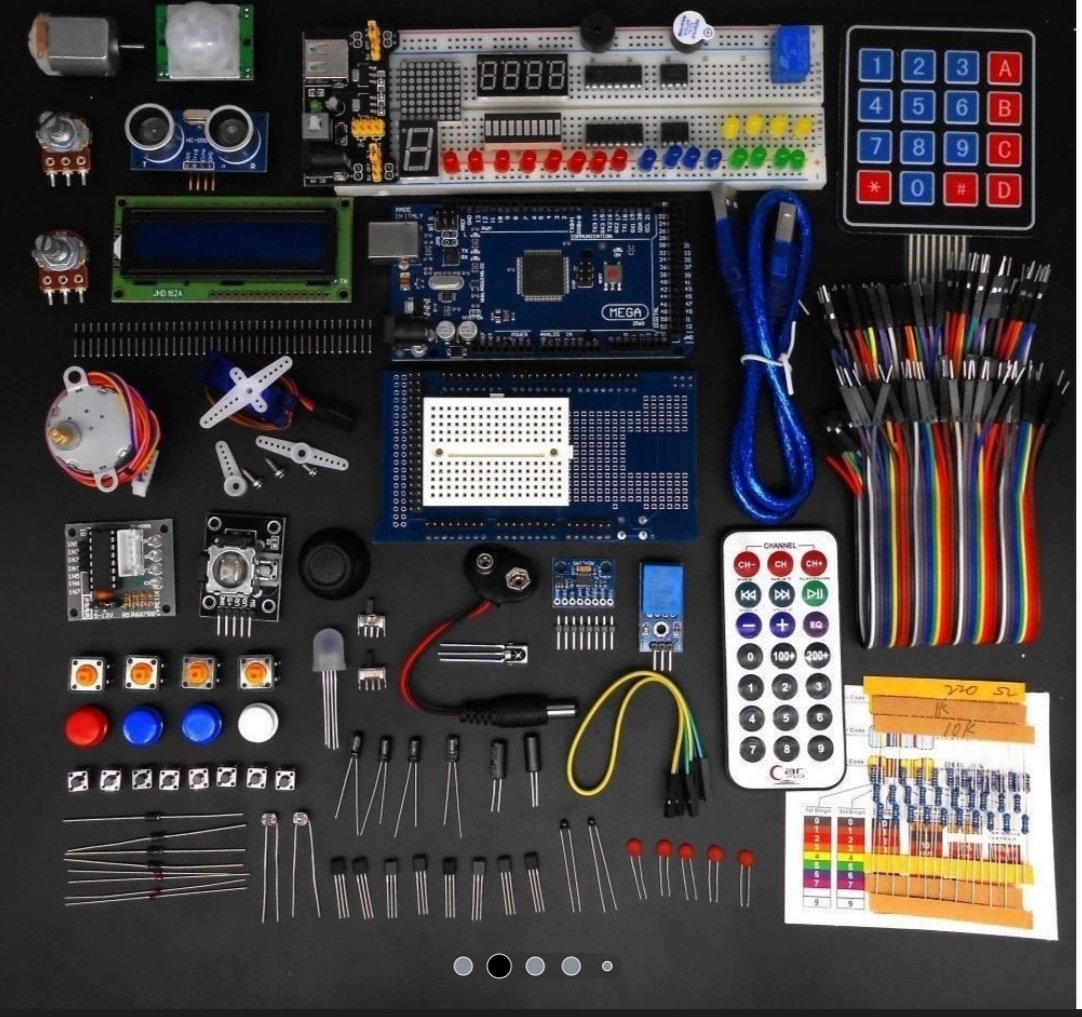
Gather all the parts
Assemble it in 7 steps
1. Keep the two power sources separate
Power the Arduino Nano Every from its USB socket only. Put the external regulated 5 V supply near the robot, but do not connect its positive V+ wire to the Nano 5V pin; this avoids feeding power back into the USB connection. Connect the supply V- wire to a Nano GND pin (common ground).
- Use a regulated 5 V supply rated for at least 5 A provisionally; the final rating depends on the confirmed servo peak currents.
- Connecting the external 5 V positive wire to the Nano 5V pin while USB is connected can damage the board or computer USB port.
2. Add the motor-driver power protection
At the point where the external supply wires reach the motor driver, connect bulk_cap with its + lead to external 5 V and its striped - lead to GND. Connect driver_ceramic_cap across the same two points. Keep the ceramic capacitor physically beside the motor_driver VM and GND pins.
- The 470 µF capacitor has a stripe marking its negative lead; the 100 nF ceramic capacitor has no polarity.
- Reversing the electrolytic capacitor can make it overheat or burst.
3. Wire the drive motor and its driver
Connect motor_driver VM → external 5 V (power), motor_driver GND → common GND (ground), AOUT1 → drive_motor M1 (motor output), and AOUT2 → drive_motor M2 (motor output). Solder motor_noise_cap directly between the M1 and M2 motor tabs. Connect AIN1 → Nano D5 (speed signal), AIN2 → Nano D6 (direction signal), and nSLEEP → Nano D8 (enable signal).
- If the robot moves opposite to the expected direction, swap the two motor wires at AOUT1 and AOUT2 after unplugging power.
- The unused second DRV8833 channel remains physically disconnected.
- Never connect either motor terminal directly to an Arduino pin; the motor current can damage the board.
4. Wire the head and tilt servos
For head_servo, connect red VCC → external 5 V (power), brown or black GND → common GND (ground), and orange SIGNAL → Nano D9 (head-rotation signal). For tilt_servo, connect red VCC → external 5 V (power), brown or black GND → common GND (ground), and orange SIGNAL → Nano D10 (tilt signal).
- Use thicker, short power wires for the two servos so their movement does not make the supply voltage dip.
- Do not power either servo from a Nano I/O pin or from the Nano 5V pin; a moving servo can draw enough current to reset or damage the board.
5. Wire the distance sensor
Connect ultrasonic_1 VCC → external 5 V (power), GND → common GND (ground), TRIG → Nano D2 (start-measurement signal), and ECHO → Nano D4 (distance-return signal).
- Point the two round sensor openings toward the space where a hand or person will approach.
- This selected HC-SR04+ sends a 5 V ECHO signal, which is safe for the Nano Every’s 5 V input; do not substitute a different sensor without checking its pin voltage.
6. Wire the motion sensor
Connect imu_1 VIN → external 5 V (power), GND → common GND (ground), SDA → Nano A4/SDA (data), and SCL → Nano A5/SCL (clock). Leave the optional INT pin disconnected for this starter design.
- Keep the SDA and SCL wires short and place the IMU firmly on the robot body so it measures the robot’s movement rather than a loose cable.
- VCC and GND must not be swapped — swapped power can damage the sensor.
7. Inspect before applying power
With USB and external power unplugged, check that every ground joins the same common ground and that the external 5 V positive rail reaches only the motor driver, servos, sensor modules, and capacitors. Confirm Nano D0 and D1 have no wires so the USB serial connection remains free for Processing.
- Use the editable wiring diagram and pin list as your check-off sheet before connecting USB and then the external 5 V supply.
- Do not run the motor or move the servos until the physical mechanism has free travel and the final supply-current requirement has been confirmed.
Review all connections
1. Connections between "supply_5v" and "Arduino"
2. Connections between "imu_1" and "Arduino"
3. Connections between "ultrasonic_1" and "Arduino"
4. Connections between "head_servo" and "Arduino"
5. Connections between "tilt_servo" and "Arduino"
6. Connections between "motor_driver" and "Arduino"
7. Connections between "bulk_cap" and "Arduino"
8. Connections between "driver_ceramic_cap" and "Arduino"
9. Connections between "motor_noise_cap" and "Arduino"
Deploy the firmware
#include <Arduino.h>
#include <Wire.h>
#include <Servo.h>

const uint8_t TRIG_PIN = 2;
const uint8_t ECHO_PIN = 4;
const uint8_t MOTOR_PWM_PIN = 5;
const uint8_t MOTOR_DIR_PIN = 6;
const uint8_t MOTOR_SLEEP_PIN = 8;
const uint8_t HEAD_SERVO_PIN = 9;
const uint8_t TILT_SERVO_PIN = 10;
const uint8_t MPU6050_ADDRESS = 0x68;
const uint16_t STOP_DISTANCE_CM = 25;
const uint8_t DRIVE_SPEED = 170;
const unsigned long SENSOR_INTERVAL_MS = 80;
const unsigned long MOTOR_COMMAND_TIMEOUT_MS = 1000;

Servo headServo;
Servo tiltServo;
unsigned long lastSensorReadMs = 0;
unsigned long lastMotorCommandMs = 0;
uint16_t distanceCm = 0;
int8_t requestedDirection = 0;

void writeMpuRegister(uint8_t reg, uint8_t value) {
  Wire.beginTransmission(MPU6050_ADDRESS);
  Wire.write(reg);
  Wire.write(value);
  Wire.endTransmission();
}

bool readMpuMotion(int16_t &ax, int16_t &ay, int16_t &az) {
  Wire.beginTransmission(MPU6050_ADDRESS);
  Wire.write(0x3B);
  if (Wire.endTransmission(false) != 0) return false;
  if (Wire.requestFrom(MPU6050_ADDRESS, (uint8_t)6) != 6) return false;
  ax = (int16_t)((Wire.read() << 8) | Wire.read());
  ay = (int16_t)((Wire.read() << 8) | Wire.read());
  az = (int16_t)((Wire.read() << 8) | Wire.read());
  return true;
}

uint16_t readDistanceCm() {
  digitalWrite(TRIG_PIN, LOW);
  delayMicroseconds(2);
  digitalWrite(TRIG_PIN, HIGH);
  delayMicroseconds(12);
  digitalWrite(TRIG_PIN, LOW);
  unsigned long echoUs = pulseIn(ECHO_PIN, HIGH, 30000UL);
  if (echoUs == 0) return 0;
  return (uint16_t)(echoUs / 58UL);
}

void stopMotor() {
  analogWrite(MOTOR_PWM_PIN, 0);
  digitalWrite(MOTOR_DIR_PIN, LOW);
}

void driveMotor(int8_t direction) {
  if (direction == 0) {
    stopMotor();
    return;
  }
  digitalWrite(MOTOR_DIR_PIN, direction < 0 ? HIGH : LOW);
  analogWrite(MOTOR_PWM_PIN, DRIVE_SPEED);
}

void processSerialCommand() {
  while (Serial.available() > 0) {
    char command = (char)Serial.read();
    if (command == 'F' || command == 'f') {
      requestedDirection = 1;
      lastMotorCommandMs = millis();
    } else if (command == 'B' || command == 'b') {
      requestedDirection = -1;
      lastMotorCommandMs = millis();
    } else if (command == 'S' || command == 's') {
      requestedDirection = 0;
      stopMotor();
    }
  }
}

void updateHeadFromOrientation() {
  int16_t ax, ay, az;
  if (!readMpuMotion(ax, ay, az)) return;
  int headAngle = constrain(map(ax, -16384, 16384, 45, 135), 45, 135);
  int tiltAngle = constrain(map(ay, -16384, 16384, 60, 120), 60, 120);
  headServo.write(headAngle);
  tiltServo.write(tiltAngle);
}

void setup() {
  Serial.begin(115200);
  pinMode(TRIG_PIN, OUTPUT);
  pinMode(ECHO_PIN, INPUT);
  pinMode(MOTOR_PWM_PIN, OUTPUT);
  pinMode(MOTOR_DIR_PIN, OUTPUT);
  pinMode(MOTOR_SLEEP_PIN, OUTPUT);
  digitalWrite(MOTOR_SLEEP_PIN, HIGH);
  stopMotor();

  headServo.attach(HEAD_SERVO_PIN);
  tiltServo.attach(TILT_SERVO_PIN);
  headServo.write(90);
  tiltServo.write(90);

  Wire.begin();
  writeMpuRegister(0x6B, 0x00);
  Serial.println(F("Robot fan ready: F=forward, B=backward, S=stop"));
}

void loop() {
  processSerialCommand();
  unsigned long now = millis();
  if (now - lastSensorReadMs >= SENSOR_INTERVAL_MS) {
    lastSensorReadMs = now;
    distanceCm = readDistanceCm();
    updateHeadFromOrientation();
    if (distanceCm > 0 && distanceCm <= STOP_DISTANCE_CM) {
      stopMotor();
      Serial.println(F("Obstacle/hand close: motor stopped"));
    } else if (requestedDirection != 0 && now - lastMotorCommandMs <= MOTOR_COMMAND_TIMEOUT_MS) {
      driveMotor(requestedDirection);
    } else {
      stopMotor();
    }
  }
  delay(1);
}
Remix this project
Make it yours in one click
Open a full copy of this project in your own Schematik workspace — diagram, code, parts, and assembly steps included. Swap the sensor, add features, or redesign the whole thing with AI. The author's original stays untouched.