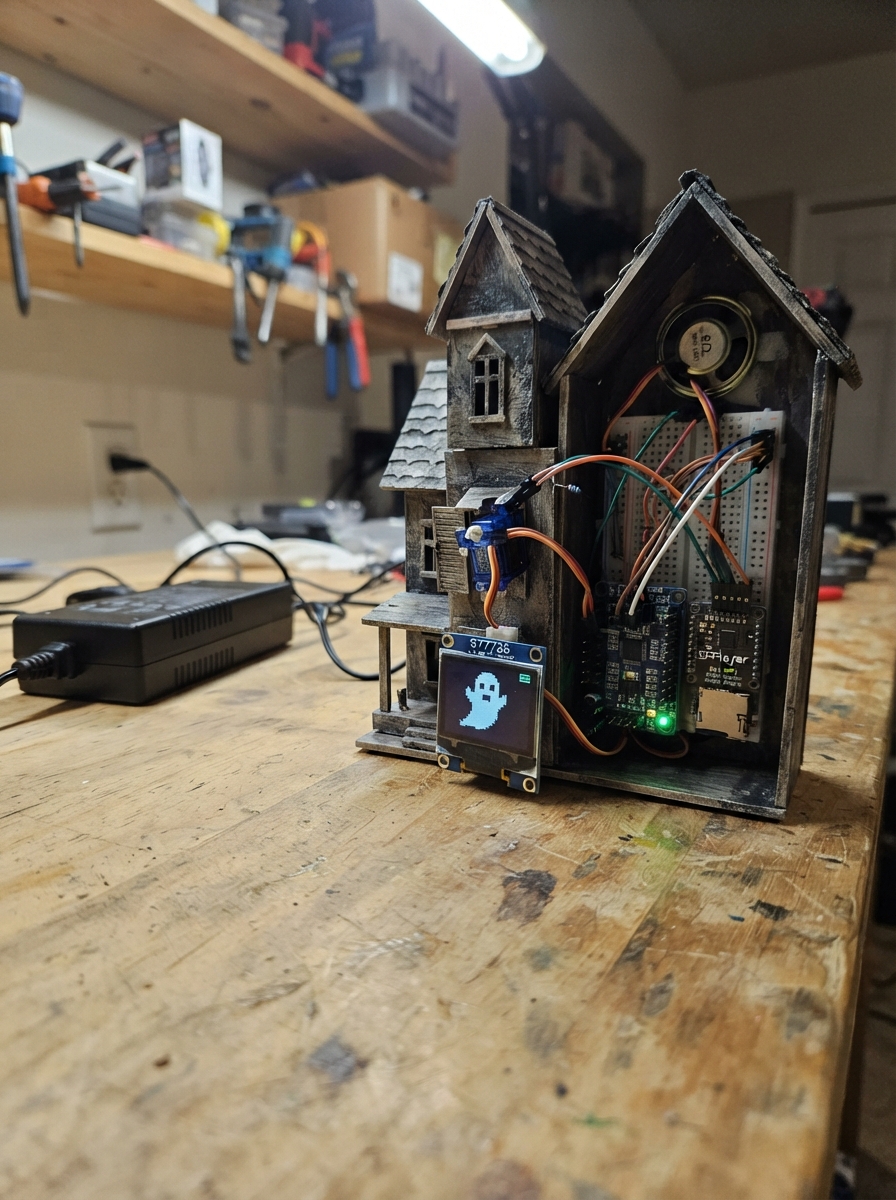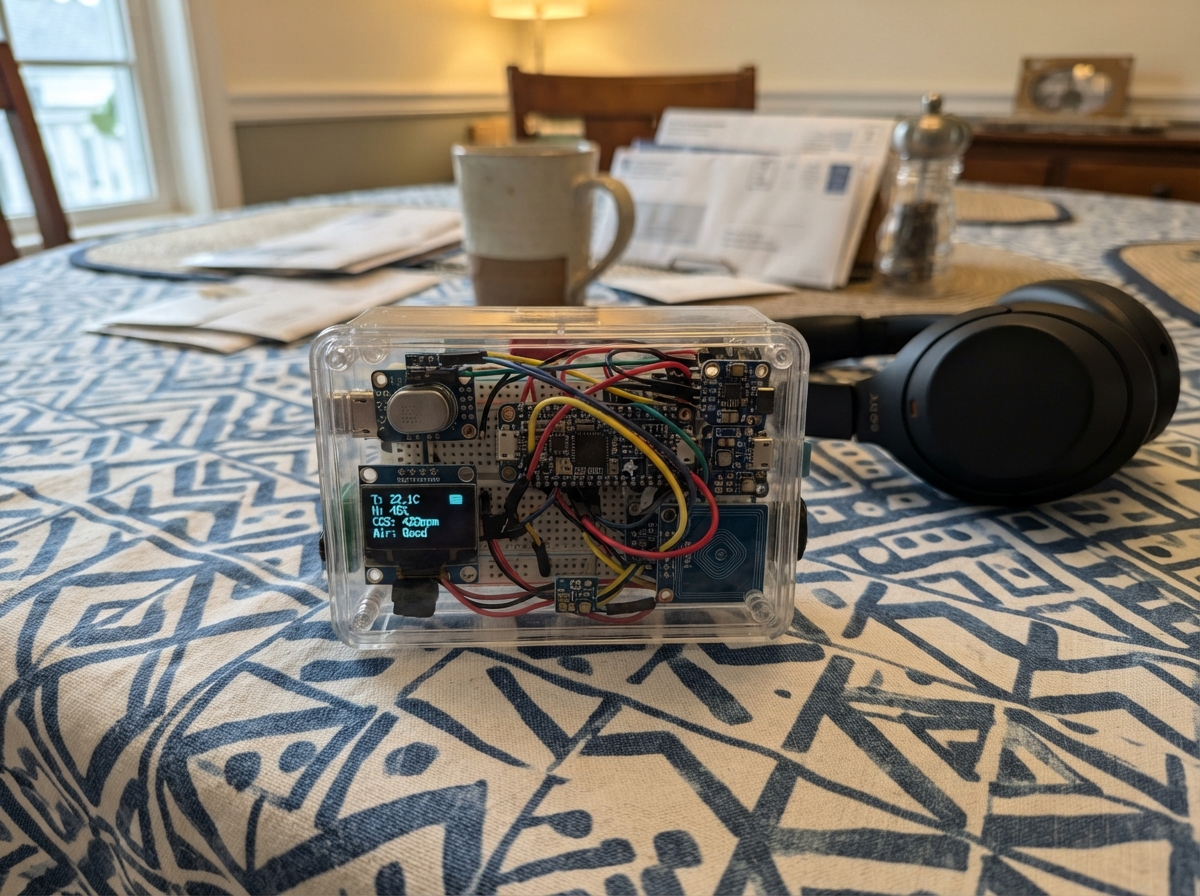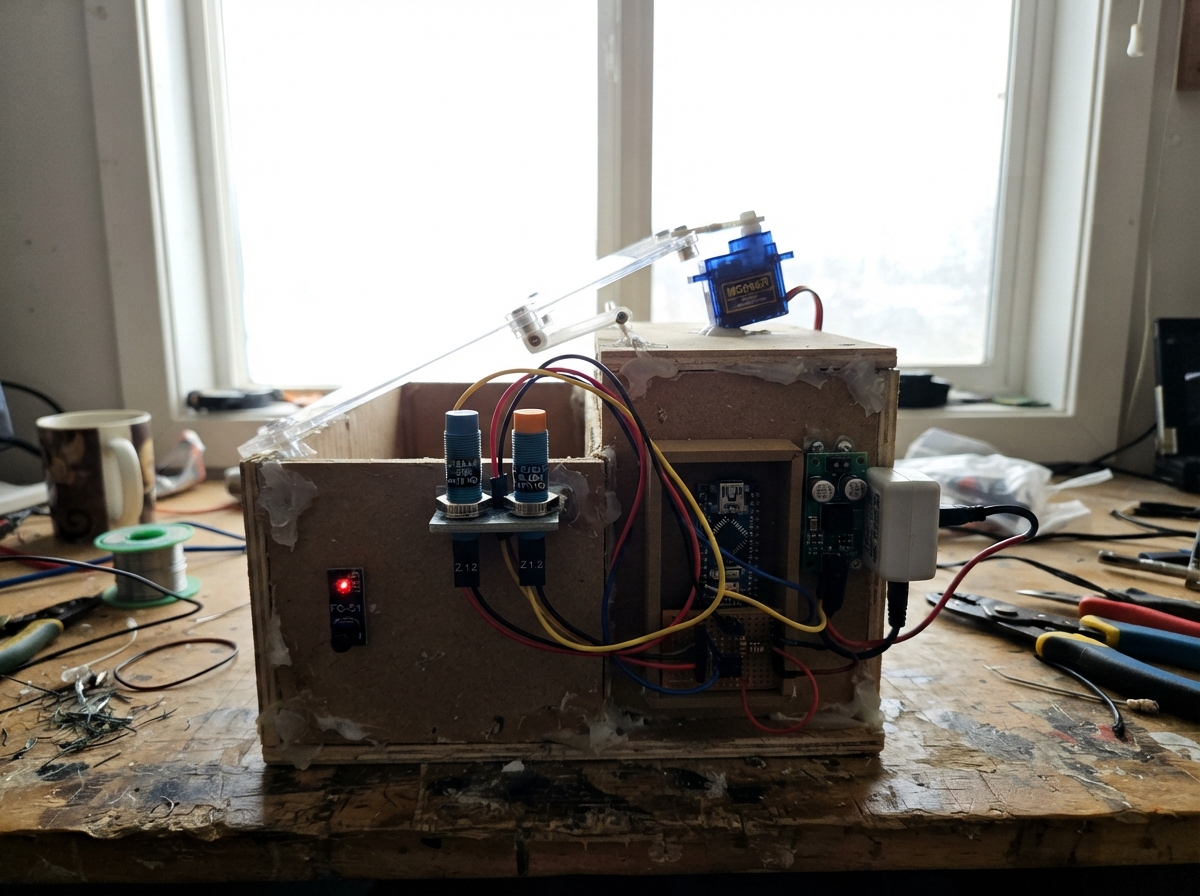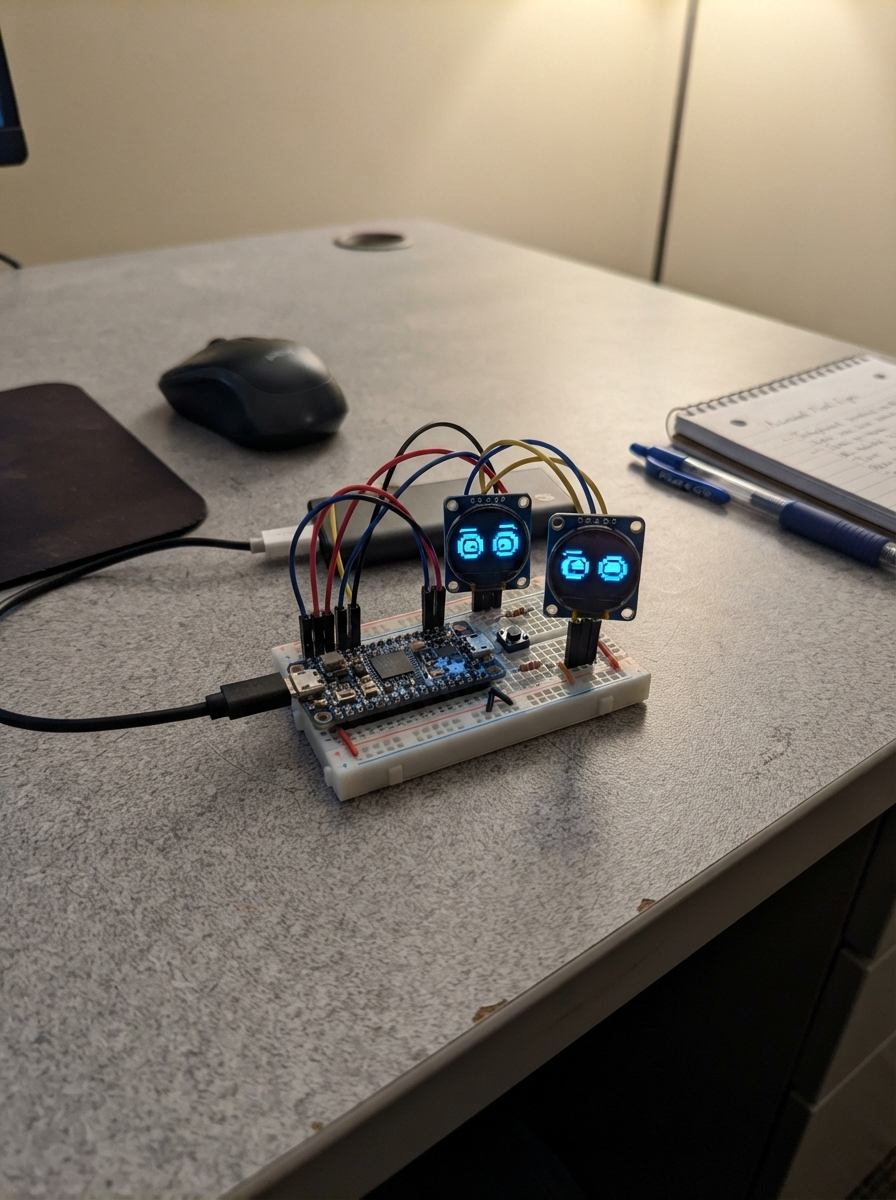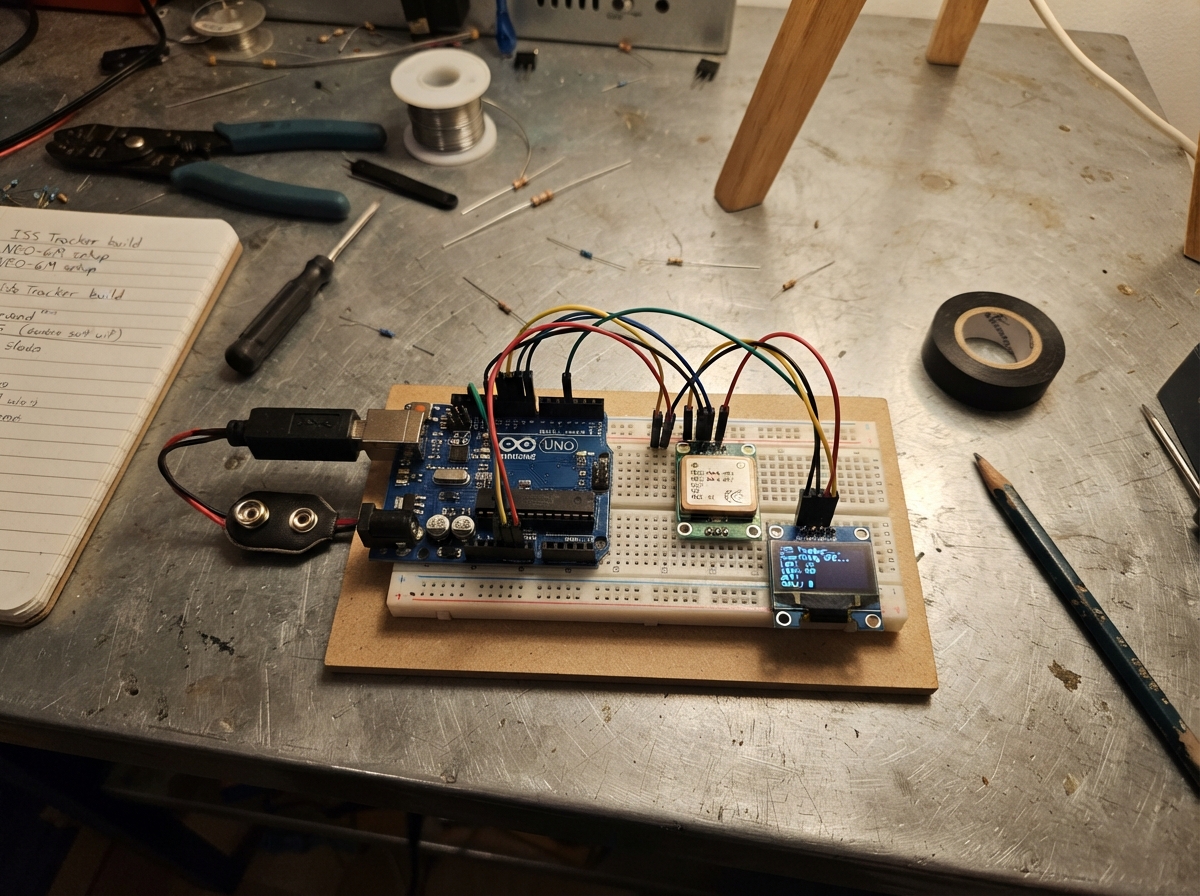
This project transforms an ESP32 Marauder into an interactive ISS tracking companion with a virtual pet. The NEO-6M GPS module provides real-time location data, enabling the device to calculate and display the International Space Station's position relative to the user's coordinates.
Builders will receive a complete wiring diagram showing GPS module connections to the ESP32, a detailed parts list, calibration procedures for the touch display, and step-by-step assembly instructions. The included firmware handles GPS initialization, touch calibration, and real-time ISS tracking calculations, with bonus features including a virtual pet companion and local menu system.
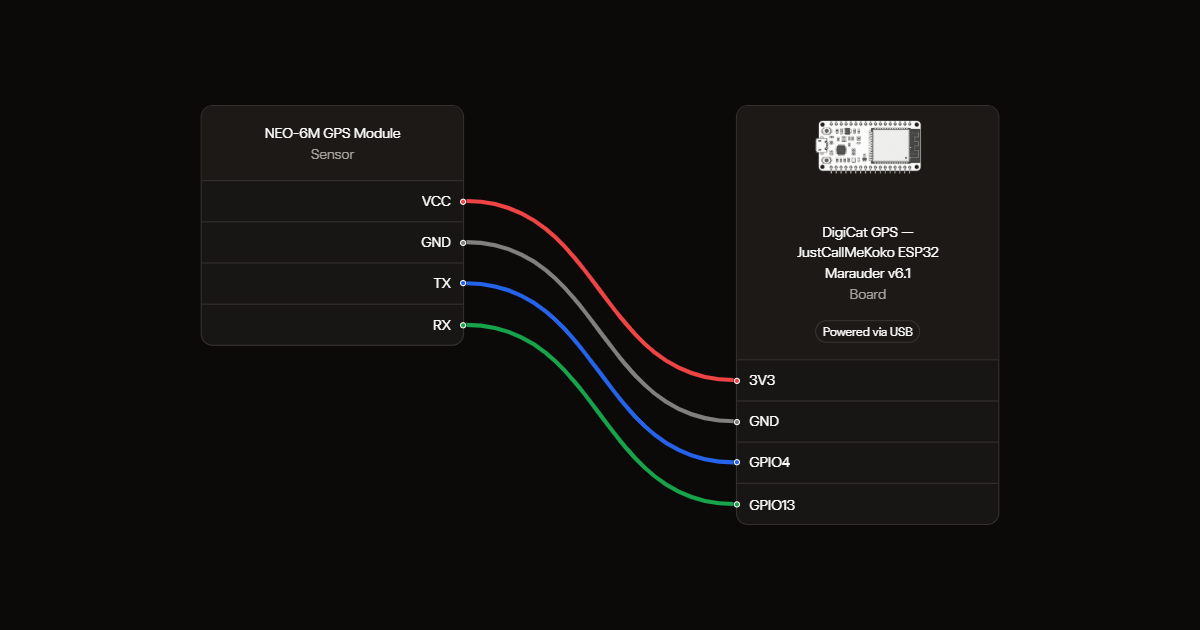
Wiring diagram
Gather all the parts
Assemble it in 3 steps
1. Preparar el Marauder
DigiCat GPS utiliza solo la pantalla ILI9341 y el tactil XPT2046 integrados del Marauder v6.1. No requiere piezas ni cables nuevos. El GPS existente determina el dia y la noche por posicion y hora UTC. VCC a 3V3, GND a GND, TX a GPIO4 (datos hacia la placa) y RX a GPIO13 (entrada del GPS). Coloca su antena al aire libre con vista al cielo. Retira la microSD con el equipo apagado.
- Este firmware sustituye al rastreador y al programa Marauder; no incorpora sus funciones.
2. Encender y calibrar
Conecta USB y pulsa Deploy. En el primer inicio toca las cuatro puntas que aparecen para calibrar. Para repetir la calibracion manten el dedo sobre la pantalla durante la presentacion de DigiCat GPS al arrancar. La pantalla usa formato vertical de 240 por 320.
3. Cuidar al gato
FEED alimenta y SLEEP duerme (WAKE despierta). Toca el gato para acariciarlo. MENU abre juegos, habitaciones, estadisticas y ajustes. Lluvia de peces dura hasta 30 segundos o tres fallos; arrastra la cesta. Parejas consiste en encontrar tres parejas en 90 segundos. Reflejos tiene cinco rondas; espera al verde antes de tocar. Las partidas consumen energia al iniciarse. Solo las partidas terminadas entregan monedas; salir no da recompensa. Las habitaciones Jardin y Lavanda cuestan 20 monedas cada una. Atrapa al raton consiste en tocar el raton antes de que escape, durante hasta 30 segundos o tres fallos. Eco de colores muestra una secuencia de hasta doce pasos que debes repetir; tienes ocho segundos por toque. Ambos juegos tienen records y monedas. Ajustes permite cambiar el brillo y guardar manualmente antes de apagar. Nuevo gato pide confirmacion antes de reiniciar la mascota; conserva monedas, habitaciones y records.
- El crecimiento cuenta solo el tiempo encendido. El guardado periodico ocurre cada cinco minutos; las acciones pendientes pueden guardarse a partir de treinta segundos desde el ultimo guardado. Un corte de alimentacion puede perder los cambios recientes.
- No se utilizan WiFi ni el LED RGB de las placas CYD. El escenario cambia al amanecer y al anochecer calculados por GPS, independientemente de si el gato duerme. Hasta obtener posicion y hora aparece Esperando GPS y un fondo diurno provisional; sin senal se usa la ultima posicion y la hora extrapolada durante un maximo de seis horas. Los ajustes antiguos del rastreador no se borran.
Review all connections
1. Connections between "gps" and "ESP32"
Deploy the firmware
/*
 * DigiCat para ESP32 Marauder v6.1, basado en DigiCat (MIT).
 * https://github.com/aquascape123/digicat
 * Extensiones locales: menus, juegos, records y habitaciones.
 * Mantener la pantalla durante el arranque para recalibrar el tactil.
 */
#include <Preferences.h>
#include "config.h"
#include "display.h"
#include "art.h"
#include "pet.h"
#include "ui.h"
#include "solar.h"

LGFX lcd;
Pet pet;
Ui ui(lcd, pet);

static void calibrateTouch(bool force) {
  Preferences prefs;
  prefs.begin("digicatTouch", false);
  uint16_t cal[8];
  if (!force && prefs.getBytes("cal", cal, sizeof(cal)) == sizeof(cal)) {
    lcd.setTouchCalibrate(cal);
  } else {
    lcd.fillScreen(pal::paper);
    lcd.setTextColor(pal::ink);
    lcd.setTextDatum(textdatum_t::middle_center);
    lcd.setFont(&fonts::FreeSansBold9pt7b);
    lcd.drawString("Touch calibration", lcd.width() / 2, lcd.height() / 2 - 12);
    lcd.setFont(&fonts::Font2);
    lcd.drawString("Tap each arrow tip", lcd.width() / 2, lcd.height() / 2 + 12);
    lcd.calibrateTouch(cal, pal::red, pal::paper, 15);
    if (prefs.putBytes("cal", cal, sizeof(cal)) == sizeof(cal))
      Serial.println("[touch] calibration saved");
    else Serial.println("[touch] ERROR: calibracion no guardada");
  }
  prefs.end();
}

static void splash() {
  lcd.fillScreen(pal::paper);
  CatPose pose;
  pose.eyes = CatPose::Eyes::Happy;
  pose.blush = true;
  drawCatSitting(lcd, lcd.width() / 2, 190, pose);
  lcd.setTextColor(pal::ink);
  lcd.setTextDatum(textdatum_t::middle_center);
  lcd.setFont(&fonts::FreeSansBold18pt7b);
  lcd.drawString("DigiCat GPS", lcd.width() / 2, 230);
  lcd.setFont(&fonts::Font2);
  lcd.setTextColor(rgb(150, 140, 160));
  lcd.drawString("v" DIGICAT_VERSION, lcd.width() / 2, 262);
}

void setup() {
  Serial.begin(115200);
  Serial.println("\nDigiCat GPS v" DIGICAT_VERSION);
  randomSeed(esp_random());
  Solar::begin();

  lcd.init();
  lcd.setRotation(SCREEN_ROTATION);
  lcd.setBrightness(BRIGHTNESS_ACTIVE);

  splash();
  bool held = false;
  for (uint32_t t0 = millis(); millis() - t0 < 1500;) {
    int32_t x, y;
    if (lcd.getTouch(&x, &y)) held = true;
    delay(20);
  }
  calibrateTouch(held);

  pet.begin();
  ui.begin();
}

void loop() {
  Solar::update();
  pet.update();
  ui.update();
  pet.saveIfDue();
  delay(2);  // let the idle task breathe
}
Remix this project
Make it yours in one click
Open a full copy of this project in your own Schematik workspace, diagram, code, parts, and assembly steps included. Swap the sensor, add features, or redesign the whole thing with AI. The author's original stays untouched.