Community project
Unihiker K10 Https //www Dfrobot Com/product-293
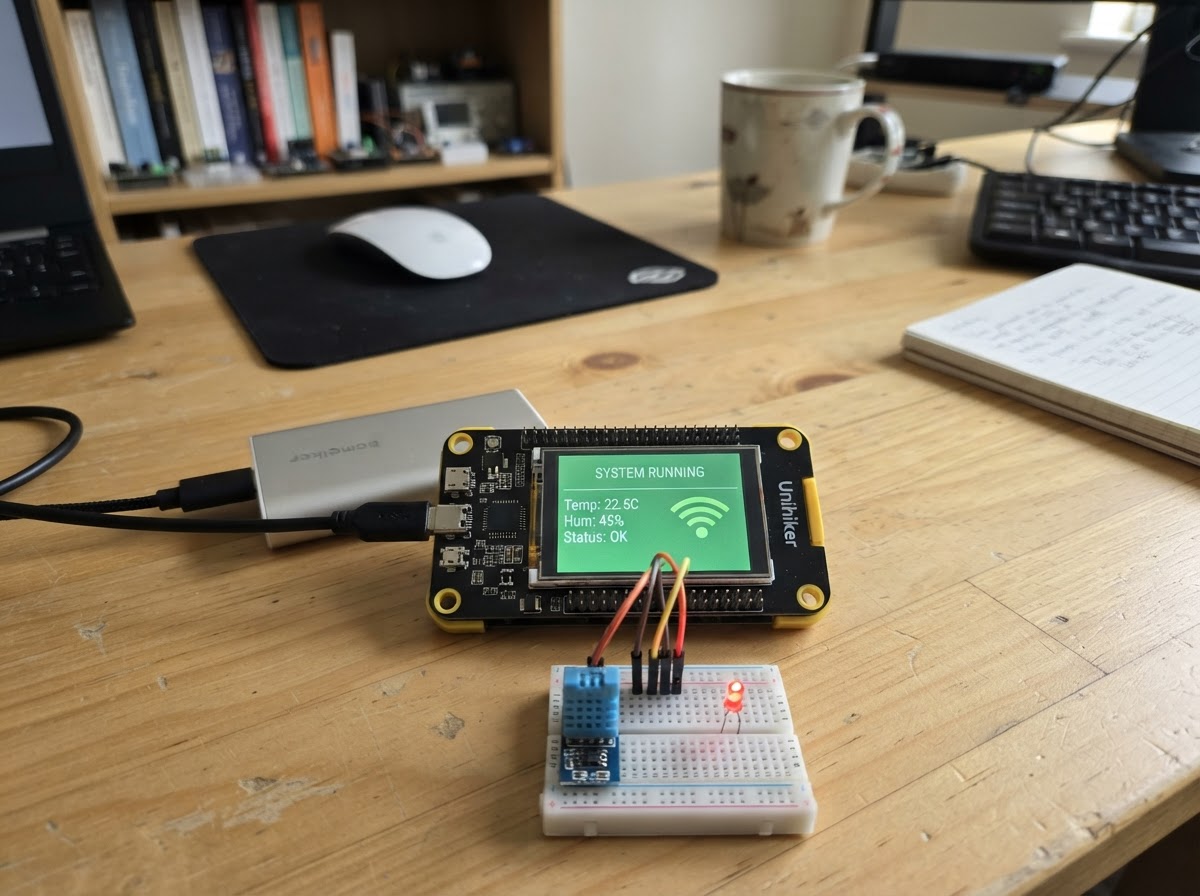
This guide builds a wireless remote control system for a Maqueen car using a UNIHIKER K10 experiment box as the controller. The K10's buttons send UDP commands over WiFi to drive the car forward, backward, left, and right, with automatic stop when inputs are released or connection is lost.
The project includes a wiring diagram for connecting the K10 to the ESP32, a complete parts list, and firmware that handles WiFi connectivity, button input mapping, and real-time UI feedback showing connection status and drive commands. Assembly takes just a few minutes and requires no soldering.
Wiring diagram
Assemble it in 4 steps
1. Connect the car-side K10
Make sure the USB cable is connected to the K10 mounted on the Maqueen car, not the handheld experiment box. Lift the car so both wheels are clear of the table before testing; the motors can start as soon as a control packet arrives.
- Put a small “car end” label on this K10 so the two programs do not get mixed up.
- Keep fingers, hair, and loose wires away from the wheels while power is connected.
2. Deploy the car video sender
With the USB cable still connected to the car-side K10, press Deploy in Schematik. This version receives driving commands on UDP port 5000 and sends small JPEG video packets to the experiment box at 192.168.1.196 on UDP port 5001.
- The car screen should show Wi-Fi connected, its car IP, and a Video UDP 5001 line whose sent number increases after it joins Wi-Fi.
- This video-sender version uses the camera for network video, so the earlier full-screen local camera preview is intentionally off. That prevents two camera modes from fighting over the same camera.
3. Check the car controls still work
After the car-side K10 has joined Wi-Fi, use the separately saved remote-control firmware on the experiment box. Hold B to drive forward, A to reverse, and use the left or right direction input while holding a drive key to steer. Release every control to stop.
- The car screen changes from “STOP - no remote packet” to “receiving remote commands” when it receives the experiment box command.
- If the wheels keep turning after all buttons are released, disconnect the car power immediately. In normal operation the car stops within about one third of a second when commands stop.
4. Prepare the experiment box video receiver
Keep the experiment box on its own saved remote-control firmware until its video-receiver program is added. The car can now send JPEG packets, but the experiment box still needs matching receive, frame-assembly, JPEG-decode, and display code before pictures can appear there.
- Do not expect a picture on the experiment box from the car sender alone; both ends must use the same video packet format.
- Do not deploy this car-side program to the experiment box, or the handheld controls will be replaced.
Deploy the firmware
#include <Arduino.h>
#include <WiFi.h>
#include <WiFiUdp.h>
#include "unihiker_k10.h"
#include <lvgl.h>

// Experiment-box UNIHIKER K10 remote firmware.
// A = reverse, B = forward, P8 = left, P9 = right.
// Commands are unicast UDP packets to the Maqueen car. Releasing every input
// sends STOP; the car also stops itself if packets stop arriving.

UNIHIKER_K10 k10;
WiFiUDP controlUdp;

const char *WIFI_SSID = "ChinaNet-MGY-2.4G";
const char *WIFI_PASSWORD = "MGY!2024";
const IPAddress CAR_IP(192, 168, 1, 195);
const uint16_t CONTROL_PORT = 5000;
const uint32_t WIFI_RETRY_MS = 10000;
const uint32_t SEND_INTERVAL_MS = 50;
const uint32_t UI_REFRESH_MS = 250;
const int8_t DRIVE_PERCENT = 75;

lv_obj_t *wifiLabel;
lv_obj_t *ipLabel;
lv_obj_t *driveLabel;
lv_obj_t *videoLabel;
uint32_t lastWifiAttemptMs = 0;
uint32_t lastSendMs = 0;
uint32_t lastUiMs = 0;
bool lastWiFiConnected = false;
String lastIpText;
String lastDriveText;

// Local LVGL mutex for thread-safe UI access
static SemaphoreHandle_t xLvglMutex = NULL;

static void connectWiFiIfNeeded();
static uint8_t packetChecksum(const uint8_t *packet);
static void sendDrivePacket(int8_t throttle, int8_t steering);
static void readDriveInputs(int8_t &throttle, int8_t &steering);
static void createRemoteUi();
static void updateRemoteUi(bool force, int8_t throttle, int8_t steering);
static String driveDescription(int8_t throttle, int8_t steering);

static void connectWiFiIfNeeded() {
  if (WiFi.status() == WL_CONNECTED || millis() - lastWifiAttemptMs < WIFI_RETRY_MS) return;
  lastWifiAttemptMs = millis();
  WiFi.disconnect();
  WiFi.begin(WIFI_SSID, WIFI_PASSWORD);
  Serial.println("Connecting to Wi-Fi");
}

static uint8_t packetChecksum(const uint8_t *packet) {
  uint8_t value = 0;
  for (uint8_t i = 0; i < 7; ++i) value ^= packet[i];
  return value;
}

static void sendDrivePacket(int8_t throttle, int8_t steering) {
  // K1 packet layout is kept identical to the proven car receiver protocol.
  uint8_t packet[8] = {'K', '1', 1, 0, (uint8_t)throttle, (uint8_t)steering, 0, 0};
  packet[7] = packetChecksum(packet);
  if (WiFi.status() == WL_CONNECTED) {
    controlUdp.beginPacket(CAR_IP, CONTROL_PORT);
    controlUdp.write(packet, sizeof(packet));
    controlUdp.endPacket();
  }
}

static void readDriveInputs(int8_t &throttle, int8_t &steering) {
  // K10 buttons and the supplied directional inputs are active-low.
  const bool reversePressed = k10.buttonA->isPressed();
  const bool forwardPressed = k10.buttonB->isPressed();
  const bool leftPressed = (digital_read(eP8) == LOW);
  const bool rightPressed = (digital_read(eP9) == LOW);

  throttle = forwardPressed == reversePressed ? 0 : (forwardPressed ? DRIVE_PERCENT : -DRIVE_PERCENT);
  steering = rightPressed == leftPressed ? 0 : (rightPressed ? DRIVE_PERCENT : -DRIVE_PERCENT);
}

static String driveDescription(int8_t throttle, int8_t steering) {
  if (throttle == 0 && steering == 0) return "Drive: STOP\nRelease = stop";
  if (throttle > 0 && steering == 0) return "Drive: FORWARD\nB held";
  if (throttle < 0 && steering == 0) return "Drive: REVERSE\nA held";
  if (throttle == 0 && steering < 0) return "Drive: LEFT\nP8 held";
  if (throttle == 0 && steering > 0) return "Drive: RIGHT\nP9 held";
  if (throttle > 0 && steering < 0) return "Drive: FORWARD LEFT\nB + P8 held";
  if (throttle > 0 && steering > 0) return "Drive: FORWARD RIGHT\nB + P9 held";
  if (throttle < 0 && steering < 0) return "Drive: REVERSE LEFT\nA + P8 held";
  return "Drive: REVERSE RIGHT\nA + P9 held";
}

static void createRemoteUi() {
  // initScreen creates the K10 library's LVGL screen and display task.
  k10.initScreen(2);
  k10.setScreenBackground(0x001020);

  // Create the LVGL mutex if it hasn't been created yet.
  if (xLvglMutex == NULL) {
    xLvglMutex = xSemaphoreCreateMutex();
  }

  // The K10 display task also uses LVGL, so every UI update must hold its lock.
  xSemaphoreTake(xLvglMutex, portMAX_DELAY);
  lv_obj_t *screen = lv_scr_act();
  lv_obj_set_style_bg_color(screen, lv_color_hex(0x001020), LV_PART_MAIN);
  lv_obj_set_style_bg_opa(screen, LV_OPA_COVER, LV_PART_MAIN);
  lv_obj_set_style_text_font(screen, &lv_font_montserrat_14, LV_PART_MAIN);

  lv_obj_t *title = lv_label_create(screen);
  lv_label_set_long_mode(title, LV_LABEL_LONG_WRAP);
  lv_obj_set_width(title, 220);
  lv_label_set_text(title, "EXPERIMENT BOX\nCAR REMOTE");
  lv_obj_set_style_text_color(title, lv_color_white(), LV_PART_MAIN);
  lv_obj_align(title, LV_ALIGN_TOP_LEFT, 10, 8);

  wifiLabel = lv_label_create(screen);
  lv_label_set_long_mode(wifiLabel, LV_LABEL_LONG_WRAP);
  lv_obj_set_width(wifiLabel, 220);
  lv_obj_align(wifiLabel, LV_ALIGN_TOP_LEFT, 10, 52);

  ipLabel = lv_label_create(screen);
  lv_label_set_long_mode(ipLabel, LV_LABEL_LONG_WRAP);
  lv_obj_set_width(ipLabel, 220);
  lv_obj_align(ipLabel, LV_ALIGN_TOP_LEFT, 10, 78);

  driveLabel = lv_label_create(screen);
  lv_label_set_long_mode(driveLabel, LV_LABEL_LONG_WRAP);
  lv_obj_set_width(driveLabel, 220);
  lv_obj_align(driveLabel, LV_ALIGN_TOP_LEFT, 10, 122);

  videoLabel = lv_label_create(screen);
  lv_label_set_long_mode(videoLabel, LV_LABEL_LONG_WRAP);
  lv_obj_set_width(videoLabel, 220);
  lv_label_set_text(videoLabel, "Video UDP: 5001\nReceiver display: next step");
  lv_obj_set_style_text_color(videoLabel, lv_color_hex(0x9FC5FF), LV_PART_MAIN);
  lv_obj_align(videoLabel, LV_ALIGN_TOP_LEFT, 10, 184);

  // Give all initially-empty labels a visible colour before Wi-Fi starts.
  lv_obj_set_style_text_color(wifiLabel, lv_color_hex(0xFFC13D), LV_PART_MAIN);
  lv_obj_set_style_text_color(ipLabel, lv_color_white(), LV_PART_MAIN);
  lv_obj_set_style_text_color(driveLabel, lv_color_hex(0xFFC13D), LV_PART_MAIN);
  lv_label_set_text(wifiLabel, "WiFi: starting...");
  lv_label_set_text(ipLabel, "Box IP: waiting");
  lv_label_set_text(driveLabel, "Drive: STOP\nRelease = stop");
  lv_refr_now(NULL);
  xSemaphoreGive(xLvglMutex);
}

static void updateRemoteUi(bool force, int8_t throttle, int8_t steering) {
  const bool connected = WiFi.status() == WL_CONNECTED;
  const String ip = connected ? WiFi.localIP().toString() : "";
  const String driveText = driveDescription(throttle, steering);
  if (!force && connected == lastWiFiConnected && ip == lastIpText && driveText == lastDriveText &&
      millis() - lastUiMs < UI_REFRESH_MS) return;

  xSemaphoreTake(xLvglMutex, portMAX_DELAY);
  lv_label_set_text(wifiLabel, connected ? "WiFi: connected" : "WiFi: connecting...");
  lv_obj_set_style_text_color(wifiLabel, connected ? lv_color_hex(0x35D07F) : lv_color_hex(0xFFC13D), LV_PART_MAIN);
  const String ipText = connected ? "Box IP: " + ip + "\nCar UDP: .195:5000" : "Waiting for 2.4 GHz router";
  lv_label_set_text(ipLabel, ipText.c_str());
  lv_label_set_text(driveLabel, driveText.c_str());
  lv_obj_set_style_text_color(driveLabel, (throttle == 0 && steering == 0) ? lv_color_hex(0xFFC13D) : lv_color_hex(0x35D07F), LV_PART_MAIN);
  lv_refr_now(NULL);
  xSemaphoreGive(xLvglMutex);

  lastWiFiConnected = connected;
  lastIpText = ip;
  lastDriveText = driveText;
  lastUiMs = millis();
}

void setup() {
  Serial.begin(115200);
  k10.begin();
  createRemoteUi();

  // P8 and P9 are the experiment-box's active-low external direction inputs.
  pinMode(eP8, INPUT_PULLUP);
  pinMode(eP9, INPUT_PULLUP);

  WiFi.mode(WIFI_STA);
  lastWifiAttemptMs = millis() - WIFI_RETRY_MS;
  connectWiFiIfNeeded();
  controlUdp.begin(0);
  sendDrivePacket(0, 0);
  updateRemoteUi(true, 0, 0);
  Serial.println("Experiment-box UDP remote ready");
}

void loop() {
  connectWiFiIfNeeded();

  int8_t throttle = 0;
  int8_t steering = 0;
  readDriveInputs(throttle, steering);

  if (millis() - lastSendMs >= SEND_INTERVAL_MS) {
    lastSendMs = millis();
    sendDrivePacket(throttle, steering);
  }

  updateRemoteUi(false, throttle, steering);
  lv_timer_handler();
  delay(2);
}
Remix this project
Make it yours in one click
Open a full copy of this project in your own Schematik workspace — diagram, code, parts, and assembly steps included. Swap the sensor, add features, or redesign the whole thing with AI. The author's original stays untouched.