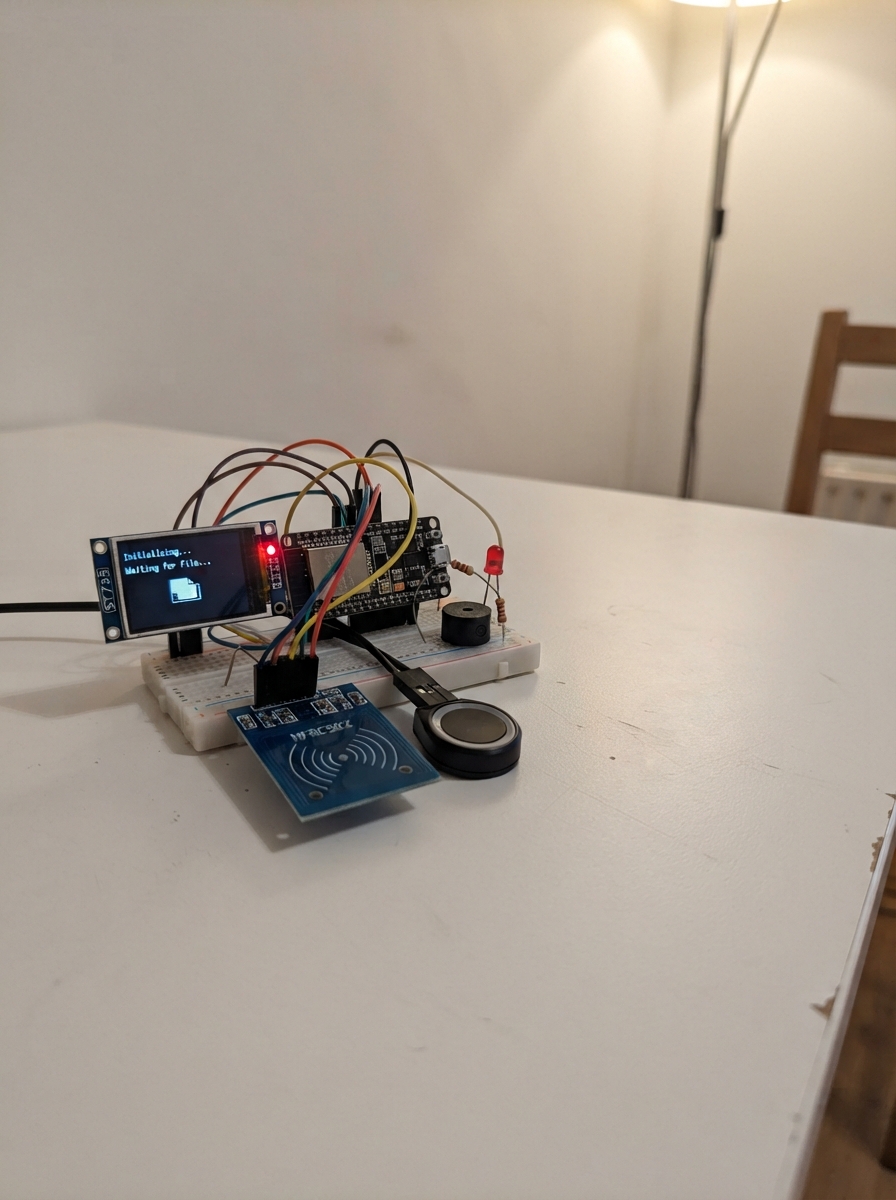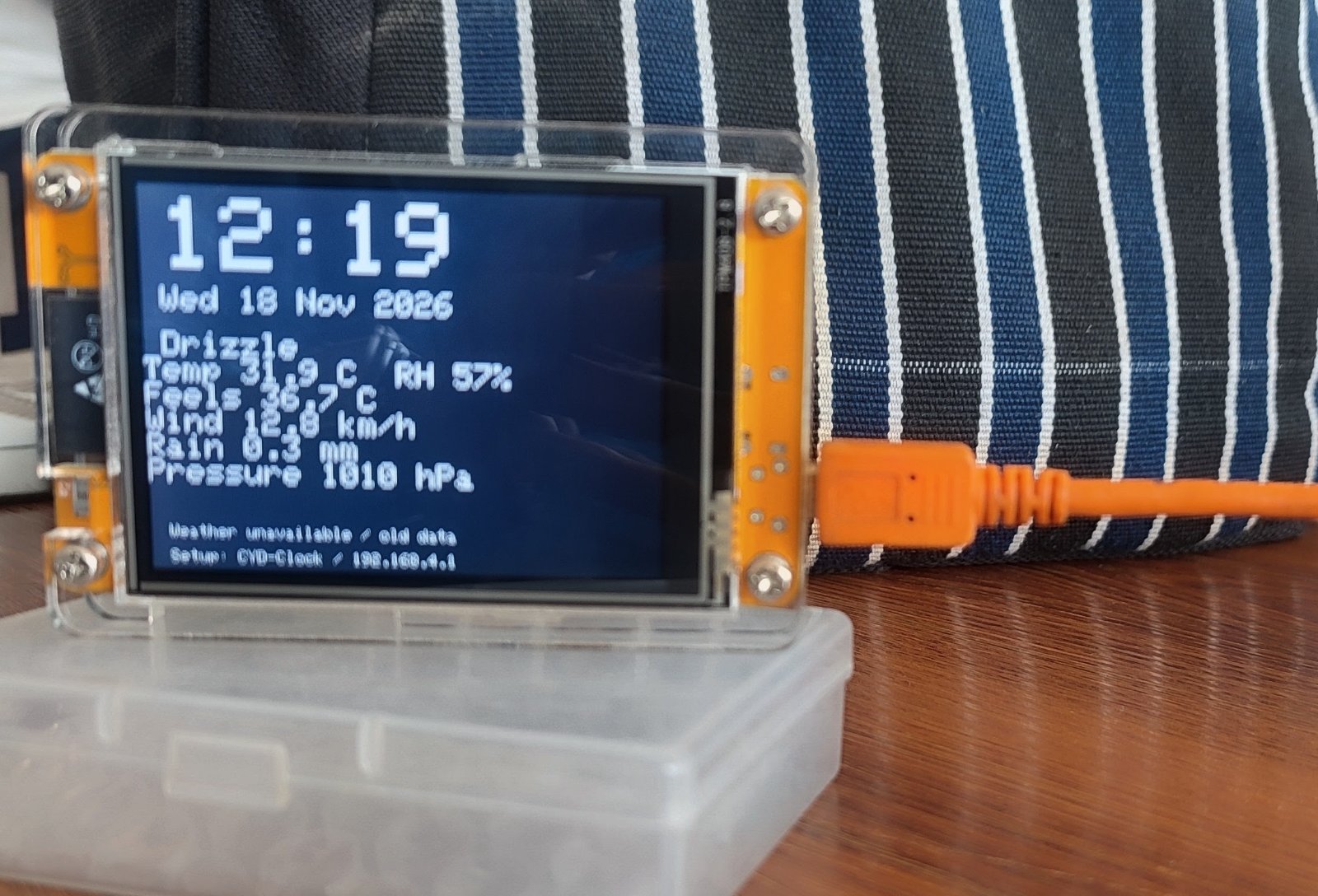
This project builds a networked clock display that shows the current time and live weather conditions. Built around an ESP32 microcontroller with a color display, it fetches weather data from Open-Meteo and automatically adjusts for local time and daylight saving time based on geographic coordinates.
The guide includes a complete parts list, wiring diagram for connecting the display to the ESP32, and ready-to-flash firmware. Setup is straightforward: position the clock, connect USB power, then configure Wi-Fi and location through a simple web interface. The display updates weather information periodically and handles time synchronization automatically.
Wiring diagram
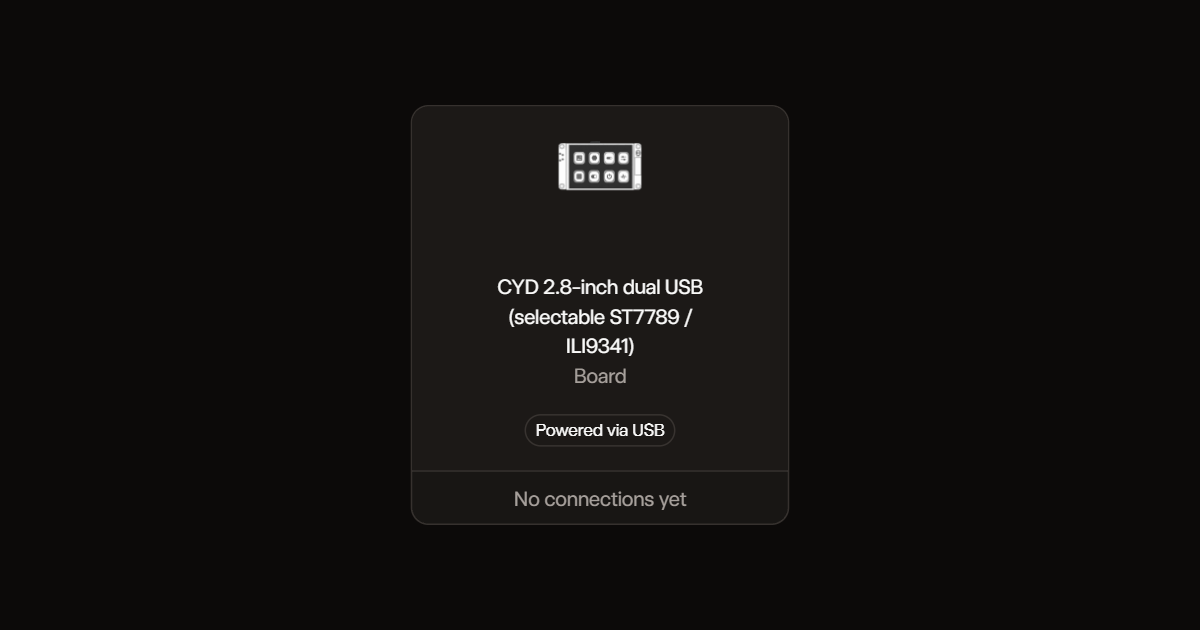
Assemble it in 2 steps
1. Position the clock
Place the CYD board on a non-conductive surface with its screen visible. No extra parts or wires are needed.
- Do not let the exposed underside touch metal; this can short the board.
2. Connect USB power
Connect one USB socket to your computer with a data-capable USB cable. Leave the other USB socket unplugged.
- Use only one USB power source at a time.
Deploy the firmware
#include <Arduino.h>
#include <Arduino_GFX_Library.h>
#include <ArduinoJson.h>
#include <WiFi.h>
#include <WebServer.h>
#include <HTTPClient.h>
#include <Preferences.h>
#include <time.h>
Preferences prefs;
WebServer server(80);
Arduino_DataBus *bus;
Arduino_GFX *gfx;
String ssid, pass, lat, lon;
String weather="Waiting for weather", status="", previous;
long utcOffset=0;
bool validWeather=false;
uint32_t lastFetch=0, lastRetry=0, rebootAt=0;
const char PAGE[] PROGMEM=R"HTML(<!doctype html><meta name="viewport" content="width=device-width"><title>CYD Clock</title><h2>Clock setup</h2><p>Outdoor weather from Open-Meteo. Use your location's latitude and longitude (from a map). Local time and daylight saving follow weather updates.</p><form method="post" action="/save">Wi-Fi name<br><input name="ssid" required maxlength="32"><br>Wi-Fi password<br><input name="pass" type="password" maxlength="64"><br>Latitude (-90 to 90)<br><input name="lat" type="number" step="any" min="-90" max="90" required><br>Longitude (-180 to 180)<br><input name="lon" type="number" step="any" min="-180" max="180" required><br>Screen<br><select name="screen"><option value="st">ST7789 (try first)</option><option value="ili">ILI9341 (try if blank)</option></select><br><button>Save and restart</button></form><p>After saving, reconnect to CYD-Clock if you need to try the other screen. Password: clocksetup</p>)HTML";
String conditions(int code){
if(code==0)return "Clear sky";
if(code<=3)return "Cloudy";
if(code<=48)return "Fog";
if(code<=57)return "Drizzle";
if(code<=67)return "Rain";
if(code<=77)return "Snow";
if(code<=82)return "Rain showers";
if(code<=86)return "Snow showers";
return "Thunderstorms";
}
void fetchWeather(){
lastFetch=millis();
if(WiFi.status()!=WL_CONNECTED){status="Wi-Fi offline";return;}
HTTPClient http;
// Public, non-sensitive weather data; HTTP avoids an unverified TLS connection.
String url="http://api.open-meteo.com/v1/forecast?latitude="+lat+"&longitude="+lon+"¤t=temperature_2m,relative_humidity_2m,apparent_temperature,weather_code,wind_speed_10m,precipitation,surface_pressure&timezone=auto";
http.setTimeout(5000);http.begin(url);
int result=http.GET();
if(result==200){
JsonDocument doc;
auto err=deserializeJson(doc,http.getString());
if(!err && doc["current"]["temperature_2m"].is<float>()){
utcOffset=doc["utc_offset_seconds"] | 0L;
auto c=doc["current"];
weather=conditions(c["weather_code"] | 0)+"\n";
weather+="Temp "+String(c["temperature_2m"].as<float>(),1)+" C RH "+String(c["relative_humidity_2m"].as<int>())+"%\n";
weather+="Feels "+String(c["apparent_temperature"].as<float>(),1)+" C\n";
weather+="Wind "+String(c["wind_speed_10m"].as<float>(),1)+" km/h\n";
weather+="Rain "+String(c["precipitation"].as<float>(),1)+" mm\n";
weather+="Pressure "+String(c["surface_pressure"].as<float>(),0)+" hPa";
validWeather=true;status="Weather updated";
}else status="Weather error / old data";
}else status="Weather unavailable / old data";
http.end();
}
void render(){
time_t now=time(nullptr);
String clock="--:--", date="Waiting for internet time";
if(now>1700000000 && validWeather){
now+=utcOffset; struct tm local;gmtime_r(&now,&local);
char buf[40];strftime(buf,sizeof(buf),"%H:%M",&local);clock=buf;
strftime(buf,sizeof(buf),"%a %d %b %Y",&local);date=buf;
}
String state=clock+date+weather+status+String(WiFi.status());
if(state==previous)return;previous=state;
gfx->fillScreen(0x0841);gfx->setTextColor(0xFFFF);gfx->setTextSize(6);gfx->setCursor(14,8);gfx->print(clock);
gfx->setTextSize(2);gfx->setCursor(12,62);gfx->print(date);
gfx->setTextSize(2);gfx->setCursor(12,90);gfx->print(weather);
gfx->setTextSize(1);gfx->setCursor(12,212);gfx->print(status);
gfx->setCursor(12,228);gfx->print("Setup: CYD-Clock / 192.168.4.1");
}
void setup(){
Serial.begin(115200);prefs.begin("clock",false);
ssid=prefs.getString("ssid","");pass=prefs.getString("pass","");lat=prefs.getString("lat","");lon=prefs.getString("lon","");
bus=new Arduino_ESP32SPI(2,15,14,13,-1,HSPI);
if(prefs.getString("screen","st")=="ili")gfx=new Arduino_ILI9341(bus,-1,1);
else gfx=new Arduino_ST7789(bus,-1,1,false,240,320);
pinMode(21,OUTPUT);digitalWrite(21,LOW);gfx->begin(24000000);gfx->fillScreen(0x0841);digitalWrite(21,HIGH);
WiFi.mode(WIFI_AP_STA);WiFi.softAP("CYD-Clock","clocksetup");
if(ssid.length())WiFi.begin(ssid.c_str(),pass.c_str());
configTime(0,0,"pool.ntp.org","time.nist.gov");
server.on("/",[]{server.send_P(200,"text/html",PAGE);});
server.on("/save",HTTP_POST,[]{
String a=server.arg("lat"),b=server.arg("lon");
if(!server.arg("ssid").length() || !a.length() || !b.length() || a.toFloat() < -90 || a.toFloat()>90 || b.toFloat() < -180 || b.toFloat()>180){server.send(400,"text/plain","Check Wi-Fi name and coordinates.");return;}
prefs.putString("ssid",server.arg("ssid"));prefs.putString("pass",server.arg("pass"));prefs.putString("lat",a);prefs.putString("lon",b);prefs.putString("screen",server.arg("screen")=="ili"?"ili":"st");
server.send(200,"text/plain","Saved. Restarting. Reconnect to your usual Wi-Fi, or CYD-Clock to change setup.");rebootAt=millis()+1200;
});
server.begin();status=ssid.length()?"Connecting to Wi-Fi":"Join CYD-Clock: clocksetup";
weather="Outdoor weather clock\nJoin CYD-Clock Wi-Fi\nPassword: clocksetup\nOpen 192.168.4.1\nSet Wi-Fi and location";
render();
}
void loop(){
server.handleClient();
if(rebootAt && (int32_t)(millis()-rebootAt)>=0)ESP.restart();
if(ssid.length() && WiFi.status()!=WL_CONNECTED && millis()-lastRetry>30000){lastRetry=millis();WiFi.reconnect();status="Wi-Fi offline; retrying";}
if(lat.length() && WiFi.status()==WL_CONNECTED && (lastFetch==0 || millis()-lastFetch>600000))fetchWeather();
render();delay(10);
}Remix this project
Make it yours in one click
Open a full copy of this project in your own Schematik workspace, diagram, code, parts, and assembly steps included. Swap the sensor, add features, or redesign the whole thing with AI. The author's original stays untouched.