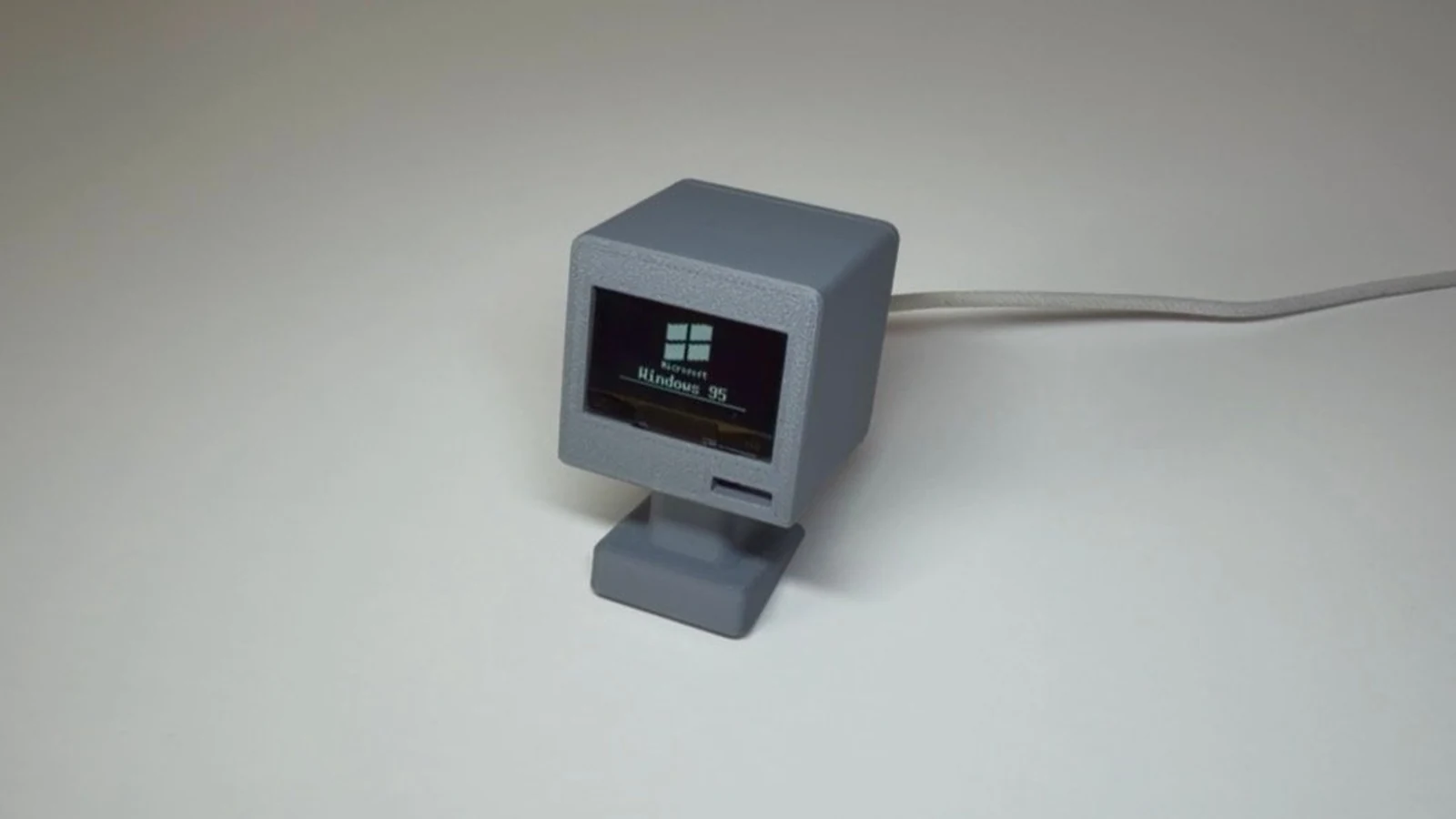
Schematik build
E-Paper Camera M5Paper Code
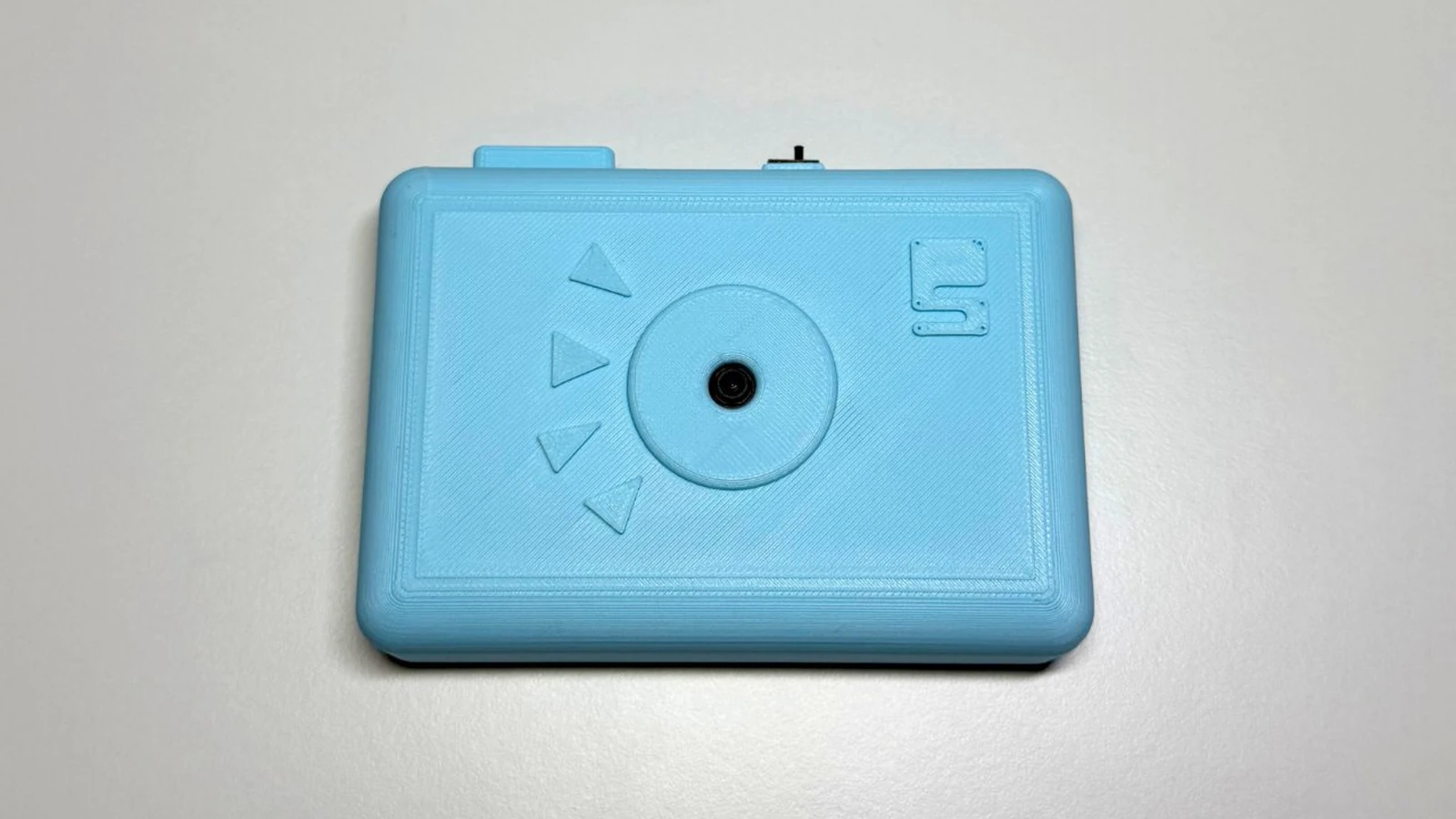
This guide shows how to build a wireless camera display system using an M5Stack M5Paper e-ink display and an ESP32-based camera module. The two devices communicate via ESP-NOW protocol to capture photos and display them on the e-ink screen, creating a low-power remote camera viewer.
Builders will receive a complete parts list, wiring diagram, and firmware for both the camera sender and display receiver. The assembly process involves powering both devices and triggering photo captures through the e-ink interface, with step-by-step instructions for flashing the ESP32 firmware and configuring the wireless connection.
Wiring diagram
Assemble it in 4 steps
1. Place the two devices nearby
Put the M5Stack PaperColor and the already-built XIAO camera within a few metres of each other. The PaperColor is the controller with the large color e-ink screen; the XIAO is the camera.
- Keep both devices on the same work surface for the first test so the wireless link has a clear path.
- Do not add wires between the PaperColor and XIAO: they communicate wirelessly, and incorrect wires could damage either device.
2. Power the camera
Turn on or connect the XIAO camera exactly as its existing LiPo-powered build requires. Leave it running so it can hear the PaperColor's capture request.
- The camera must use ESP-NOW channel 1 and the packet format you specified.
- Make sure the LiPo battery is connected with the correct polarity — reversed battery power can damage the XIAO.
3. Power the PaperColor
Connect a USB-C cable from a normal USB power source to the PaperColor's USB-C port. This powers the self-contained controller board and its built-in color e-ink display.
- No external button, display, battery, or camera module is needed on this board.
- Use an undamaged USB-C cable; a loose power connection can interrupt the screen refresh or wireless photo transfer.
4. Take a photo
After deployment, press the PaperColor's built-in Button A, the leftmost of its three front buttons. It sends the capture request, shows Capturing..., then replaces that screen with the received photo or a clear error message.
- Wait until the display finishes its update before pressing Button A again.
- After the photo appears, press Button A again whenever you want another picture.
- Extra Button A presses are ignored while a photo is being received, so wait for the photo or error screen before trying again.
Deploy the firmware
#include <Arduino.h>
#include <M5Unified.h>
#include <WiFi.h>
#include <esp_now.h>
#include <esp_wifi.h>
#include <esp_heap_caps.h>
#include <string.h>

// Must match the XIAO ESP32-S3 Sense sender exactly.

// Hoisted type definitions
struct __attribute__((packed)) CameraPacket {
  uint32_t magic;
  uint8_t type;
  uint16_t sequence;
  uint16_t dataLength;
  uint32_t imageLength;
  uint16_t width;
  uint16_t height;
  uint8_t data[JPEG_CHUNK_BYTES];
};

enum ReceiverState : uint8_t { READY, REQUESTING, RECEIVING, PHOTO_READY, ERROR_STATE };

enum PendingEvent : uint8_t { EVENT_NONE, EVENT_IMAGE_COMPLETE, EVENT_REMOTE_ERROR, EVENT_PROTOCOL_ERROR };


// Forward declarations
bool sameMac(const uint8_t *a, const uint8_t *b);
void releaseImageBuffer();
void resetTransfer();
void drawStatus(const char *title, const char *detail);
void showReadyScreen();
void showError(const char *message);
void showPhoto();
void setProtocolError();
void onEspNowReceive(const esp_now_recv_info_t *info, const uint8_t *incomingData, int length);

constexpr uint8_t ESPNOW_CHANNEL = 1;
constexpr uint32_t PACKET_MAGIC = 0x5043414DUL;  // "PCAM"
constexpr size_t JPEG_CHUNK_BYTES = 232;
constexpr uint8_t PACKET_CAPTURE_REQUEST = 1;
constexpr uint8_t PACKET_IMAGE_START = 2;
constexpr uint8_t PACKET_IMAGE_DATA = 3;
constexpr uint8_t PACKET_IMAGE_END = 4;
constexpr uint8_t PACKET_ERROR = 5;


static_assert(sizeof(CameraPacket) == 245, "CameraPacket layout must match the XIAO");

constexpr uint32_t CAPTURE_TIMEOUT_MS = 15000;
constexpr size_t MAX_JPEG_BYTES = 700000;
const uint8_t BROADCAST_MAC[6] = {0xFF, 0xFF, 0xFF, 0xFF, 0xFF, 0xFF};


ReceiverState state = READY;
portMUX_TYPE packetMux = portMUX_INITIALIZER_UNLOCKED;

uint8_t *jpegBuffer = nullptr;
size_t receivedBytes = 0;
uint16_t expectedSequence = 0;
uint32_t announcedImageLength = 0;
uint16_t announcedWidth = 0;
uint16_t announcedHeight = 0;
uint8_t cameraMac[6] = {};
bool senderLocked = false;
volatile PendingEvent pendingEvent = EVENT_NONE;
char remoteError[80] = {};
uint32_t captureStartedAt = 0;

bool sameMac(const uint8_t *a, const uint8_t *b) {
  return memcmp(a, b, 6) == 0;
}

void releaseImageBuffer() {
  if (jpegBuffer != nullptr) {
    heap_caps_free(jpegBuffer);
    jpegBuffer = nullptr;
  }
}

void resetTransfer() {
  releaseImageBuffer();
  receivedBytes = 0;
  expectedSequence = 0;
  announcedImageLength = 0;
  announcedWidth = 0;
  announcedHeight = 0;
  senderLocked = false;
  pendingEvent = EVENT_NONE;
  remoteError[0] = '\0';
}

void drawStatus(const char *title, const char *detail) {
  // PaperColor refreshes only when the visible state changes.
  M5.Display.fillScreen(TFT_WHITE);
  M5.Display.setTextColor(TFT_BLACK, TFT_WHITE);
  M5.Display.setTextDatum(middle_center);
  M5.Display.setTextSize(2);
  M5.Display.drawString(title, M5.Display.width() / 2, M5.Display.height() / 2 - 30);
  M5.Display.setTextSize(1);
  M5.Display.drawString(detail, M5.Display.width() / 2, M5.Display.height() / 2 + 25);
  M5.Display.display();
}

void showReadyScreen() {
  drawStatus("Portable Camera", "Press Button A to take another photo");
}

void showError(const char *message) {
  state = ERROR_STATE;
  drawStatus("Photo not received", message);
  state = READY;
}

void showPhoto() {
  // drawJpg is deliberately called outside the ESP-NOW callback.
  M5.Display.fillScreen(TFT_WHITE);
  bool decoded = M5.Display.drawJpg(jpegBuffer, announcedImageLength, 0, 0,
                                    M5.Display.width(), M5.Display.height(),
                                    0, 0, 0.0f, 0.0f, datum_t::middle_center);
  if (!decoded) {
    releaseImageBuffer();
    showError("The received photo could not be decoded");
    return;
  }
  M5.Display.display();
  releaseImageBuffer();
  state = READY;
}

void setProtocolError() {
  pendingEvent = EVENT_PROTOCOL_ERROR;
}

#if ESP_ARDUINO_VERSION_MAJOR >= 3
void onEspNowReceive(const esp_now_recv_info_t *info, const uint8_t *incomingData, int length) {
  const uint8_t *mac = info == nullptr ? nullptr : info->src_addr;
#else
void onEspNowReceive(const uint8_t *mac, const uint8_t *incomingData, int length) {
#endif
  // No screen work occurs here: this callback only checks and copies packets.
  if (mac == nullptr || incomingData == nullptr || length != static_cast<int>(sizeof(CameraPacket))) return;

  CameraPacket packet;
  memcpy(&packet, incomingData, sizeof(packet));
  if (packet.magic != PACKET_MAGIC || packet.type < PACKET_IMAGE_START || packet.type > PACKET_ERROR ||
      packet.dataLength > JPEG_CHUNK_BYTES) return;

  portENTER_CRITICAL(&packetMux);
  if (state != REQUESTING && state != RECEIVING) {
    portEXIT_CRITICAL(&packetMux);
    return;
  }
  if (senderLocked && !sameMac(mac, cameraMac)) {
    portEXIT_CRITICAL(&packetMux);
    return;
  }

  if (packet.type == PACKET_IMAGE_START) {
    if (state != REQUESTING || senderLocked || packet.sequence != 0 || packet.dataLength != 0 ||
        packet.imageLength == 0 || packet.imageLength > MAX_JPEG_BYTES || packet.width == 0 ||
        packet.height == 0 || packet.width > 4096 || packet.height > 4096) {
      setProtocolError();
    } else {
      uint8_t *newBuffer = static_cast<uint8_t *>(heap_caps_malloc(packet.imageLength, MALLOC_CAP_SPIRAM | MALLOC_CAP_8BIT));
      if (newBuffer == nullptr) {
        setProtocolError();
      } else {
        jpegBuffer = newBuffer;
        memcpy(cameraMac, mac, 6);
        senderLocked = true;
        announcedImageLength = packet.imageLength;
        announcedWidth = packet.width;
        announcedHeight = packet.height;
        receivedBytes = 0;
        expectedSequence = 0;
        state = RECEIVING;
      }
    }
  } else if (packet.type == PACKET_IMAGE_DATA) {
    if (state != RECEIVING || packet.sequence != expectedSequence || packet.dataLength == 0 || jpegBuffer == nullptr ||
        receivedBytes + packet.dataLength > announcedImageLength) {
      setProtocolError();
    } else {
      memcpy(jpegBuffer + receivedBytes, packet.data, packet.dataLength);
      receivedBytes += packet.dataLength;
      ++expectedSequence;
    }
  } else if (packet.type == PACKET_IMAGE_END) {
    if (state != RECEIVING || packet.sequence != expectedSequence || packet.dataLength != 0 ||
        receivedBytes != announcedImageLength) {
      setProtocolError();
    } else {
      pendingEvent = EVENT_IMAGE_COMPLETE;
    }
  } else {  // PACKET_ERROR
    if (packet.dataLength == 0) {
      strncpy(remoteError, "The camera reported an error", sizeof(remoteError) - 1);
    } else {
      size_t count = min(static_cast<size_t>(packet.dataLength), sizeof(remoteError) - 1);
      memcpy(remoteError, packet.data, count);
      remoteError[count] = '\0';
      for (size_t i = 0; i < count; ++i) if (static_cast<uint8_t>(remoteError[i]) < 32) remoteError[i] = ' ';
    }
    pendingEvent = EVENT_REMOTE_ERROR;
  }
  portEXIT_CRITICAL(&packetMux);
}

bool beginEspNow() {
  WiFi.mode(WIFI_STA);
  WiFi.disconnect(false, true);  // Never join or retain a normal Wi-Fi network.
  if (esp_wifi_set_channel(ESPNOW_CHANNEL, WIFI_SECOND_CHAN_NONE) != ESP_OK) return false;
  if (esp_now_init() != ESP_OK) return false;
  esp_now_register_recv_cb(onEspNowReceive);

  esp_now_peer_info_t peer = {};
  memcpy(peer.peer_addr, BROADCAST_MAC, 6);
  peer.channel = ESPNOW_CHANNEL;
  peer.encrypt = false;
  peer.ifidx = WIFI_IF_STA;
  return esp_now_add_peer(&peer) == ESP_OK || esp_now_is_peer_exist(BROADCAST_MAC);
}

void requestCapture() {
  portENTER_CRITICAL(&packetMux);
  resetTransfer();
  state = REQUESTING;
  captureStartedAt = millis();
  portEXIT_CRITICAL(&packetMux);

  CameraPacket request = {};
  request.magic = PACKET_MAGIC;
  request.type = PACKET_CAPTURE_REQUEST;
  if (esp_now_send(BROADCAST_MAC, reinterpret_cast<const uint8_t *>(&request), sizeof(request)) != ESP_OK) {
    portENTER_CRITICAL(&packetMux);
    resetTransfer();
    portEXIT_CRITICAL(&packetMux);
    showError("Could not send the capture request");
    return;
  }
  drawStatus("Capturing...", "Waiting for the camera");
}

void handleReceiverEvents() {
  PendingEvent event;
  char errorCopy[sizeof(remoteError)];
  portENTER_CRITICAL(&packetMux);
  event = pendingEvent;
  pendingEvent = EVENT_NONE;
  strncpy(errorCopy, remoteError, sizeof(errorCopy));
  errorCopy[sizeof(errorCopy) - 1] = '\0';
  portEXIT_CRITICAL(&packetMux);

  if (event == EVENT_IMAGE_COMPLETE) {
    state = PHOTO_READY;
    showPhoto();
  } else if (event == EVENT_REMOTE_ERROR) {
    releaseImageBuffer();
    showError(errorCopy[0] ? errorCopy : "The camera reported an error");
  } else if (event == EVENT_PROTOCOL_ERROR) {
    releaseImageBuffer();
    showError("A photo packet was missing or invalid");
  }
}

void setup() {
  auto cfg = M5.config();
  cfg.clear_display = false;
  M5.begin(cfg);
  M5.Display.setRotation(0);
  M5.Display.setEpdMode(epd_mode_t::epd_fastest);
  showReadyScreen();
  if (!beginEspNow()) showError("Wireless receiver could not start");
}

void loop() {
  M5.update();
  if (state == READY && M5.BtnA.wasPressed()) requestCapture();
  handleReceiverEvents();

  if ((state == REQUESTING || state == RECEIVING) && millis() - captureStartedAt > CAPTURE_TIMEOUT_MS) {
    portENTER_CRITICAL(&packetMux);
    resetTransfer();
    portEXIT_CRITICAL(&packetMux);
    showError("The camera did not finish within 15 seconds");
  }
}
Remix this project
Make it yours in one click
Open a full copy of this project in your own Schematik workspace — diagram, code, parts, and assembly steps included. Swap the sensor, add features, or redesign the whole thing with AI. The author's original stays untouched.
Related projects
E-Ink Photo Camera
ESP32 · Intermediate · 2 hours · August 24, 2026Schematik
How to Build an ESP32-CAM Setup Portal Security Camera
ESP32 · Intermediate · 35 minutes · July 22, 2026Schematik
ESP32 RGB Matrix Display
ESP32 · Intermediate · 60 minutes · August 4, 2026Schematik