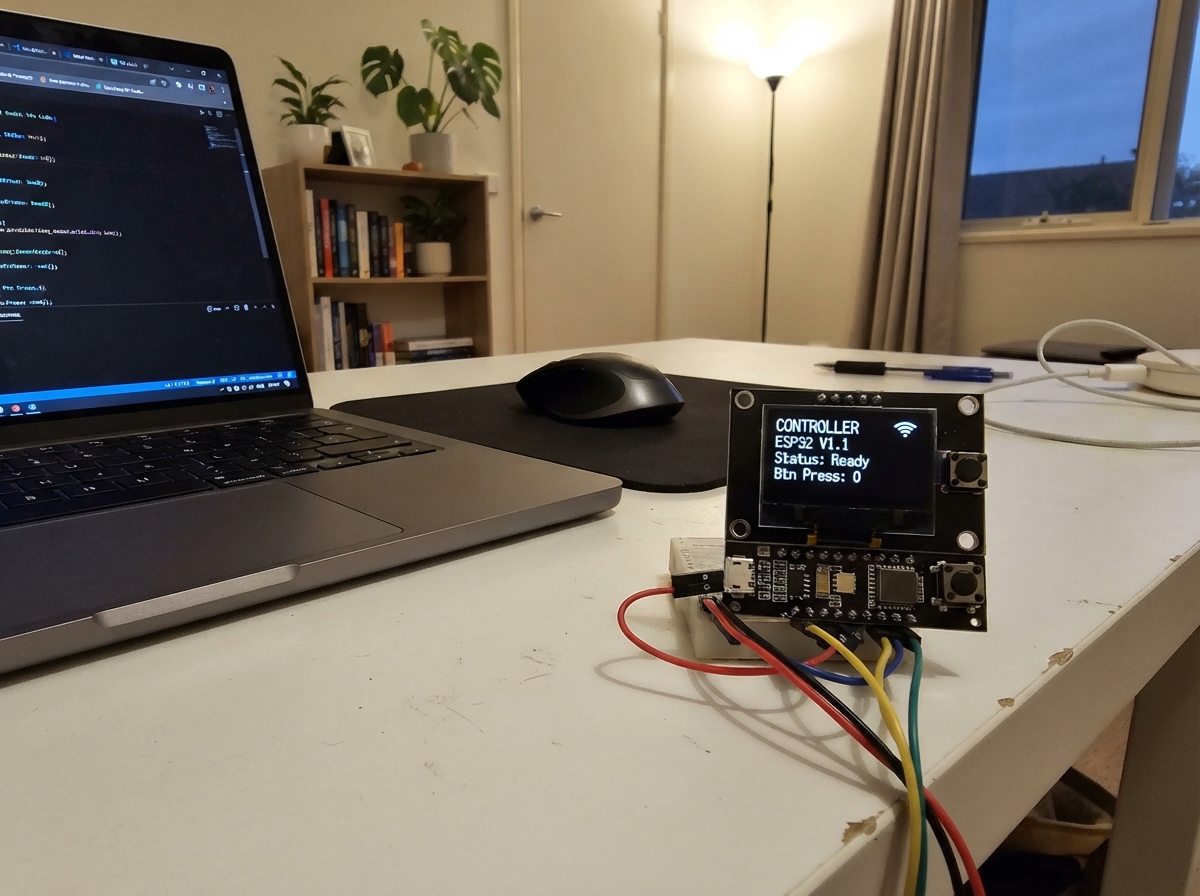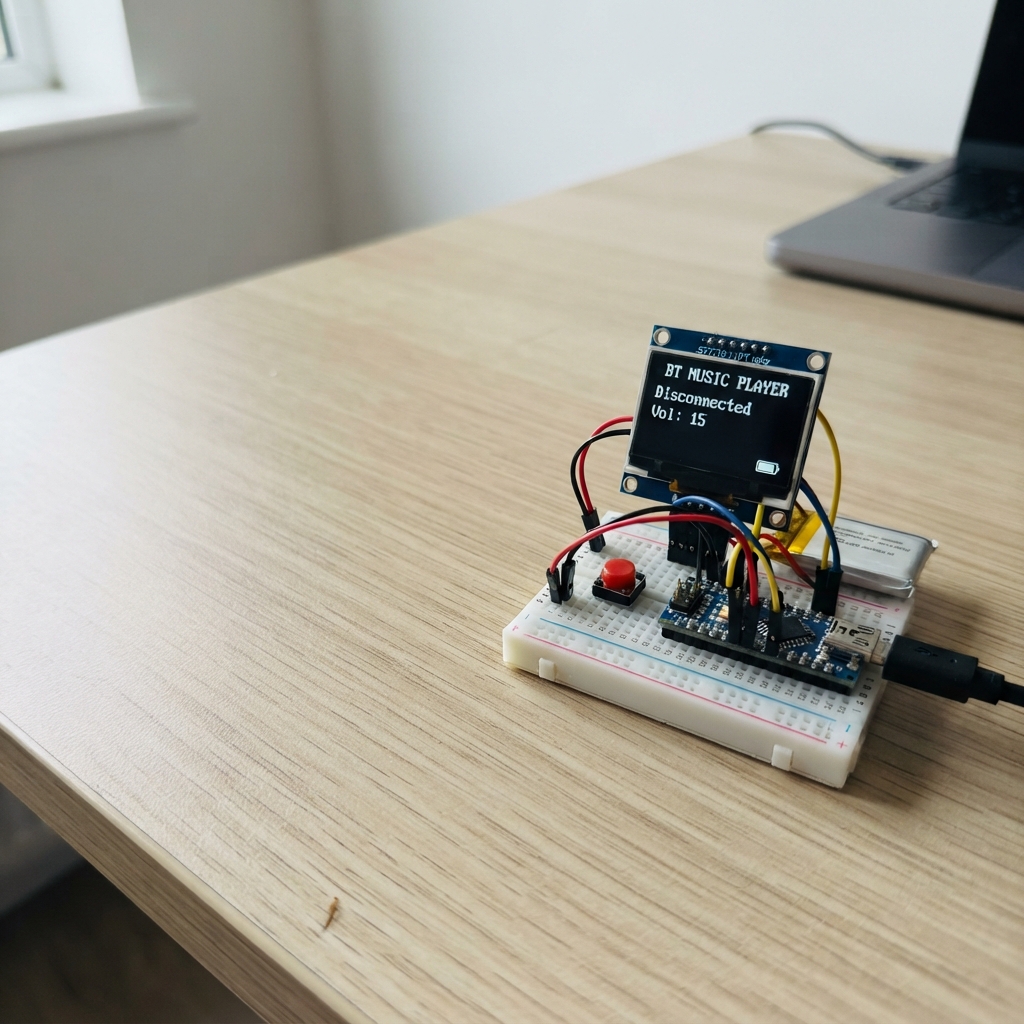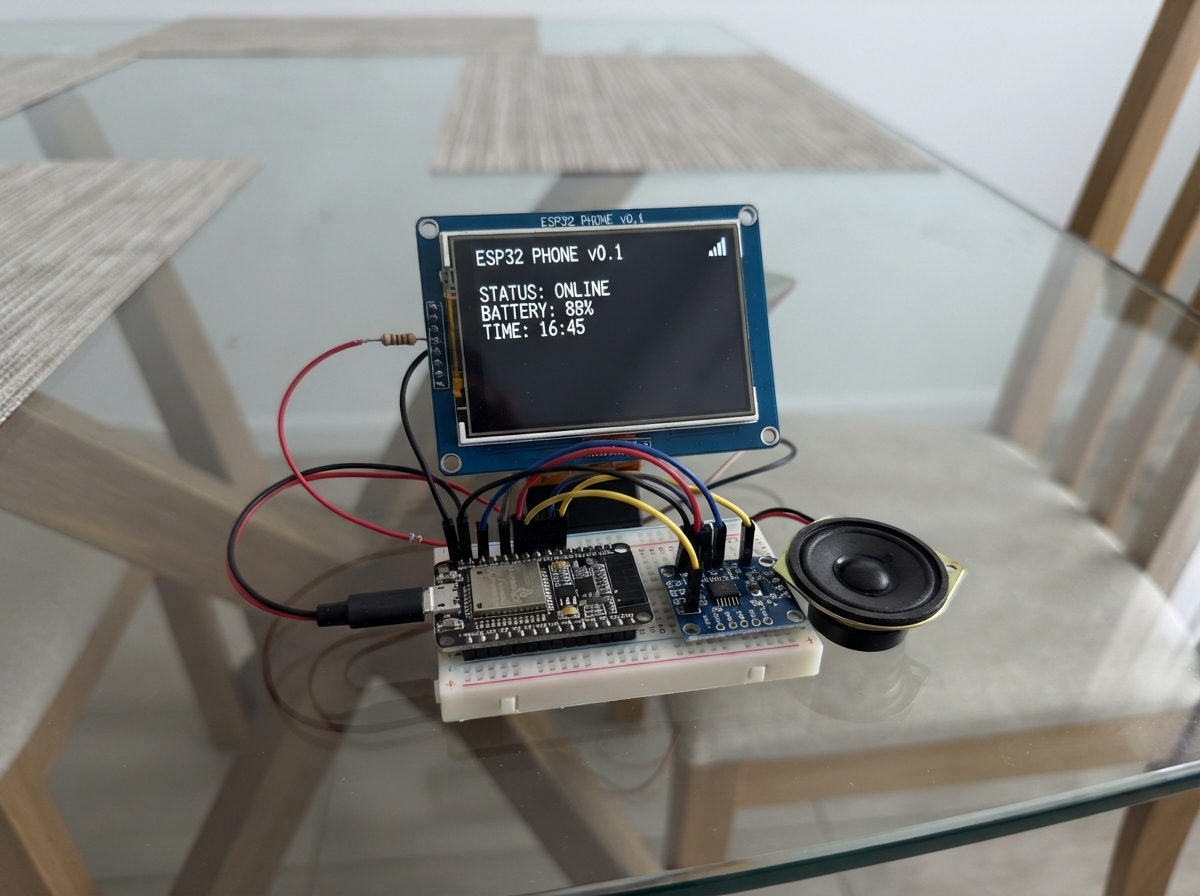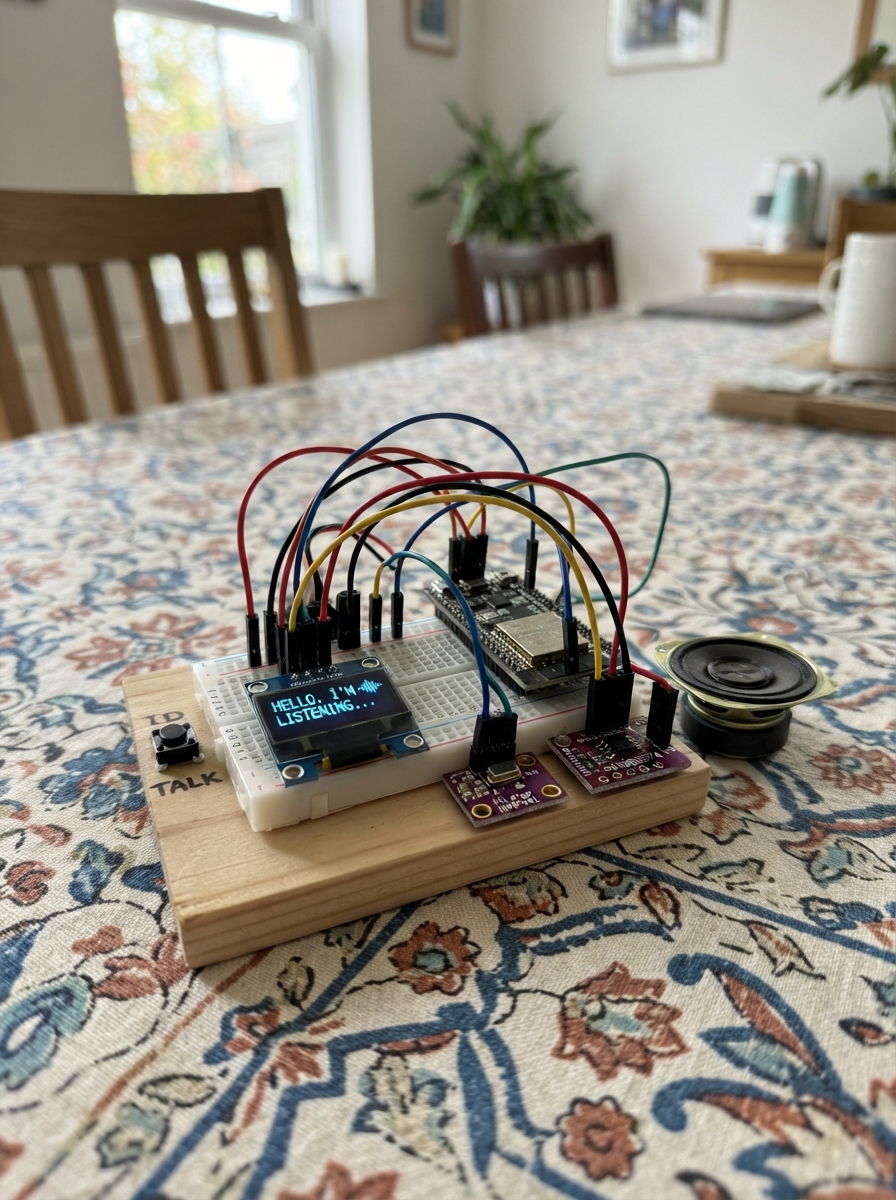
This project builds a voice-interactive AI assistant powered by an ESP32 microcontroller. The device listens to spoken questions through an I²S microphone, sends audio to a cloud AI service for processing, and speaks responses back through a Class-D amplifier and speaker. An OLED display shows the assistant's mood and conversation history, while two buttons let users trigger recording and navigate through responses.
The guide provides a complete wiring diagram connecting the microphone, amplifier, speaker, display, and buttons to the ESP32; a full parts list with recommended suppliers; Arduino firmware that handles WiFi connectivity, audio capture and playback, AI API communication, and web-based configuration; and step-by-step assembly instructions. After wiring and flashing the firmware, users configure their WiFi and API credentials through a setup portal, then start having voice conversations with their personal AI.
Wiring diagram

Gather all the parts
Assemble it in 6 steps
1. Place the board, screen, and buttons
Put the ESP32 DevKit V1, the small OLED screen, and the two push buttons on a breadboard. Keep the ESP32 USB socket reachable at the edge. The screen is the bot’s face, ASK starts a voice question, and NEXT shows the web-page address.
- The two pins on the same side of a push button are already joined inside it. Place each button so it bridges the breadboard’s center gap.
- Do not connect power yet; checking each wire first makes it much less likely that power is connected to the wrong place.
2. Wire the face screen and the two buttons
Connect OLED VCC to ESP32 3V3 (power), OLED GND to ESP32 GND (ground), OLED SDA to GPIO21 (data), and OLED SCL to GPIO22 (clock). Connect one ASK button leg to GPIO32 and its opposite-side leg to GND (signal). Connect one NEXT button leg to GPIO33 and its opposite-side leg to GND (signal).
- Use different colored wires: red for 3V3, black for GND, and other colors for the signal wires.
- The buttons use the ESP32’s built-in pull-up setting, so no extra resistor is needed.
- Make sure OLED VCC and GND are not swapped — swapped power can damage the screen.
3. Wire the digital microphone
Connect INMP441 VDD to ESP32 3V3 (power), INMP441 GND to ESP32 GND (ground), SCK to GPIO18 (timing), WS to GPIO19 (timing), SD to GPIO4 (voice signal), and L/R to GND (left-channel selection). Point the microphone opening toward where you will speak.
- Keep the microphone wires short and away from the speaker wires as much as practical; this reduces unwanted noise.
- The L/R wire deliberately goes to GND so the microphone sends the channel the bot listens to.
- Use only 3V3 for the microphone VDD. Connecting its power pin to 5V can damage it.
4. Wire the amplifier and speaker
Connect MAX98357A VIN to ESP32 3V3 (power), MAX98357A GND to ESP32 GND (ground), BCLK to GPIO26 (audio timing), LRC to GPIO25 (audio timing), and DIN to GPIO27 (voice data). Connect amplifier SPK+ to the speaker POS terminal (speaker output) and amplifier SPK- to the speaker NEG terminal (speaker output).
- Use the two wires from SPK+ and SPK- only for the speaker. The speaker does not connect to ESP32 GND.
- Place the speaker a short distance away from the microphone so the bot is less likely to hear its own reply.
- Never connect either speaker terminal to GND; this amplifier drives both speaker wires and grounding one can damage the amplifier.
5. Power the bot and enter its private details
Plug the ESP32 into USB. After the first Deploy, use a phone or computer to join the temporary Wi-Fi network named Personal-AI-Bot with password makeitprivate. Open 192.168.4.1, then enter your home Wi-Fi name, Wi-Fi password, and OpenAI API key. The bot then joins your home Wi-Fi.
- Keep your API key private; it is the key that lets the bot use your AI account.
- After it joins your home Wi-Fi, press NEXT to show the local web-page address on the OLED.
- Start with low speaker volume by keeping the speaker away from your ear; the amplifier can make sudden sounds loud.
6. Use the voice bot
Press ASK once, then speak normally for about three seconds while the face looks like it is listening. The face changes to thinking, then speaking while it says the reply. Open the displayed local web address from a phone or computer on the same home Wi-Fi to see the recent conversation history.
- Speak close to the microphone in a quiet room for the clearest result.
- Press NEXT at any time to show the bot’s local web-page address again.
- The bot sends each recorded question to the AI service for transcription and an answer, so do not speak passwords or other private information into it.
Review all connections
1. Connections between "oled_1" and "ESP32"
2. Connections between "ask_button" and "ESP32"
3. Connections between "next_button" and "ESP32"
4. Connections between "microphone_1" and "ESP32"
5. Connections between "audio_amp_1" and "ESP32"
Deploy the firmware
#include <Arduino.h>
#include <WiFi.h>
#include <WebServer.h>
#include <WiFiClientSecure.h>
#include <Wire.h>
#include <Preferences.h>
#include <Adafruit_GFX.h>
#include <Adafruit_SSD1306.h>
#include <ArduinoJson.h>
#include <driver/i2s.h>
// Forward declarations
void wrapText(const String &text, int y, int maxLines);
void drawFace(const String &mood, const String &caption);
void addHistory(const String &role, const String &text);
String htmlEscape(String value);
void handleRoot();
void saveSettings();
void handleSave();
void startServer();
void startSetupPortal();
bool connectWiFi();
void setupAudio();
void appendWavHeader(uint8_t *out, uint32_t pcmBytes);
String readHttpBody(WiFiClientSecure &client);
String transcribe(uint8_t *wav, size_t wavSize);
String askAI(const String &question);
void speak(const String &text);
void listenAndReply();
void showWebAddress();
void readButtons();
constexpr int OLED_SDA = 21;
constexpr int OLED_SCL = 22;
constexpr int ASK_BUTTON_PIN = 32;
constexpr int NEXT_BUTTON_PIN = 33;
constexpr int MIC_BCLK_PIN = 18;
constexpr int MIC_LRCLK_PIN = 19;
constexpr int MIC_DATA_PIN = 4;
constexpr int SPEAKER_BCLK_PIN = 26;
constexpr int SPEAKER_LRCLK_PIN = 25;
constexpr int SPEAKER_DATA_PIN = 27;
constexpr uint8_t OLED_ADDRESS = 0x3C;
constexpr uint8_t SCREEN_WIDTH = 128;
constexpr uint8_t SCREEN_HEIGHT = 64;
constexpr uint32_t SAMPLE_RATE = 16000;
constexpr size_t RECORD_SECONDS = 3;
constexpr size_t SAMPLE_COUNT = SAMPLE_RATE * RECORD_SECONDS;
constexpr size_t HISTORY_COUNT = 5;
Adafruit_SSD1306 display(SCREEN_WIDTH, SCREEN_HEIGHT, &Wire, -1);
WebServer server(80);
Preferences preferences;
String wifiName, wifiPassword, apiKey;
String history[HISTORY_COUNT];
size_t historyUsed = 0;
bool setupMode = false;
bool lastAskState = HIGH;
bool lastNextState = HIGH;
unsigned long lastButtonTime = 0;
void wrapText(const String &text, int y, int maxLines) {
display.setCursor(0, y);
String line;
int lines = 0;
for (size_t i = 0; i < text.length() && lines < maxLines; ++i) {
char c = text[i];
if (c == '\n' || line.length() >= 20) {
display.println(line);
line = "";
++lines;
if (c == '\n') continue;
}
line += c;
}
if (line.length() && lines < maxLines) display.println(line);
}
void drawFace(const String &mood, const String &caption) {
display.clearDisplay();
display.setTextColor(SSD1306_WHITE);
display.drawRoundRect(12, 3, 104, 42, 10, SSD1306_WHITE);
if (mood == "listening") {
display.fillCircle(42, 21, 4, SSD1306_WHITE);
display.fillCircle(86, 21, 4, SSD1306_WHITE);
display.drawCircle(64, 31, 10, SSD1306_WHITE);
} else if (mood == "thinking") {
display.drawLine(35, 20, 48, 17, SSD1306_WHITE);
display.drawLine(80, 17, 93, 20, SSD1306_WHITE);
display.drawCircle(64, 32, 2, SSD1306_WHITE);
display.drawCircle(70, 36, 2, SSD1306_WHITE);
display.drawCircle(76, 39, 2, SSD1306_WHITE);
} else if (mood == "speaking") {
display.fillCircle(42, 21, 4, SSD1306_WHITE);
display.fillCircle(86, 21, 4, SSD1306_WHITE);
display.drawRoundRect(53, 27, 22, 10, 5, SSD1306_WHITE);
} else {
display.fillCircle(42, 21, 4, SSD1306_WHITE);
display.fillCircle(86, 21, 4, SSD1306_WHITE);
display.drawLine(52, 30, 58, 35, SSD1306_WHITE);
display.drawLine(58, 35, 64, 37, SSD1306_WHITE);
display.drawLine(64, 37, 70, 35, SSD1306_WHITE);
display.drawLine(70, 35, 76, 30, SSD1306_WHITE);
}
display.setTextSize(1);
wrapText(caption, 49, 2);
display.display();
}
void addHistory(const String &role, const String &text) {
String line = role + ": " + text;
if (historyUsed < HISTORY_COUNT) history[historyUsed++] = line;
else {
for (size_t i = 1; i < HISTORY_COUNT; ++i) history[i - 1] = history[i];
history[HISTORY_COUNT - 1] = line;
}
}
String htmlEscape(String value) {
value.replace("&", "&"); value.replace("<", "<"); value.replace(">", ">");
return value;
}
void handleRoot() {
String page = "<!doctype html><html><meta name='viewport' content='width=device-width'><body><h2>Personal AI Voice Bot</h2>";
if (setupMode) {
page += "<p>Enter your Wi-Fi and OpenAI API key. They stay on this bot.</p><form method='POST' action='/save'>Wi-Fi name:<br><input name='ssid' required><br>Wi-Fi password:<br><input name='pass' type='password'><br>OpenAI API key:<br><input name='key' type='password' required><br><br><button>Save and restart</button></form>";
} else {
page += "<p>Connected to your home network. This page shows only the most recent conversations held since the bot was switched on.</p><ol>";
for (size_t i = 0; i < historyUsed; ++i) page += "<li>" + htmlEscape(history[i]) + "</li>";
page += "</ol><p>Refresh this page after speaking to the bot.</p>";
}
server.send(200, "text/html", page + "</body></html>");
}
void saveSettings() {
preferences.putString("ssid", wifiName);
preferences.putString("pass", wifiPassword);
preferences.putString("key", apiKey);
}
void handleSave() {
wifiName = server.arg("ssid"); wifiPassword = server.arg("pass"); apiKey = server.arg("key");
if (wifiName.isEmpty() || apiKey.isEmpty()) { server.send(400, "text/plain", "Wi-Fi name and API key are required."); return; }
saveSettings(); server.send(200, "text/html", "Saved. Restarting now."); delay(500); ESP.restart();
}
void startServer() { server.on("/", HTTP_GET, handleRoot); server.on("/save", HTTP_POST, handleSave); server.begin(); }
void startSetupPortal() {
setupMode = true; WiFi.mode(WIFI_AP); WiFi.softAP("Personal-AI-Bot", "makeitprivate"); startServer();
drawFace("thinking", "Join Personal-AI-Bot, then open 192.168.4.1");
}
bool connectWiFi() {
WiFi.mode(WIFI_STA); WiFi.begin(wifiName.c_str(), wifiPassword.c_str()); drawFace("thinking", "Joining your Wi-Fi...");
unsigned long started = millis();
while (WiFi.status() != WL_CONNECTED && millis() - started < 15000) delay(250);
return WiFi.status() == WL_CONNECTED;
}
void setupAudio() {
i2s_config_t micConfig = { .mode = (i2s_mode_t)(I2S_MODE_MASTER | I2S_MODE_RX), .sample_rate = SAMPLE_RATE, .bits_per_sample = I2S_BITS_PER_SAMPLE_32BIT, .channel_format = I2S_CHANNEL_FMT_ONLY_LEFT, .communication_format = I2S_COMM_FORMAT_I2S, .intr_alloc_flags = ESP_INTR_FLAG_LEVEL1, .dma_buf_count = 8, .dma_buf_len = 256, .use_apll = false, .tx_desc_auto_clear = false, .fixed_mclk = 0 };
i2s_pin_config_t micPins = { .bck_io_num = MIC_BCLK_PIN, .ws_io_num = MIC_LRCLK_PIN, .data_out_num = I2S_PIN_NO_CHANGE, .data_in_num = MIC_DATA_PIN };
i2s_driver_install(I2S_NUM_0, &micConfig, 0, nullptr); i2s_set_pin(I2S_NUM_0, &micPins);
i2s_config_t speakerConfig = { .mode = (i2s_mode_t)(I2S_MODE_MASTER | I2S_MODE_TX), .sample_rate = SAMPLE_RATE, .bits_per_sample = I2S_BITS_PER_SAMPLE_16BIT, .channel_format = I2S_CHANNEL_FMT_RIGHT_LEFT, .communication_format = I2S_COMM_FORMAT_I2S, .intr_alloc_flags = ESP_INTR_FLAG_LEVEL1, .dma_buf_count = 8, .dma_buf_len = 256, .use_apll = false, .tx_desc_auto_clear = true, .fixed_mclk = 0 };
i2s_pin_config_t speakerPins = { .bck_io_num = SPEAKER_BCLK_PIN, .ws_io_num = SPEAKER_LRCLK_PIN, .data_out_num = SPEAKER_DATA_PIN, .data_in_num = I2S_PIN_NO_CHANGE };
i2s_driver_install(I2S_NUM_1, &speakerConfig, 0, nullptr); i2s_set_pin(I2S_NUM_1, &speakerPins);
}
void appendWavHeader(uint8_t *out, uint32_t pcmBytes) {
memcpy(out, "RIFF", 4); uint32_t size = pcmBytes + 36; memcpy(out + 4, &size, 4); memcpy(out + 8, "WAVEfmt ", 8);
uint32_t subSize = 16, rate = SAMPLE_RATE, byteRate = SAMPLE_RATE * 2; uint16_t format = 1, channels = 1, bits = 16, align = 2;
memcpy(out + 16, &subSize, 4); memcpy(out + 20, &format, 2); memcpy(out + 22, &channels, 2); memcpy(out + 24, &rate, 4); memcpy(out + 28, &byteRate, 4); memcpy(out + 32, &align, 2); memcpy(out + 34, &bits, 2); memcpy(out + 36, "data", 4); memcpy(out + 40, &pcmBytes, 4);
}
uint8_t *recordWav(size_t &wavSize) {
wavSize = 44 + SAMPLE_COUNT * 2; uint8_t *wav = (uint8_t *)malloc(wavSize); if (!wav) return nullptr;
appendWavHeader(wav, SAMPLE_COUNT * 2); int32_t raw[256]; int16_t *pcm = (int16_t *)(wav + 44); size_t collected = 0;
while (collected < SAMPLE_COUNT) { size_t bytesRead = 0; i2s_read(I2S_NUM_0, raw, sizeof(raw), &bytesRead, portMAX_DELAY); size_t count = bytesRead / sizeof(int32_t); for (size_t i = 0; i < count && collected < SAMPLE_COUNT; ++i) pcm[collected++] = raw[i] >> 14; }
return wav;
}
String readHttpBody(WiFiClientSecure &client) {
String status = client.readStringUntil('\n'); if (!status.startsWith("HTTP/1.1 200")) { while (client.available()) client.read(); return ""; }
int length = -1; while (client.connected()) { String line = client.readStringUntil('\n'); if (line == "\r") break; if (line.startsWith("Content-Length:")) length = line.substring(15).toInt(); }
String body; if (length > 0) body.reserve(length); unsigned long last = millis(); while (client.connected() || client.available()) { while (client.available()) { body += (char)client.read(); last = millis(); } if (millis() - last > 7000) break; delay(1); } return body;
}
String transcribe(uint8_t *wav, size_t wavSize) {
WiFiClientSecure client; client.setInsecure(); if (!client.connect("api.openai.com", 443)) return "";
String boundary = "---ESP32VoiceBoundary";
String head = "--" + boundary + "\r\nContent-Disposition: form-data; name=\"model\"\r\n\r\ngpt-4o-mini-transcribe\r\n--" + boundary + "\r\nContent-Disposition: form-data; name=\"file\"; filename=\"speech.wav\"\r\nContent-Type: audio/wav\r\n\r\n";
String tail = "\r\n--" + boundary + "--\r\n"; size_t total = head.length() + wavSize + tail.length();
client.printf("POST /v1/audio/transcriptions HTTP/1.1\r\nHost: api.openai.com\r\nAuthorization: Bearer %s\r\nContent-Type: multipart/form-data; boundary=%s\r\nContent-Length: %u\r\nConnection: close\r\n\r\n", apiKey.c_str(), boundary.c_str(), (unsigned)total);
client.print(head); client.write(wav, wavSize); client.print(tail); String body = readHttpBody(client); JsonDocument doc; if (deserializeJson(doc, body)) return ""; return String((const char *)doc["text"] | "");
}
String askAI(const String &question) {
WiFiClientSecure client; client.setInsecure(); if (!client.connect("api.openai.com", 443)) return "I could not reach the AI service.";
JsonDocument request; request["model"] = "gpt-4o-mini"; request["max_tokens"] = 90; JsonArray messages = request["messages"].to<JsonArray>();
JsonObject sys = messages.add<JsonObject>(); sys["role"] = "system"; sys["content"] = "You are a kind personal desk assistant. Answer in 45 words or fewer using plain text suitable for speech.";
JsonObject user = messages.add<JsonObject>(); user["role"] = "user"; user["content"] = question; String payload; serializeJson(request, payload);
client.printf("POST /v1/chat/completions HTTP/1.1\r\nHost: api.openai.com\r\nAuthorization: Bearer %s\r\nContent-Type: application/json\r\nContent-Length: %u\r\nConnection: close\r\n\r\n", apiKey.c_str(), (unsigned)payload.length()); client.print(payload);
String body = readHttpBody(client); JsonDocument answer; if (deserializeJson(answer, body)) return "The AI service sent an unreadable reply."; return String((const char *)answer["choices"][0]["message"]["content"] | "No answer returned.");
}
void speak(const String &text) {
WiFiClientSecure client; client.setInsecure(); if (!client.connect("api.openai.com", 443)) return;
JsonDocument request; request["model"] = "gpt-4o-mini-tts"; request["voice"] = "alloy"; request["response_format"] = "pcm"; request["input"] = text; String payload; serializeJson(request, payload);
client.printf("POST /v1/audio/speech HTTP/1.1\r\nHost: api.openai.com\r\nAuthorization: Bearer %s\r\nContent-Type: application/json\r\nContent-Length: %u\r\nConnection: close\r\n\r\n", apiKey.c_str(), (unsigned)payload.length()); client.print(payload);
String status = client.readStringUntil('\n'); if (!status.startsWith("HTTP/1.1 200")) return;
while (client.connected()) { String line = client.readStringUntil('\n'); if (line == "\r") break; }
uint8_t buffer[512]; unsigned long lastData = millis(); while (client.connected() || client.available()) { int available = client.available(); if (available > 0) { int n = client.read(buffer, min(available, (int)sizeof(buffer))); size_t written; i2s_write(I2S_NUM_1, buffer, n, &written, portMAX_DELAY); lastData = millis(); } else if (millis() - lastData > 7000) break; else delay(1); }
}
void listenAndReply() {
drawFace("listening", "Listening for 3 seconds. Speak now."); delay(250); size_t wavSize = 0; uint8_t *wav = recordWav(wavSize);
if (!wav) { drawFace("idle", "Not enough memory to listen."); return; }
drawFace("thinking", "Understanding what you said..."); String words = transcribe(wav, wavSize); free(wav);
if (words.isEmpty()) { drawFace("idle", "I could not hear words. Try again closer to the microphone."); return; }
addHistory("You", words); drawFace("thinking", "Thinking of an answer..."); String reply = askAI(words); addHistory("Bot", reply);
drawFace("speaking", reply); speak(reply); drawFace("idle", "Press ASK and speak. NEXT shows web address.");
}
void showWebAddress() {
drawFace("idle", "Open this on your home Wi-Fi: " + WiFi.localIP().toString());
}
void readButtons() {
bool askState = digitalRead(ASK_BUTTON_PIN), nextState = digitalRead(NEXT_BUTTON_PIN);
if (millis() - lastButtonTime > 250) {
if (lastAskState == HIGH && askState == LOW) { lastButtonTime = millis(); listenAndReply(); }
else if (lastNextState == HIGH && nextState == LOW) { lastButtonTime = millis(); showWebAddress(); }
}
lastAskState = askState; lastNextState = nextState;
}
void setup() {
pinMode(ASK_BUTTON_PIN, INPUT_PULLUP); pinMode(NEXT_BUTTON_PIN, INPUT_PULLUP); Wire.begin(OLED_SDA, OLED_SCL);
if (!display.begin(SSD1306_SWITCHCAPVCC, OLED_ADDRESS)) while (true) delay(1000);
preferences.begin("ai-bot", false); wifiName = preferences.getString("ssid", ""); wifiPassword = preferences.getString("pass", ""); apiKey = preferences.getString("key", "");
if (wifiName.isEmpty() || apiKey.isEmpty() || !connectWiFi()) { startSetupPortal(); return; }
setupAudio(); startServer(); drawFace("idle", "Press ASK and speak. NEXT shows web address.");
}
void loop() { server.handleClient(); if (!setupMode) readButtons(); delay(10); }Remix this project
Make it yours in one click
Open a full copy of this project in your own Schematik workspace, diagram, code, parts, and assembly steps included. Swap the sensor, add features, or redesign the whole thing with AI. The author's original stays untouched.