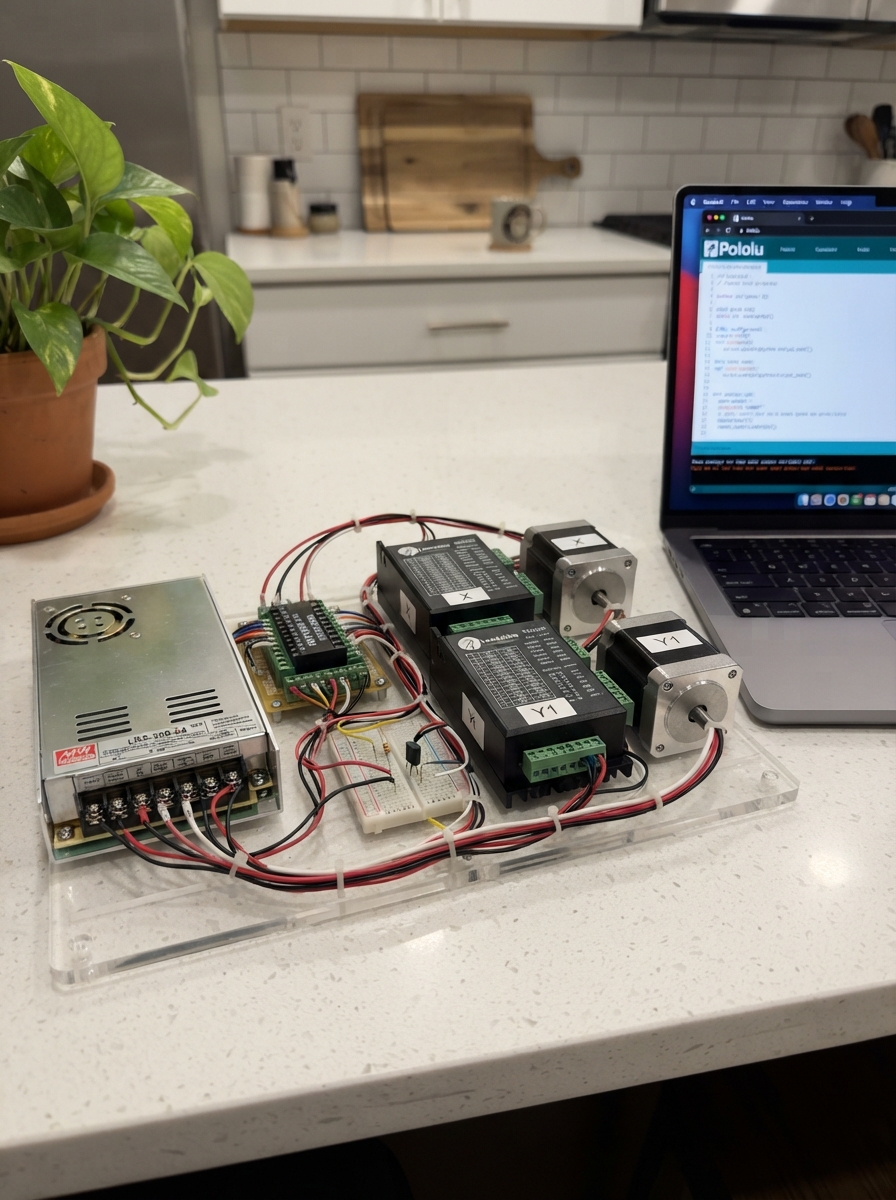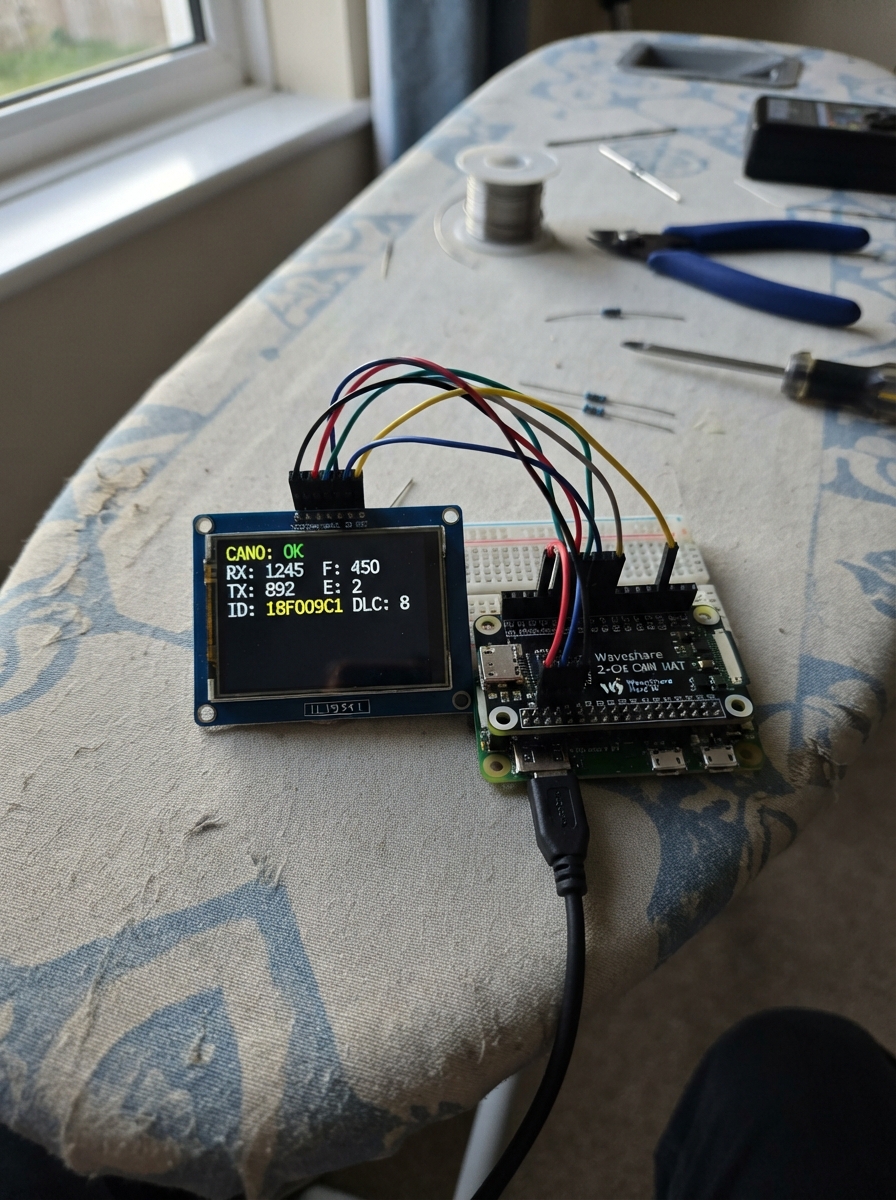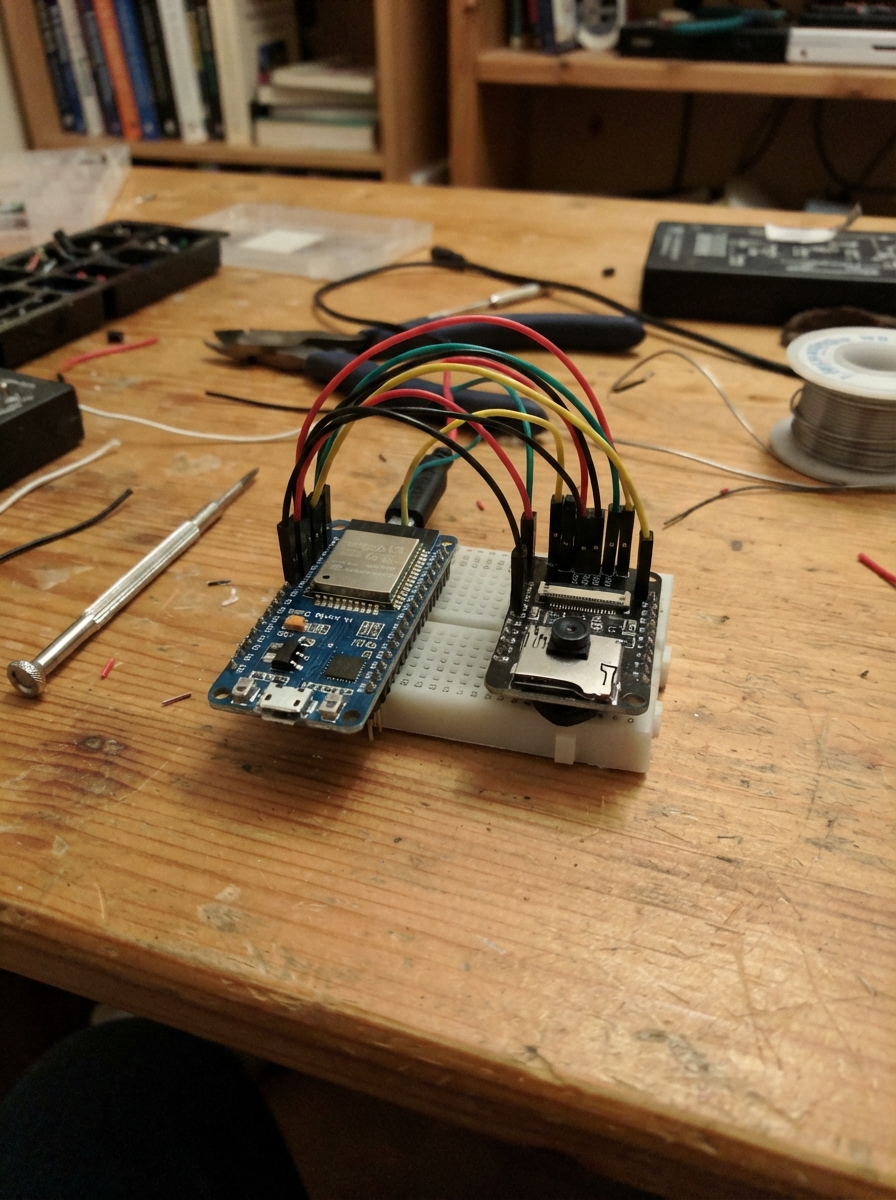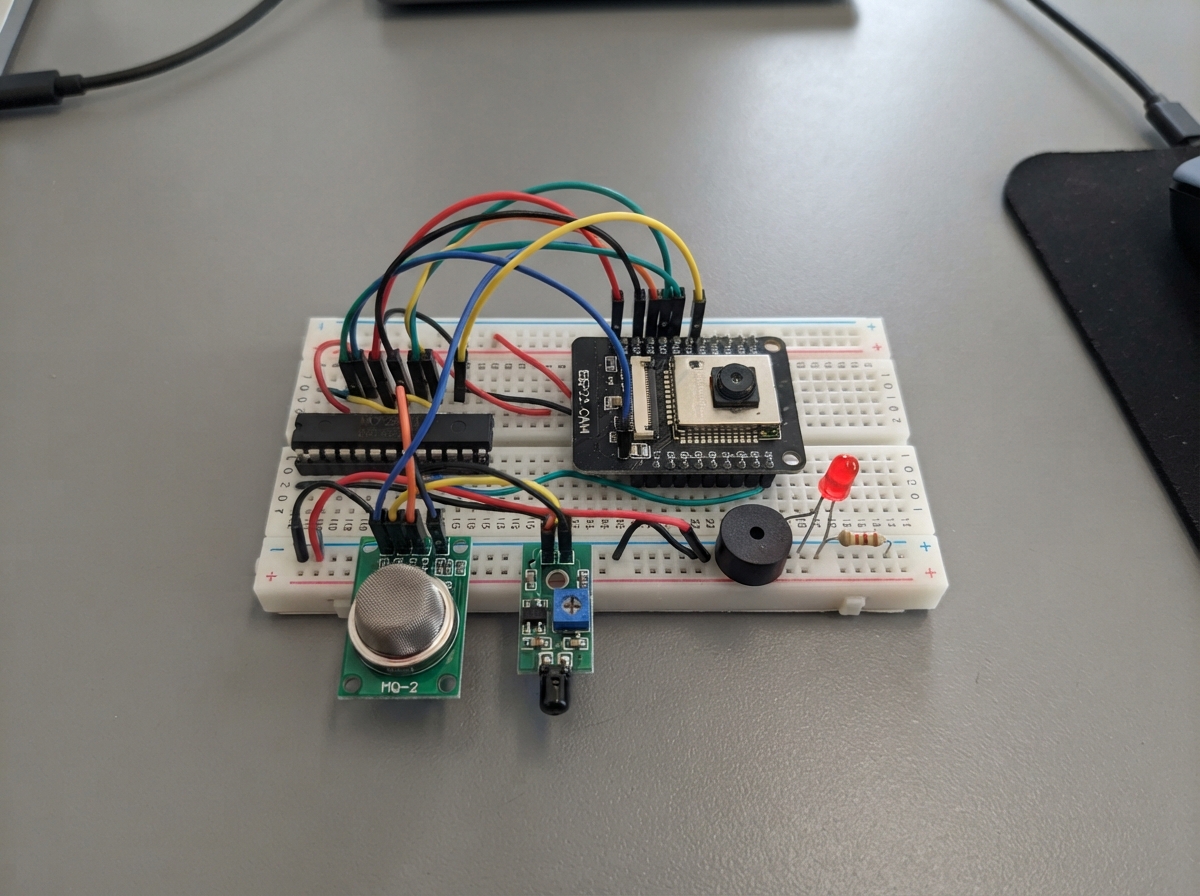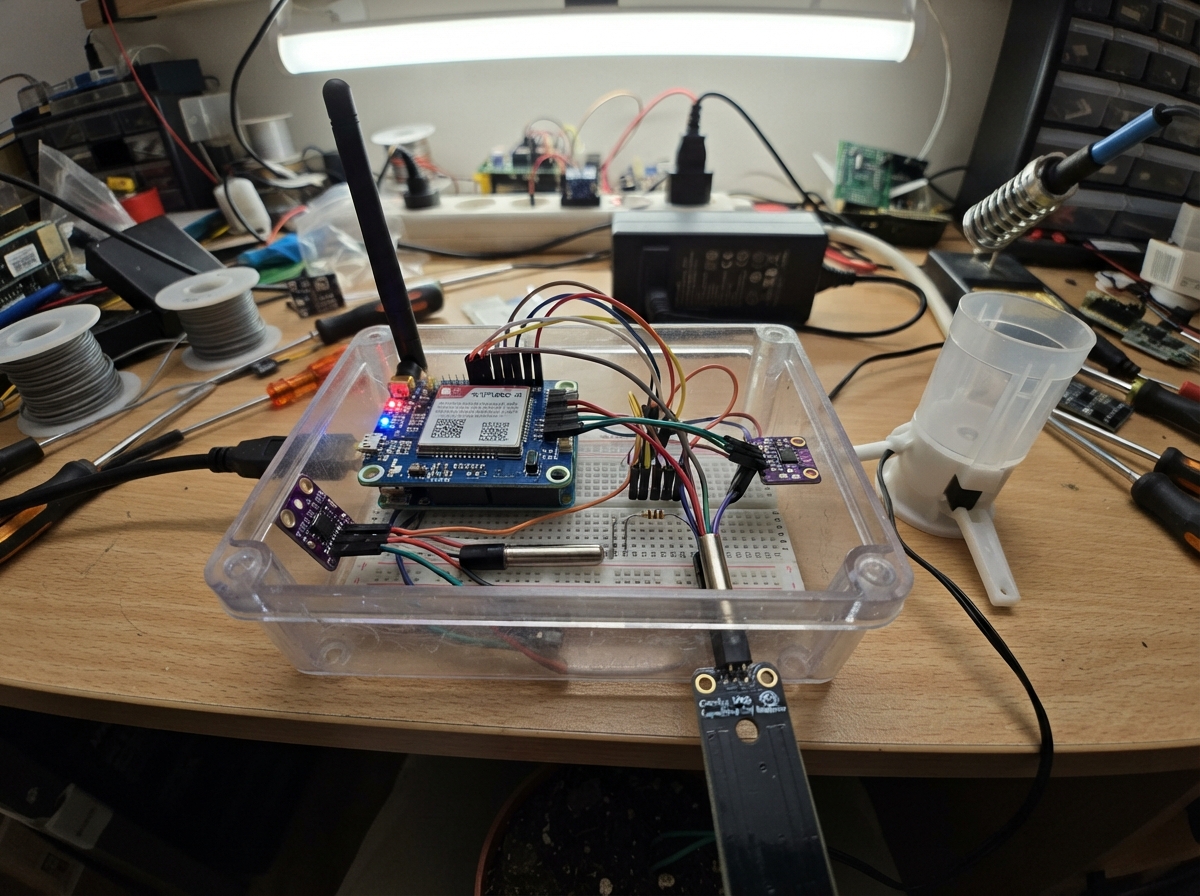
The Smart Agro Monitoring Station is a comprehensive environmental data logger built around the ESP32 that captures soil moisture, temperature, humidity, atmospheric pressure, light levels, and rainfall in a single integrated system. It combines capacitive soil sensing with a full weather station suite (BME280, BH1750, tipping bucket rain gauge) and transmits collected data via 4G cellular modem, making it ideal for remote agricultural monitoring, research stations, or environmental studies where grid connectivity is unavailable.
This guide provides a complete wiring diagram, parts list, and step-by-step assembly instructions for building and deploying the station in field conditions. The included firmware handles sensor acquisition, data validation, cellular transmission, and graceful error recovery. Builders will learn how to calibrate soil moisture sensors, configure the SIM7600G-H modem, manage power distribution across multiple sensor buses, and structure JSON telemetry for cloud ingestion.
Wiring diagram
Gather all the parts
Assemble it in 6 steps
1. Prepare the power branches
Disconnect all power. Supply +5V goes to protection IN (VIN); protection OUT (VOUT) splits to ESP32 5V and modem 5V input. Supply negative, protection GND, ESP32 GND and modem GND join together. Use short screw-terminal power leads; do not pass modem power through the breadboard.
- Never connect 5V to bare modem VBAT or ESP32 3V3. Disconnect external ESP32 5V when plugging USB into the ESP32 to avoid backfeeding. Keep mains adapter indoors or in an appropriately rated installation.
2. Configure the modem before power
Use the new Waveshare carrier with its onboard 330uF capacitor. Set VCCIO solder selection to 3.3V and PWR jumper to 3V3 for automatic startup. Leave flight-mode jumper disconnected. Connect TXD to GPIO16 (receive), RXD to GPIO17 (transmit). Do not connect a USB-UART adapter that drives these same pins simultaneously.
- Verify SIM7600G-H R2 is supplied; carrier revision is not the modem revision. Install an activated data SIM of the size fitting the carrier slot while powered off. Attach the supplied LTE antenna to MAIN; fit the supplied diversity antenna to AUX if included. GNSS connector is not LTE. Wait at least 12 seconds after power-up.
3. Connect the soil probes
SEN0308 red VCC to 3V3, black GND to GND, yellow AOUT to GPIO34 (analog input). DS18B20 VCC to 3V3, GND to GND, DATA to GPIO4. Fit the 4.7 kohm resistor between DATA and 3V3. Check the probe supplier wire labels rather than assuming its colors.
- Breadboard rails may be split: check continuity. GPIO34 cannot drive an output. Use three-wire powered DS18B20, not parasite power.
4. Connect the shared environmental bus
BME280 VIN and BH1750 VCC to 3V3; both grounds to GND. BME280 physical SDI and BH1750 SDA to GPIO21 (data). BME280 physical SCK and BH1750 SCL to GPIO22 (clock). BH1750 SDA/SCL join the BME280 SDI/SCK wiring junctions on the same GPIO21/22 bus. Leave BME280 CS and SDO unconnected. BH1750 ADDR to GND.
- BME280 address 0x77 and BH1750 0x23 do not conflict. Adafruit breakout includes pull-ups; inspect the BH1750 breakout for additional pull-ups and measure the combined bus resistance before adding any. Keep I2C leads short, inside the enclosure.
5. Connect the rainfall contact
Use the two center conductors of the SparkFun SEN-28867 RJ11 cable. One goes to GPIO27 (pulse input); the other to GND. Connect 10 kohm from GPIO27 to 3V3. There is no separate gauge supply. Mount the collector level and clear of splash and obstructions.
- Each falling edge is counted with 50ms software debounce. Verify one count per manual tip before installing. Nominal 0.2794 mm per tip applies only to this gauge.
6. Mount for protected field trials
Use an IP65 or IP66 enclosure, matching rated cable glands, UV-resistant cable and strain relief. Place BME280 in a ventilated rain-protected radiation shield away from electronics heat. Mount BH1750 under an optically clear weather cover, then compare readings after fitting it. Keep the LTE antenna outside a metal enclosure and above nearby obstructions.
- The assembly is not certified waterproof. Do not coat sensing surfaces or bury the soil probe above its specified insertion limit. Long field cables require engineered surge/ESD protection before unattended use. Do not use a breadboard outdoors.
Review all connections
1. Connections between "soil" and "ESP32"
2. Connections between "temp" and "ESP32"
3. Connections between "pullTemp" and "ESP32"
4. Connections between "air" and "ESP32"
5. Connections between "light" and "ESP32"
6. Connections between "rain" and "ESP32"
7. Connections between "pullRain" and "ESP32"
8. Connections between "modem" and "ESP32"
9. Connections between "supply" and "ESP32"
10. Connections between "protection" and "ESP32"
Deploy the firmware
#include <Arduino.h>
#include <Wire.h>
#include <ArduinoJson.h>
#include <sys/time.h>
#include "config.h"
#include "data_models.h"
#include "sensors.h"
String deviceId;uint32_t bootId; volatile time_t lastSuccess=0;
#include "modem_manager.h"
#include "api_client.h"
QueueHandle_t packets;volatile uint32_t dropped=0;
uint32_t sampleStart=0,nextSample=0,lastSend=0,lastUrgent=0;bool converting=false,wasCritical=false;
void measurement(JsonDocument &j,const char* key,float v,const char* unit,float lo,float hi,const char* bad="unavailable"){auto x=j["measurements"][key];x["unit"]=unit;if(isfinite(v)&&v>=lo&&v<=hi){x["value"]=v;x["status"]="ok";}else{x["value"]=nullptr;x["status"]=bad;}}
void acquire(){
 if(!bmeOK)bmeOK=bme.begin(0x77);if(!luxOK)luxOK=lux.begin(BH1750::CONTINUOUS_HIGH_RES_MODE,0x23,&Wire);
 uint32_t sum=0;for(int i=0;i<32;i++)sum+=analogRead(34);float raw=sum/32.f;
 float moisture=NAN;if(SOIL_DRY>=0&&SOIL_WET>=0&&SOIL_DRY!=SOIL_WET&&raw>5&&raw<4090)moisture=constrain(100.f*(raw-SOIL_DRY)/(SOIL_WET-SOIL_DRY),0.f,100.f);
 float st=ds.getTempCByIndex(0),at=NAN,ah=NAN,ap=NAN,ll=NAN;
 if(bmeOK&&present(0x77)){at=bme.readTemperature();ah=bme.readHumidity();ap=bme.readPressure()/100.f;}else bmeOK=false;
 if(luxOK&&present(0x23)){ll=lux.readLightLevel();}else luxOK=false;
 uint32_t count;portENTER_CRITICAL(&rainMux);count=tips;portEXIT_CRITICAL(&rainMux);
 JsonDocument j;j["device_id"]=deviceId;j["boot_id"]=bootId;j["uptime_ms"]=millis();time_t now=time(nullptr);bool timed=now>1794000000;
 if(timed){tm t;gmtime_r(&now,&t);char b[24];strftime(b,sizeof(b),"%Y-%m-%dT%H:%M:%SZ",&t);j["timestamp"]=b;}else j["timestamp"]=nullptr;
 j["time_quality"]=timed?"cellular_clock":"unsynchronized";
 measurement(j,"soil_moisture",moisture,"%",0,100,"uncalibrated_or_invalid_adc");j["soil_adc_raw"]=raw;j["soil_quality"]="relative_soil_specific_not_VWC; unplugged_analog_not_reliably_detectable";
 measurement(j,"soil_temperature",st,"C",-55,125);measurement(j,"air_temperature",at,"C",-40,85);measurement(j,"air_humidity",ah,"%",0,100);measurement(j,"air_pressure",ap,"hPa",300,1100);measurement(j,"light_intensity",ll,"lux",0,65000);
 measurement(j,"rainfall",count*MM_PER_TIP,"mm",0,1e9);j["rain_tips"]=count;j["rainfall_basis"]="cumulative_since_boot";j["rain_status"]="passive_contact_not_self_diagnosable";
 j["status"]["cellular"]=dataConnected;j["status"]["csq"]=signalQuality;j["status"]["last_http_or_error"]=lastError;j["status"]["last_success_epoch"]=lastSuccess;j["status"]["queue_dropped"]=dropped;
 bool critical=(isfinite(moisture)&&moisture<CRITICAL_SOIL)||(isfinite(at)&&at>CRITICAL_AIR);uint32_t ms=millis();bool urgent=critical&&!wasCritical&&(lastUrgent==0||ms-lastUrgent>=URGENT_MS);wasCritical=critical;
 Packet p={};p.uptime=ms;p.epoch=timed?now:0;serializeJson(j,p.json,sizeof(p.json));Serial.println(p.json);
 if(xQueueSend(packets,&p,0)!=pdTRUE){Packet old;xQueueReceive(packets,&old,0);xQueueSend(packets,&p,0);++dropped;Serial.println("QUEUE_FULL: oldest waiting sample dropped");}
 if(urgent){lastUrgent=ms;xTaskNotifyGive(xTaskGetHandle("uplink"));}
}
void networkTask(void*){
 modemPort.begin(115200,SERIAL_8N1,16,17);tls.setClient(&tcp);tls.setCACert(ROOT_CA);tls.setTimeout(15);vTaskDelay(pdMS_TO_TICKS(12000));bool initialized=false;Packet pending={};bool held=false;uint32_t retry=10000,clockCheck=0;
 for(;;){
  if(!held)ulTaskNotifyTake(pdTRUE,pdMS_TO_TICKS(SEND_MS));
  if(!initialized)initialized=initModem();dataConnected=initialized&&connectData();
  if(!dataConnected){vTaskDelay(pdMS_TO_TICKS(retry));retry=min<uint32_t>(retry*2,300000);continue;}
  if(time(nullptr)<1794000000||millis()-clockCheck>21600000){syncClock();clockCheck=millis();}
  if(!held)held=xQueueReceive(packets,&pending,0)==pdTRUE;
  while(held){int code=sendPacket(pending);lastError=code;Serial.printf("HTTP/error=%d queue=%u CSQ=%d\n",code,(unsigned)uxQueueMessagesWaiting(packets),(int)signalQuality);
   if(code>=200&&code<300){lastSuccess=time(nullptr);held=xQueueReceive(packets,&pending,0)==pdTRUE;retry=10000;vTaskDelay(pdMS_TO_TICKS(25));}
   else{if(code>=400&&code<500&&code!=408&&code!=429){Serial.println("Permanent request failure: fix backend/auth; retaining pending packet");}vTaskDelay(pdMS_TO_TICKS(retry));retry=min<uint32_t>(retry*2,300000);break;}
  }
 }
}
void setup(){Serial.begin(115200);setenv("TZ","UTC0",1);tzset();bootId=esp_random();uint64_t mac=ESP.getEfuseMac();char id[40];snprintf(id,sizeof(id),"SMARTAGRO-%04X%08X",(unsigned)(mac>>32),(unsigned)mac);deviceId=strlen(DEVICE_ID)?DEVICE_ID:id;host=API_BASE_URL;host.replace("https://","");while(host.endsWith("/"))host.remove(host.length()-1);packets=xQueueCreate(24,sizeof(Packet));if(!packets){Serial.println("QUEUE_ALLOC_FAILED");while(true)delay(1000);}initSensors();xTaskCreatePinnedToCore(networkTask,"uplink",16384,nullptr,1,nullptr,0);Serial.println("SMART AGRO AI: configure APN, backend, CA, secret and soil calibration; no simulated measurements.");}
void loop(){uint32_t now=millis();if(!converting&&(int32_t)(now-nextSample)>=0){ds.begin();ds.setWaitForConversion(false);ds.requestTemperatures();sampleStart=now;converting=true;nextSample=now+READ_MS;}if(converting&&now-sampleStart>=800){converting=false;acquire();}delay(10);}
// Wiring reviewed: BME SDI/SCK on GPIO21/22; BH1750 joins those same nets.
Remix this project
Make it yours in one click
Open a full copy of this project in your own Schematik workspace, diagram, code, parts, and assembly steps included. Swap the sensor, add features, or redesign the whole thing with AI. The author's original stays untouched.