On this page
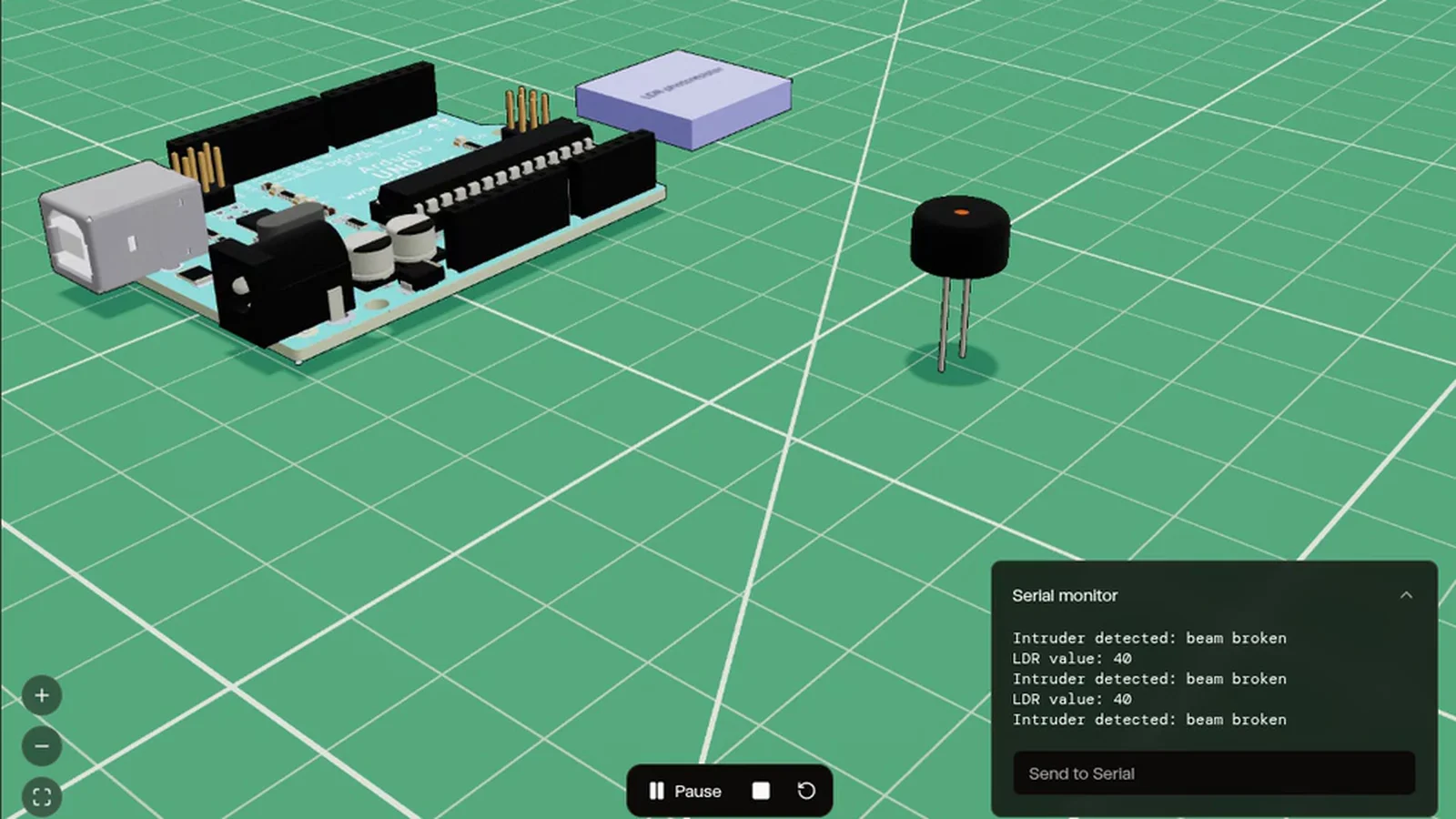
Yes, you can run Arduino code online without a board. Here is an Arduino Uno with a light sensor and a buzzer, running in Schematik's Arduino simulator online. Drag the light down and the serial monitor prints "Intruder detected".
The firmware is real. The simulator compiles the same project you would put on a board and runs the binary on an emulated chip. What you see on the mat is that program reacting to the sensor.
How to simulate an Arduino Uno online
The clip comes from a published build, the laser tripwire alarm demo. It is the quickest way in, because the board, parts and code are already done. Running a project needs a Schematik account.
- Open the tripwire project and click Open in Schematik. A full copy lands in your own workspace. To start from scratch instead, open Schematik and describe your project.
- Open the Preview tab. The Uno and its parts sit on a green mat.
- Press Run. The first run takes a minute or two while your firmware compiles.
- Open the LDR photoresistor panel and drag the Value slider. At 806 the serial monitor prints
LDR value: 806. Below 400 it printsIntruder detected: beam brokenand the buzzer sounds.
You can pause, stop and reset the run, and orbit, zoom and drag the parts around the mat. The serial monitor works both ways, so you can type into it too.
The tripwire project reads the sensor on A0, drives a piezo buzzer from D5 with tone() at 1 kHz, and switches a laser module from D2 through a 2N3904 transistor. Its threshold is 400 and it prints at 9600 baud.
A sketch you can paste
This is the same idea without the laser: a light sensor on A0, a buzzer on D5 and messages over serial. It uses only the stock Arduino core, no libraries. The prompt at the end of this page builds the same circuit in Schematik.
const int LIGHT_PIN = A0;
const int BUZZER_PIN = 5;
const int THRESHOLD = 400;

void setup() {
  Serial.begin(9600);
  pinMode(BUZZER_PIN, OUTPUT);
  Serial.println("Tripwire ready");
}

void loop() {
  int light = analogRead(LIGHT_PIN);
  Serial.print("Light: ");
  Serial.println(light);

  if (light < THRESHOLD) {
    tone(BUZZER_PIN, 1000);
    Serial.println("Intruder detected");
  } else {
    noTone(BUZZER_PIN);
  }

  delay(200);
}
analogRead(LIGHT_PIN)returns a number from 0 to 1023. On an Uno, 0 is 0 V and 1023 is 5 V.- Below 400,
tone(BUZZER_PIN, 1000)plays a 1,000 Hz note and the sketch printsIntruder detected. - At 400 or above,
noTone()silences the buzzer. - Use a passive buzzer with
tone(). An active one may not respond. Active vs passive buzzers shows how to tell them apart.
On a real board, set the serial monitor to 9600 baud to match Serial.begin(9600).
What a simulator can tell you, and what it can't
It shows whether your code does what you meant. Thresholds, timing, what prints, what lights up and what plays. You can drag distance, light and weight sliders, and press buttons, rotary encoders, joysticks and keypads. Screens show what the firmware draws: OLEDs, character LCDs and color screens. LEDs dim, LED strips light and servos swing.
It does not model electricity. A wrong resistor or a swapped wire won't show up, because the wires come from your pin assignments. It is not a SPICE circuit simulator, so analogue circuit work belongs in a SPICE tool.
A few parts sit still. Steppers, DC motors and relays don't move. Parts without a 3D model get a stand-in body, and an icon tells you.
Arduino and RP2040 runs have no Wi-Fi, and Bluetooth isn't simulated on any board. Virtual Wi-Fi is on the ESP32 chips only.
Which Arduino boards it runs
The Arduino simulator runs the Arduino Uno, Nano, Mega and Nano RP2040 Connect. Arduino sketches also run on every ESP32 and RP2040 board it offers, such as the ESP32-S3 and the Raspberry Pi Pico.
Because it compiles the project you would deploy, the sketch you test in the browser is the one that goes onto a real board. When you have the board, Deploy flashes that same firmware to it. If you're new to boards like these, start with what a microcontroller is.
For more builds to run, the Arduino projects page collects community builds. Two that use an Uno:
- Arduino Reaction-Time Game by Tamzid Rahman: an LED lights after a random delay and the Uno times how fast you press the button.
- Arduino Mini Game by José Pinto: press a button to make a runner jump the rocks on a 16x2 LCD, with a buzzer and an LED.
Tinkercad and Wokwi
Two other free tools run Arduino sketches in a browser.
| Arduino boards | Also runs | Free use | |
|---|---|---|---|
| Tinkercad Circuits | Arduino Uno R3 | BBC micro:bit | Free web app from Autodesk, sign-in needed |
| Wokwi | Uno, Nano, Mega | ATtiny85, ESP32, STM32, Raspberry Pi Pico | Free for personal use, public projects |
| Schematik | Uno, Nano, Mega, Nano RP2040 Connect | ESP32, Raspberry Pi Pico | Free to start, account needed to run |
Tinkercad Circuits is built for learning. You code with blocks, blocks plus text, or plain text, with eleven built-in libraries, and export a .ino file to upload to a real board.
Wokwi adds Wi-Fi simulation, a virtual logic analyser and GDB debugging. Its free Community plan has unlimited simulations and public projects.
Side-by-side comparisons: Schematik and Wokwi, Schematik and Tinkercad Circuits, and Wokwi and Tinkercad for ESP32.
Questions
Is there an Arduino Nano simulator?
Yes. Schematik and Wokwi both run the Nano. Wokwi runs it as the ATmega328P, the same chip as the Uno. Schematik also runs the Nano RP2040 Connect.
Can I test Arduino code without a board?
Yes, for logic. A simulator shows what your code prints, plays and draws, and how it reacts to inputs. A loose jumper or the wrong resistor only shows up on real hardware.
Is there a free Arduino simulator?
Tinkercad Circuits is free, and Wokwi is free for personal use. Schematik is free to start building in the browser, and you need an account to run the simulator.
Run your own
Open Schematik and paste this:
Build an Arduino Uno tripwire alarm with a light sensor on A0 and a buzzer on D5 that prints Intruder detected to the serial monitor.
When the project is ready, open Preview and press Run. To see every board and part it runs first, see Schematik's Arduino simulator.
Keep building from here
Jump into a step-by-step build, or open Schematik and turn your own idea into code, wiring, and assembly instructions.
Related posts
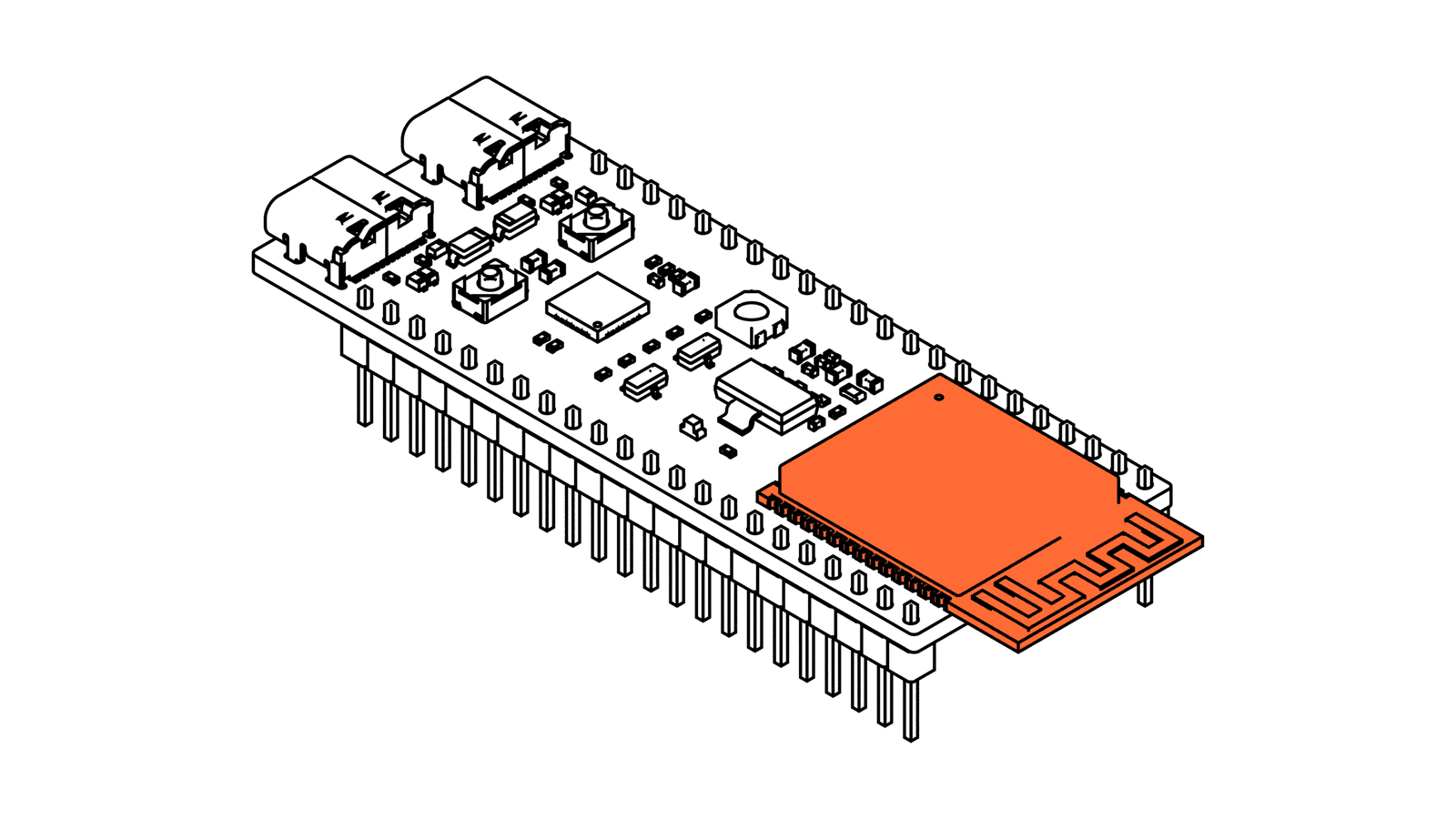
What is a microcontroller, and how is it different from a Raspberry Pi?
A microcontroller is a whole computer on one chip that starts its one program on its own when it gets power. Here is what's inside an ESP32-S3 and how it compares with a Raspberry Pi.
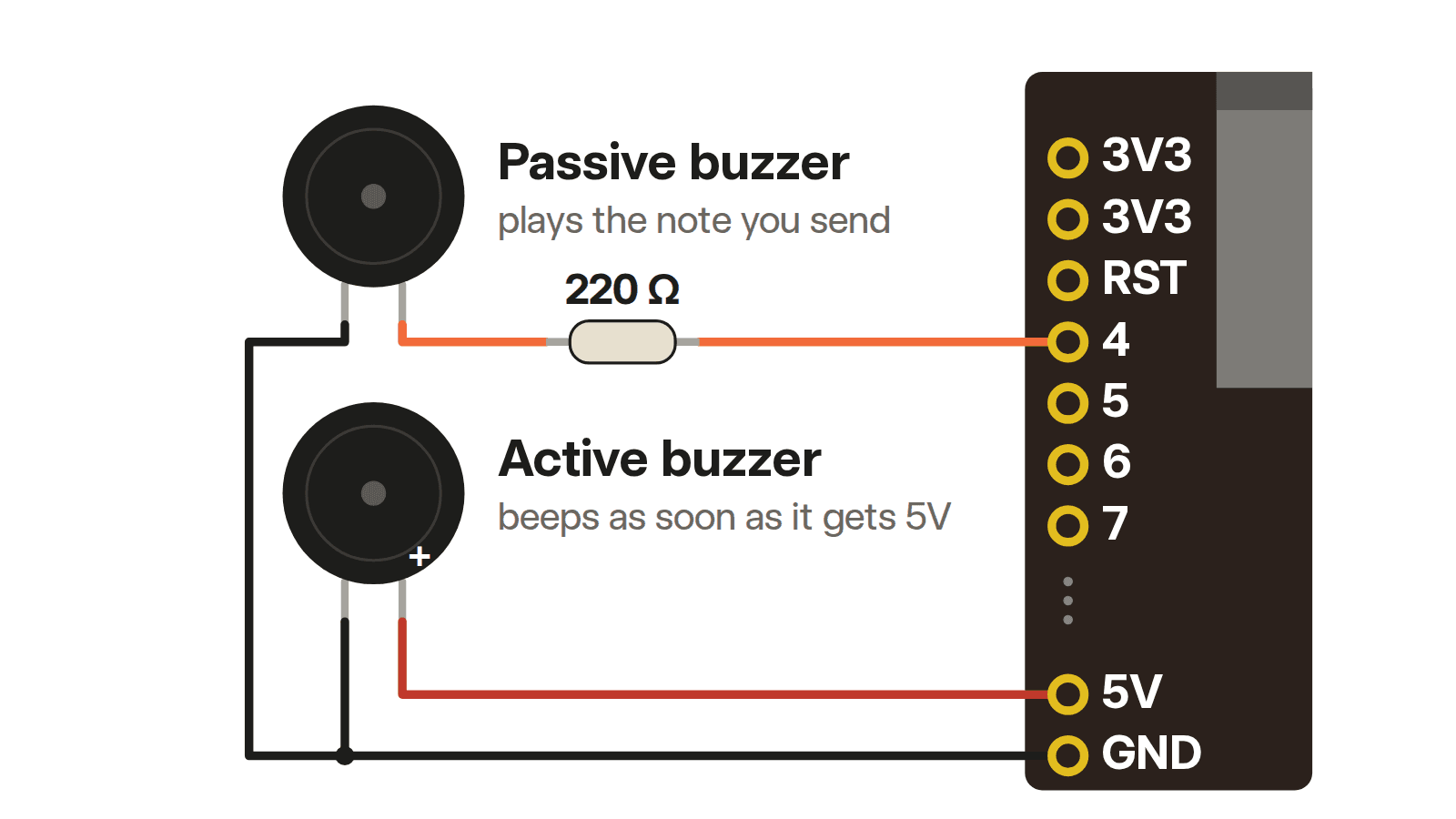
Active vs passive buzzer: how to tell them apart and wire each
Two buzzers that look like twins. Give one power and it beeps. The other stays silent until your ESP32 plays it a note.
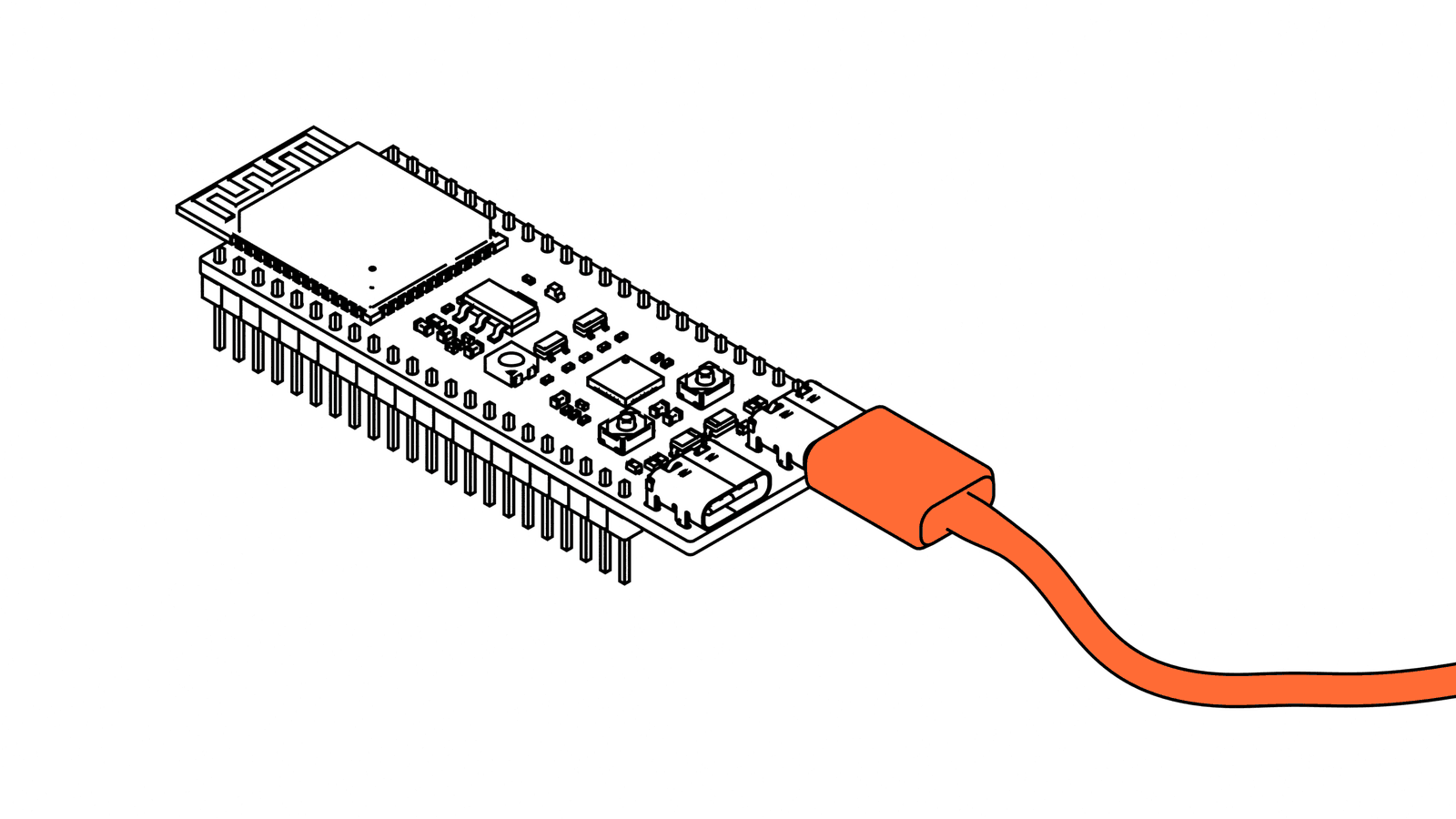
How to set up an ESP32 in the Arduino IDE, and fix a missing port
Plug in an ESP32, check your computer sees it, find its USB chip and driver, then flash your first sketch from the Arduino IDE, esptool or the browser.
Related builds
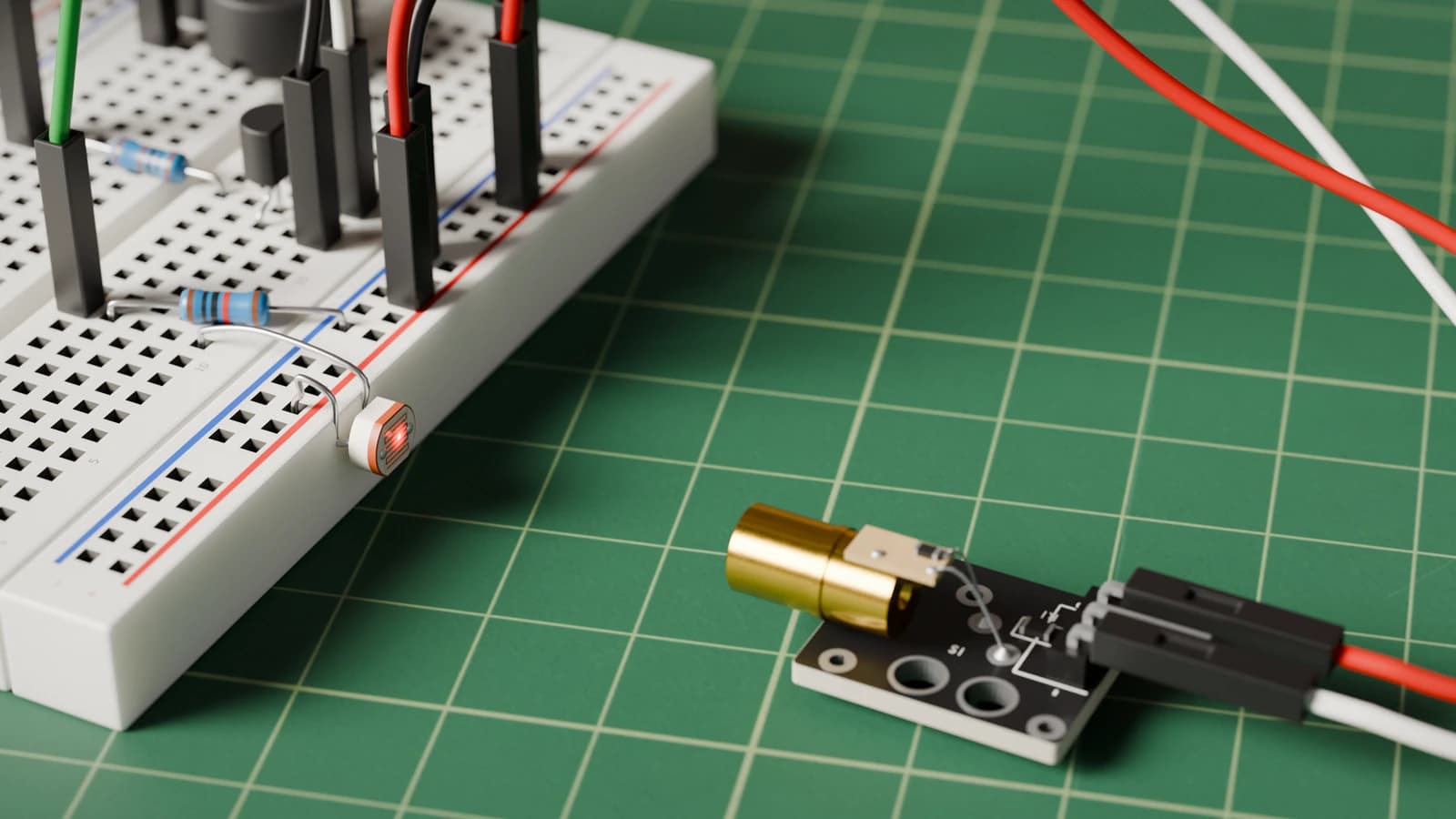
How to Build a Laser Tripwire Alarm Demo with Arduino
Build a classroom-safe Arduino beam-break alarm demo using a low-power laser, LDR photoresistor, 10k resistor, and piezo buzzer.
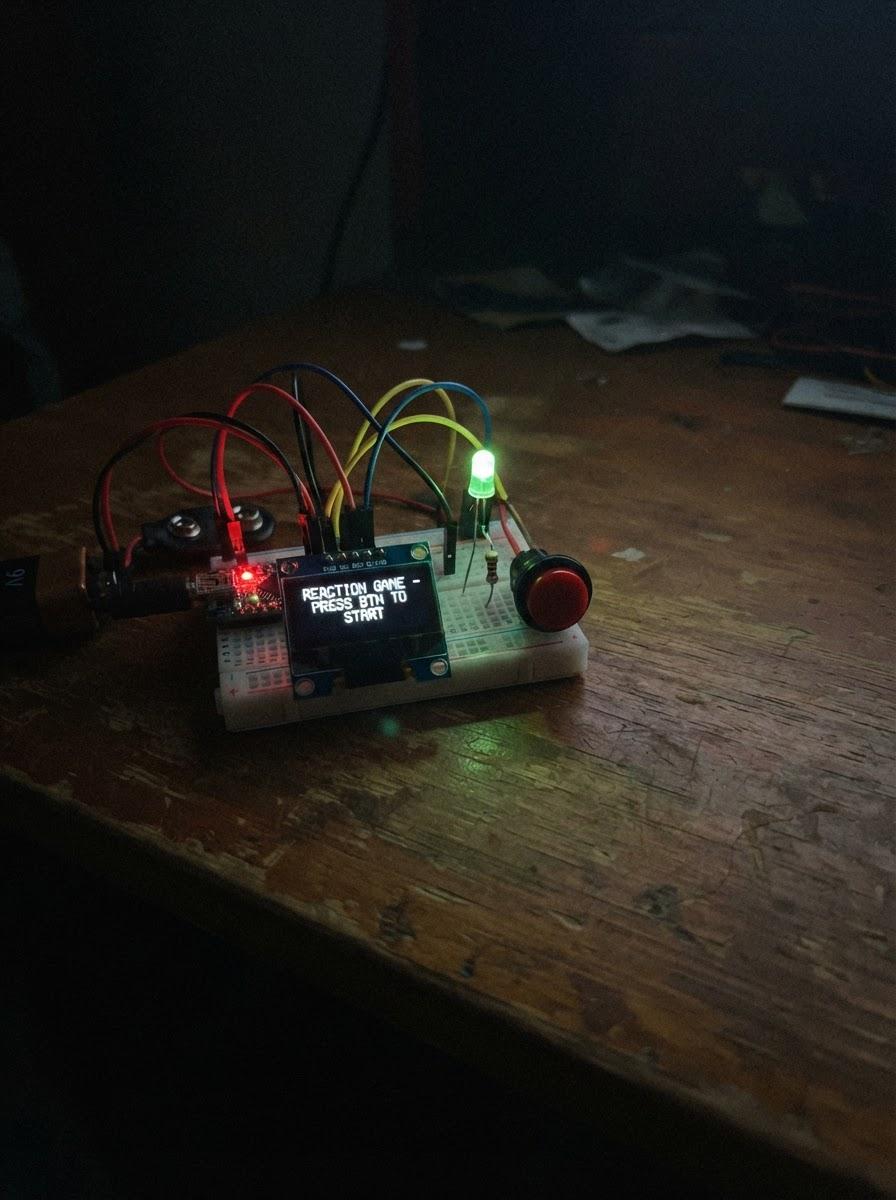
Arduino Reaction-Time Game
Build an Arduino reaction-time game with an LED and push button. Test your reflexes with this fun electronics project.
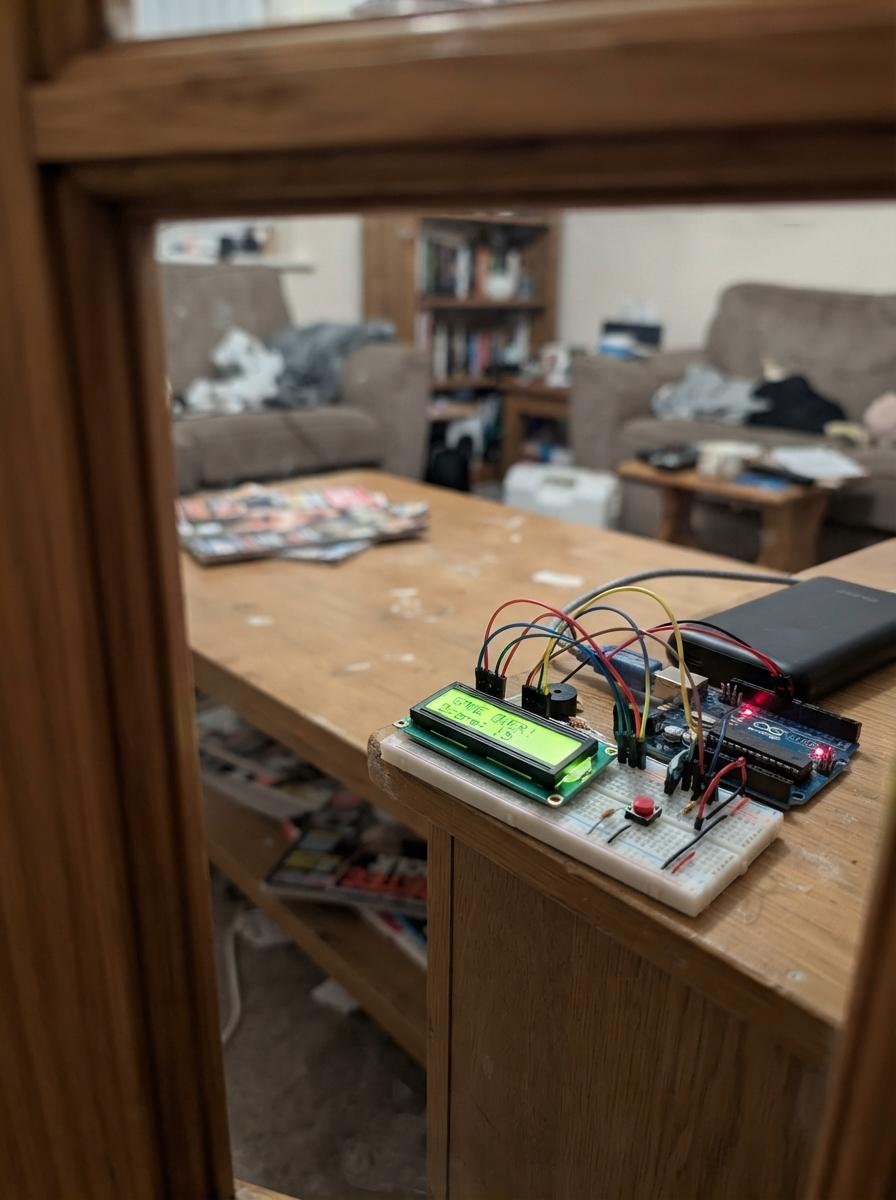
Arduino Mini Game
Build an Arduino Uno jumping game with LCD display, button control, LED, and buzzer sound effects.