On this page
Pick the ESP32-S3 when the project needs muscle: a camera, a big touchscreen, voice or USB keyboard tricks. Pick the ESP32-C3 when you want a small Wi-Fi and Bluetooth board for a sensor or a gadget. Pick the ESP32-C6 when it has to join a smart home over Zigbee or Thread.
All three are made by Espressif, all three have Wi-Fi and Bluetooth built in and all three work with Arduino, ESP-IDF (Espressif's own toolkit) and Schematik. The differences are in the details below, and every number in the table comes from Espressif's own datasheets.
ESP32-C3 vs S3 vs C6 at a glance
| ESP32-C3 | ESP32-S3 | ESP32-C6 | |
|---|---|---|---|
| CPU | 1 × RISC-V core, 160 MHz | 2 × Xtensa LX7 cores, 240 MHz | 1 × RISC-V core, 160 MHz, plus a low-power RISC-V core at 20 MHz |
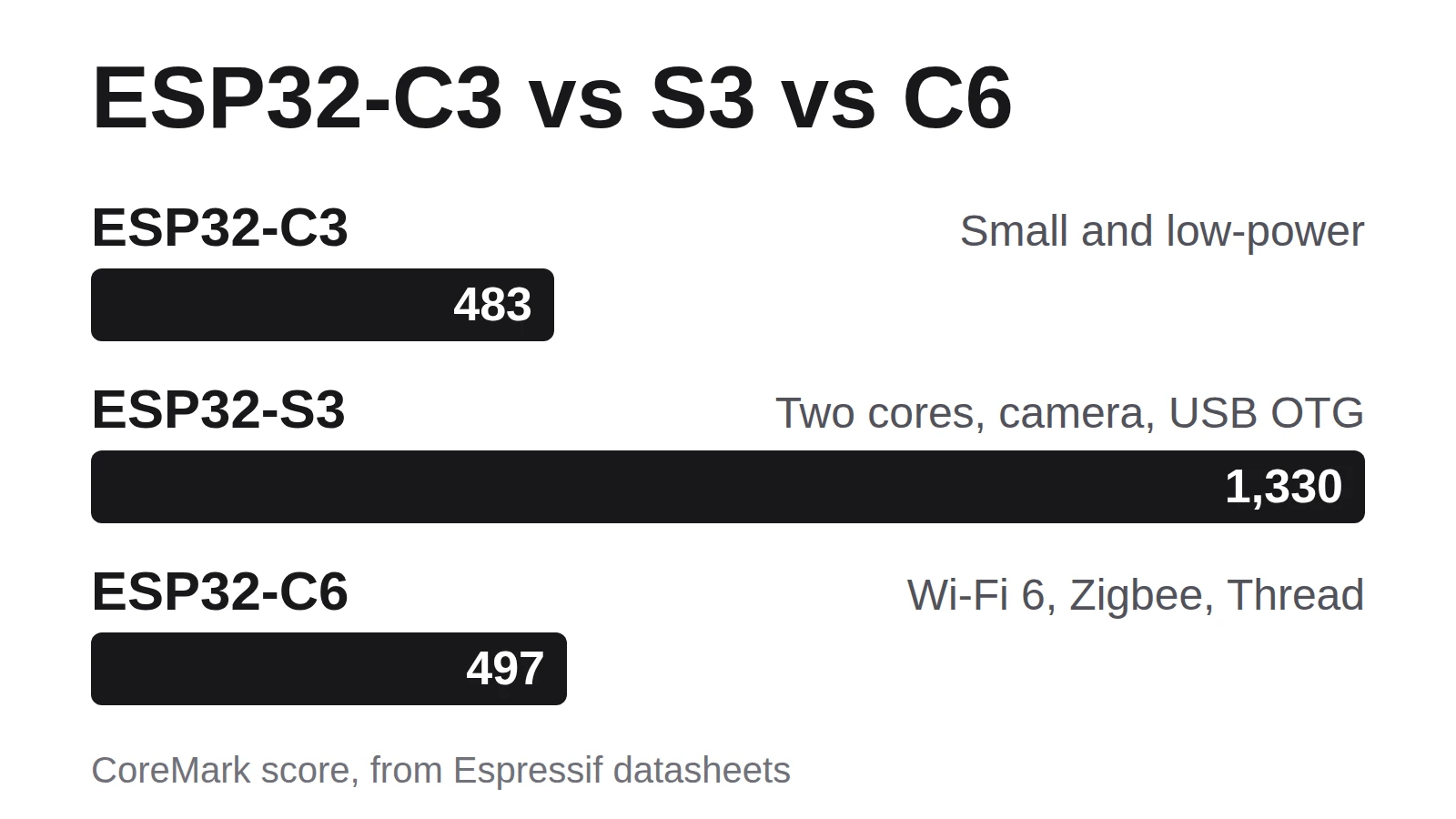
| CoreMark score | 483 | 1,330 | 497 |
| SRAM | 400 KB, plus 8 KB RTC | 512 KB, plus 16 KB RTC | 512 KB, plus 16 KB low-power |
| GPIO pins | 22 (or 16 on some versions) | 45 | 30 (or 22 on the QFN32 version) |
| Wi-Fi | Wi-Fi 4 (802.11 b/g/n) | Wi-Fi 4 (802.11 b/g/n) | Wi-Fi 6 (802.11ax), 2.4 GHz |
| Bluetooth | Bluetooth 5 (LE) | Bluetooth 5 (LE) | Bluetooth 5.3 (LE) |
| Zigbee and Thread | No | No | Yes (802.15.4) |
| USB | USB Serial/JTAG | USB OTG and USB Serial/JTAG | USB Serial/JTAG |
| Camera and LCD interface | No | Yes | No |
| Capacitive touch pins | None | 14 | None |
| ADC | 12-bit, up to 6 channels | 12-bit, up to 20 channels | 12-bit, up to 7 channels |
| Deep-sleep current (typical) | 5 µA | 7 µA | 7 µA |
Sources: the ESP32-C3, ESP32-S3 and ESP32-C6 datasheets.
A few of those rows need a translation:
- CoreMark is a standard benchmark for small processors, so a higher score means more work done per second. The S3's two cores score about 2.7 times what the C3 or C6 manage.
- SRAM is the working memory your program runs in. RTC or low-power SRAM is a small extra piece that stays powered while the chip sleeps.
- GPIO pins are the general-purpose pins you wire buttons, sensors and LEDs to. On a real board a few are taken by the flash memory, so expect fewer free ones.
- Bluetooth LE (Low Energy) is the battery-friendly kind phones use for gadgets.
- An ADC (analog-to-digital converter) reads a voltage, like a light sensor or a knob.
- Deep-sleep current is what the chip itself draws while it naps between jobs. A finished board with an LED and a regulator will draw more.
When to pick the ESP32-S3
The S3 is the one to reach for when the project does something heavy. Its two cores share the work, so one can keep Wi-Fi alive while the other draws a screen or listens to a microphone. It also adds dedicated SIMD instructions, which do the same math on several numbers at once and speed up audio and small AI models.
Three features only the S3 has in this lineup:
- A camera port. The DVP (digital video port) camera interface takes an 8 to 16-bit camera module directly. The Seeed Studio XIAO ESP32S3 Sense uses it in the e-ink photo camera.
- USB OTG. USB On-The-Go lets the S3 act as a USB device of your choice, like a keyboard, a mouse or a MIDI controller, instead of only a serial port.
- Room to grow. 45 GPIO pins, 14 capacitive touch pins and the option of PSRAM (extra memory alongside the chip) for big screen buffers.
More than 180 published Schematik projects run on an S3, on boards from the Espressif ESP32-S3-DevKitC-1 to the M5Stack Dial, which runs Rick Moore's Live Flight Radar Scanner. The Schematik Starter Kit is built around an ESP32-S3 board too. Browse more ESP32 projects.
When to pick the ESP32-C3
The C3 is the small, low-power member of the family. One RISC-V core at 160 MHz is plenty for reading sensors, driving a small OLED or LED strip and talking to your phone over Bluetooth. Its 22 GPIO pins (16 on some versions) cover most single-purpose gadgets, and it has the lowest deep-sleep figure of the three at 5 µA.
Boards like the ESP32-C3 SuperMini and the Seeed Studio XIAO ESP32C3 are tiny, which is why the C3 turns up in wearables: Era Lazaga's UV Alert Wristband Logger and Gabriel Trombini Filho's round-screen Desk Air Quality Buddy both run on one.
Skip the C3 when you need a camera, a large color display or lots of pins.
When to pick the ESP32-C6
The C6 is the smart-home chip. It is the only one of the three with an 802.15.4 radio, the low-power radio that Zigbee and Thread run on, so it can join a Zigbee network or a Thread network (one of the networks Matter smart-home devices use) as well as Wi-Fi 6.
It also carries a second, tiny low-power core that can keep working while the main core sleeps, so a sensor can check readings without waking the whole chip (the S3 has a similar helper, its ULP coprocessor). Giuseppe Faccilongo's Zigbee Temperature Humidity Sensor shows the smart-home side: it wakes, reports over Zigbee and goes back to deep sleep on a single CR2450 coin cell.
For everything else, the C6 behaves a lot like a C3 with more pins and memory. The Waveshare ESP32-C6-Touch-LCD-1.47 behind the Tiny ESP DeskBuddy is a good place to start.
ESP32 vs ESP8266
The ESP8266 started the cheap Wi-Fi board wave, and you will still find it on old NodeMCU and Wemos D1 Mini boards. Its datasheet lists one Tensilica L106 core at up to 160 MHz, 17 GPIO pins, Wi-Fi 4 and no Bluetooth, with 20 µA in deep sleep. Espressif now marks it Not Recommended for New Designs.
Any of the three chips above adds Bluetooth, more memory and a chip Espressif still recommends. For a new project, start with an ESP32.
Raspberry Pi vs ESP32
These solve different problems. The Raspberry Pi 5 is a full computer: a 2.4 GHz quad-core Arm Cortex-A76, 1 to 16 GB of RAM and a 5 V, 5 A USB-C supply, according to its product brief. It boots Linux, runs a desktop and can host a web server or a database.
An ESP32 is a microcontroller. It runs one program straight from its own flash memory, with no desktop operating system to boot, and sips microamps while it sleeps. That makes it the better fit for a sensor on a battery, a gadget that should work the moment you plug it in or anything that reads buttons and drives motors with precise timing.
If the project needs Linux, a desktop or a full camera pipeline, use a Pi. If it lives on a shelf, a wall or your wrist, use an ESP32.
Start building
Still undecided? Choose the S3. Unless you need Wi-Fi 6, Zigbee or Thread, it has the most speed, pins and room to grow. Then open Schematik, name your board and describe what you want it to do. Every project linked above opens there too, so you can flash it from the browser and change it by asking.
Keep building from here
Jump into a step-by-step build, or open Schematik and turn your own idea into code, wiring, and assembly instructions.
Related posts
New to Hardware? A Beginner ESP32 Guide for Your First Build
A beginner ESP32 hardware guide: what to buy first, how breadboards work, what pin labels mean, and what to check before powering your first build.

How to Build an E-Ink Camera
A XIAO ESP32S3 Sense in a 3D-printed shell takes a photo and pushes the JPEG over ESP-NOW to an M5Stack PaperColor, where it lands on the e-ink screen. No router, no SD card, no phone.
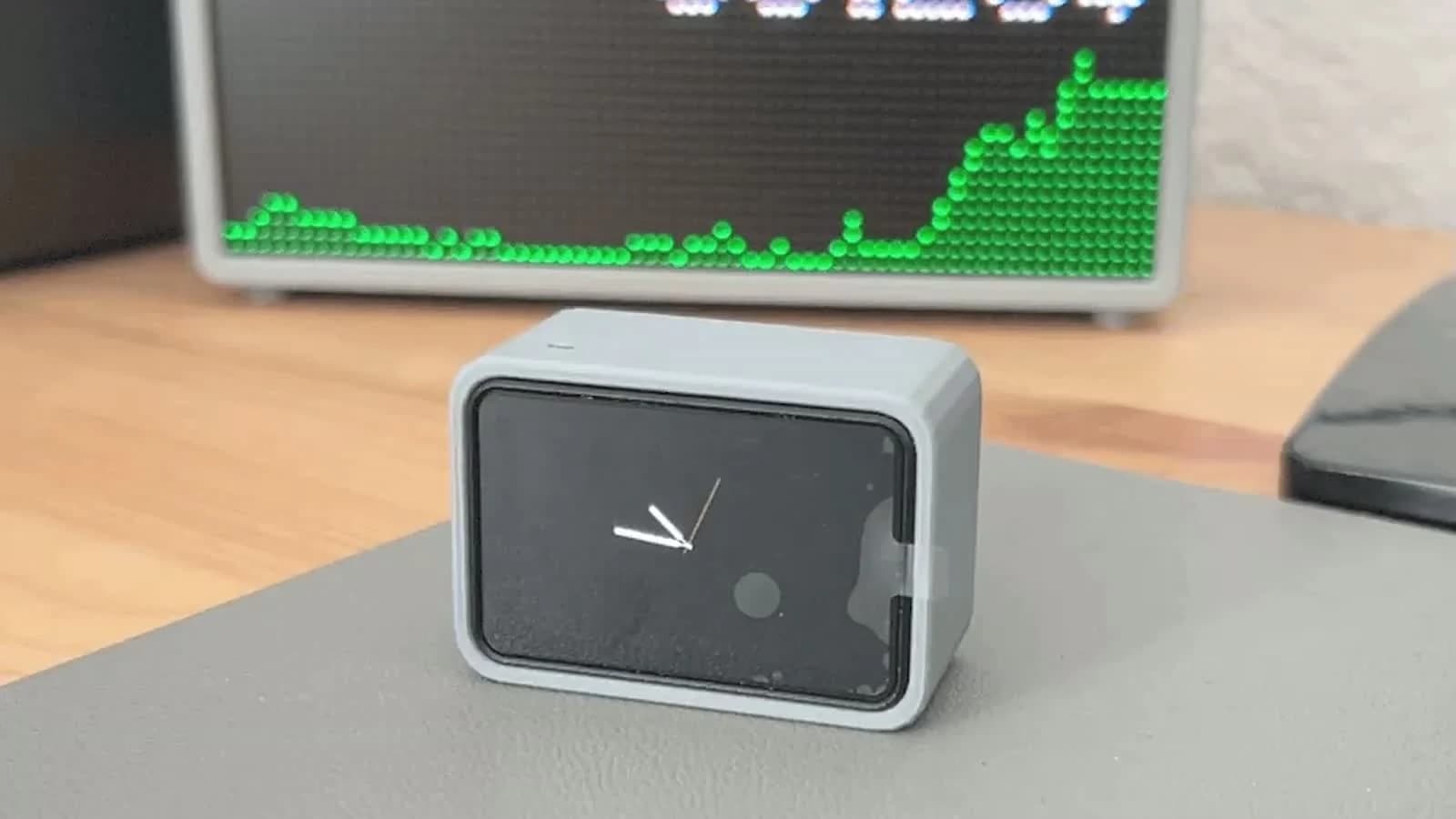
Desk buddies: tiny ESP32 faces that live next to your laptop
Why makers kept putting little faces next to their laptops in 2026, from a pet that asks before Claude runs a command to a busy light for your door.
Related builds
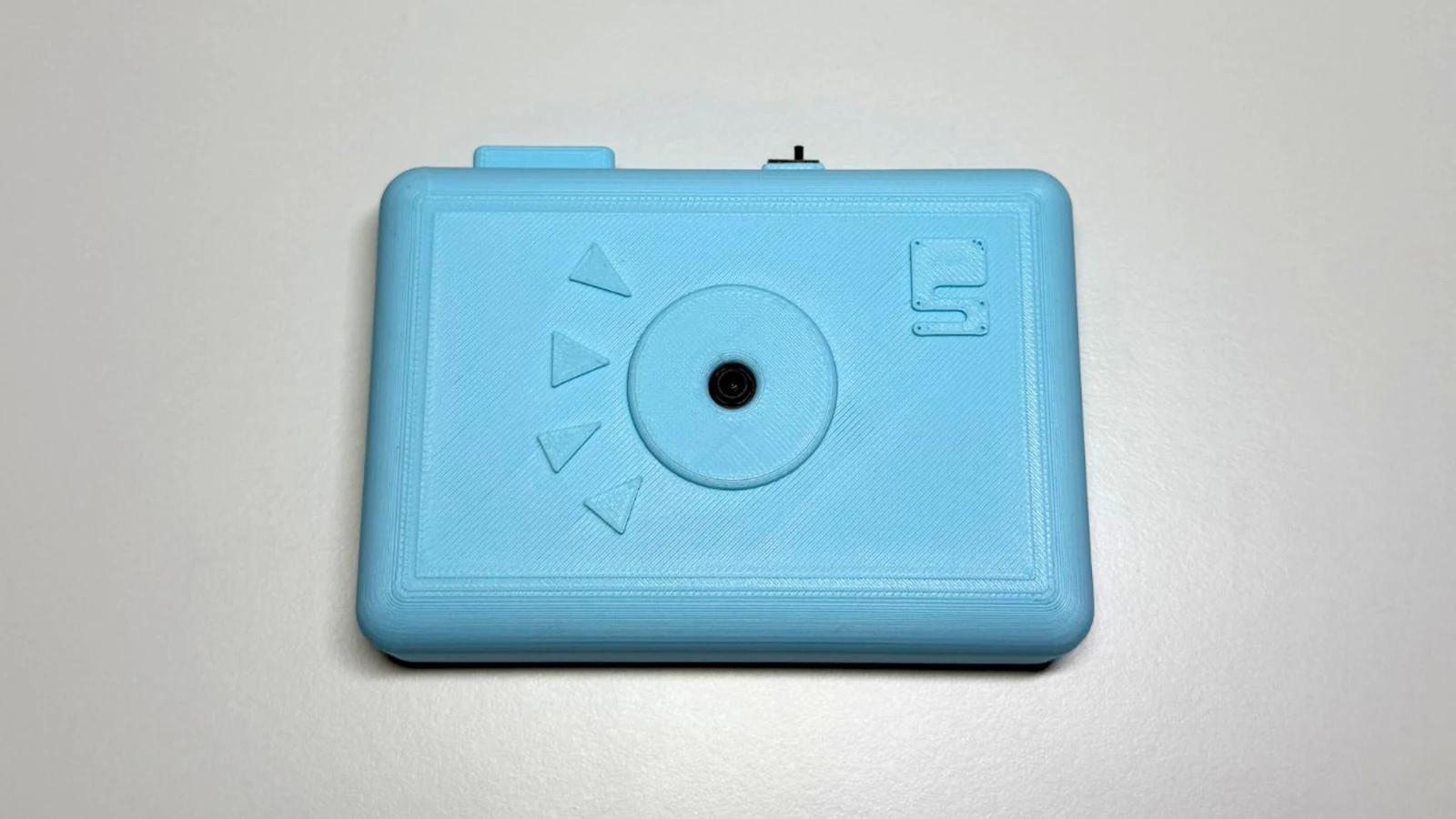
E-Ink Photo Camera
Build a wireless e-ink photo camera using ESP32, XIAO camera module, and M5Paper display with ESP-NOW.
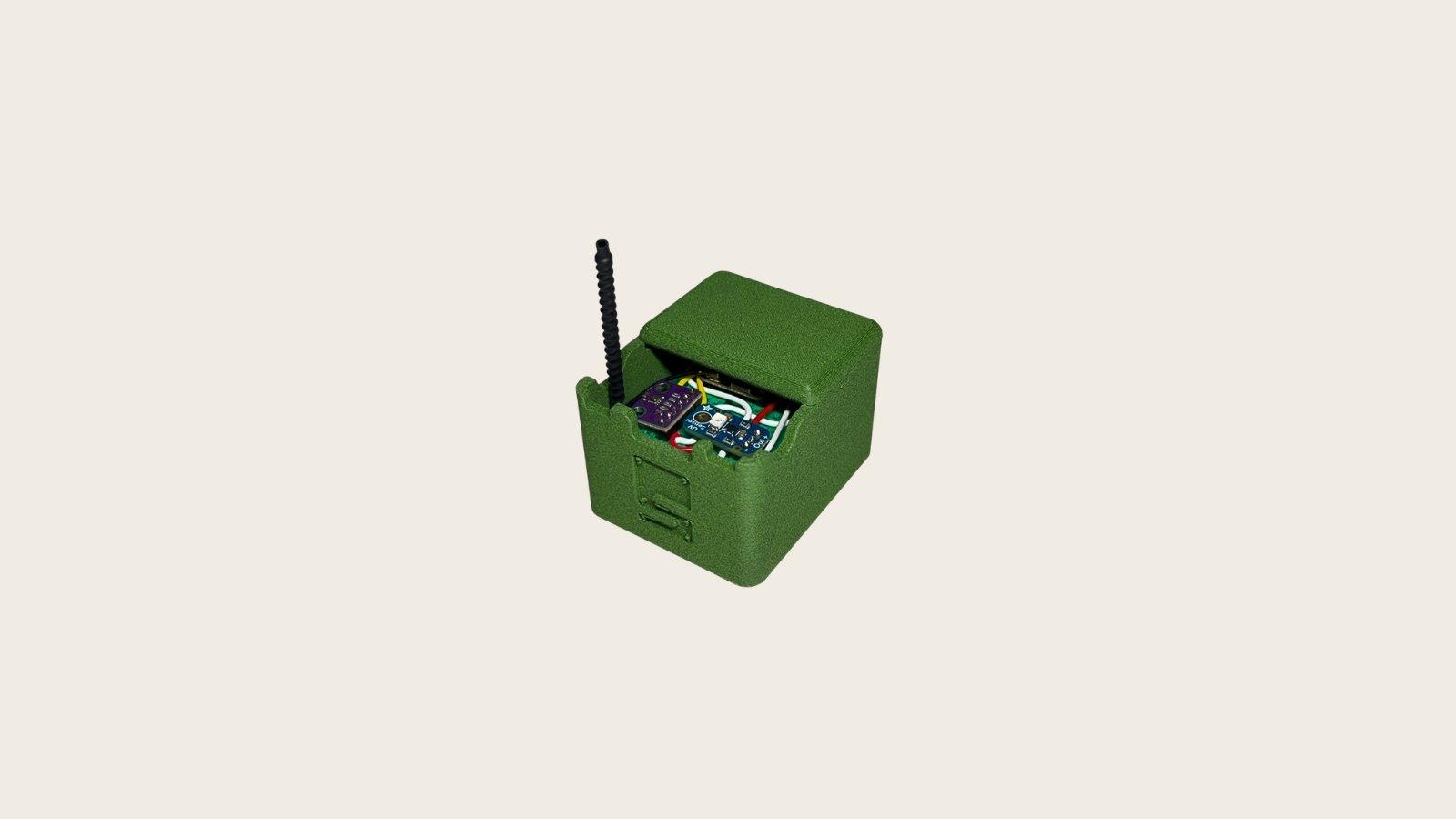
UV Weather Alert Station
Build a portable UV weather station with ESP32, BME280, and UV sensor for sun safety monitoring.

How to Build a Tiny ESP DeskBuddy with ESP32-C6
Build a small ESP32-C6 touch LCD DeskBuddy with a monochrome animated face, swipeable dashboard pages, Wi-Fi data cards, and printed enclosure.