On this page
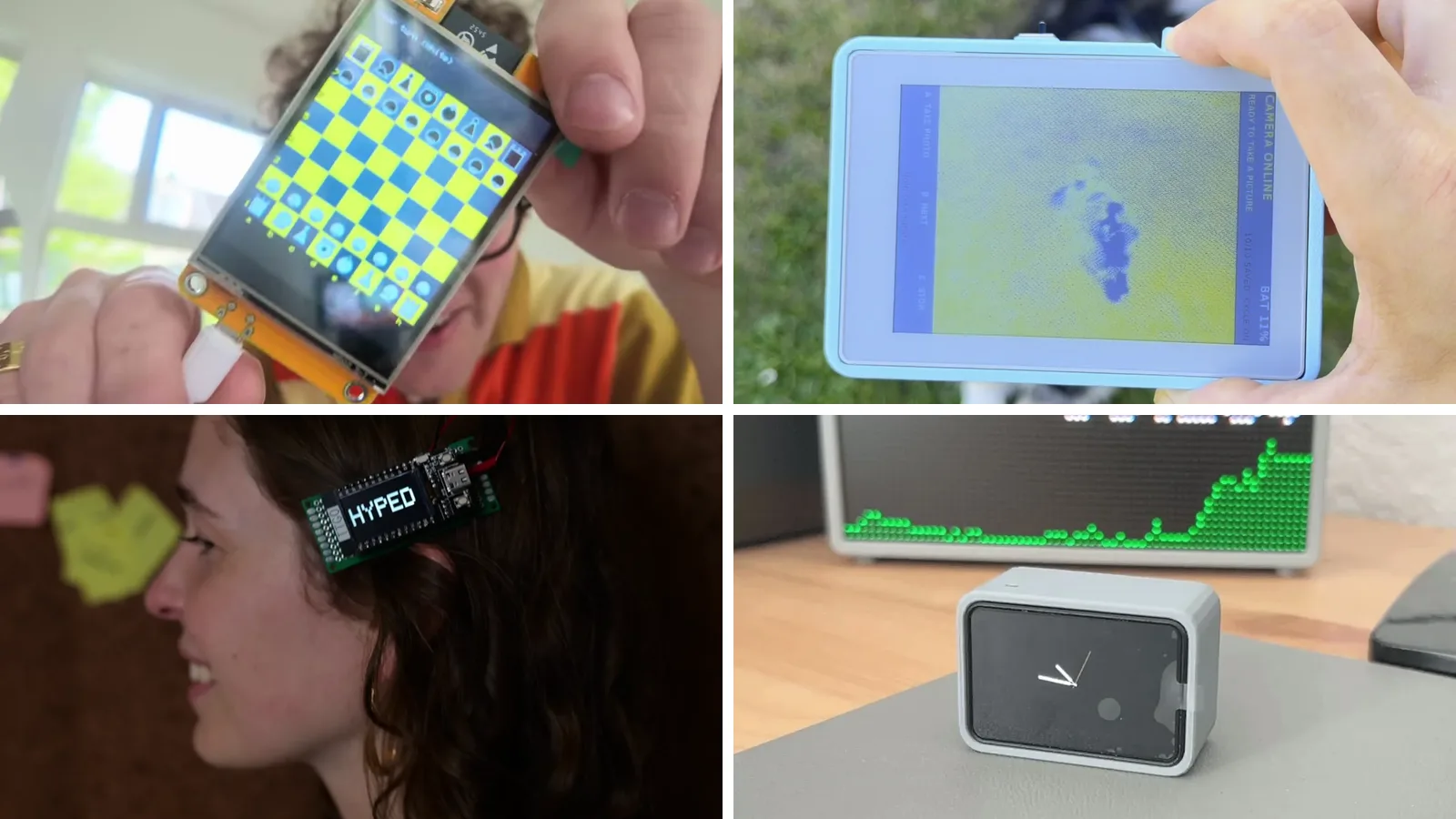
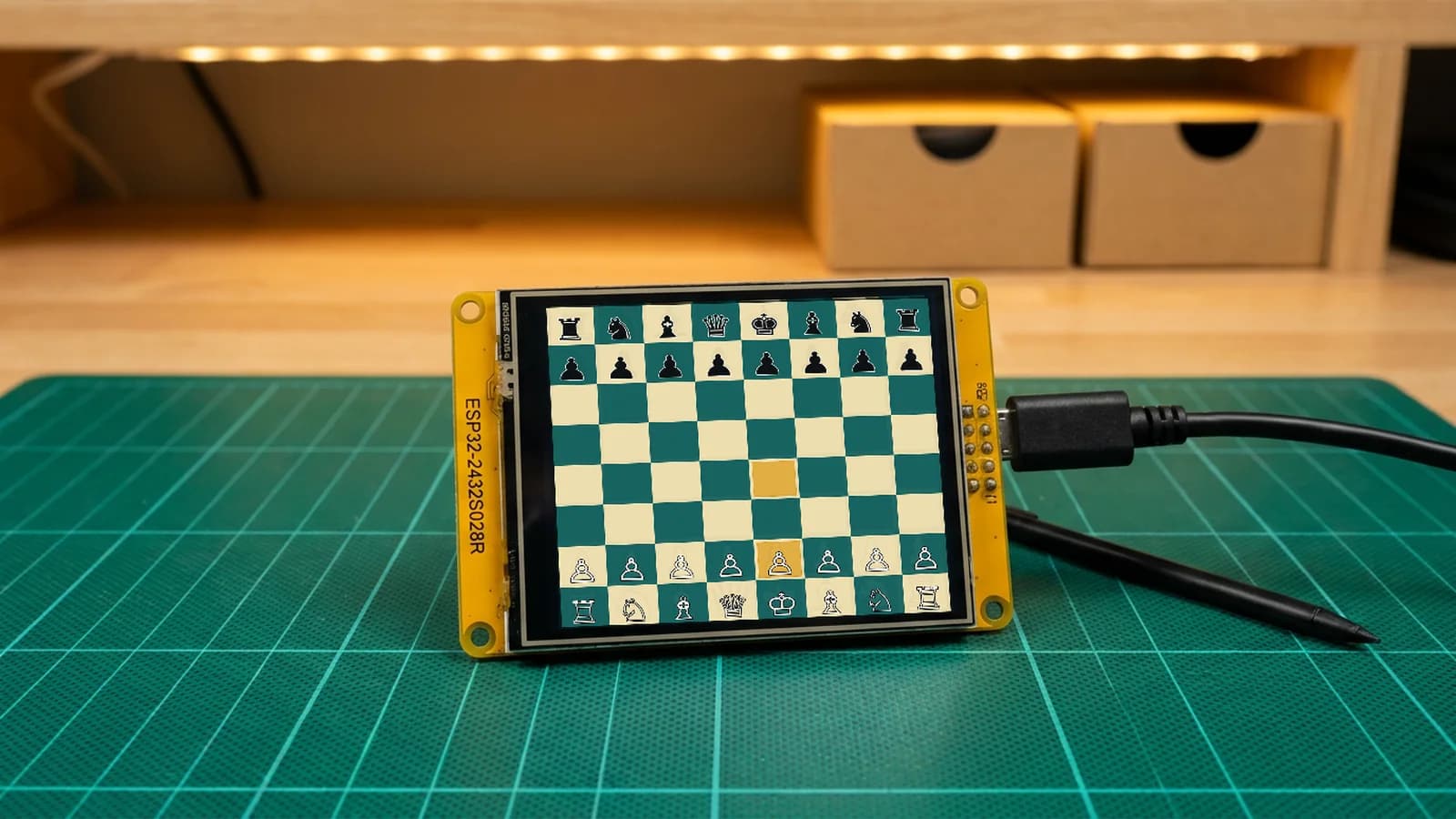
A chess opponent you tap with your finger. A camera whose photos land on a sheet of e-ink and stay there with the power off. A hair clip that says HYPED. A tiny face that sits next to your laptop. Every one of them is an ESP32 with a screen, and every screen in them came already attached to its board.
That is the trick. A display board is an ESP32 with the screen, and often the touch panel, soldered on at the factory. There is no ribbon cable to get wrong and no display pins to look up, so the hard part becomes deciding what to draw. The camera adds a second ESP32 for the lens, but even there the screen half needs no wiring at all.
Pick the screen first
The screen decides the project. Here are five of the display boards behind the builds on this page, drawn to the same pixel scale.

| Board | Screen | Touch | Good for |
|---|---|---|---|
| Cheap Yellow Display (ESP32-2432S028R) | 240 × 320 ILI9341 color TFT | Resistive (XPT2046) | Games, dashboards, anything you tap |
| Waveshare ESP32-C6-Touch-LCD-1.47 | 172 × 320 color LCD | Capacitive (AXS5106L) | Desk buddies and pocket gadgets |
| LilyGo T-Display v1.1 | 1.14-inch 135 × 240 ST7789V color TFT | None, two buttons | Wearables and one-line status screens |
| M5Stack PaperColor | 4-inch 400 × 600 Spectra 6 color e-paper | None, buttons A, B and C | Photos, flashcards, slow-changing maps |
| Seeed Studio reTerminal E1002 | 7.3-inch 800 × 480 Spectra 6 color e-paper | None, three buttons | Wall dashboards and departure boards |
A TFT (thin-film transistor) color screen redraws many times a second, so it can animate a chess piece or a racing car. E-paper is the opposite: each refresh takes a moment, but once a picture is on the panel it stays there without any power. That makes it the right pick for something that changes every few minutes and hangs on a wall.
Touchscreen projects on the Cheap Yellow Display
The Cheap Yellow Display, or CYD, packs an ESP32, a 240 × 320 TFT, a resistive touchscreen (one that senses pressure, so a stylus or fingernail works), an RGB LED (one light that can mix any color), a light sensor and a microSD slot onto one yellow board.
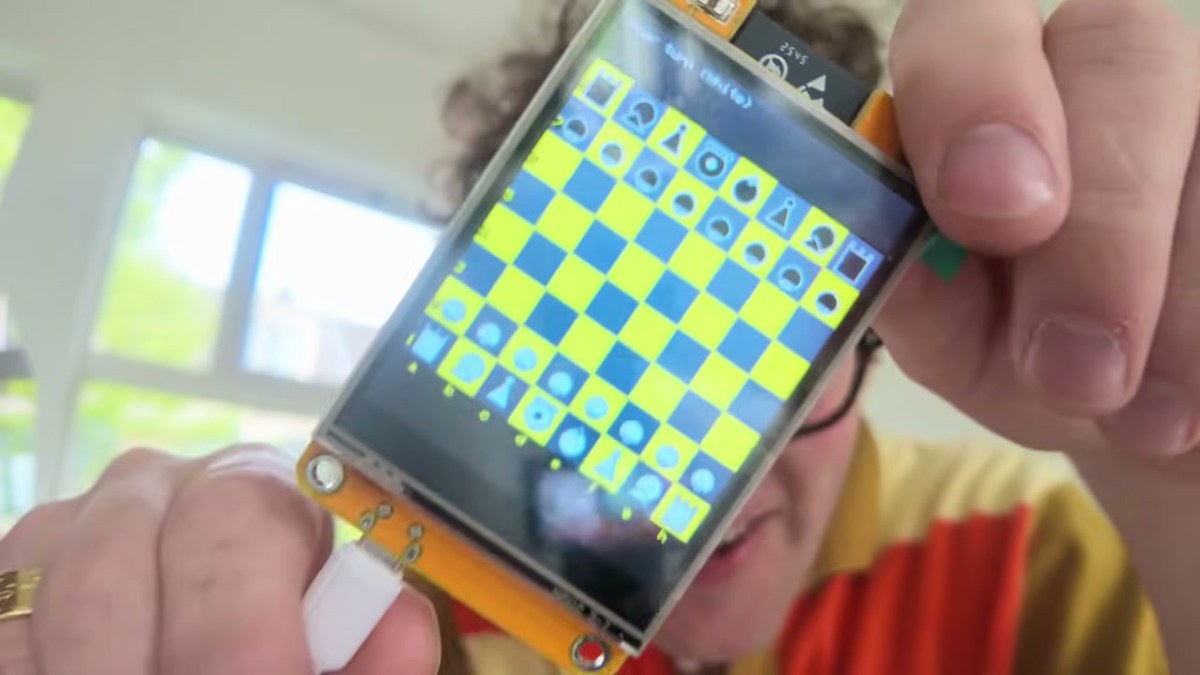
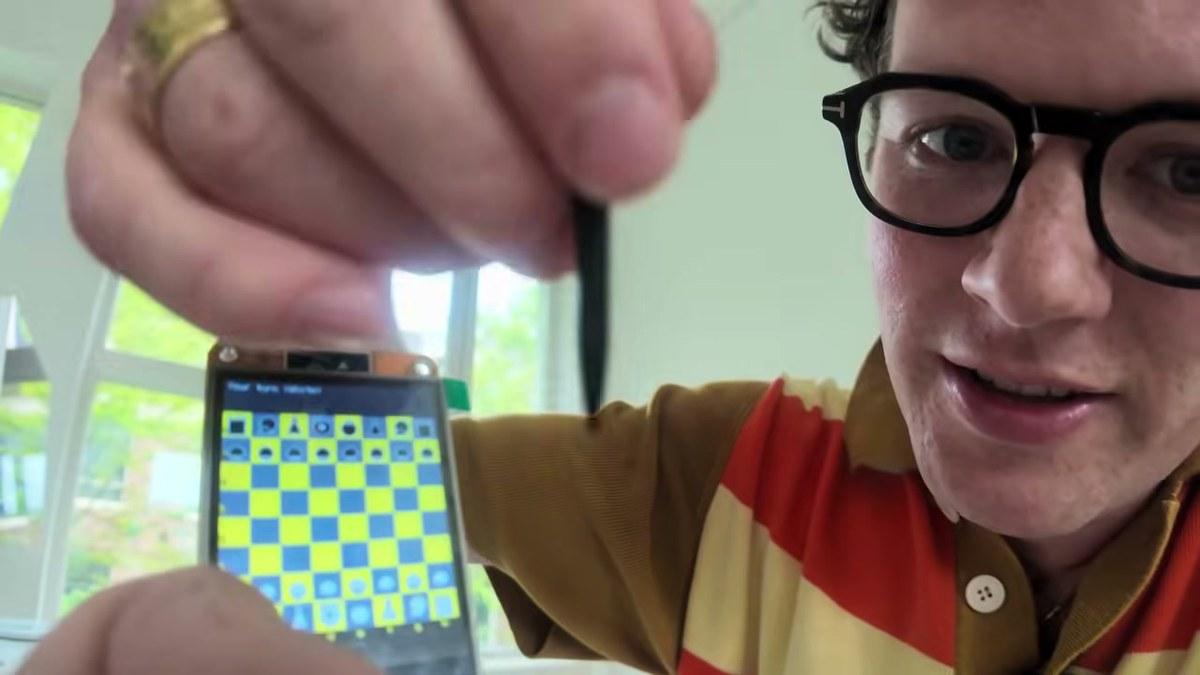
The flagship build is touchscreen chess: the board draws the pieces, reads your taps, checks legal moves and runs a small opponent, all on the ESP32. The step-by-step guide walks through it.
Makers on Schematik have taken the same board in a lot of directions:
- Touchscreen Gas Brake Racer: hold gas and brake to set your speed, and touch either side of the road to steer around the other car.
- ESP32 Spotify Player: play, pause and change the volume on a Spotify Premium account from a handheld remote.
- ESP32 Flight Radar Tracker: planes overhead on a radar view, with bearing, distance, altitude and callsign.
- GPS Speedometer: a NEO-6M GPS module feeds live speed and your top speed to the screen.
- CYD Desk Buddy with DHT11: time, weather and the temperature and humidity at your desk.
Color e-ink projects
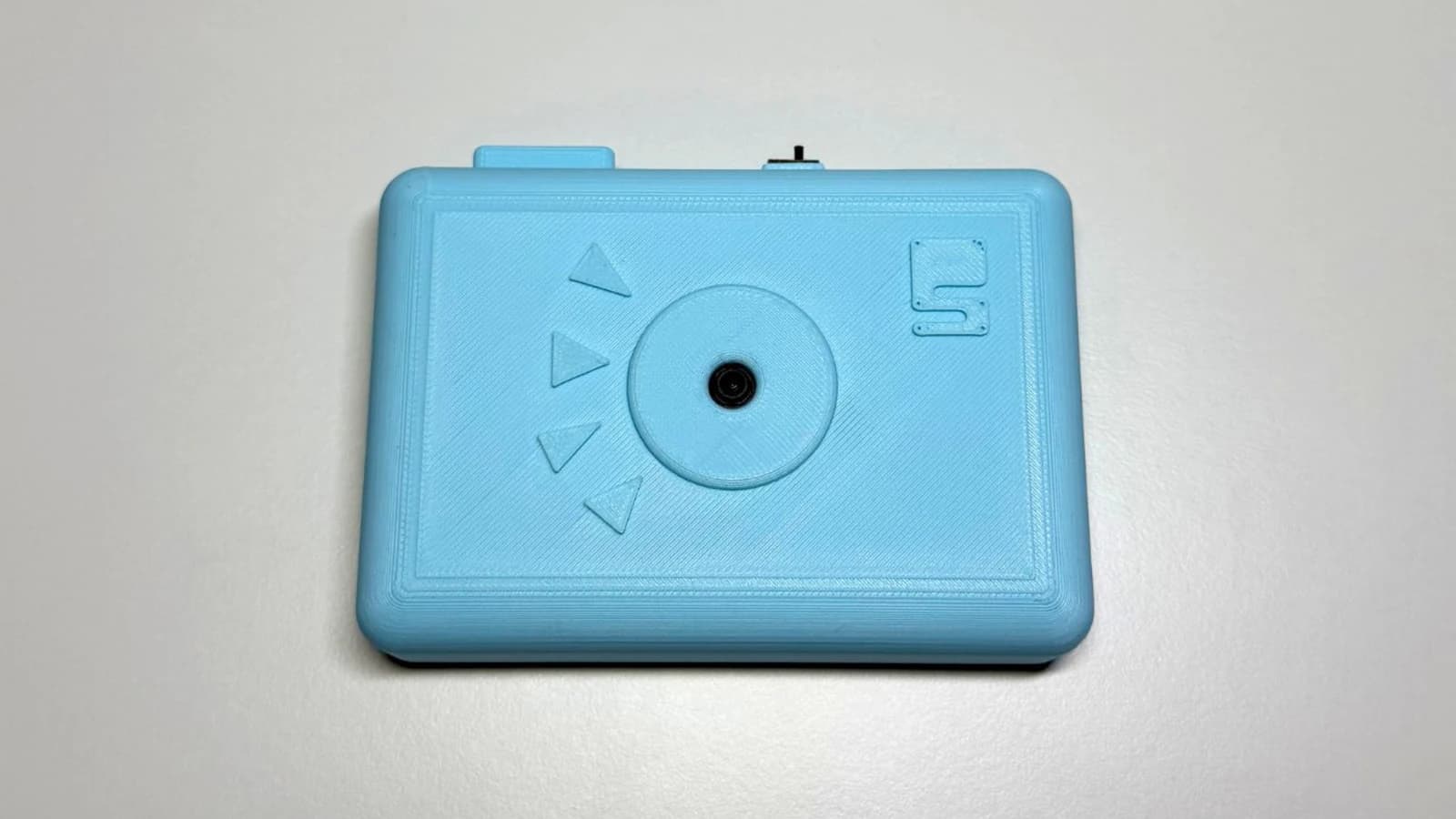
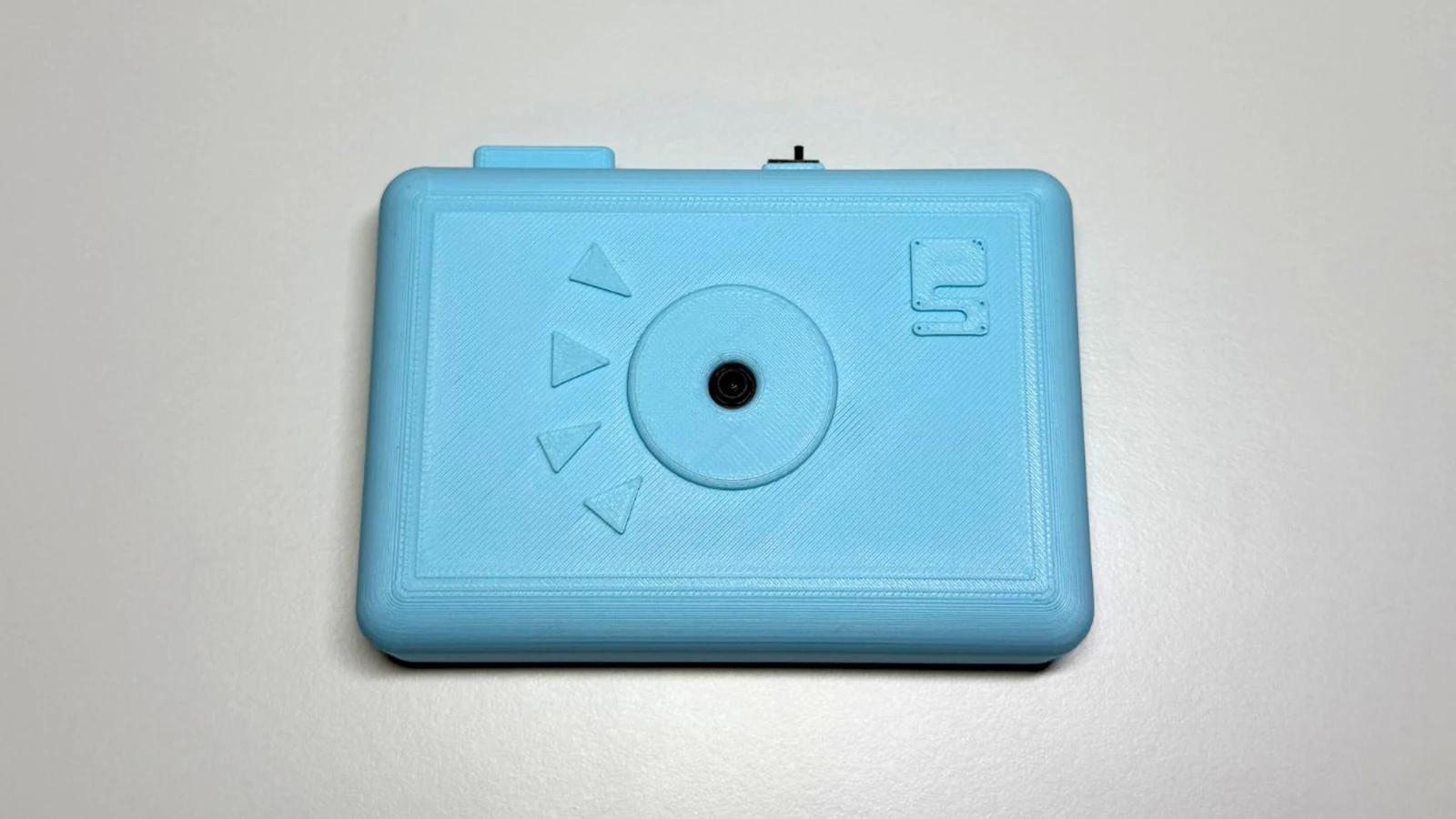
The e-ink photo camera is the build that shows off e-paper best. A XIAO ESP32S3 Sense takes the photo and sends it over ESP-NOW (a direct radio link between two ESP32s, no router needed) to an M5Stack PaperColor, which paints it onto its color e-paper. Then the picture stays put.
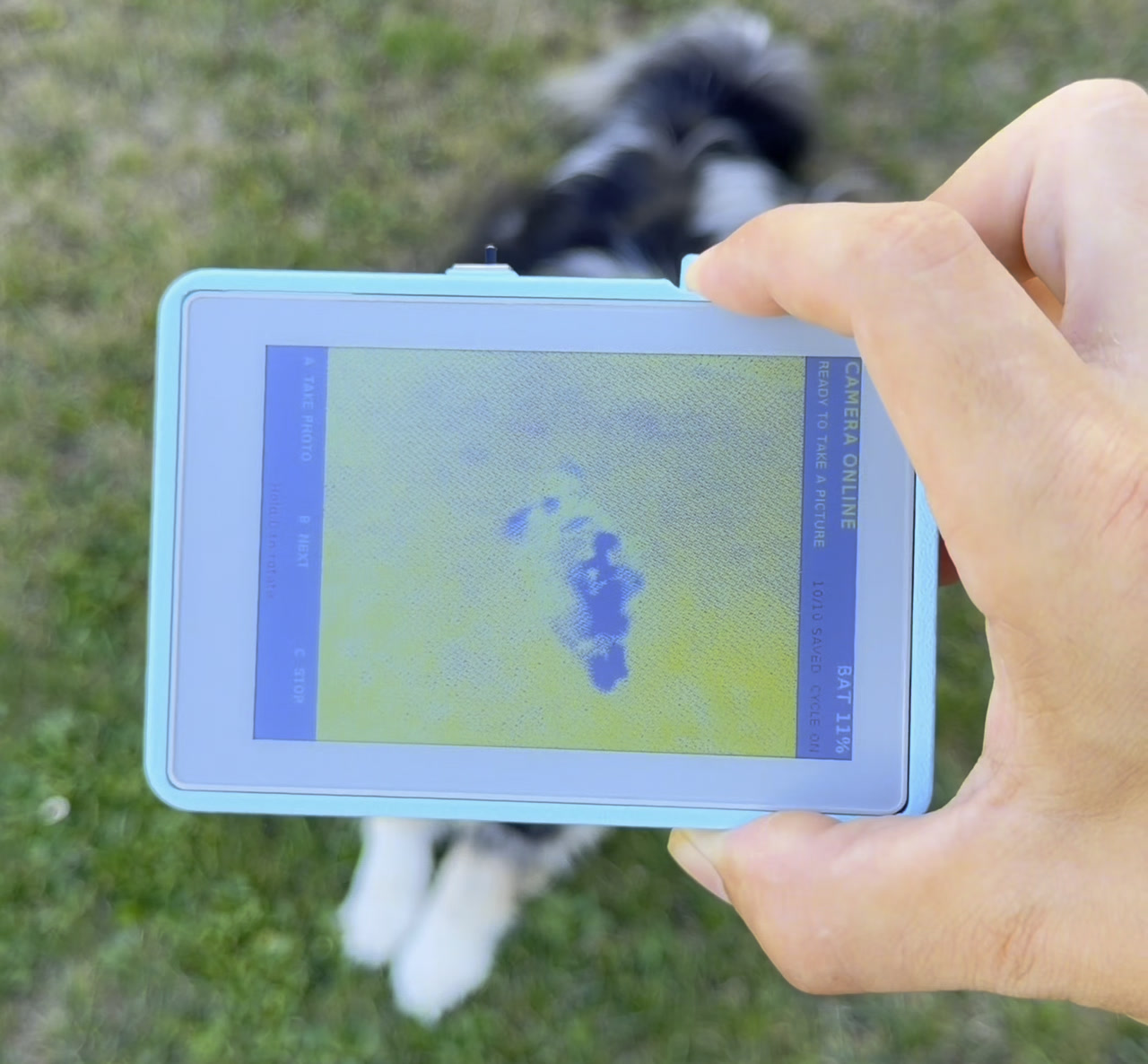
Both halves are published: the camera and its printable shell and the receiver firmware (the program that runs on the board) for the display.
Other e-paper builds from the community:
- Japanese Writing Practice Cards: hiragana flashcards that track which characters you know.
- ISS Mercator Tracker: the International Space Station's position on a world map.
- E-INK Live Flight Scanner: a flight radar on the PaperColor that downloads ADS-B data (the position broadcasts planes send out) over Wi-Fi, and a larger version on the 7.3-inch reTerminal E1002.
- MIVB Departures Display: live Brussels tram, bus and metro departures on the original M5Stack M5Paper, a 4.7-inch black-and-white e-ink board with 16 shades of gray.
Tiny screens you can wear
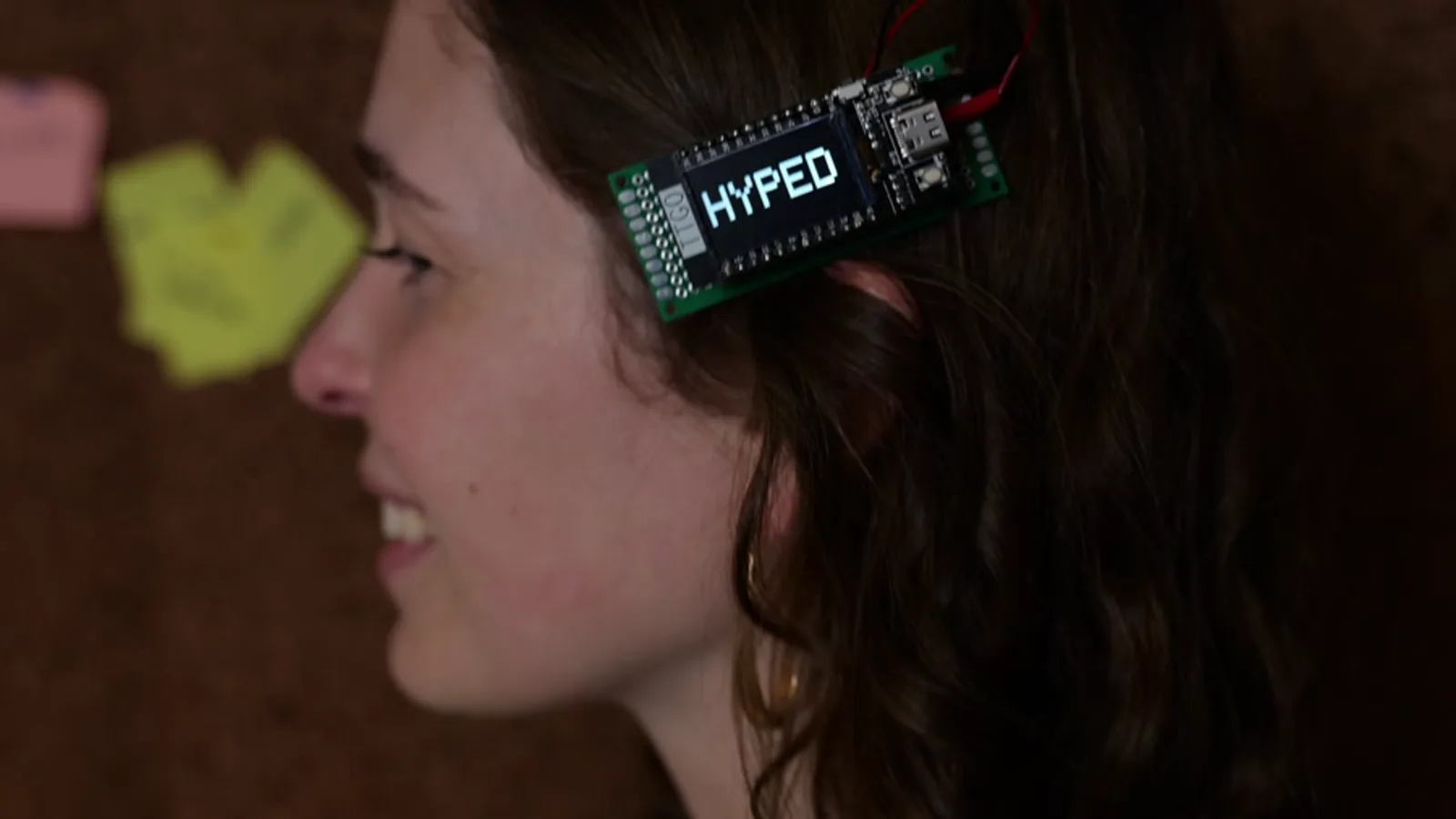
The LilyGo T-Display is an ESP32 with a 1.14-inch color screen already on it, small enough to clip into your hair. The digital hair clip adds a LiPo battery (the flat, rechargeable kind in phones) and a metal barrette, and the only wiring is the battery.
The same board runs Dominik Narewski's ESP32 Plane Radar, which draws nearby aircraft and can sound an alarm when one enters a zone you set.
Faces for your desk
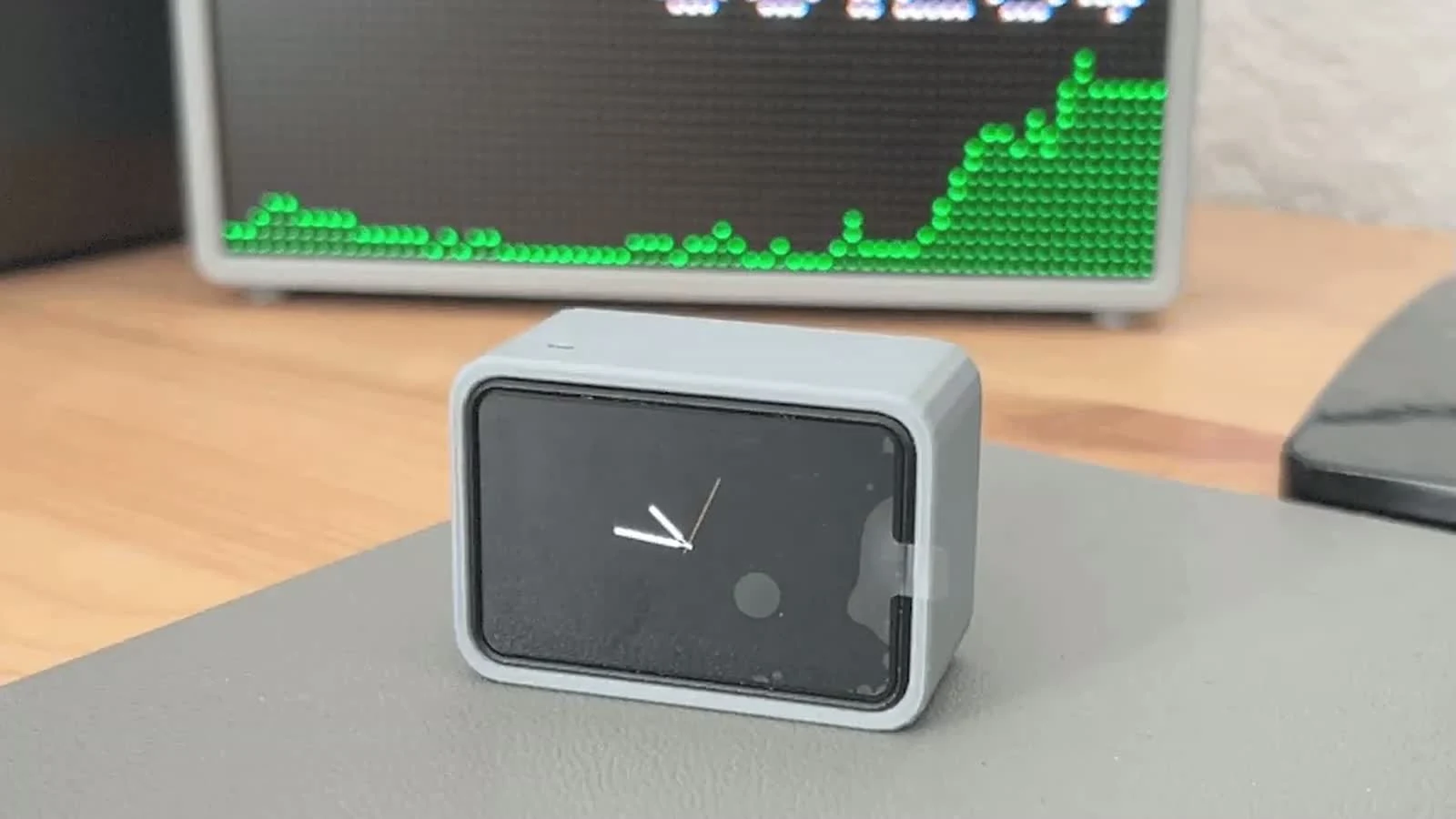
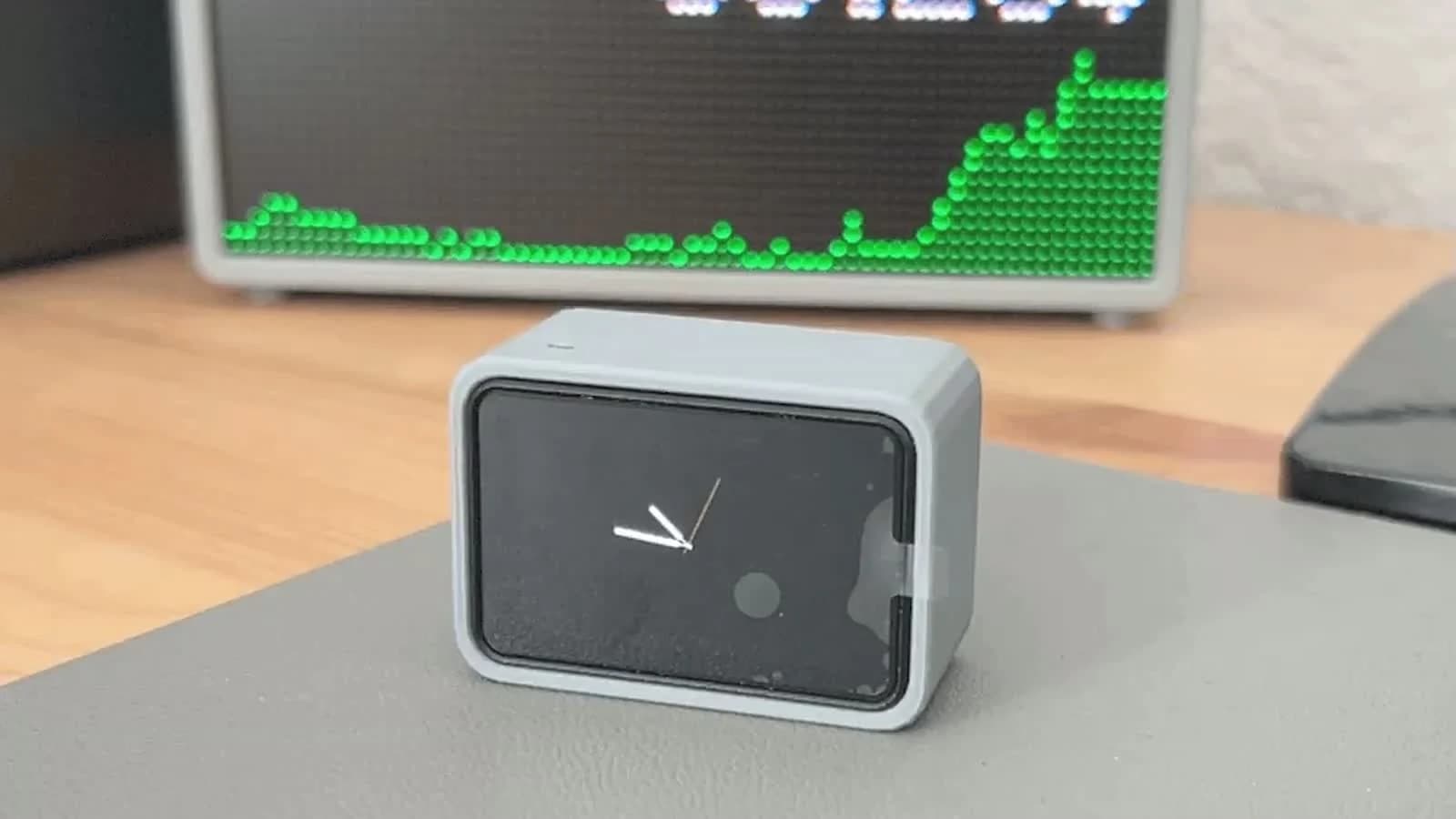
A desk buddy is a tiny screen with a face and one job. The Tiny ESP DeskBuddy guide runs on the Waveshare ESP32-C6-Touch-LCD-1.47, whose capacitive touch panel (the same kind as your phone) lets you swipe between a face, a clock, weather, moon phase, a stock quote and GitHub stats.
Start your own
Pick the screen that matches the job: a CYD for anything you tap, e-paper for anything that should stay put, a T-Display for anything you wear. Then open Schematik, name the board and describe what it should show. Every project linked here opens in Schematik too, so you can flash it from the browser and change it by asking.
Keep building from here
Jump into a step-by-step build, or open Schematik and turn your own idea into code, wiring, and assembly instructions.
Related posts

I Built a Touchscreen Chess Game With Zero Hardware Skills
For week three in the Schematik workshop, I turned a viral idea for a distraction-free chess device into a working touchscreen chess game on an ESP32 Cheap Yellow Display.

How to Build an E-Ink Camera
A XIAO ESP32S3 Sense in a 3D-printed shell takes a photo and pushes the JPEG over ESP-NOW to an M5Stack PaperColor, where it lands on the e-ink screen. No router, no SD card, no phone.

How to Make the Viral Digital Hair Clip
A LilyGo T-Display clipped into your hair, showing whatever you want it to say. Four parts, no breadboard, and the soldering is optional. The hard bit is not the electronics, it is getting it to stay on your head.
Desk buddies: tiny ESP32 faces that live next to your laptop
Why makers kept putting little faces next to their laptops in 2026, from a pet that asks before Claude runs a command to a busy light for your door.
Related builds
How to Build a Touchscreen Chess Game on a Cheap Yellow Display
Build a playable touchscreen chess game on an ESP32-2432S028R Cheap Yellow Display. Includes onboard display setup, touch input, complete code, and browser deploy steps.

How to Build a Tiny ESP DeskBuddy with ESP32-C6
Build a small ESP32-C6 touch LCD DeskBuddy with a monochrome animated face, swipeable dashboard pages, Wi-Fi data cards, and printed enclosure.
E-Ink Photo Camera
Build a wireless e-ink photo camera using ESP32, XIAO camera module, and M5Paper display with ESP-NOW.